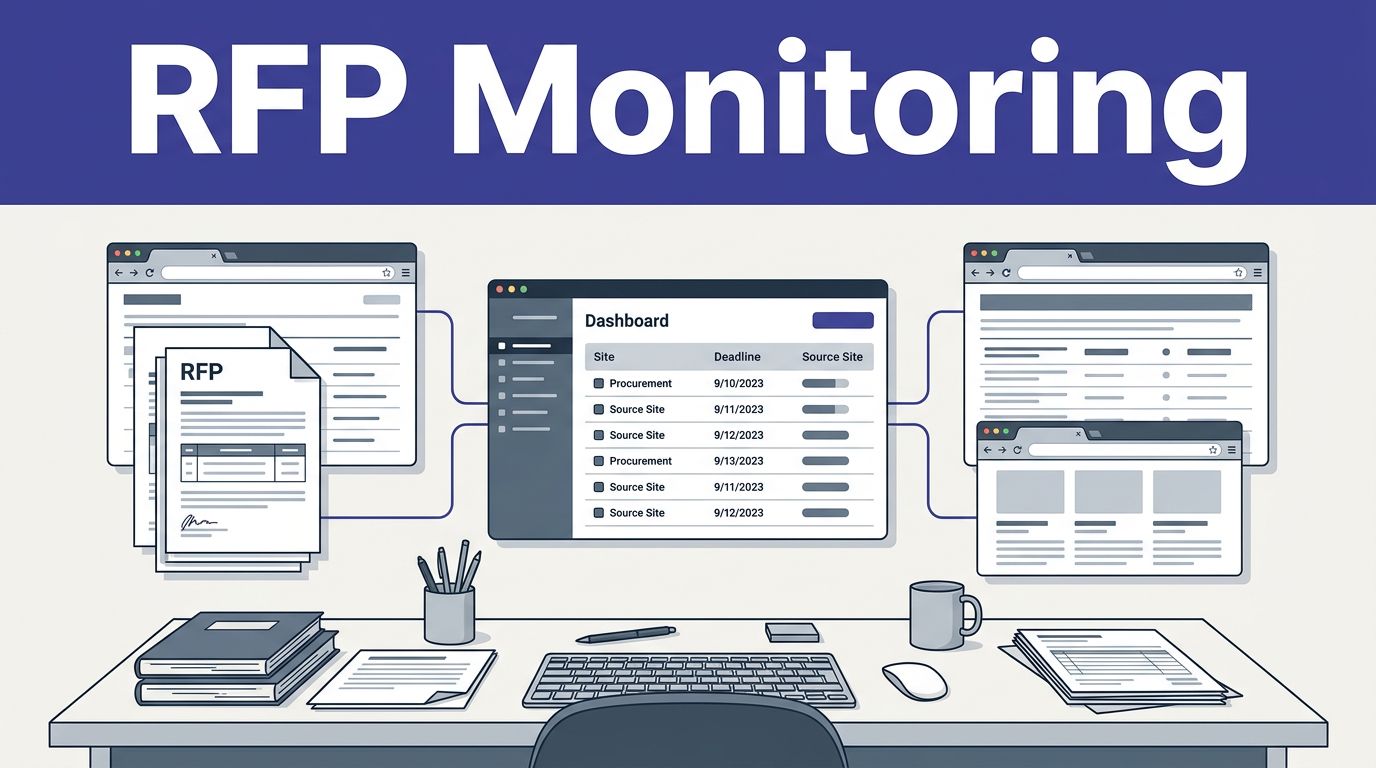
One missed government bid can cost more than a week of manual research. Consistent RFP monitoring helps business development teams, proposal teams, and civil engineering firms find relevant contract opportunities before deadlines disappear.
The problem is consistency. Procurement notices sit across federal, state, municipal, and third-party portals. Each source uses different layouts, filters, document types, and update schedules. Twin.so gives you a practical way to build a repeatable monitoring workflow without starting with a large custom codebase.
The right starting point is a clear data contract for web scraping RFP workflows, followed by a controlled source list and scheduled validation.
Key Takeaways
- Start with a clear data contract that defines the RFP fields, source URL, attachments, status, deadlines, and classification data your team needs.
- Begin with five to ten approved public sources in your target markets instead of attempting to monitor every procurement website at once.
- Use Twin.so for focused, repeatable workflows that extract, normalize, route, schedule, and validate RFP records with limited custom code.
- Build in change detection, duplicate handling, failed-run alerts, and audit trails so your team can distinguish a successful empty search from an extraction failure.
- Expand only after testing field accuracy, notice coverage, attachment capture, duplicate rates, and alert timing against known procurement records.
Why RFP monitoring Breaks at Scale
Government procurement data is scattered across government procurement websites that were not designed to work together. sam.gov is the main federal source for federal contract opportunities. Defense teams may also monitor DIBBS, FedConnect, PIEE, and agency-specific portals. State and municipal procurement sites add another layer of variation.
Some pages expose useful information in the initial HTML. Others render results after JavaScript runs. Some publish a notice page with a separate PDF attachment. Others place the deadline inside a table, a document, or an embedded vendor system.
Third-party aggregators such as BidNet Direct, FindRFP, GovCB, and GovRFPFinder can expand coverage of open RFPs. They can also introduce duplicates, delayed updates, and inconsistent field names. A notice may appear under one title on an agency portal and another title on an aggregator.
The practical requirement is not one successful workflow. It is a workflow for web scraping RFP data across multiple source types. It should run on schedule, record source changes, preserve the original URL, and alert the right person.
A guide to monitoring government websites shows why this matters for civil engineering firms. Their teams may track hundreds of agency websites, but the same issue affects contractors, consultants, staffing firms, and technology vendors.
Define the Data Before You Connect a Portal
A web scraping RFP should describe the output before it describes the tool. If you ask for “all available RFP data,” the project will produce unclear results and difficult acceptance tests.
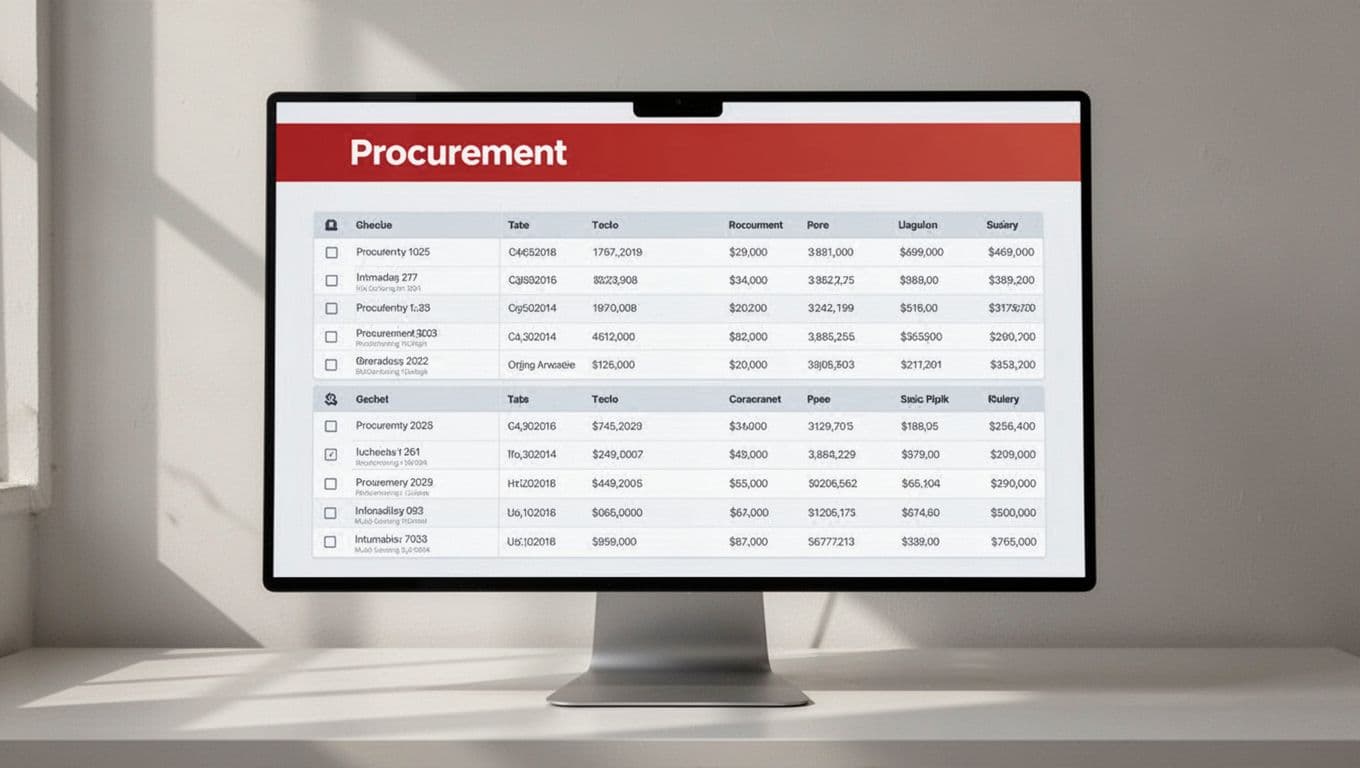
Start with a fixed schema. Each request for proposal record should be returned in a structured format and include:
- The notice title and solicitation number.
- The issuing agency and department.
- The posting date and submission deadline.
- The estimated budget, when published.
- The project location and service area.
- The notice status, such as open, closed, amended, or cancelled.
- The source URL and the date and time of extraction.
- Links to attachments, including RFP documents, amendments, drawings, and specifications.
- The relevant contact name, email address, or phone number when available.
Add classification fields that help your team decide what deserves attention. These can include service category, geography, contract type, set-aside status, NAICS code, keyword match, and internal owner.
Keep the source URL even after you normalize the record. Proposal managers need to verify the original notice. They also need to review amendments and attachments that may not fit neatly into a single row.

Limit the First Source List
Do not begin with every procurement website in the United States. Start with five to ten sources that match your actual sales territory and service lines.
A useful first group could include a federal procurement portal, one state procurement portal, two target municipalities, one agency portal, and one aggregator. This gives you different page types without creating a maintenance problem on day one.
Define the expected extraction frequency for each source. Daily checks may fit low-volume portals. High-value sources may need checks several times per day if their terms and rate limits allow it.
Scope attachments separately. A web scraping RFP should specify which documents require downloading or parsing. Extracting a notice title and deadline is easier than handling a 100-page solicitation package. Larger packages may require separate data extraction projects.
How to Build an RFP Site Scraping Workflow in Twin.so
Twin.so is a self-service platform for practical RFP monitoring, not a universal scraper. It works best when you give it a narrow job with clear outputs. Build one working source first, then reuse the structure for similar portals.

1. Start with an approved public source
Add the procurement page your team is allowed to access. Record the exact search path, filters, and result page behavior.
For example, civil engineering firms can target open RFPs in three counties. Set fixed categories and filters, then save those conditions in the workflow. This keeps the process focused on relevant notices.
Do not use credentials that your organization is not authorized to use. Do not collect restricted records. Public access does not remove the need to follow a portal’s terms of use.
2. Give Twin.so a field-level extraction instruction
Tell the workflow what to return and where to look. For a web scraping RFP workflow, translate project requirements into field-level instructions with the previous section’s schema.
A useful instruction identifies the title, agency, deadline, budget, location, source URL, solicitation number, status, and attachment links. It should also tell the workflow what to do when a field is missing. Returning a blank value is better than guessing.
Set a standard date format. Store the original deadline text as a secondary value when the portal uses unusual time zones or regional formatting.
3. Normalize and route the records
Different portals will return different names for the same idea. Map “closing date,” “bid due date,” and “submission deadline” to one field called deadline.
Route records to the system your team already uses. That may be a spreadsheet, CRM, database, email channel, or proposal management system. Keep the first version simple. The workflow only needs to place qualified notices in front of the right owner.
Web scraping RFP workflows may need custom logic when a portal changes its page behavior. Use a Python script with Requests and BeautifulSoup for static pages. Playwright or Selenium fits browser-rendered pages that load data after scripts run. Node.js can support a custom service when your team already uses JavaScript infrastructure. Twin.so reduces the custom code needed for the initial monitoring layer.
4. Schedule the workflow and test it
Set a schedule that fits the source. Then run an initial test crawl against known notices and compare the returned fields with the original pages.
Test missing budgets, amended deadlines, multiple attachments, closed notices, pagination, and duplicate records. A workflow that works only on the first result page is not ready for production.
Make RFP Monitoring Consistent Without Bypassing Controls
Reliable monitoring depends on more than extraction. It also requires change detection, validation, and clear failure handling. For a web scraping RFP workflow, define validation rules and failure behavior in the workflow specification.
Save a stable identifier for each notice. Use the solicitation number when available. If it’s missing, combine the source domain, agency, title, location, and deadline to create a reviewable matching key.
Compare new results with previous records using change detection. Trigger an alert when a new notice appears, a deadline changes, an amendment is added, or a notice changes status. Don’t send the same opportunity to sales every time the workflow runs.
Record failed runs. The failure may come from a changed selector, a temporary outage, a blocked request, or a portal redesign. Send the error to an owner instead of allowing silent failures that produce an empty file.
A blank result is not the same as zero opportunities. Your workflow needs to distinguish a successful empty search from a failed extraction.
Respect each portal’s terms of use, access controls, rate limits, and applicable laws. Use public pages and authorized APIs where they’re available. Don’t attempt an anti-bot bypass. Never bypass CAPTCHAs, logins, paywalls, or other anti-bot protections. If a source requires registration or a supported integration, obtain permission and use that approved path.
Keep an audit trail with the source URL, extraction timestamp, raw notice link, and normalized record. Defense contractors should also account for registration and compliance requirements when working with federal sources. These DoD contracting tips provide useful context for teams working with defense opportunities.
Twin.so, Custom Code, or Managed Web Scraping?
For web scraping RFP projects, source count, maintenance needs, and the choice of in-house automated data scrapers shape the right approach.
| Approach | Best fit | Main tradeoff |
|---|---|---|
| Twin.so workflow | Business teams that need repeatable monitoring without building a full scraper service | Complex portals may require extra testing or custom handling |
| Python or Node.js scraper | Engineering teams that need custom logic, APIs, databases, and advanced transformations | Your team owns maintenance, hosting, monitoring, and portal changes |
| Managed service | Large source lists, strict uptime needs, or limited internal engineering capacity | Higher cost and more vendor coordination |
Twin.so is a strong starting point when a sales operations or proposal team needs to test the workflow before requesting engineering resources. It is a self-service platform for validating the source list, fields, alerts, and review process. As web scraping RFP projects grow, your preferred approach may shift toward custom code or a managed service.
Custom code becomes more useful when the workflow needs complex API authentication, high-volume processing, document classification, or integration with internal systems. A Node.js implementation also suits event-driven jobs and advanced transformations.
A managed service makes sense when monitoring is business-critical and the team cannot maintain source-specific logic. A vendor questionnaire should cover source coverage, uptime expectations, and maintenance ownership.
RFP response software is a separate category. The government RFP response tools overview covers proposal preparation and submission; Twin.so fits earlier, helping your team discover and route opportunities.
Measure Quality Before You Expand
Create an acceptance test before expanding a web scraping RFP workflow to more portals. Review several known notices from each source. Compare the workflow output with the original record.
Track these measures:
- Field-level accuracy for titles, agencies, deadlines, and URLs.
- The percentage of open notices captured during the test period.
- Duplicate rate across runs and aggregator sources.
- Time between a portal update and your internal alert.
- Failed-run rate and time to identify the failure.
- Attachment capture rate for documents your team needs.
- The number of irrelevant notices reaching sales or proposal staff.
A vendor questionnaire should ask where data comes from, how often each source is checked, how changes are detected, and what happens when a portal changes. Use the vendor questionnaire to confirm whether the provider returns structured records in JSON, CSV, or a database-ready format. Request examples of error logs and source-change alerts.
Do not expand because the workflow looks busy. Expand when records are accurate, traceable, and useful to the person deciding whether to pursue the work.
Frequently Asked Questions
What is RFP site scraping?
RFP site scraping is the structured collection of procurement opportunities from government, agency, municipal, and third-party portals. A reliable workflow captures fields such as the notice title, agency, deadline, status, source URL, and attachment links.
How should a team start an RFP scraping workflow in Twin.so?
Start with one approved public source and a narrow set of filters that match your territory and service lines. Define the required fields, test the results against known notices, and add scheduling only after the extraction is accurate.
What should an RFP scraping workflow do when a field is missing?
The workflow should return a blank value instead of guessing. It should also preserve the original notice URL and, when useful, retain the original deadline text for review.
How can teams handle portal changes and failed scraping runs?
Use stable notice identifiers, compare new results with previous records, and alert the team when deadlines, amendments, or statuses change. Record failed runs and route errors to an owner so a changed selector, outage, or redesign does not create silent failures.
When is custom code or a managed service a better choice than Twin.so?
Custom Python or Node.js code is useful for complex authentication, high-volume processing, advanced transformations, or deep internal integrations. A managed service may be better for large source lists and strict uptime requirements, while Twin.so is a practical starting point for focused business-team workflows.
Build RFP Monitoring That Your Team Can Trust
A focused monitoring workflow helps civil engineering firms and similar teams find and review open RFPs without removing human judgment. It should capture the right fields, preserve the source, and flag changes that affect pursuit decisions.
Twin.so gives business development and proposal teams a practical place to start. Define the fields and source permissions, connect one approved public source, test the output, and add scheduling only after the results are correct.
Then expand portal by portal. Before expanding a web scraping RFP workflow, confirm the fields and review expectations. A small workflow that runs consistently is more valuable than a large scraper prone to silent failures. Try building the first monitoring workflow in Twin.so, and Book A Call if you need help scoping source coverage or the extraction schema.