Build a SaaS Integration Builder Workflow With Twin.so
Most integration projects don’t fail because the apps lack APIs. They fail because nobody defines what the workflow should do when data is missing, credentials expire, or a customer needs a human. A SaaS integration builder such as Tw...
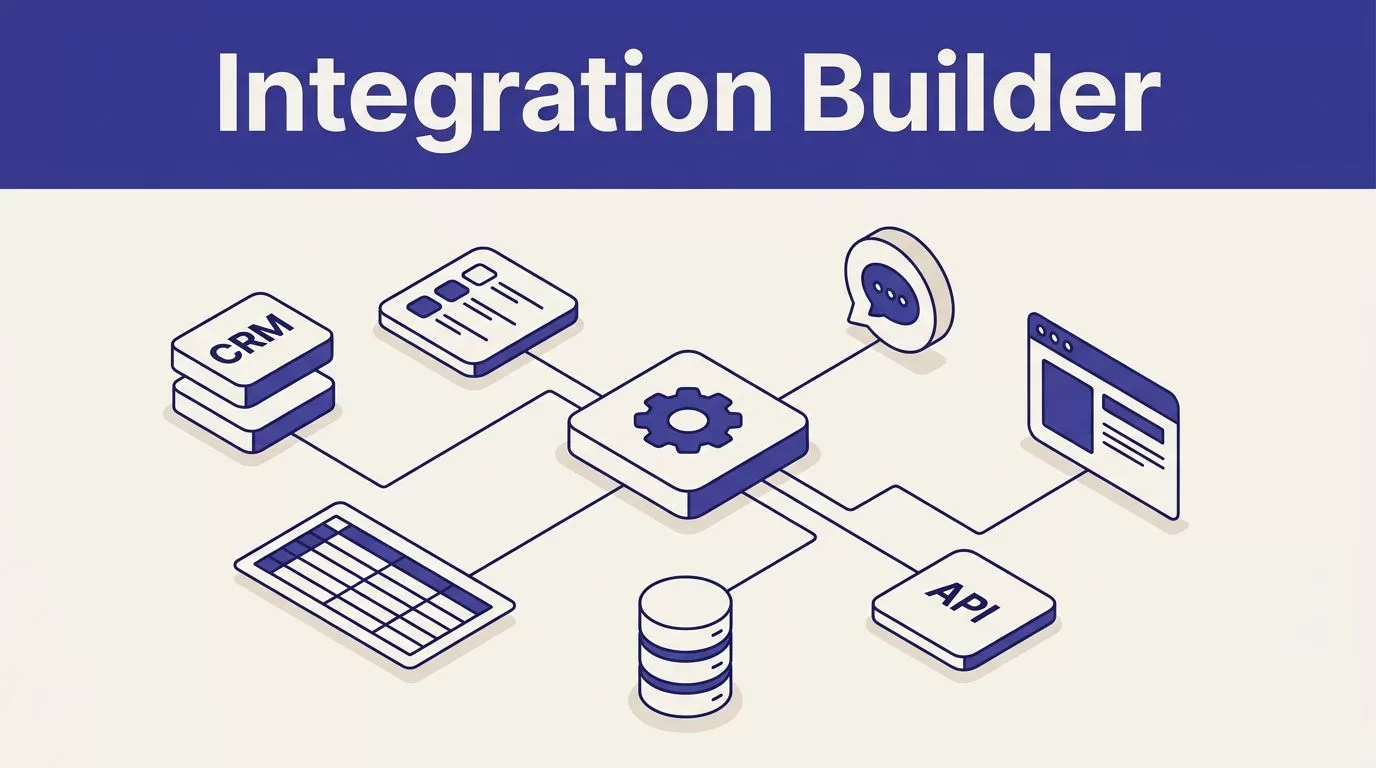
Most integration projects don’t fail because the apps lack APIs. They fail because nobody defines what the workflow should do when data is missing, credentials expire, or a customer needs a human.
A SaaS integration builder such as Twin.so lets you describe an outcome, connect business tools, and run repeatable actions across apps, APIs, and websites. The useful part isn’t letting an agent click everywhere. It is giving the agent a narrow job, approved sources, and a clear stop rule. Start with the operating design.
What a SaaS integration builder does in Twin.so
Traditional integration work starts with triggers, nodes, field mappings, and custom API settings. Twin.so takes a different entry point. You describe the task in plain English, then configure the systems, records, and actions the agent needs.
Twin can read data, write updates, and automate work across connected business tools. It can work with spreadsheets, CRMs, databases, messaging platforms, documents, and browser-based portals. The agent can run on a schedule, respond to a webhook, or receive a request through a backend REST API.
The important distinction is the execution path. Twin uses an API connector when a suitable API exists. It can use browser automation when the required action only exists inside a website, portal, or dashboard.
Twin’s official homepage advertises more than 5,000 integrations. Its integration directory currently displays 41,706 app integrations. Treat these as catalog claims, not proof that every tool supports every action. Check the exact read and write permissions before you design the workflow around a connector.
Twin.so is also not a replacement for your database, help desk, analytics stack, or model-training system. It coordinates work between those systems. Your systems should still control records, access rights, retention, validation, and final approvals.
DESIGN THE WORKFLOW BEFORE YOU CONNECT APPS
A SaaS integration builder works best when the task has one measurable outcome. “Automate sales operations” is too broad. “Check new HubSpot tickets, classify them, draft approved replies, and route billing issues” is testable.
Define the workflow in this order:
- Choose the trigger. Use a schedule, webhook, new record, form submission, or backend request.
- Name the source of truth. State which system contains the record the agent should trust.
- List the required fields. Define formats for IDs, dates, amounts, status values, and URLs.
- Set the allowed actions. Separate reading, drafting, updating, sending, and deleting.
- Add stop conditions. Missing data, conflicting policies, low confidence, and sensitive requests should stop the run.
- Assign an owner. Every failed or uncertain run needs a person or queue.
A clear instruction might tell Twin to inspect new HubSpot support tickets every 15 minutes, read the complete conversation, search approved Notion pages, and prepare a reply. Billing disputes, security concerns, refund requests, legal threats, and angry customers should go to the support lead. A daily Slack digest can report completed work and exceptions.
That instruction has a trigger, source list, decision rules, destinations, and escalation paths. It also gives you a practical test case.
Don’t tell the agent to “collect everything useful” or “fix the CRM.” Those requests create inconsistent records. Define the output schema instead. If a field cannot be found, the workflow should return a defined failure state rather than invent a value.
A blank result isn’t the same as a successful search with zero records. Your workflow must tell the difference.
BUILD THE FIRST WORKFLOW IN DRAFT MODE

Start with one source, one destination, and a small batch. A first workflow should prove that the data moves correctly before it handles a full queue.
1. Connect only the systems the task needs.
A support workflow may need HubSpot, Notion, Slack, and Gmail. A reporting workflow may need Google Analytics, Meta Ads, Google Sheets, and a client portal. Avoid adding broad access because a future step might need it.
2. Use the API path for stable, high-volume data.
API retrieval usually gives you predictable fields and lower usage than browser work. A connector can manage authentication, request formats, response parsing, and common error behavior. Twin’s integration guidance covers the role of connectors in agent workflows.
3. Use browser automation for website-only work.
The Web Agent can open authorized websites, read tables, fill forms, and download files inside an isolated cloud browser. It is useful when a portal has no suitable API or when the needed action isn’t exposed through available API permissions.
| Execution path | Best fit | Main control |
|---|---|---|
| API connector | Stable fields and repeatable updates | Schema, permissions, and response validation |
| Browser automation | Portal actions and website-only data | Credentials, page-change alerts, and review |
| Human approval | Sensitive or irreversible decisions | Explicit owner and recorded decision |
4. Keep the first output reversible.
For a CRM workflow, write proposed changes to a review table before updating trusted records. For support, create draft replies instead of sending them. For reporting, update a copy of the report until the numbers match the source.
5. Test real edge cases.
Use missing fields, duplicate records, expired credentials, conflicting deadlines, unavailable applications, and unexpected page layouts. A workflow that passes only the normal case isn’t ready for production.
For a support agent, compare the classification, source selection, response, status update, and escalation decision with the result a trained employee would produce. Stay in draft mode until you understand the error patterns. Then enable automatic sending only for low-risk cases with clear policy coverage.
If the workflow affects several systems or customer records, Book A Call before launch to review permissions and escalation paths.
ADD CONTROLS FOR CREDENTIALS, FAILURES, AND DATA
Automation needs boundaries. Give the agent the smallest permission set that completes the task. A reporting workflow may need read access to advertising platforms and write access to a spreadsheet. It shouldn’t receive permission to delete campaigns or modify billing settings.
Use separate credentials for testing and production. Track credential owners, expiration dates, rotation dates, and the systems each credential can access. Twin’s credential-management controls and isolated browser environment reduce local-session dependency, but they don’t remove the need to review account authorization or personal-data handling.
Self-healing logic can help when an API response changes or a browser page no longer matches the original workflow. Twin materials describe agents that can retry, use context, and adapt to some integration errors. That can reduce maintenance. It doesn’t make browser automation maintenance-free.
Browser automation is a fallback for missing API access, not the default path for every step.
A changed button, missing field, expired credential, new login challenge, blocked request, or portal redesign can still stop a run. Configure failure notifications. Send exceptions to a human queue. Don’t allow the agent to continue after a failed lookup if the next action could change customer data.
Build duplicate protection into every destination that supports it. Store a batch ID, source event ID, timestamp, or content hash. Test the same input twice. The second run shouldn’t create duplicate records, repeat alerts, or overwrite a newer value.
For collection workflows, keep three versions of each result:
- The raw page, file, or document, subject to the source’s terms.
- The normalized record used by your application.
- The reviewed example used for evaluation or training.
Add the source URL, collection time, extraction method, version number, and quality flags. Mark personal data and uncertain rights. Your organization remains responsible for lawful purpose, permissions, retention, deletion requests, and privacy reviews.
MEASURE COST AND QUALITY BEFORE SCALE
Twin uses credits for building, running, browsing, researching, and generating output. Twin pricing materials describe new accounts receiving 1,000 credits immediately, followed by 200 credits per day for 14 days, up to 3,600 credits during the trial period. Confirm current limits before planning a production rollout.
Usage depends on the path and the number of actions. A simple automation may use about 15 to 30 credits. A browser session with roughly 20 steps may use 100 to 200 credits. A 100-item scraping task may use about 20 to 70 credits. Repeat runs are often three to ten times cheaper than initial building or research.
Use a small approved batch to calculate your real cost per successful record or ticket. A request requiring one API lookup and one status update won’t cost the same as a request requiring several API calls, document searches, browser actions, and a generated reply.
Track both operational quality and financial impact:
- Correct classification and routing rate.
- Percentage of drafts edited before approval.
- Failed runs, retries, and duplicate actions.
- Exception resolution time.
- Median response and resolution time.
- Missing-field and validation failure rates.
- Credit cost per completed record.
- Human review minutes per run.
- Reopen rate and customer satisfaction for automated cases.
Calculate savings conservatively. Multiply eligible volume by minutes removed and the loaded hourly rate. Subtract Twin usage, connected-system costs, monitoring time, and human review. A workflow that runs quickly but creates incorrect CRM records isn’t saving money.
Conclusion
Twin.so can act as a capable SaaS integration builder when you give it a narrow outcome, approved systems, structured fields, and explicit failure rules. Use APIs for stable data. Reserve browser automation for authorized website tasks that APIs cannot handle.
Start with drafts and small batches. Protect credentials, preserve original records, test duplicate runs, and route uncertain decisions to people. The goal isn’t to automate every action. It is to create a workflow that completes repeatable work while keeping failures visible and important decisions controlled.
