Set Up Your Paddle Affiliate Integration in Rewardful
An affiliate click is not revenue attribution. The referral has to survive the landing page, checkout, payment, refund, and payout cycle. A Paddle affiliate integration with Rewardful can track that cycle, but only if you use the right Padd...
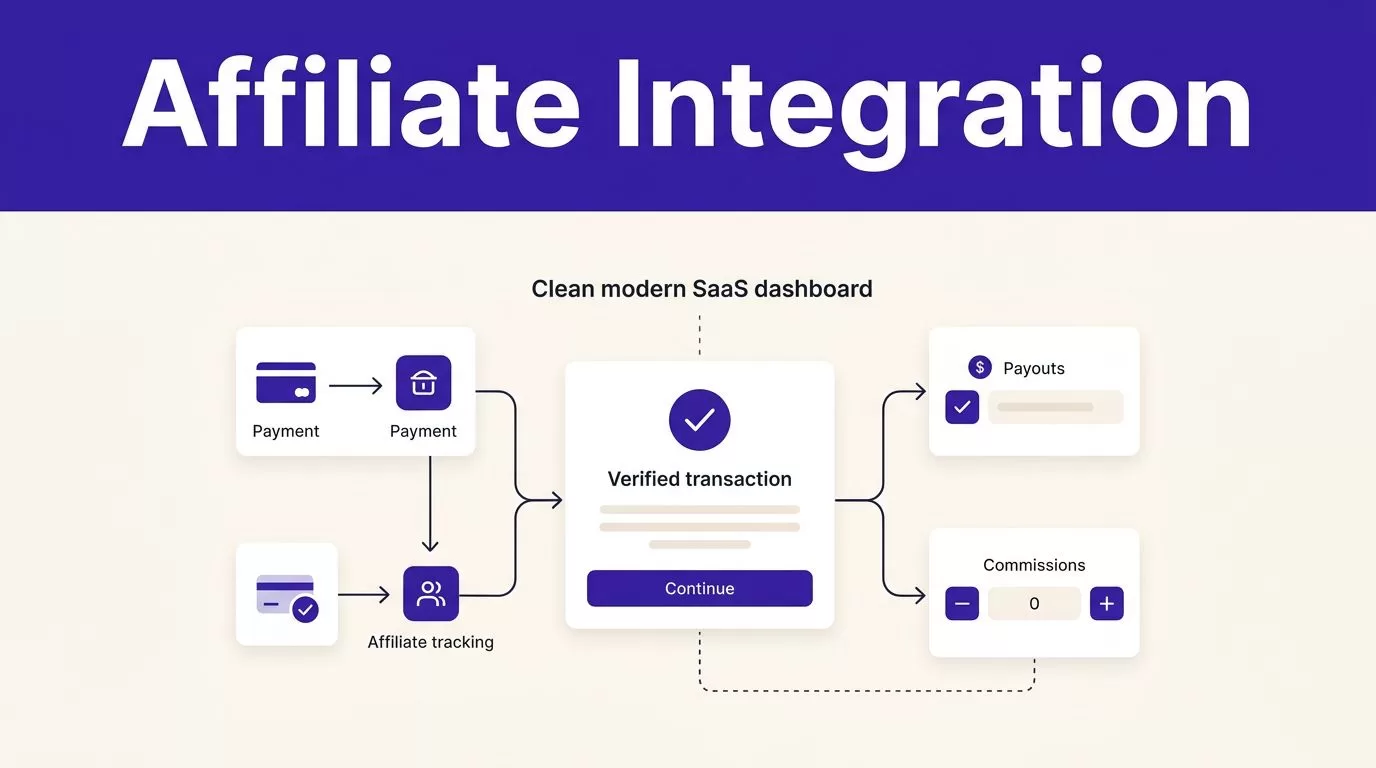
An affiliate click is not revenue attribution. The referral has to survive the landing page, checkout, payment, refund, and payout cycle.
A Paddle affiliate integration with Rewardful can track that cycle, but only if you use the right Paddle product. Rewardful currently supports Paddle Classic, not Paddle Billing.
Start by confirming your billing platform. Then connect the account, test real events, and reconcile commissions against paid transactions.
Confirm Which Paddle Product You Use
Paddle Classic and Paddle Billing are different products. They use different dashboards, webhook models, and credentials.
As of August 2026, Rewardful’s Paddle connection is for Paddle Classic. Do not try to connect a Paddle Billing API key or Billing webhook secret to this integration.
Paddle Billing Is Not a Drop-In Replacement
Rewardful’s Paddle Classic integration instructions require a Paddle Classic public key. Paddle Billing does not use this connection method.
Paddle’s own Classic-to-Billing workflow mapping also shows why a migration affects more than checkout URLs. Subscription actions, event names, and webhook verification change.
| Setup item | Paddle Classic | Paddle Billing |
|---|---|---|
| Rewardful connection | Supported | Not supported by Rewardful |
| Main credential used by Rewardful | Paddle public key | Billing API and webhook credentials |
| Webhook verification | p_signature with a public key | Paddle-Signature header with a webhook secret |
| Recommended action | Follow the Rewardful setup flow | Use a tracking platform that supports Paddle Billing |
Do not assume that a newer Paddle account is a Classic account. Check the product name in the Paddle dashboard before you edit any integration settings.
Check the Dashboard Before You Start
Classic accounts usually expose Developer Tools, Public Key, and Events. Paddle Billing accounts use a newer developer setup and different event names.
Dashboard labels can change by account type and permissions. If a menu item does not match this guide, check the current official documentation inside Rewardful and Paddle before adding keys or webhook URLs.
Prepare the Campaign Before Connecting Paddle
Set your affiliate rules before traffic arrives. A billing connection cannot fix unclear commission terms later.
Create your Rewardful campaign. Set the commission rate or fixed reward. Define which products qualify, whether upgrades qualify, how long commissions remain pending, and what happens after a refund or cancellation.
Write Down the Payout Rules
Affiliates need a clear answer to simple questions. What earns a commission? When does it become payable? What removes it?
Keep the rules in the campaign terms, not in a private message or a spreadsheet only one person can find. State whether the program pays on the first payment, recurring payments, or both.
Match the commission hold period to your refund policy. A short hold period creates avoidable payout reversals. A longer period reduces those reversals but delays affiliate payment.
Gather the Access You Need
You need access to both systems before the setup starts:
- A Rewardful admin account with access to payment processor settings and campaigns.
- A Paddle Classic account with access to Developer Tools, Public Key, and Events.
- Access to your site or tag manager for the Rewardful tracking script.
- A controlled test customer email that has never used your affiliate program.
- A person who can approve a test charge, refund, and payout review.
Give each person only the access required for their job. Your marketer may manage campaigns. Your developer may manage scripts and event handling. Your finance owner should approve payment and refund tests.
Set Up Your Paddle Affiliate Integration in Rewardful
The Paddle affiliate integration starts inside Rewardful. Select Paddle as the payment processor in your account settings or onboarding flow.
Then complete the connection in this order:
- Open your Paddle Classic dashboard and go to Developer Tools > Public Key.
- Copy the entire Paddle public key, including the
BEGINandENDlines. - Paste that full key into the Paddle connection field in Rewardful.
- Save the connection and confirm that Rewardful accepts the key without an error.
Do not remove the header and footer lines from the key. A truncated public key is one of the most common setup errors.
Add Rewardful Tracking to Your Site
The Paddle connection handles payment events. Rewardful site tracking handles referral attribution before the buyer reaches checkout.
Install the Rewardful tracking script on every public page that can receive affiliate traffic. That includes landing pages, pricing pages, comparison pages, and product pages.
The script must run before the visitor starts checkout. If your consent tool blocks marketing scripts, test the consent path as well. A visitor can complete a Paddle payment with no affiliate attribution if the tracking code never ran.
Do not send affiliates through a redirect that strips referral parameters or moves visitors to an untracked domain. Test the exact affiliate URL that partners will share.
Configure Paddle Classic Webhooks and Security
Rewardful reads Paddle Classic payment and subscription activity through webhooks. Paddle sends the event data to Rewardful, then Rewardful checks whether the customer has affiliate attribution.
Copy the webhook endpoint from Rewardful. Add that exact URL in Paddle Classic under Developer Tools > Events.
Turn On the Events That Affect Commissions
Your webhook setup needs events for one-time payments, recurring payments, refunds, and cancellations. In Paddle Classic, check for event types such as:
payment_succeededpayment_refundedsubscription_payment_succeededsubscription_payment_refundedsubscription_cancelled
Use the event names shown in your Paddle Classic account. Do not copy transaction.completed into a Classic setup because that is part of Paddle Billing’s newer event model. Paddle’s current webhook reference is useful when you work with Billing, but it is not a Classic configuration checklist.
A missing refund event can produce commissions that look valid in Rewardful but no longer match collected revenue.
Secure Any Custom Webhook Receiver
You do not need to build an inbound endpoint for the basic Rewardful and Paddle Classic connection. Paddle sends the required events to Rewardful.
Your team may still receive Paddle or Rewardful webhooks in its own application for product access, analytics, or payout automation. In that case, verify Paddle Classic p_signature values against the Classic public key before you update records.
Keep the raw request payload until verification passes. Deduplicate events using the source transaction, subscription, refund, or event identifier. Webhooks can retry, and a duplicate event should not create a second commission or revoke access twice.
For Rewardful webhooks sent to your application, use HTTPS. Return HTTP 200 only after the event is safely stored or queued. Rewardful treats other responses as failures and retries delivery for up to three days.
Test Affiliate Attribution Before You Recruit Partners
Run a controlled test before you publish affiliate links. One successful connection screen is not enough.
Run a Full Payment and Refund Test
Use a clean browser profile or private window. Open a real affiliate link, browse the site, and start a controlled Paddle Classic checkout with a new test email.
Then verify these records:
- Confirm Rewardful shows the correct affiliate and campaign.
- Confirm Paddle Classic shows the matching payment or subscription.
- Check the conversion amount, currency, and commission rule in Rewardful.
- Process an approved refund or cancellation test and check the commission status again.
A payment can be recorded correctly while affiliate attribution fails. Test the referral record and the billing record together.
If your account provides a compatible test environment, use it first. If you need a live test, use a low-value purchase approved by your finance owner. Record the purchase ID, customer email, affiliate, campaign, commission amount, and expected refund outcome.
Test Recurring Payments Separately
A first payment proves only the first payment. It does not prove renewal handling.
Test a subscription payment when your environment allows it. Check whether the recurring commission follows the campaign terms. Then test a cancellation and a refund path.
Also test an existing customer. Your program may exclude prior customers, upgrades, internal purchases, or self-referrals. Do not wait for a payout dispute to learn how those cases behave.
Manage Commissions, Refunds, and Payout Records
Do not pay affiliates from click reports. Do not pay them from pending commissions either.
A high click count can hide weak buyer intent. A commission can look valid before a refund, chargeback, cancellation, or failed renewal changes the result.
Hold Commissions Until They Are Due
Set Rewardful’s commission due period to match your real refund exposure. A 30-day refund policy and a zero-day commission hold create unnecessary manual work.
Keep a fixed payout record for every affiliate. Include the affiliate, campaign, customer reference, Paddle transaction or subscription ID, gross payment, currency, commission rule, pending amount, approved amount, reversals, payout date, and payment reference.
Track approved commissions, not dashboard activity. The useful total is approved percentage rewards plus approved fixed rewards, less reversals.
Keep the original record when a correction happens. Add a separate adjustment entry with the refund date, reason, owner, and final decision. Overwriting the first value removes the audit trail your finance team needs.
Reconcile Refunds Before Paying Out
Rewardful explains that Paddle sends it refund notifications for full and partial refunds through its Paddle account connection. Review the related conversion and commission after every refund test.
Run a weekly sample review during the first month. Compare Rewardful against Paddle for the affiliate, customer, payment, commission amount, and refund status.
A payout report is not proof that every commission is correct. The useful measure is reconciled affiliate earnings. If a record disagrees, assign one owner and record the resolution before the next payout run.
Fix the Common Failure Points
Most failures happen at the handoff between systems. Check the basics before you change campaign rules or blame affiliates.
When a Sale Has No Affiliate Attribution
First, confirm that the account is Paddle Classic. Then check that the full public key, including its markers, is saved in Rewardful.
Next, inspect the affiliate URL and landing page. Confirm the Rewardful tracking script loaded. Check browser consent controls, redirect rules, cross-domain paths, and tag manager changes.
After that, verify Paddle Classic sent the payment webhook to the Rewardful endpoint. Compare the Paddle customer email and transaction reference with the Rewardful conversion record.
When Commissions Do Not Match Revenue
Check whether the transaction was refunded, partly refunded, canceled, or renewed. Then check the campaign rule and commission due period.
Set alerts for missing tracking scripts, sudden drops in attributed customers, duplicate claims, and failed webhook delivery. Keep the last trusted commission export available. A checkout change should not leave finance with no payout history.
If your Paddle checkout, middleware, analytics, and payout process need to work as one system, Book A Call to map the workflow before you invite affiliates.
Final Check Before You Invite Affiliates
A working Paddle affiliate integration is not a key pasted into a dashboard. It is a tested chain between the affiliate link, Rewardful tracking, Paddle Classic payment events, refunds, and payout records.
Start with a small group of partners. Review attributed payments against Paddle every week. Expand only after your team can explain every approved commission and every reversal.
