Streamline Your Literature Review by Using a Scientific Paper Audio Reader
Reviewing academic literature is a slow process. You stare at multi-column PDFs, parse dense methodologies, and cross-reference citations until your eyes burn. If you spend your days juggling journal articles, you already know the bottlenec...
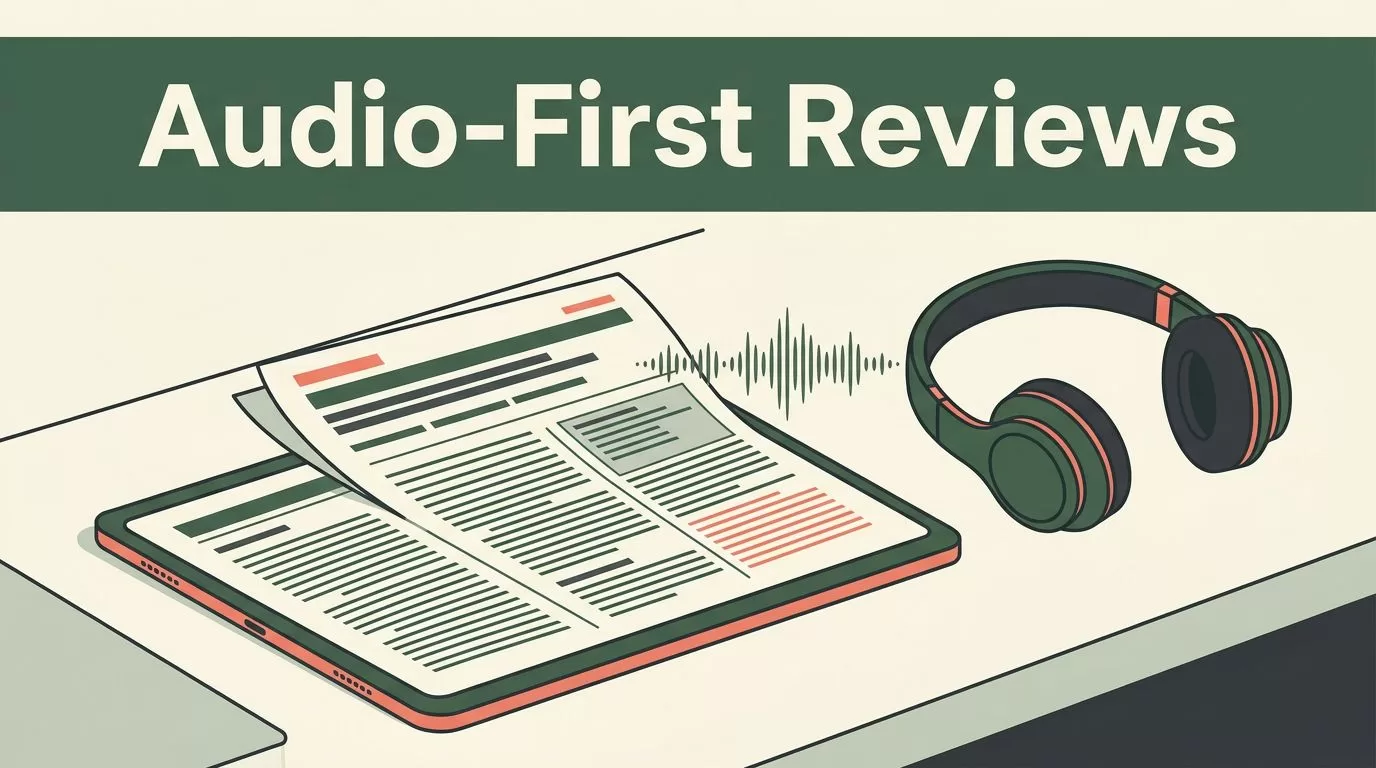
Reviewing academic literature is a slow process. You stare at multi-column PDFs, parse dense methodologies, and cross-reference citations until your eyes burn. If you spend your days juggling journal articles, you already know the bottleneck. Reading every single page visually limits how much research you can digest during a busy week. You need a way to make study time more flexible without dropping your comprehension levels.
Using a scientific paper audio reader changes how you consume research. Instead of chaining yourself to a desk, you turn dense PDFs into spoken audio that fits into your commute, your workout, or your lab preparation time. When you use tools like Speechify to convert long-form academic documents into speech, you unlock pockets of time that would otherwise go to waste.
Key Takeaways
- Convert dense research PDFs and study materials into spoken audio to make literature reviews and reading sessions portable.
- Maintain strict comprehension by using audio as a supplement to, rather than a replacement for, careful visual inspection of figures, tables, and equations.
- Select a playback speed and natural voice setting that matches your cognitive load and retention requirements.
- Combine listening sessions with active annotation practices to ensure key insights and citations stick in your long-term memory.
Why Academics Turn to Text to Speech for Research PDFs
Students, researchers, and knowledge workers face a constant volume of reading material. A single systematic review can require analyzing dozens of full-text papers. Reading every word visually creates severe mental fatigue by the afternoon. Turning text into speech lets you shift part of your workload to your auditory processing channels.
When you listen to a research paper while walking across campus or doing repetitive lab work, you reclaim hours from your daily schedule. You move through background reading, introduction sections, and broad theoretical arguments much faster. This initial pass helps you filter out irrelevant papers before you sit down for deep textual analysis.
| Feature Category | Visual Reading Approach | Audio Reader Approach |
|---|---|---|
| Primary Setting | Desk, monitor, printed paper | Mobile app, headphones, commutes |
| Speed Control | Limited by eye movement | Adjustable playback up to 4.5x speed |
| Multitasking | Requires 100 percent focus | Compatible with light physical tasks |
| Information Filtering | Slow line-by-line scanning | Rapid initial triage of new articles |
A quick review of listening workflows shows that audio excels at rapid triage and initial source screening.
Using text to speech does not mean abandoning traditional reading habits entirely. Audio works best as an intake mechanism for high-volume text. You still need your eyes and your desk when you hit the hard parts of a paper.
Audio tools let you screen twenty papers on your morning commute so you know exactly which three demand your full visual attention at your desk.
Configuring Speechify for Complex Academic Documents
Standard audio players stumble over academic papers because journals use complex layouts, footnotes, and inline citations. A basic text-to-speech engine reads every bracketed reference number as an independent string, which destroys the flow of a sentence. Speechify includes layout processing designed to skip over header noise, page numbers, and citation strings.
You need to configure your settings before you drop a complex PDF into your library. Start by adjusting your voice selection. Pick a natural-sounding voice that remains clear when you increase the playback speed. If you set the speed too high on your first attempt, your brain will miss key methodological nuances.
- Import your target research PDF directly into your Speechify account from your local drive or cloud storage.
- Set your default playback speed to a comfortable baseline, such as 1.2x or 1.5x, before scaling upward.
- Enable synchronized text highlighting so your eyes follow along on the screen while the audio plays.
- Use bookmarking tools to flag specific paragraphs where the authors discuss unexpected results or limitations.
When you import multi-column journal articles, verify that the document processing view preserves sentence order. If the tool reads across columns incorrectly, the audio output becomes a jumble of broken clauses. You can check reader discussions on academic forums such as this Reddit thread on text to speech tools for academic papers to see how other researchers format and clean their PDFs before listening.
Guarding Against Comprehension Loss During Audio Sessions
Listening to a synthesized voice requires a different cognitive effort than scanning text with your eyes. When you read visually, you can easily dart backward to re-read a confusing sentence. Audio playback pushes forward continuously unless you actively pause or skip back.
This forward momentum creates a specific risk for researchers. It is easy to zone out during a dense discussion of statistical controls or regression models. If you miss a key definition, your understanding of the subsequent findings collapses. You must treat listening sessions with intentional focus rather than treating them like casual podcast listening.
- Figures and Equations: Never rely on audio alone when an author references a mathematical proof, a structural diagram, or a complex data table. Pause the player, look at the visual element, and read those sections manually.
- Citation Networks: Inline citations disrupt audio flow. If a sentence contains five parenthetical author names and publication years, let the reader skip them or train yourself to tune them out mentally.
- Methodological Nuances: Slow down your playback speed when you reach the experimental design and data collection sections. Speeding through these parts leads to misinterpretation of causal claims.
Audio should complement your workflow, not replace the hard cognitive work of critical analysis. Use listening for broad overviews, literature mapping, and initial drafting passes. Reserve your full visual attention for the papers that form the core theoretical foundation of your own research.
Integrating Audio Workflows Into Your Literature Review Process
Building a sustainable research habit requires connecting your reading tools directly to your note-taking systems. When you listen to a paper while away from your desk, you need a reliable method for capturing insights before you forget them.
Open your note application or reference manager alongside your audio player. As Speechify reads through the introduction and discussion sections, use voice dictation or quick manual notes to capture main arguments. If a paper presents a surprising finding, pause the playback and drop a timestamped bookmark into your reference library.
For students and visual thinkers looking to connect their research reading with broader project management setups, exploring resources such as this guide on productivity stacks for visual students can help you organize your captured insights into actionable study boards. Keeping your reading workflow tied to a centralized database ensures that the hours you spend listening translate directly into completed essays, grant proposals, and published papers.
Conclusion
Processing large volumes of research doesn’t have to anchor you to a desk all day. By using a scientific paper audio reader to handle your initial source triage, you open up new blocks of time for deep analytical work.
Remember to keep your audio sessions focused on background reading and broad theoretical arguments while reserving visual inspection for complex figures and equations. Set up your document processing carefully, adjust your playback speeds gradually, and always anchor your listening habits to a reliable note-taking system. Take your literature review mobile and make every minute of your study schedule count.
