Scrape Spotify Playlists Quickly With Twin.so
Playlist research becomes slow when every track has to be copied into a spreadsheet by hand. If you need to scrape Spotify playlists, Twin.so can turn a public playlist page into structured rows without requiring a custom scraper. You give...

Playlist research becomes slow when every track has to be copied into a spreadsheet by hand. If you need to scrape Spotify playlists, Twin.so can turn a public playlist page into structured rows without requiring a custom scraper.
You give Twin a playlist URL, describe the fields you want, and review the returned data. The workflow fits developers, marketers, music analysts, and no-code operators who need repeatable playlist data instead of one-time copy and paste.
Why scrape Spotify playlists with Twin.so?
Manual extraction creates three problems. It takes time, it introduces typing errors, and it becomes difficult to repeat when playlists change.
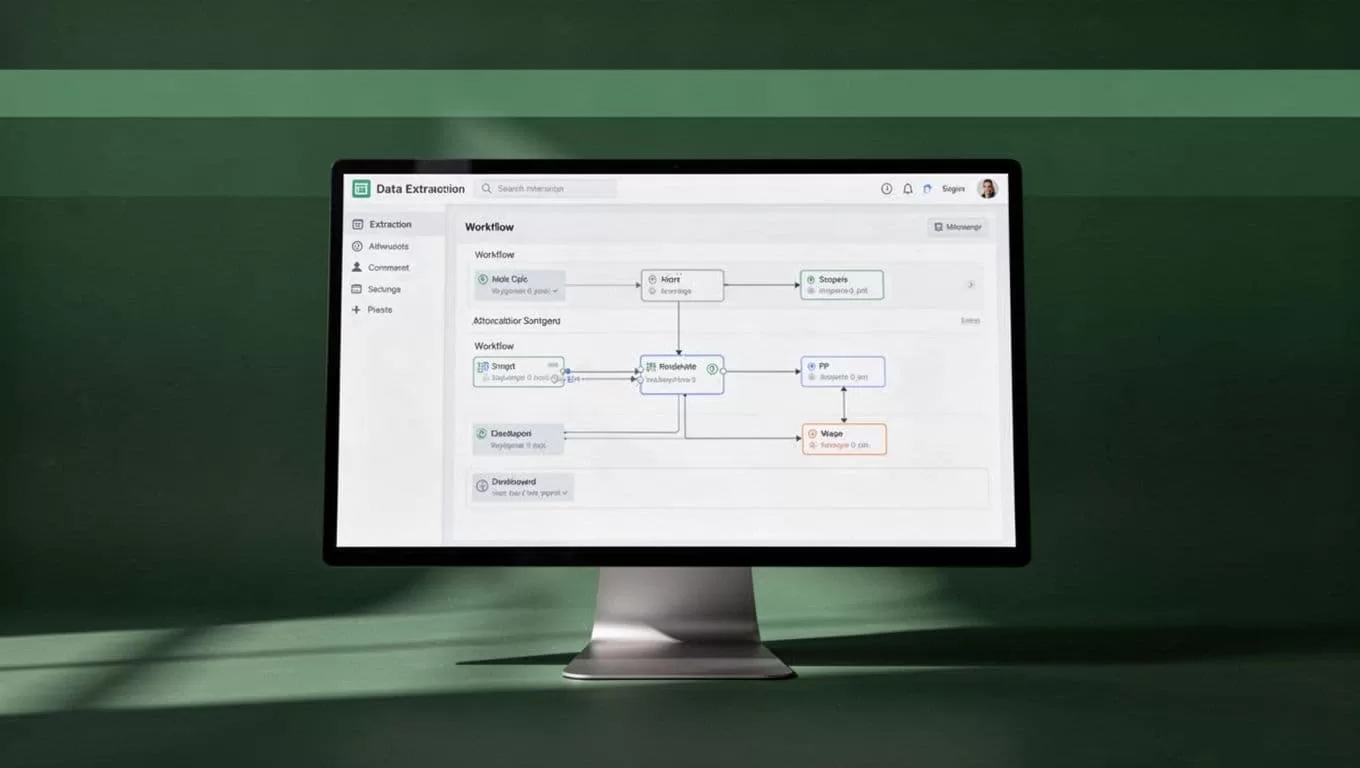
Twin.so uses browser agents that can open websites, follow page steps, read dynamic content, and return structured results. You describe the task in plain language. Twin plans the browser workflow, runs it, and gives you an output you can review or send to another system.
The method is useful when you need data from public Spotify playlist pages but don’t want to build and maintain a custom browser script. It also helps no-code users who need a practical way to collect playlist information without managing selectors, browser drivers, or pagination logic.
Spotify’s official Web API can retrieve playlist contents through its playlist endpoints, including information about tracks and local files. Review Spotify’s playlist API documentation first when an approved API workflow meets your needs.
A browser workflow still has a place. You may need to inspect the visible page, collect presentation details, combine playlist data with another website, or run a simple extraction without building an API integration. Tools such as SpotifyScraper documentation show another technical route for collecting public Spotify data, but that approach requires more setup and maintenance.
Twin is most useful when the goal is operational. You want rows in a database, a recurring competitor scan, or a dataset that feeds a marketing or research process.
Use the official API when it gives you the approved fields and access pattern you need. Use browser automation when the page workflow adds information or removes unnecessary development work.
How to scrape Spotify playlists with Twin.so
Start with one public playlist. Do not begin with hundreds of URLs. A small test shows whether Twin can read the page correctly and whether your output format fits the next step.
Open Twin’s chat or agent builder and describe the task. Include the exact playlist URL, the fields to collect, the stopping condition, and the output format. Clear instructions reduce rework.
Use a prompt like this:
Open this public Spotify playlist URL: [paste URL]. Extract every visible track until the playlist ends. Return one row per track with playlist name, playlist URL, curator, track title, artist, album, and playlist position. Preserve the order shown on the page. Return the results as JSON rows. Do not collect private account data. Report any missing fields and the total number of tracks found.
Then follow this process:
- Paste the public playlist URL into Twin and confirm that the page loads without a login requirement.
- State that the agent must collect the complete playlist, not only the first visible group of tracks. Ask it to continue through dynamic loading or additional page steps when required.
- Define each output field in plain language. Tell Twin that playlist position must match the displayed order, starting at 1 unless your database uses another convention.
- Run the task and inspect a sample of the first, middle, and final rows. Check that artists and albums have not shifted into the wrong columns.
- Refine the instruction if Twin misses tracks, repeats rows, or stops before the end. Add a rule such as, “Continue until no additional tracks load, then compare the extracted count with the visible playlist count.”
- Save the workflow as a reusable task. Twin can run workflows on demand, on a schedule, or through an API trigger when you need recurring collection.
For public pages, avoid adding credentials. Twin supports credential-vault workflows for sites that require authentication, but Spotify playlist extraction should stay limited to information you are authorized to access. A login does not give permission to collect every field on a page.
Keep the first run narrow. Extract one playlist, validate the rows, and then expand the task. This is faster than debugging a large batch with unknown errors.
Build a clean Spotify playlist data structure
The extraction result is only useful if every row follows the same structure. Define the schema before you run a large task. This prevents later cleanup work in Sheets, Airtable, a database, or a data warehouse.
Use playlist-level fields to identify the source. Use track-level fields to describe each item. Keep playlist metadata repeated on every row if you plan to analyze tracks independently.
| Field | What to store |
|---|---|
| Playlist name | The displayed name of the playlist |
| Playlist URL | The original public playlist link |
| Curator | The displayed owner, brand, or editorial account |
| Track title | The full title shown for the track |
| Artist | The primary artist displayed by Spotify |
| Album | The album or release name |
| Playlist position | The track’s order in the playlist |
The playlist position field matters more than it first appears. It lets you compare changes over time, identify newly added tracks, and measure whether a song moved higher or lower in a recurring playlist.
Ask Twin to preserve the source order. Do not sort by artist or title during extraction. Apply sorting later in your analysis layer so the original playlist arrangement remains available.
Check for common data problems after each run:
- Duplicate rows caused by repeated page loading.
- Blank album or curator values.
- Missing tracks near the end of a long playlist.
- Different playlist names or URLs mixed into one result.
- Incorrect positions after a track is skipped or repeated.
- Artist names placed in the album field.
- Tracks that are unavailable, local, or displayed differently from standard releases.
You can also ask Twin to return a run summary with the number of rows collected, the first and last playlist positions, and any fields it could not read. That summary gives you a basic quality check before the data enters another system.
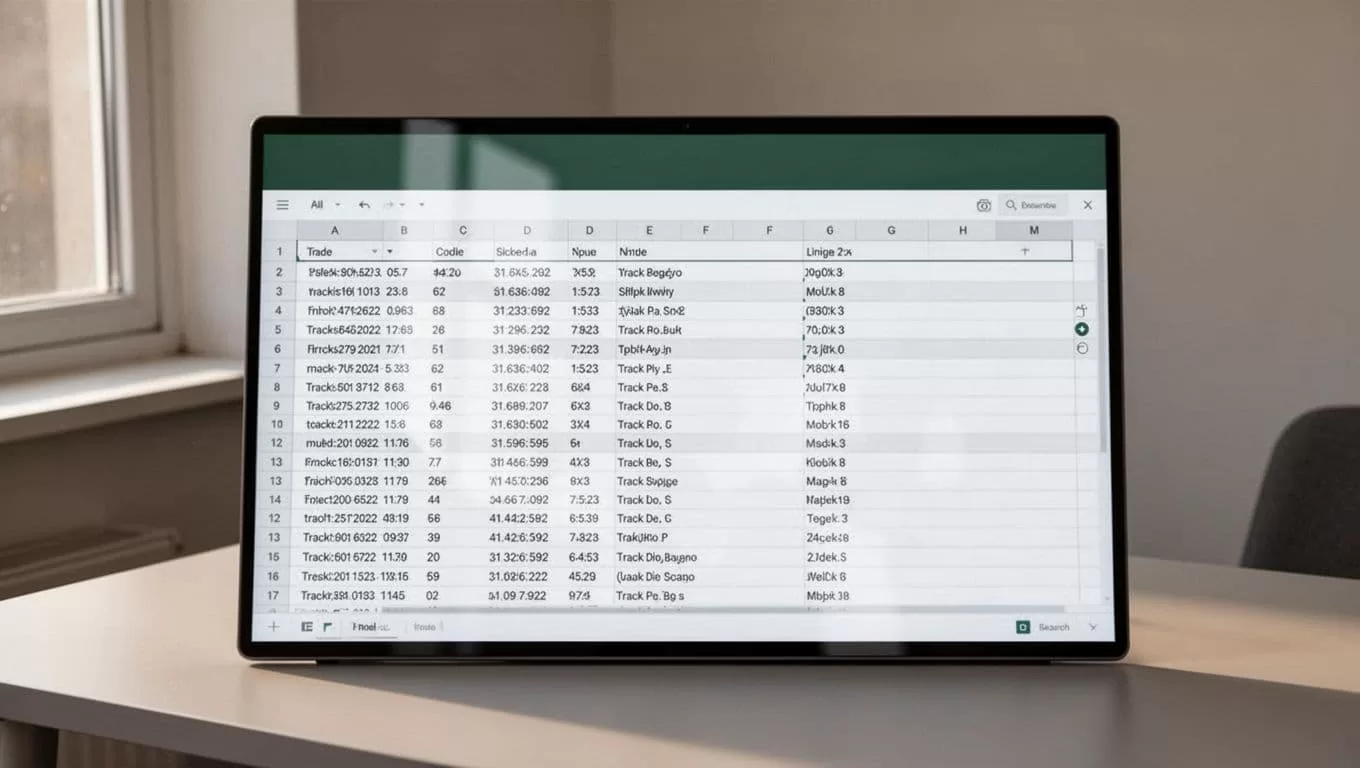
Store the original URL with every record. The URL provides a traceable source when a playlist changes or a stakeholder questions a row. Add a collection timestamp as an internal field, even if it isn’t part of the initial extraction request.
Turn one extraction into a repeatable workflow
A single playlist export helps with research. A scheduled workflow helps with monitoring.
Growth marketers can track public brand playlists, editorial placements, or competitor curation patterns. Music-data analysts can compare track order, artist frequency, and playlist changes across collection dates. A&R teams can use the dataset to identify repeated artists or releases across selected public playlists.
Start with a defined scope. For example, monitor 20 public playlists once per week and record the playlist position for every track. Do not begin with an open-ended instruction to search all of Spotify. A fixed URL list produces cleaner results and lower operating costs.
Twin can return extracted rows as JSON and pass results into downstream systems when your workflow is configured for it. A typical process looks like this:
- Store playlist URLs in a spreadsheet or database.
- Trigger Twin on demand, on a schedule, or through an API.
- Extract the agreed fields from each public playlist.
- Add the collection date and source URL.
- Compare the new rows with the previous snapshot.
- Send changes to your reporting or research workspace.
Use stable identifiers when available. A Spotify playlist URL is useful for the source, while a track URI or other approved identifier is better for matching records across runs. If your workflow only collects the fields listed above, use a normalized combination of track title, artist, and album as a fallback, but treat that match as imperfect.
For recurring jobs, ask Twin to report failures separately from successful rows. One unavailable playlist should not make the entire batch look complete. Your output should distinguish between “no changes found,” “playlist contains no tracks,” and “page could not be accessed.”
Review terms, permissions, and rate limits first
Speed doesn’t remove responsibility. Before you scrape Spotify playlists, review Spotify’s current terms, applicable laws, and rate limits. Confirm that your planned collection method and business use are allowed.
Use public data only when you have a valid reason to collect it. Avoid private playlists, private account information, login credentials, personal contact details, and any data that isn’t required for your analysis. Do not ask Twin to bypass access controls, defeat technical restrictions, or imitate a user beyond normal authorized browsing.
Limit request volume. A short list of public playlists collected at a reasonable interval is easier to control than repeated requests across thousands of pages. Use an approved API where it provides the required data and access rights.
Scraped data also has limits on how you can use it. Don’t use playlist records for spam, harassment, unauthorized profiling, copyright violations, or misleading promotional claims. Store only the fields your workflow needs, protect exported files, and delete data that no longer has a valid business purpose.
The Spotify scraper project on GitHub can help technical teams understand another implementation pattern, but any code or browser workflow still needs review against current platform rules. A working extractor is not automatically an approved one.
Conclusion
Twin.so makes playlist extraction practical when you need a structured result without building a custom scraper first. Give it a public URL, define the fields, require complete track coverage, and validate the first, middle, and final rows.
The most reliable workflow stores playlist name, URL, curator, track title, artist, album, playlist position, and collection date. Once the output is consistent, you can run it on demand or schedule it for playlist monitoring.
Scrape Spotify playlists with a narrow scope, clear permissions, and a checked schema. The speed comes from removing repetitive browser work, not from skipping review.
