Scrape Vendor Pricing With Twin.so Without Bad Data
Vendor pricing changes often enough to make a static spreadsheet unreliable. Procurement teams need current prices, billing terms, tiers, and source evidence before they compare suppliers or approve spend. You can scrape vendor pricing with...
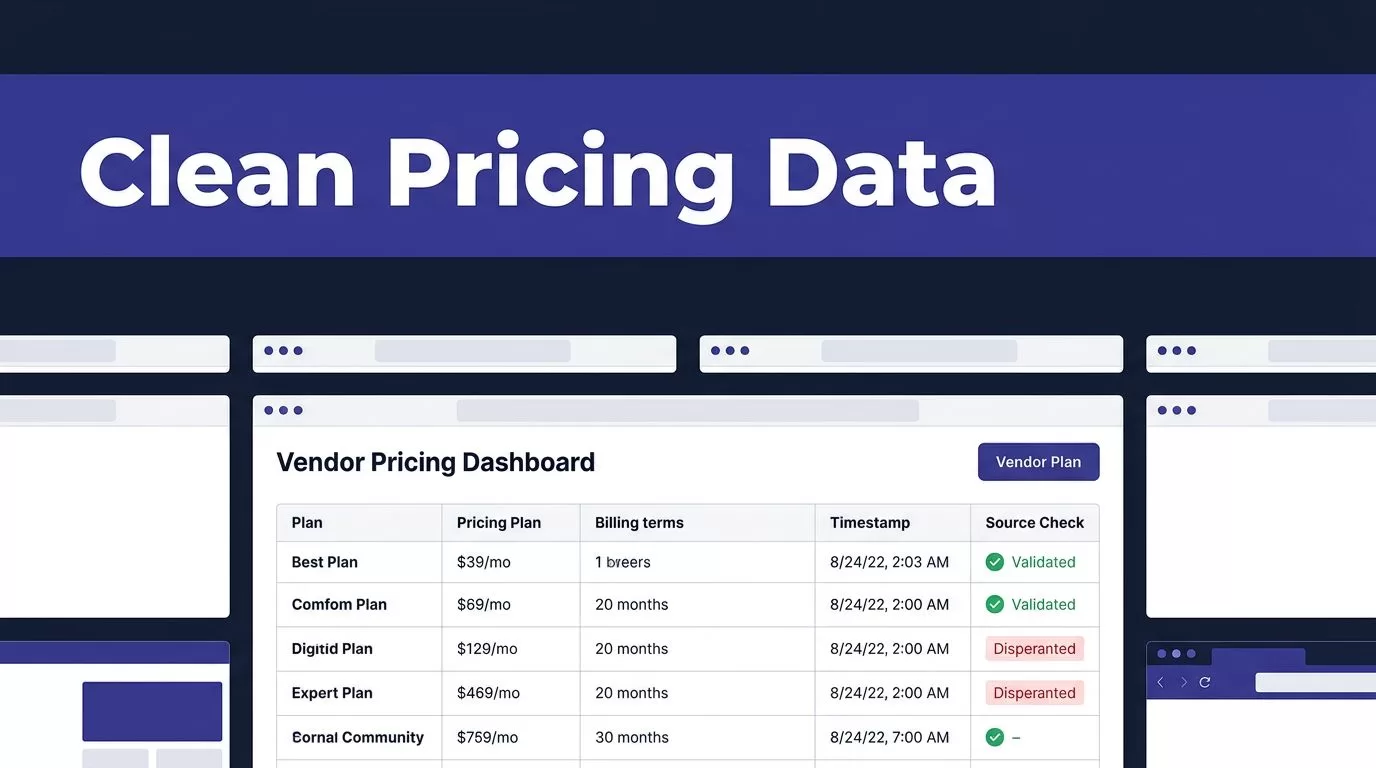
Vendor pricing changes often enough to make a static spreadsheet unreliable. Procurement teams need current prices, billing terms, tiers, and source evidence before they compare suppliers or approve spend.
You can scrape vendor pricing with Twin.so, but the useful result isn’t a large table of copied values. It is a validated dataset that preserves what the vendor showed, when it showed it, and how the price should be interpreted. Start with a narrow public source, define the output fields, then add controls before you schedule recurring runs.
How to Scrape Vendor Pricing With Twin.so
Twin.so can use APIs, connected tools, and browser automation. Use the simplest approved method that returns the required data. An API is usually easier to test and more stable than browser navigation. Use the Twin.so Web Agent when the pricing information sits on a dynamic page or when no suitable API exists.
Public pricing pages are the safest starting point. They may include product plans, feature tiers, usage rates, add-ons, and annual discounts. Don’t instruct an agent to bypass a login, paywall, CAPTCHA, or other access control. Don’t collect restricted records or export information beyond the source’s permitted use.
Twin’s no-API browser automation can help with approved website tasks that require page interaction. Review the vendor’s terms, licensing rules, storage requirements, and redistribution limits first. A page being visible in a browser doesn’t automatically grant permission for every automated use.
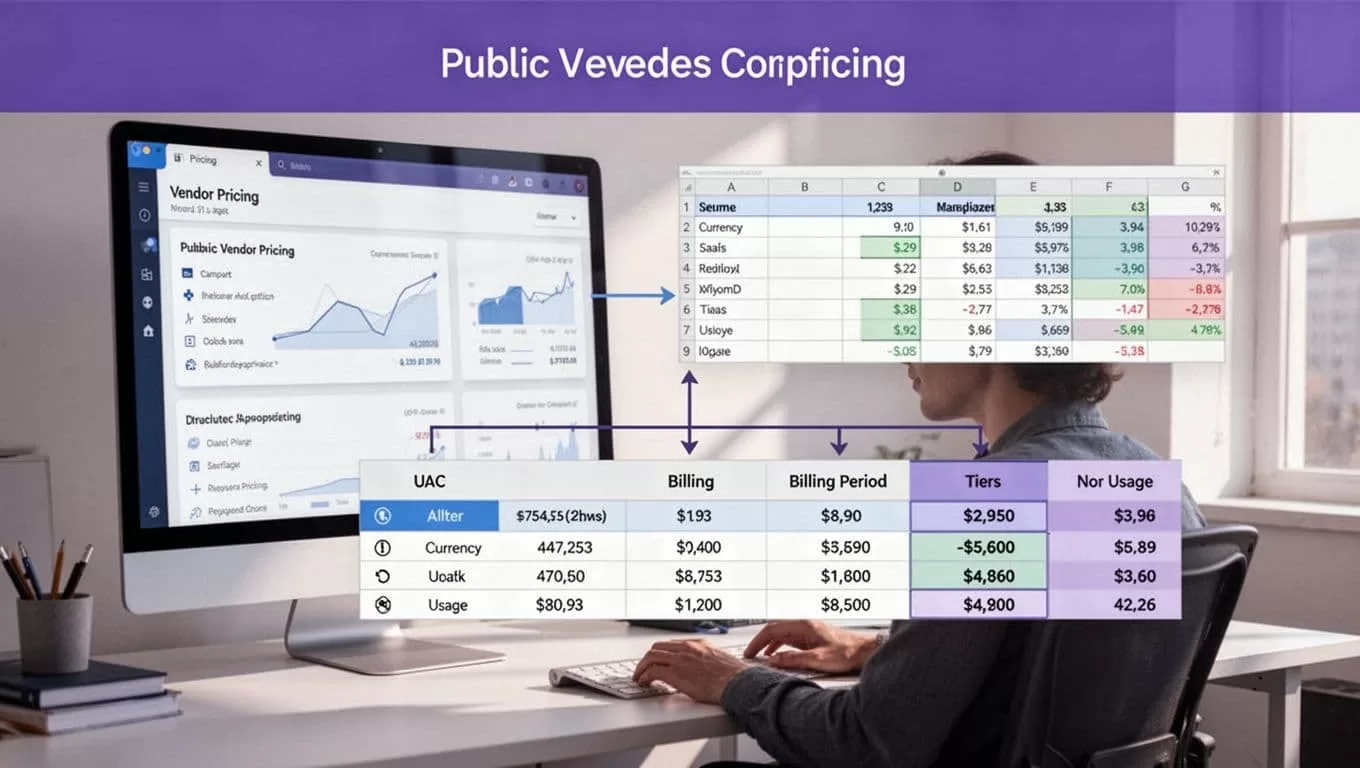
Define the Price Record Before You Collect It
Don’t start with a broad instruction such as, “Find the latest prices for this vendor.” That leaves too many decisions to the agent. Define what counts as a price record and what happens when the page doesn’t contain a requested field.
A SaaS pricing record should separate the product, plan, amount, currency, billing period, and pricing conditions. Keep the original display value as well as any normalized value. This prevents a conversion or interpretation from replacing the evidence collected from the page.
Use a vendor pricing schema
The following fields give procurement and competitive intelligence teams a practical starting point.
| Field | Example value | Purpose |
|---|---|---|
| vendor_name | Acme Software | Identifies the supplier |
| product_name | Acme Analytics | Identifies the product |
| plan_name | Business | Identifies the tier |
| price_type | Fixed subscription | Describes the pricing model |
| displayed_price | “$99 per month” | Preserves page wording |
| price_amount | 99.00 | Stores the numeric value |
| currency | USD | Identifies the currency |
| billing_period | Monthly | Separates monthly and annual terms |
| usage_unit | Per seat | Captures the price basis |
| discount | 20% annual discount | Stores promotional conditions |
| source_url | Vendor pricing page | Supports verification |
| extracted_at | 2026-08-16T10:30Z | Shows collection time |
| quality_status | Accepted | Controls downstream use |
Add a null value when the page doesn’t provide a field. Don’t turn a missing price into zero. A zero may mean free, waived, included, or incorrectly extracted. Those meanings aren’t interchangeable.
Preserve context and evidence
Store the page URL, extraction timestamp, visible price text, and any source timestamp shown near the price. Add a content hash or page version if your storage system supports it. These fields help reviewers compare a changed record with the original page.
Keep price types separate. A “starting at” price isn’t the same as a fixed price. A per-seat amount isn’t the same as an account minimum. An annual contract discount shouldn’t overwrite the monthly list price.
Build the Twin.so Collection Workflow
The workflow should return structured records rather than a paragraph summary. Twin’s quickstart documentation covers scheduled agents, browser tasks, and connected workflows. Use the same operating pattern for vendor pricing.
Write exact extraction instructions
Give the agent a fixed source list and a clear stopping rule. Tell it which page to open, which products to inspect, and which fields to return.
Use instructions like these:
- Open the approved vendor pricing URL.
- Extract every visible plan for the named product.
- Return one record per plan, add-on, or usage tier.
- Capture the displayed price, currency, billing period, unit, discount, and source URL.
- Return
nullfor fields that aren’t shown. - Record the extraction time and a quality status.
- Stop and report an exception if the page is unavailable or the layout does not match the expected structure.
Include visible labels in the instructions. “Monthly price” is safer than “the first price on the page.” If the page contains several products, specify the product heading or section to inspect.
Separate collection, validation, and publishing
Don’t let one browser run write directly into your production price table. Use three separate stages:
- Collection extracts raw records and evidence.
- Validation checks required fields, types, duplicates, and freshness.
- Publishing updates the database, spreadsheet, or report only after validation passes.
A failed validation should create an exception. It shouldn’t replace the last trusted dataset with an empty result.
For recurring runs, save progress by product, plan ID, page, or source URL. Use bounded retries for temporary failures. Stop retrying when the page structure has changed or the source denies access. Repeatedly running a broken workflow only increases cost and can increase source load.
Normalize Pricing Without Losing Meaning
Normalization makes vendor prices comparable. Poor normalization makes different offers look identical. Preserve the original record and store your interpretation in separate fields.
Handle currencies and billing periods
Record the currency exactly as shown, such as USD, EUR, GBP, or CAD. Store the original amount and a converted amount separately. Add the exchange-rate source, rate date, and conversion method to the normalized record.
If you convert euro prices for internal comparison, use a dated reference rate such as the European Central Bank’s exchange-rate data. Don’t present a converted figure as the vendor’s price.
Billing periods need the same treatment. Keep monthly, annual, quarterly, and one-time charges separate. If a vendor displays “$1,200 billed annually,” store the annual amount as $1,200. You may calculate a monthly equivalent of $100, but label it as a derived value.
Separate tiers, usage, and discounts
Tiered pricing requires one row per tier. Don’t combine Starter, Business, and Enterprise into one record. Capture the tier name, included limits, minimum commitment, and any overage terms.
Usage-based prices need a unit. Examples include per user, per seat, per API call, per gigabyte, per transaction, and per location. A price of “$0.01 per event” can’t be compared directly with “$500 per month” without an expected usage volume.
Discounts also need their conditions. Store whether the discount applies to annual billing, new customers, a limited contract term, or a specific quantity. If the vendor shows a promotional price beside a standard price, keep both:
- Standard price:
$149 per month - Promotional price:
$99 per month - Condition:
First year with annual commitment - Effective status:
Promotion shown on source page
Don’t assume a discount applies to every buyer. Mark unclear or expired conditions for review.
Treat missing values as exceptions
A blank field may mean the page changed, the label is different, the value loads after interaction, or the vendor uses a sales-led model. It doesn’t prove that the price is unavailable.
Return a status such as missing, not_listed, contact_sales, or extraction_failed. These statuses let your team distinguish a valid business condition from a broken scrape.
Validate Prices Before You Use Them
A browser workflow can finish without an error and still miss a plan, read the wrong product, or capture a headline price without its conditions. Verification is part of the workflow, not a final administrative task.
Use field-level acceptance checks
Reject a record when required fields are missing or inconsistent. Your rules should check:
- The vendor and product match the requested source.
- The plan name is present.
- The price amount is numeric when a price is displayed.
- The currency matches the visible page.
- The billing period is recorded.
- The usage unit is present for usage-based pricing.
- The source URL points to the page actually inspected.
- The extraction timestamp is present.
- The record isn’t a duplicate of an existing observation.
- The displayed price and normalized value can be reconciled.
Add range checks for obvious parsing errors. A monthly plan priced at $9,999,999 may be correct, but it should reach a review queue before publication. A value of 0 should also require a reason.
Run a small approved sample first. Compare 20 to 50 returned records with the live pages. Review plan names, decimals, currencies, annual terms, discount conditions, and pagination. Fix the instructions before expanding the source list.
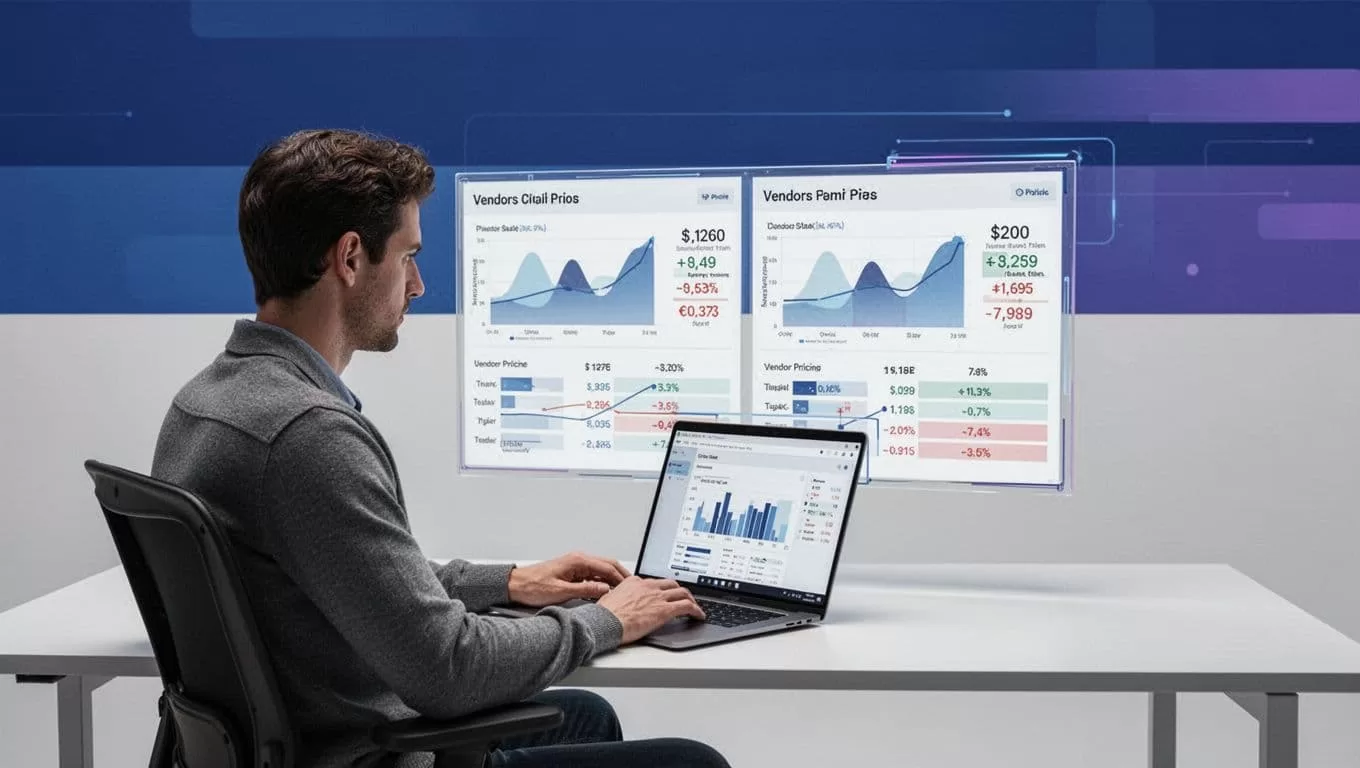
A completed run proves that the agent finished its task. It doesn’t prove that the returned prices are complete or correct.
Detect layout changes and stale data
Set checks for row counts, missing fields, changed labels, unexpected duplicates, and source coverage. If a vendor normally publishes six plans and the workflow returns two, stop the publishing stage.
Dynamic pages may load a blank shell before the pricing table appears. Tell Twin to wait until the product heading and target price are visible. Don’t rely only on a fixed delay. Confirm evidence on the page.
When a layout changes, review the page manually and update the extraction instructions with the new labels or section structure. Keep the previous trusted dataset until the replacement passes validation. Store the failed output separately so a reviewer can inspect what changed.
Schedule Runs and Measure the Real Cost
Schedule collection after the vendor is expected to update its page. A daily run before the vendor’s publication time may collect yesterday’s price. Hourly collection adds cost when the source changes once per week.
Twin.so uses credits for building, running, browsing, research, retries, and generated output. Public planning ranges place a simple automation around 15 to 30 credits, a 100-item scraping job around 20 to 70 credits, and a browser session with about 20 steps around 100 to 200 credits. These are planning ranges, not fixed quotes.
Benchmark a small approved batch and track:
- Credits used per run
- Accepted records
- Missing and duplicate records
- Failed runs and retry counts
- Human review minutes
- Correction time
- Cost per accepted record
Measure accepted records, not browser actions. A workflow that saves ten minutes but creates thirty minutes of correction work is a failed process.
Create a fallback procedure before production. State who retrieves the data, where they store it, and how they identify the last trusted result. Stop the write step when the source is unavailable, the schema changes, two sources conflict, or the result is incomplete. If your workflow spans several vendors or systems, Book A Call to define permissions, review points, and exception handling.
Conclusion
Twin.so can help procurement and intelligence teams scrape vendor pricing without maintaining a separate custom script for every public pricing page. The workflow needs a strict schema, clear source boundaries, preserved evidence, and validation before publication.
Keep original values beside normalized values. Separate collection from publishing. Verify the final records against the vendor page before using them for purchasing, pricing strategy, or competitive decisions. The trusted dataset is the one your team can explain and audit later.
