How I Scrape YouTube Comments Fast With Twin.so
YouTube comments are one of the fastest ways I know to hear what people really think. They reveal praise, confusion, objections, buying intent, and the questions people ask when no one is pitching them. When I need that data in a hurry, cop...

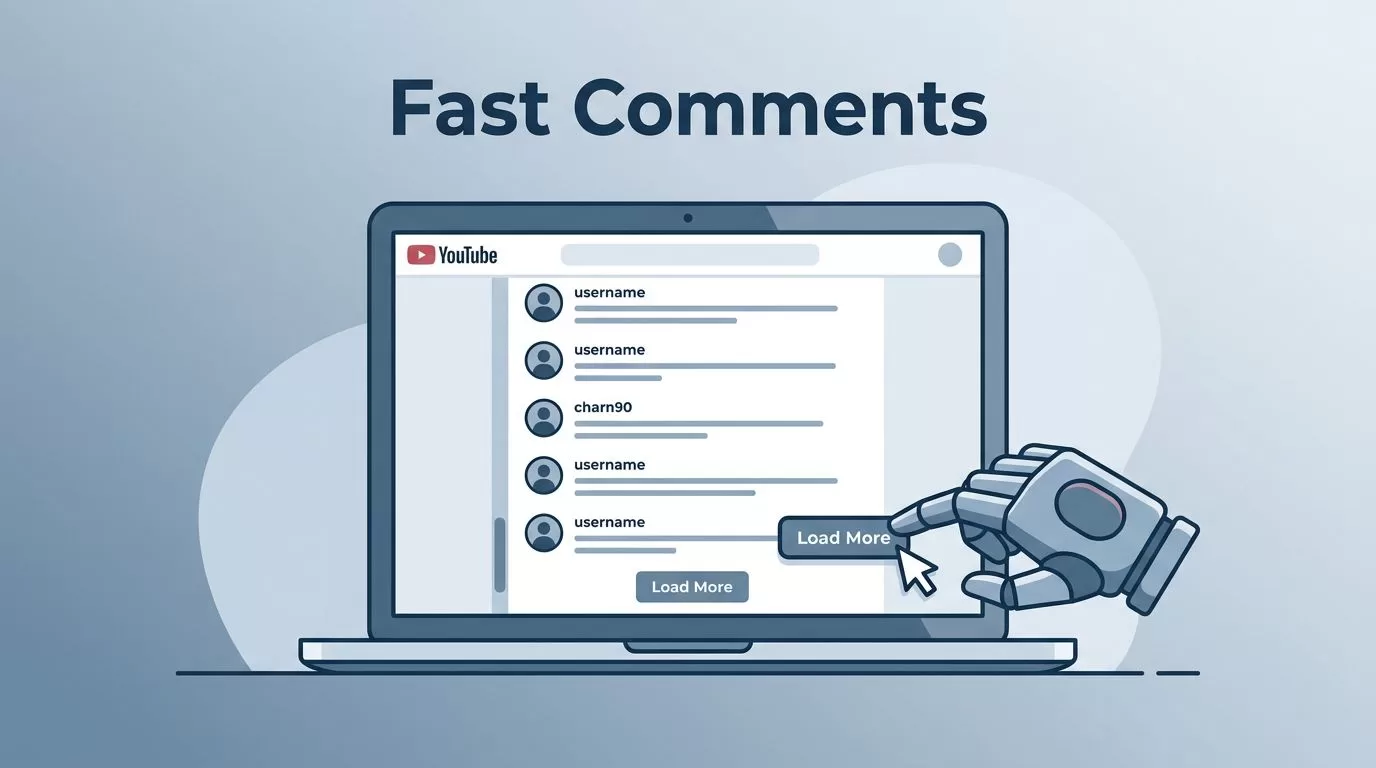
YouTube comments are one of the fastest ways I know to hear what people really think. They reveal praise, confusion, objections, buying intent, and the questions people ask when no one is pitching them.
When I need that data in a hurry, copying comments by hand burns time and patience. Twin.so helps me scrape YouTube comments fast because it uses a browser agent to visit the page, scroll, click, and pull the data out for me.
That makes it useful for sentiment analysis, lead research, audience insight, and competitor checks. The key is to keep the request clear and the output tight.
Why I reach for Twin.so
Twin.so works well when I want a browser to do the repetitive part. I tell it what I need in plain English, and it handles the page like a person would. That matters on YouTube, where comments load in stages and replies often hide behind extra clicks.
I use it when I need:
- Speed without writing a custom scraper.
- Flexibility on pages that load content as I scroll.
- Clean exports I can move into a spreadsheet or analysis tool.
- A repeatable workflow for the same channel or video set.
If I want a quick comparison with other methods, I keep Clay’s YouTube comment scraper comparison nearby. It helps me see where no-code, API, and custom-code paths differ before I settle on a workflow.
Twin.so is a good fit when I care more about getting useful data than building a tool from scratch. I still keep my ask narrow, because broad requests slow everything down.
My fastest workflow for scraping YouTube comments
I keep the process simple. The more exact I am up front, the faster the run finishes.


- I paste the YouTube video URL.
I start with one public video first. That gives me a clean test case and helps me catch bad output before I scale up. - I tell Twin.so exactly what fields I want.
I usually ask for comment text, author name, timestamp, like count, reply count, and the video URL. If I need replies, I say that upfront. - I set a limit.
A target like the newest 100 comments is easier to test than an open-ended scrape. After the first pass looks right, I increase the batch size. - I let Twin.so scroll and collect.
YouTube loads comments as I move down the page, so the browser agent needs room to work. I let it run instead of rushing it with extra commands. - I check the sample before I export everything.
I scan the first rows for missing fields, duplicate comments, or broken timestamps. If something looks off, I adjust the request and try again. - I export the results into a spreadsheet.
CSV works well for me because I can sort, filter, tag, and group comments right away. If I want deeper analysis, I move the file into my reporting stack later.
The first run is usually a test. Once the structure looks right, I can repeat the same workflow on more videos without rebuilding anything.
What I do with the comment export after Twin.so finishes
Raw comments are noisy. The value comes from sorting the noise into patterns.
Sentiment analysis
I start by sorting comments into positive, negative, and mixed buckets. Then I look for repeated words and repeated pain points. If a product video gets the same complaint ten times, I treat that as a real signal, not a random gripe.
For larger sets, I tag comments by theme, then count how often each theme appears. That gives me a quick read on mood without turning the process into a research project.
Lead research
Comments can surface real buying intent. A viewer might mention a team, a tool, a budget, or a process problem. When I see that, I flag the row and check whether it’s worth outreach.
If I want to move from comment to contact research, I compare the name or company against my Hunter.io B2B email finder review before I build a list. That keeps me from wasting time on weak leads.
Audience insights
Comments tell me how people talk when they are not inside my brand voice. That matters for copy, help docs, and product messaging. If viewers keep asking the same question, I treat it like a signpost.
I also use the wording people choose. A comment can give me the exact phrase a customer would type into a search bar, which is often better than my own wording.
Competitor research
I use the same approach on rival channels. The complaints under competitor videos are often more useful than the praise. People talk about missing features, slow support, pricing friction, and confusing setup steps with almost no filter.
That gives me a direct view of what frustrates their audience. It also gives me language I can use when I write positioning notes or map out content ideas.
Troubleshooting when the scrape feels slow or messy
YouTube comments load in layers, so the scrape speed depends on how much the page has to reveal. If Twin.so seems slow, I check the request before I blame the tool.
I keep the target narrow. A tighter request almost always runs cleaner than a broad one.
These fixes help me most:
- The page keeps loading forever: I reduce the target count and let the browser agent finish one section before I ask for more.
- Replies are missing: I request replies separately, because nested comment threads can be easy to skip.
- Fields look inconsistent: I remove extra columns and ask for the essentials first.
- The export has duplicates: I sort by timestamp and comment text, then remove repeat rows before analysis.
- The scrape stalls on a big video: I split the task into smaller batches, such as the newest comments first and older comments second.
For a second look at method choices and public-data handling, I also like NodeMaven’s 2026 guide to scraping YouTube comments. It is a useful reference when I want to compare workflows before I run a larger job.
When a scrape fails, I usually find the problem in the request, not the browser agent. Small changes, like fewer fields or a tighter limit, often fix it fast.
Best practices I follow every time
I get better results when I treat comment scraping like a data task, not a one-off click job.
- I start with public comments only.
I avoid restricted or private content, and I keep the workflow tied to visible data. - I ask for fewer fields.
If I only need the text and timestamp, I leave out the extras. That makes the export cleaner and the run faster. - I save the source URL and scrape date.
Later, I can trace where the comments came from and compare the same video over time. - I keep raw and cleaned files separate.
The raw export stays untouched. My analysis file is where I tag themes, remove duplicates, and sort patterns. - I test on one video before I scale.
A small sample tells me whether the prompt works. It also shows me if replies, likes, or timestamps are being captured the way I want. - I watch for rate and load issues.
Long comment threads take longer, so I let Twin.so finish instead of stacking tasks too quickly.
This keeps the process steady and the output easy to trust. The best scrape is the one I can repeat next week without rethinking every step.
Conclusion
When I need to scrape YouTube comments fast, I start with a tight request and a public video. Twin.so does the browser work, which saves me from building and maintaining a scraper myself.
The real win is not the extraction alone. It’s the clean export I can use for sentiment analysis, lead research, audience insight, and competitor review without wasting an afternoon on manual copy work.
If I keep the fields narrow, test one video first, and clean the data right after export, I get a workflow I can reuse with confidence.

