Best Screen Recording Tools for Client Training in 2026
Client training lives or dies on clarity. If I can’t show a step in one clean take, I create more support work later. That’s why I treat screen recording tools as a core part of my client delivery stack, not a side utility. For...
Client training lives or dies on clarity. If I can’t show a step in one clean take, I create more support work later. That’s why I treat screen recording tools as a core part of my client delivery stack, not a side utility.
For agencies, consultants, SaaS teams, and service businesses, the right recorder saves time and cuts confusion. It also helps me control access, track views, and keep training videos current. I’m looking for speed, but I’m also looking for proof that the client actually watched the lesson.
What client training videos need in 2026
A good training video has to do more than capture a screen. I need a tool that records quickly, adds webcam when I want a face-to-face feel, and makes it easy to mark up the screen. In 2026, AI features matter too, because titles, summaries, chapters, and transcripts save me from editing every detail by hand.
Sharing is where many tools fall apart. If I work with client data, I want permissions, private links, and clean control over who can view what. I also pay attention to analytics, because view tracking tells me whether a client watched the whole process or stopped at the first confusing step.
Before I compare tools, I cross-check current feature lists on Efficient App’s 2026 ranking and on product pages like Loom’s training video recorder and Camtasia’s screen recording suite. That keeps my shortlist grounded in what’s current, not what used to work.
The shortlist I trust most
I start with tools that balance recording speed, editing, and client sharing. This table is the quick version of how I read the market.
| Tool | Best for | Recording ease | Editing and annotations | Sharing and privacy | AI and analytics | Price snapshot |
|---|---|---|---|---|---|---|
| Loom | Fast client updates | Very easy | Basic trim, draw, webcam | Strong share links, comments, permissions | AI titles, chapters, summaries, view tracking | Free tier, paid plans around $10 to $20 per user monthly |
| Camtasia | Polished training libraries | Easy once installed | Best-in-class edits, callouts, effects | Team sharing, local file control | AI features in the suite, strong production tools | Paid, with trial and subscription or one-time options |
| Tella | Scripted walkthroughs | Easy browser-style workflow | Strong cloud editing, teleprompter, layouts | Simple sharing for course content | AI tools and guided recording | Paid plans around $15 to $30 monthly |
| Zight | Security-minded teams | Easy | Light editing and annotation | Strong privacy, security, and team controls | AI highlights and step-by-step guides | Free signup, paid tiers for teams |
| Kommodo | High-volume training docs | Easy, unlimited recording | Basic editing | Good for searchable libraries | AI transcription and text search | Free recording, team AI extras, pricing not always public |
| OBS Studio | Zero-budget power users | Harder setup | Minimal built-in editing | Local files, no team workflow | No native AI or tracking | Free forever |

If I need speed and simple sharing, I reach for Loom first. If I want a video that feels like a polished product demo, I move toward Camtasia. When I need unlimited recordings for internal docs or process libraries, Kommodo becomes more interesting, especially because its transcription and search tools make old videos easier to reuse.
If the client needs approval, I rank sharing, permissions, and view tracking above fancy effects.
Which tool I pick by use case and budget
My choice changes with the job. A solo consultant doesn’t need the same stack as a SaaS customer success team. Likewise, a client-facing agency often needs more control than an internal team.
Here’s how I narrow it down:
- For fast client updates, I use Loom. It’s quick to record, easy to share, and the view data helps me follow up.
- For polished onboarding videos, I choose Camtasia. It gives me the best editing tools when I want a cleaner result.
- For scripted tutorials and product tours, I lean toward Tella. The teleprompter and layout tools help me stay on message.
- For client work with stricter privacy needs, I look at Zight. Its security focus makes it easier to manage sensitive material.
- For zero budget, OBS Studio still wins. I use it only when I’m fine with a more manual setup.
- For large training libraries, Kommodo is a strong fit. Unlimited recording matters when I’m building a lot of walkthroughs.
If I’m watching spend, I start under $20 per user each month. That usually puts Loom or Tella in reach. If I care more about production quality than subscription cost, Camtasia is the better long-term buy. If my team lacks technical support, I skip OBS unless I have to use it.
The workflow that keeps training videos useful
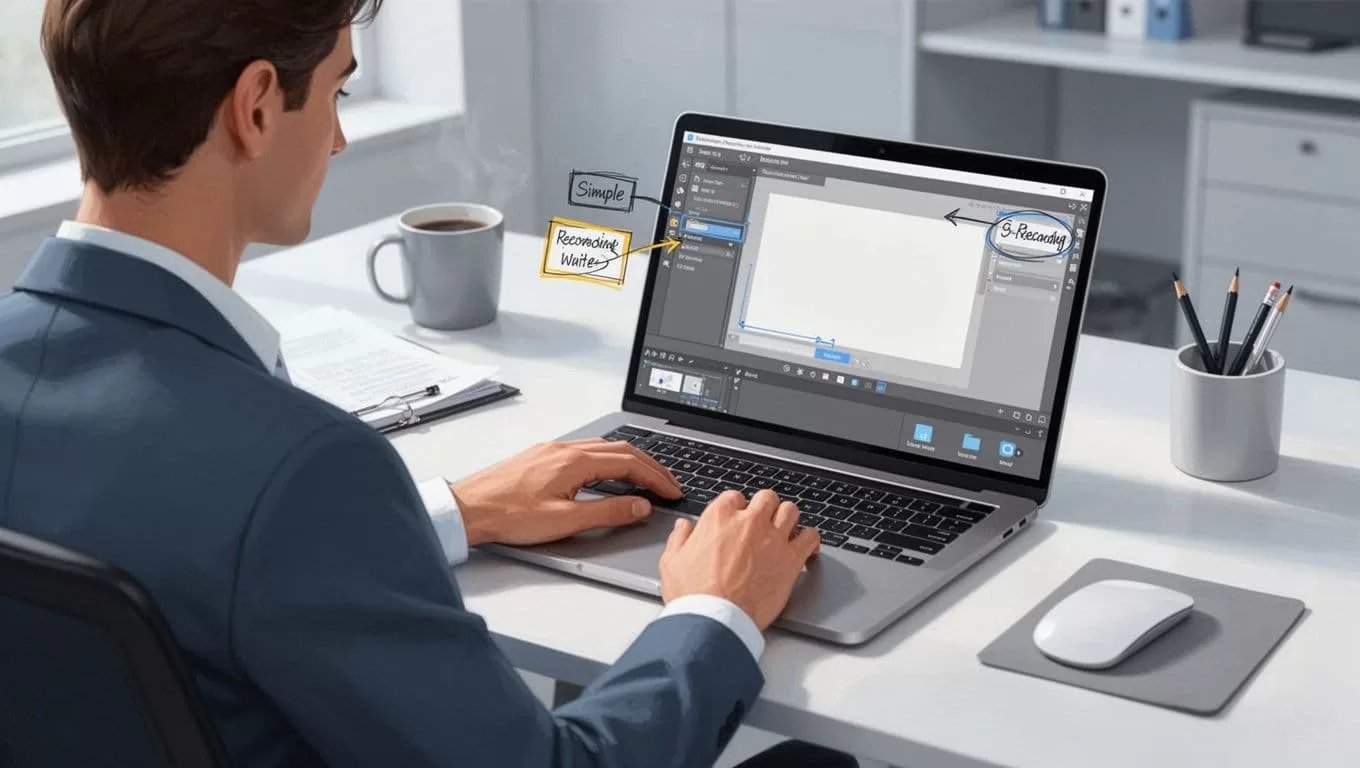
My workflow is simple. I record the task once, trim the mistakes, add a few callouts, then share it with the right permissions. After that, I check whether the client watched it. If the view drops at the same spot twice, I rewrite the lesson.
That last step matters more than many teams expect. Analytics tell me which walkthroughs land and which ones create friction. Comments and replay data also show me where the client still needs help.

I also keep the library tidy. I name videos clearly, group them by client or process, and retire outdated clips fast. That saves everyone from watching old instructions that no longer match the product.
The best screen recording tools in 2026 do one thing well, then support the rest without slowing me down. When I choose based on speed, privacy, editing, and tracking, my training content works harder and my clients ask fewer repeat questions.
