Ever shared sensitive audio with a team, only to worry about leaks? I faced that with my client workshops. Public podcasts expose everything. Private ones keep control.
Transistor.fm solves this. It creates unique secure RSS feeds per listener. No public directories. Subscribers get exclusive access. I use it for paid series and internal training. Follow my steps to set yours up.
Why Secure RSS Feeds Matter for Podcasters
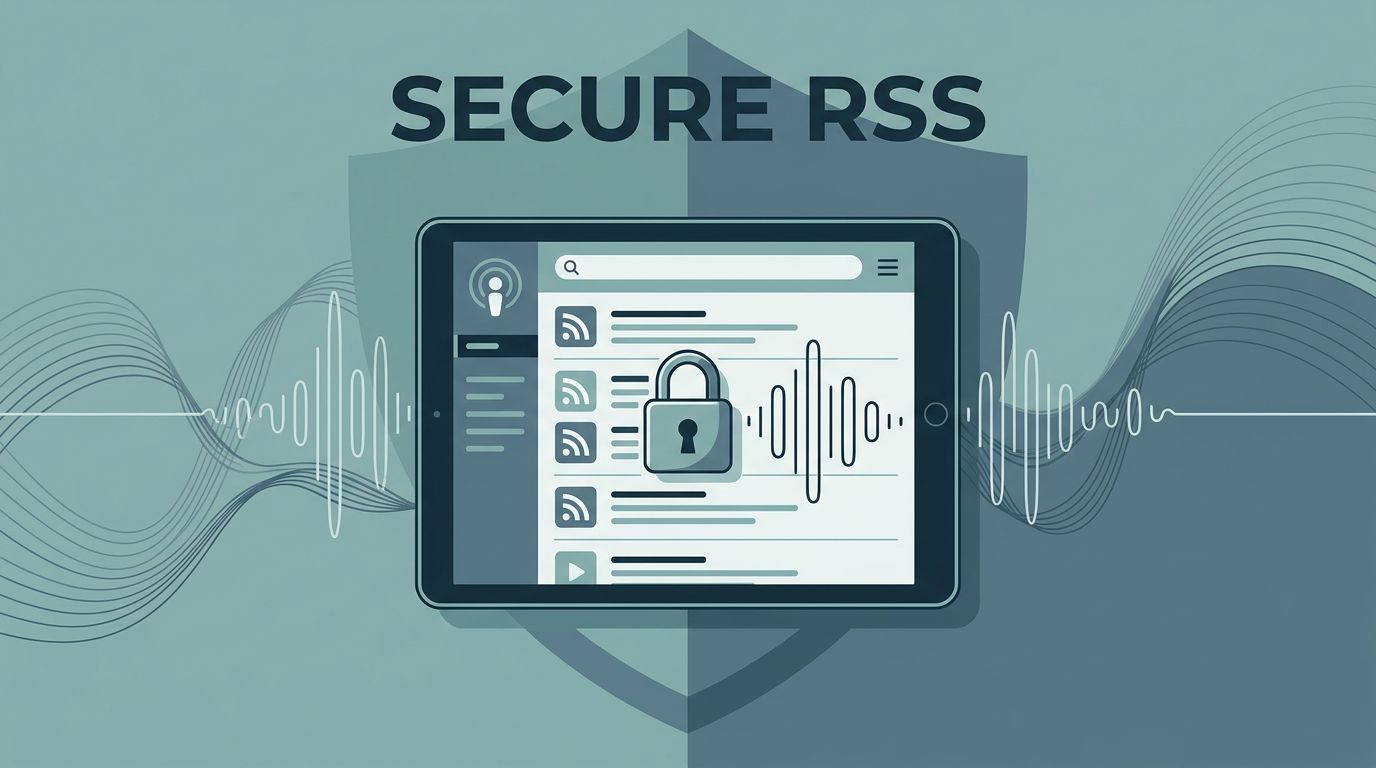
Secure feeds protect content. They stay hidden from Apple Podcasts or Spotify searches. Each subscriber holds a personal link. Revoke it anytime.
I switched after a public feed mishap. Listeners grabbed episodes meant for VIPs. Now, Transistor handles isolation. Plans start at $19 monthly. Business tier adds enhanced security.
Feeds auto-update with new episodes. Apps like Overcast show a lock icon. Listeners add them easily. For teams or courses, this beats shared drives.
Prepare Your Transistor.fm Account
Start with an account. Sign up at Transistor.fm. Pick Starter, Professional, or Business. Private podcasts need Pro or higher for per-subscriber feeds.
Verify your email. Set billing if needed. I link a credit card upfront. Plans scale with downloads. Check Transistor podcast hosting for unlimited shows.
Log in. Dashboard greets you. Shows list appears empty at first. Green “Add a Show” button sits ready. Click it.
Creating Your Private Podcast Show
Hit “Add a Show.” Select “Create a New Podcast.” Switch to private mode in Settings.
Name your show. Add description. Upload square artwork, 1400×1400 pixels works best. Pick categories. Language defaults to English.
Save changes. Transistor generates the base RSS. No episodes yet, so no feeds. Publish one first.

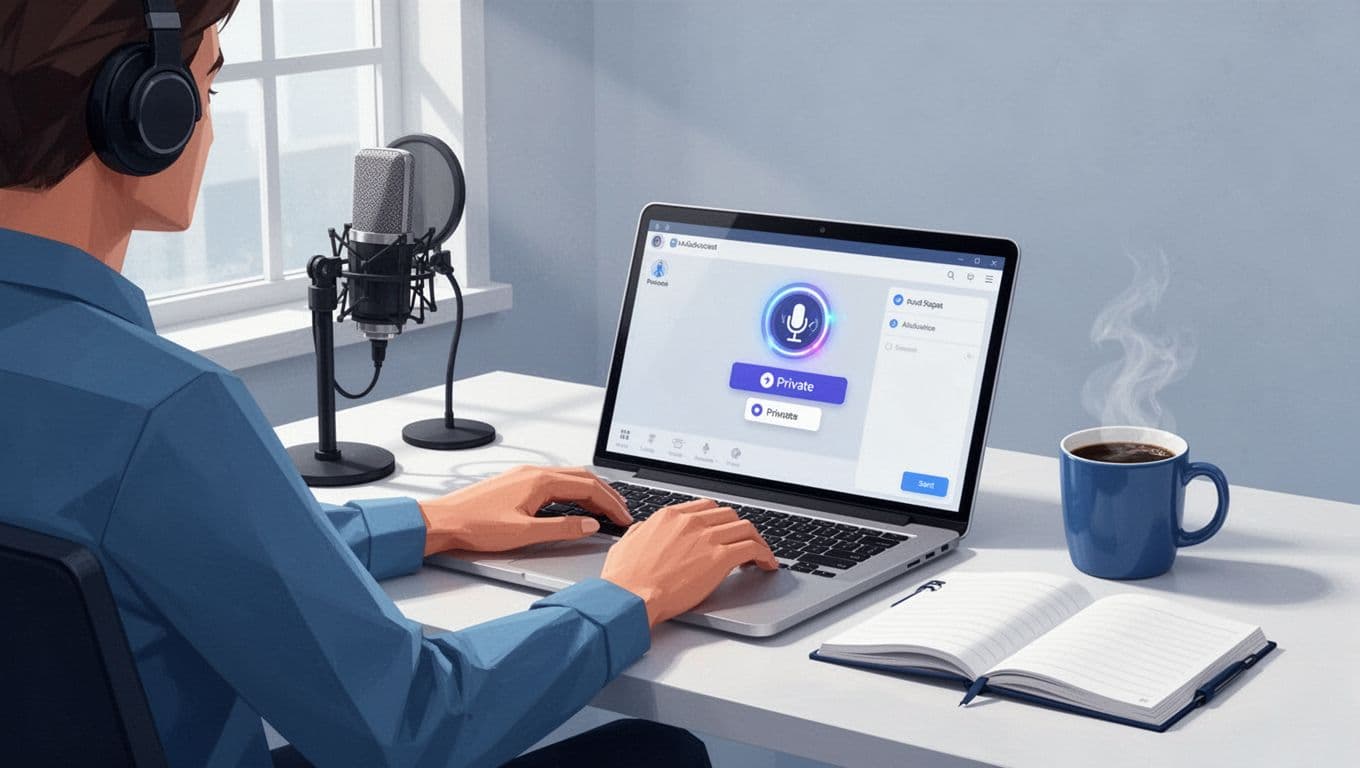
This setup takes minutes. See Transistor’s private podcast guide for visuals.
Record and Publish Your First Episode
Grab a mic. Record MP3 at 128kbps or higher. Keep files under 500MB.
In your show, click “New Episode.” Upload audio. Title it. Write notes. Add chapters if you want.
Publish. Episode goes live to subscribers only. RSS updates instantly.
Test playback in Transistor’s player. Download works too. I always listen once.
Managing Subscribers and Their Secure Feeds
Subscribers tab opens magic. Add one by email. Or upload CSV for batches. Invite links work for groups.
Each gets a unique secure RSS feed. Email delivers it with app instructions. Apple Podcasts, Overcast, Pocket Casts support them. Spotify skips privates.
Track opens and progress. Remove access if needed. Feeds revoke on delete.
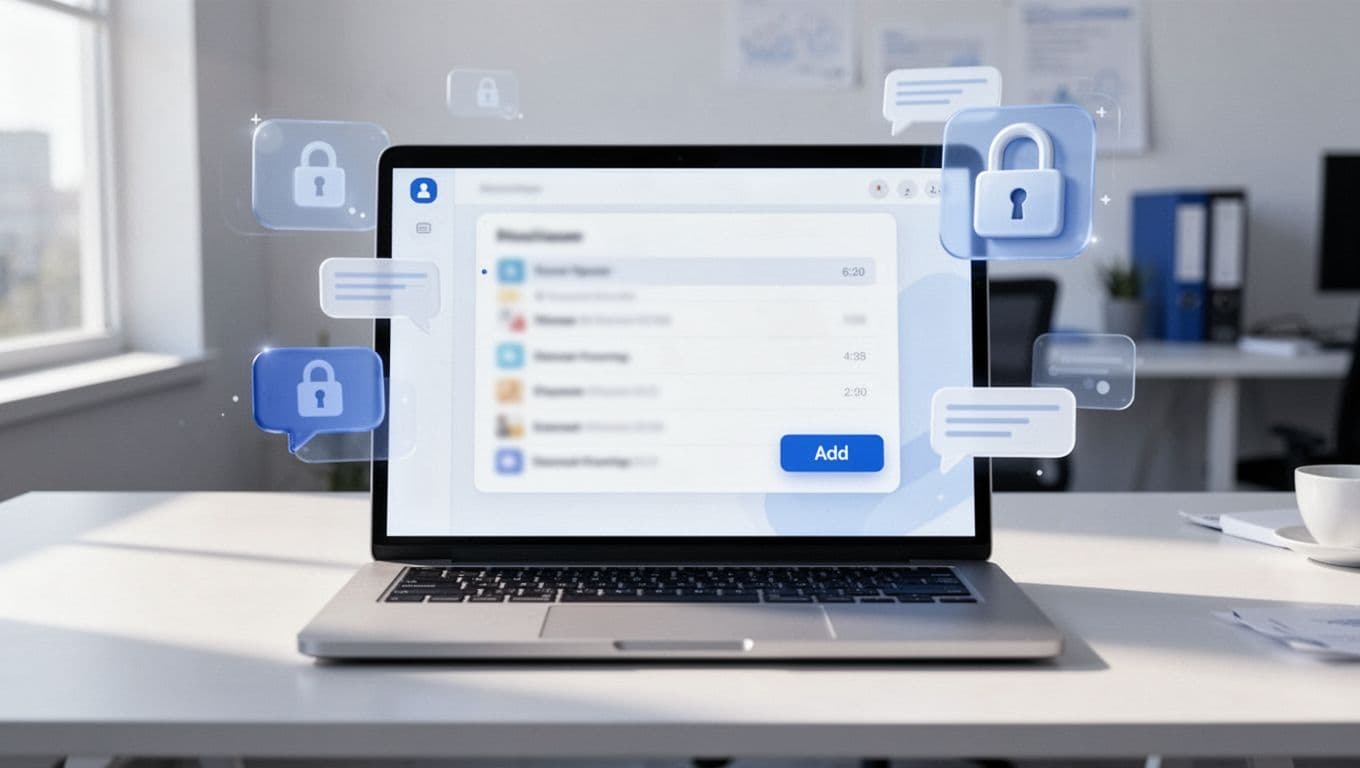
Details live at Transistor’s podcast RSS feed page.
Test Your Secure Feed in Apps
Copy a subscriber’s feed. Paste into Overcast. Lock appears. Subscribe.
Play episode. All loads private. Share link? It fails for outsiders.
If stuck, validate RSS at castfeedvalidator.com. Common fix: Republish episode.
I test weekly. Ensures smooth delivery.
Handle Paid or Enhanced Private Options
Pro plan unlocks paid feeds. Each payer gets personal RSS. Cancel? Access ends.
Business adds analytics per listener. I use it for courses. No coding needed, unlike Patreon hacks.
See paid private podcast setup.
Common Questions on Secure RSS Feeds
Who accesses the feed?
Only named subscribers. Unique per person. No public view.
How do I revoke access?
Delete from Subscribers tab. Feed dies instantly. No recovery.
Feed fails in apps?
Check publish status. Validate RSS. Re-add subscriber. Contact Transistor support.
Wrapping Up Secure Feeds
Secure RSS feeds lock content tight. I rely on Transistor for client exclusives. Setup flows simple. Subscribers stay happy.
Start small. One episode tests everything. Scale as needed. Your private audio stays yours.
(Word count: 982)