Sell Digital Products on Skool Without a Messy Funnel
Sending buyers out of your community to pay feels like asking dinner guests to eat next door. When you sell digital products on Skool, the sale happens where trust already lives. Courses, templates, workshops, and memberships can share one...
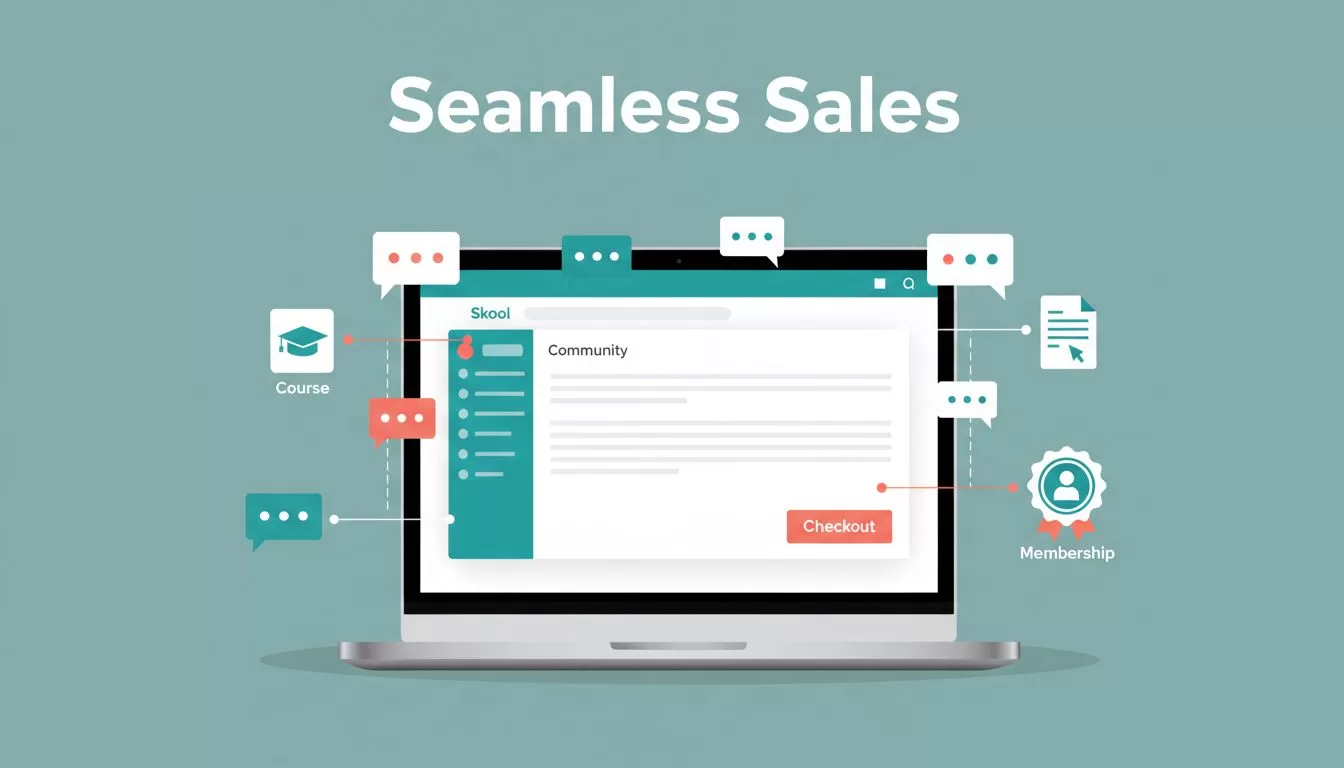
Sending buyers out of your community to pay feels like asking dinner guests to eat next door. When you sell digital products on Skool, the sale happens where trust already lives. Courses, templates, workshops, and memberships can share one room with the conversation around them.
Skool is not a storefront, though. This guide explains what Skool sells well, what Skool does not, how to package an offer, and how to compare plan costs using published rates. Confirm every price on the official Skool pages before you launch.
Why Skool works best as a community checkout
Skool is strongest when the product and the community feed each other. A buyer of a course, a template pack, or a workshop replay gets more than files. The buyer gets context, answers, and momentum.
The Skool pricing page lists unlimited members, courses, videos, and live calls on both plans. The Skool help center lists Classroom, Calendar, Payments, and Billing guides. Together these tools cover content, events, and checkout.

Skool sells access, progress, and belonging better than loose files. Treat Skool as a paid room with a clear promise.
Where Skool fits less well
Skool does not suit every product. A polished download store, heavy brand control, deep funnel logic, and advanced email automation all strain Skool. Third-party reviews describe Skool as a community and course platform, not a file shop. Check the help center for current file and download options before you plan a template library.
Payment options also change over time. Third-party guides disagree on which pricing models Skool supports, so open the Payments and Billing guides before you design an offer. Do not assume one-time payments, trials, or tiers without confirming them.
Skool plans and fees in plain numbers
The official pricing page lists two plans.
| Plan | Monthly price | Transaction fee | Members |
|---|---|---|---|
| Hobby | $9 | 10 percent | Unlimited |
| Pro | $99 | 2.9 percent | Unlimited |
Both plans list unlimited courses, videos, and live calls. Both include a custom URL and affiliates. The page shows a 14-day free trial and a banner for two free months on yearly billing.
A worked example
Assume 40 members pay $49 per month. Monthly revenue equals $1,960. On Hobby, the fee equals 10 percent of revenue, or $196, plus $9 for the plan, for $205. On Pro, the fee equals 2.9 percent, or $56.84, plus $99, for $155.84.
The plans break even near $1,268 in monthly revenue. Below this point Hobby costs less. Above this point Pro costs less. The example uses published rates only. Payment processors may add charges, so read the Payments guides.
Package digital products around one result
The biggest mistake is stuffing Skool with random assets. A pile of PDFs feels like a junk drawer. A focused promise feels like a product.
Start with one result. For example, sell a mini-course which helps freelancers land one client in 14 days. Add templates, a live workshop, and community feedback around the result. The files support the result, not the other way around.
| Product | Best Skool format | Best payment style |
|---|---|---|
| Course | Classroom modules with comments | Access fee, confirmed in Payments guides |
| Templates | Bonus lessons tied to a course or workshop | Bundled with membership |
| Downloads | Resource lessons unlocked after onboarding | Recurring membership |
| Workshop | Calendar event plus replay | Bundled or upsell |
| Membership | Weekly coaching, archive, and community access | Monthly or yearly |
The takeaway is simple. Bundle the product with help and buyers see more value and stay longer.

Product ideas which fit the format
- A six-week skill course with weekly feedback from the host.
- A template pack with a recorded walkthrough and a live question session.
- A swipe file library which grows each month with new examples.
- A workshop series with replays and action sheets for each session.
- A done-with-you program where members share drafts and get review.
Each idea pairs content with interaction. Interaction is the reason buyers pick Skool over a plain download page.
Validate demand before you build
Do not record a single lesson before you know people want the topic. Study trends, search demand, and community questions first. The guide to spotting trending business ideas shows one research method. The guide to tracking ecommerce niches with Exploding Topics helps when you target store owners.
A course, template pack, or workshop lands better when the pain is already hot. Ask ten target buyers what they would pay to fix the problem. Write down their exact words and reuse them in your offer.
Build a short path to purchase
Keep the path from stranger to buyer short. A free community can warm people up. A paid course or membership becomes the next step. The Heights Platform comparison gives a competitor view of Skool for digital downloads. Read the view with care, because Heights sells a rival product.
Public examples such as Digital Sales School show a clear offer with a community around the sale. Study the About page of a few communities in your niche. Note the promise, the proof, and the price.
- Write one sentence which states the result and the timeframe.
- Add three proof points such as results, samples, or short testimonials.
- Show what the buyer receives in the first ten minutes.
- State the price and the billing period on the About page.
- Link the community to your best free lesson.
- Reply to every question within one day.
Lift conversions and keep members paying
Conversions rise when buyers feel a first win fast. Design the opening like a runway, not a maze.
Make the first lesson quick and useful. When you sell templates, show how to use one in ten minutes. When you sell a workshop, release the replay and action sheet right away. When you sell a membership, point new members to one thread, one lesson, and one next step. Too many choices kill motion.
Use live events to sell and retain
Skool lists unlimited live calls on both plans, and the help center covers the Calendar. Events give people a reason to gather, ask questions, and see the product alive. A workshop can introduce the next offer. A question session can save a member from canceling. A hot-seat session can turn quiet lurkers into active buyers.
Use points with care
The help center covers Leaderboards, points, and levels. Do not lock the core result behind points. Unlock bonus templates, office hours, or advanced lessons instead. This keeps the main promise simple while rewarding action.
Keep a steady publishing rhythm
Retention comes from rhythm. Post one sharp lesson each week instead of fifty videos on day one. People stay when they feel progress. People leave when they feel buried. Share fresh examples, visible wins, and regular prompts to use the product.
Plan the first 30 days after launch
A launch needs a calendar. Use a simple thirty-day plan and adjust after the first results.
- Days one to seven: welcome each buyer by name, post daily, and host one live call.
- Days eight to fourteen: ask for the first win and share three buyer results in the feed.
- Days fifteen to twenty-one: release a bonus lesson and run a question session.
- Days twenty-two to thirty: ask for feedback, fix the weakest lesson, and announce the next offer.
Track how many buyers finish the first lesson. A buyer who finishes the first lesson is far more likely to stay. Rewrite the opening if few buyers finish.
Plan around Skool limits
Skool is not a full email platform and offers leaner branding than a custom site. Keep the offer clean inside Skool. Use outside tools only when you need more follow-up or reporting.
- Confirm payment options in the Payments and Billing guides before you set prices.
- Confirm how many communities one plan covers before you split an offer into several groups.
- Keep one clear offer per community until sales prove demand.
- Export customer lists on a schedule if the platform allows exports.
- Review the pricing page each quarter because plans and fees change.
Frequently asked questions
Can I sell templates and PDFs on Skool?
You can bundle files with lessons or events. Confirm current file options in the help center. Skool works better for access to a community than for a pure download store.
Which Skool plan should a new seller choose?
Compare the fees. Hobby costs $9 per month with a 10 percent transaction fee. Pro costs $99 per month with a 2.9 percent fee. Higher revenue favors Pro.
Does Skool offer a free trial?
The pricing page lists a 14-day free trial. Confirm the terms on the page before you sign up.
Can I run workshops inside Skool?
Yes. The pricing page lists unlimited live calls, and the help center covers the Calendar.
How do I find a product people will buy?
Study trends and community questions. Talk to ten buyers. Build around one result.
Where can I check current prices?
Use the official Skool pricing page. Fees and plans change.
Conclusion
When you sell through Skool, you do not sell a file cabinet. You sell a place where people buy, learn, ask, and move.
Keep the promise tight, deliver the first win fast, and keep the community active. Pick one offer, tie the offer to one result, and build the room people want to stay in.
