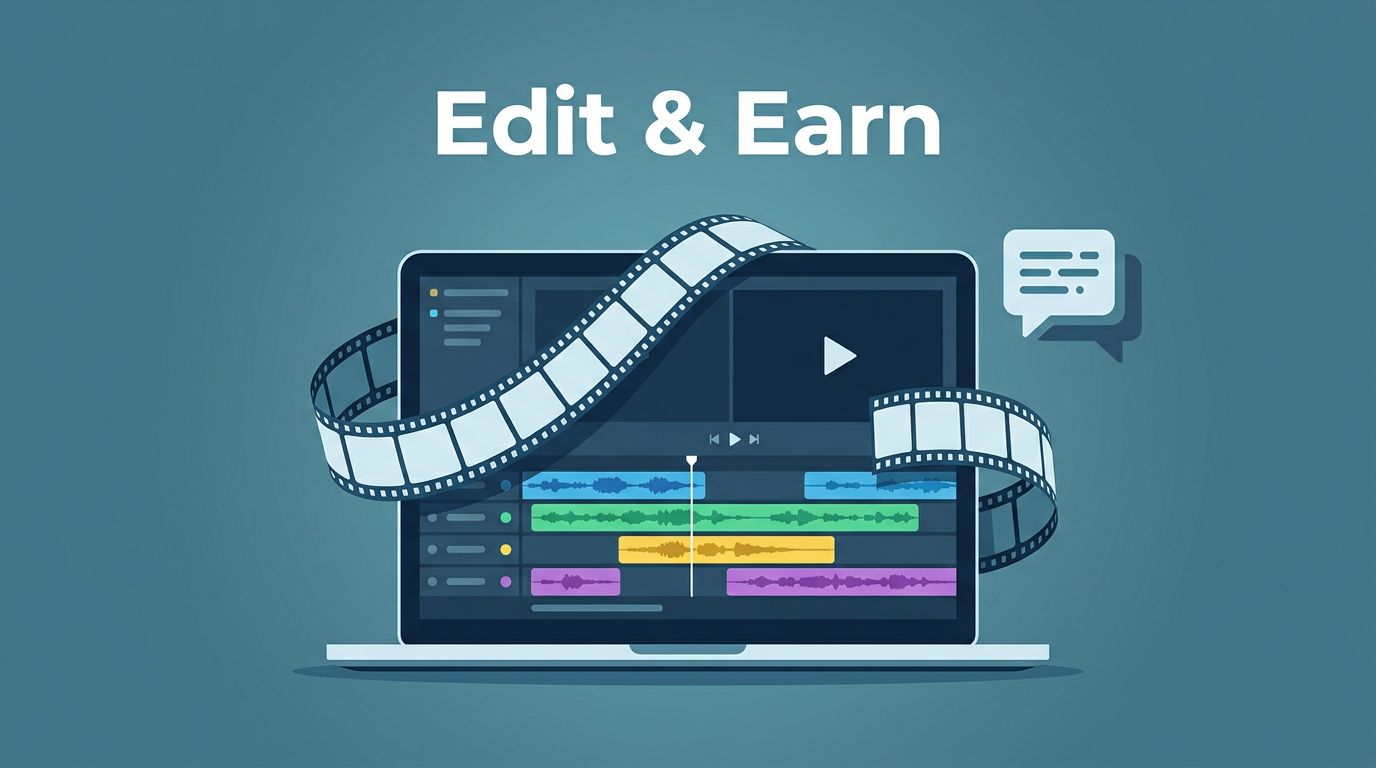
I’ve spent years providing video editing services for clients. Late nights fixing shaky clips and syncing audio taught me skills most beginners dream about. Now, I sell video editing tutorials on Skool. You can do the same to monetize video editing skills. Freelancers and editors like us face feast-or-famine gigs on freelancing platforms. Skool turns one-off jobs into steady income from courses and communities, helping build a sustainable video editing career.
This platform fits video creators perfectly. Its native video hosting lets you upload lessons directly. No external links or embeds. I share Premiere Pro workflows and CapCut tricks without hassle. Let’s walk through how I set it up.

Key Takeaways
- Skool excels for video editing tutorials with native HD video hosting, community feeds, gamification, and 85% retention—beating scattered e-learning platforms like Thinkific.
- Turn editing skills into $3,000+ monthly recurring revenue by niching down (e.g., CapCut for short-form, Premiere Pro workflows), drip-feeding bite-sized modules, and building feedback loops in communities.
- Price tiers from $19/mo Starter to $99/mo Elite with features like live critiques; market via YouTube teasers, presells, and affiliates for low-churn growth.
- Engage students with daily challenges, polls, leaderboards, and live workshops to drive sales and transform beginners into pros without burnout—automate onboarding and hire co-coaches to scale.
Why Skool Beats Other Platforms for Editing Tutorials
Skool keeps things simple. You build a community feed alongside online courses. Members post questions right under your lessons. That interaction boosts retention. In 2026, native video uploads changed everything. I drop HD video tutorials into the classroom. Auto-captions handle transcripts. Speed controls let students scrub at 1.5x.
Other e-learning platforms scatter features. Skool merges them. Feed for chats. Calendar for live edits. Gamification adds points for comments. My group hits 85% retention because students earn ranks. They unlock bonus clips after posting their first edit.
Payments run smooth too. Stripe handles monthly subs. No extra plugins. I charge $29 a month. Students get fresh tutorials plus Q&A. Compare that to online marketplaces like Thinkific, where videos need separate hosting. Thinkific’s video course sales guide shows evergreen launches work. But Skool’s app makes live coaching easy. Members join from phones, much like social media.
Unlike generic online marketplaces and other e-learning platforms, Skool excels for video editing. Upload a shaky footage fix demo or promotional videos to hook new members. Drip next week’s color grading. Students apply it immediately.
Turning Your Editing Skills Into a Sustainable Business


I started with client pain points. They hated long render times. My first course fixed that. Build a video editing portfolio as the foundation for your teaching business. Now, picture your desk as a revenue hub. Two monitors glow with timelines. You teach others to match that setup.
Skool lets you turn those skills into digital products. Sell access to your brain. Not just videos. The community adds value. Beginners share rough cuts. You critique in threads. That feedback loop sells upgrades.
I focus on niche markets. Short-form content editing pulls content creators for TikTok. Premiere Pro for pros handling YouTube channels. CapCut for quick mobile edits. Client-editing systems teach freelancers to batch jobs. Tailor video editing techniques to your target audience, solving one problem at a time. Like “Cut a 60-second reel in under 10 minutes,” complete with video templates as a bonus.
Realistic earnings? I hit $3,000 monthly from 100 members. Half from courses. Half from chats. Skool’s discovery tags help. Add “Premiere Pro tutorials” and “video editing for beginners.” Quality engagement ranks you higher.
Link your group to a comprehensive Skool community growth guide. It covers pinning welcome posts. That keeps newbies active from day one.
Design Tutorials That Students Binge
Curriculum matters most in creating educational content. I break editing into bite-sized video tutorials for quick wins. Through script planning, each module delivers, like Module one: Import and organize footage. Screen record your mouse. Narrate each click. Keep videos under 10 minutes.
Use Skool’s classroom for these video tutorials. Modules drip weekly so students finish beginner cuts before advanced effects. Add checklists, like “Export at 4K. Test on mobile.” They mark progress.
Examples that sell:
- Beginner editing: Teach video editing techniques to trim clips in CapCut. Free tool draws crowds.
- Short-form content for a niche market: Hook in three seconds. Use Premiere’s dynamic links.
- Premiere Pro workflows: LUTs for fast grading. Batch exports save hours.
- Client systems: Folders for revisions. Invoice after approval.
Test your educational content on free members first. Post a teaser. “Fix green screen flicker.” Gauge comments. Refine paid versions.
Engage with polls. “Struggle most with audio or color?” Tailor next lessons in video production. Content creators feel seen. They stick around.
Price for Profit and Retention
Pricing stumps most creators. Start at $19 monthly. Covers basics. Upsell $49 for live calls. Free trials hook seven days. Enough for one full edit.
Skool handles recurring charges. Connect Stripe. Set auto-renew. Members see history in-app. No payment drama.
Check Skool monthly fees setup. It details Stripe Express links. Test joins before launch.
Tier it with these pricing models:
| Tier | Price | Features |
|---|---|---|
| Starter | $19/mo | Core tutorials, digital downloads, feed access |
| Pro | $49/mo | Live edits, critiques |
| Elite | $99/mo | 1:1 calls, video templates |
This nets recurring revenue from digital products. 50 starters equal $950 monthly. Low churn because value stacks.
Watch refunds. Offer “edit my clip” guarantees. Most don’t use it. Builds trust.
Build a Community That Drives Sales
Communities sell tutorials. Post daily challenges. “Edit this stock footage. Share results on social media.” Top entries win shoutouts.
Use gamification. Points for posts. Leaderboards spark competition. Unlock “pro transitions” at level 5.
Live calendar events pull crowds. Host video editing workshops like “Friday Fixes.” Demo viewer clips. Timezones auto-adjust.
Threads keep chats focused. Pin rules: No spam. Helpful only. Poll your target audience on video tutorials to tailor lessons.
For content creators, create “Wins” category. Students drop polished reels. Newbies aspire. Sales follow.
Moderate light. React to efforts. Mute trolls. Retention soars. Host more video editing workshops to keep momentum.
Market and Scale Your Offer
Free content funnels leads from your YouTube channel. Video marketing with promotional videos like YouTube shorts teases lessons. End with “Full workflow on Skool.” Social media bio links direct traffic.
Presell cohorts as a top marketing strategy. “10 spots at launch price.” Fills fast. Use buyer personas to target ideal students.
Email lists convert. Skool integrates seamlessly. Send weekly tips as another marketing strategy.
For editing specifics, see Teachery’s video editing course strategies. They push pitches from freelancing platforms into online courses upsells. I adapt that.
Leverage students’ video editing portfolio for conversions. Affiliates earn 40%. Happy students refer. My growth doubled.
Track metrics. Skool dashboard shows active days. Tweak low-engagement modules.
Handle Growth Without Burnout
Scale smart. Unlike one-on-one video editing services, hire co-coaches at 100 members. Pay per critique.
Automate onboarding for your target audience. Welcome video. Starter checklist.
Outsource captions if needed; Skool’s auto ones suffice mostly. Use video editing services for extra polish when scaling.
Backup with Google Drive pins. Secure extras.
Stay consistent. One video tutorial weekly builds professional branding. Community runs itself. Maintain a social media presence for long-term sustainability and brand growth.
Frequently Asked Questions
Why choose Skool over other platforms for video editing tutorials?
Skool merges community chats, native video uploads with auto-captions, gamification, and Stripe payments into one app—perfect for video creators. Unlike Thinkific, no external hosting hassles; members engage like social media from phones. High retention (85%) comes from ranks unlocking bonuses and live edits.
How can I realistically earn from selling video editing tutorials?
I hit $3,000 monthly from 100 members at $29/mo, split between courses and Q&A. Tiered pricing ($19-$99) and niches like TikTok reels or Premiere Pro pull steady subs. Affiliates and student referrals double growth with low churn.
What’s the best way to design tutorials that students binge?
Break into 10-min bite-sized videos: import footage, quick wins like 60-sec reels. Drip weekly in Skool classrooms with checklists; test teasers on free members first. Tailor via polls (audio vs. color struggles) and add bonuses like LUTs or templates.
How do I price for profit and build a sales-driving community?
Start at $19/mo for basics, upsell $49 Pro with critiques, $99 Elite for 1:1. Gamify with points, leaderboards, daily challenges, and Friday live fixes. Free trials and ‘edit my clip’ guarantees build trust and recurring revenue.
How to market and scale without burnout?
Funnel leads from YouTube shorts teasing full workflows; presell cohorts and use email tips. Leverage student portfolios for affiliates (40% cut). At 100 members, automate onboarding, hire co-coaches, and post one weekly tutorial—community runs itself.
Conclusion
Selling video editing tutorials on Skool built my steady income. Communities plus online courses create loyalty. Beginners turn pro and launch their video editing career under your guidance. Revenue from monetizing video editing skills compounds monthly.
Pick one niche. Launch small with video marketing. Watch members transform rough cuts into reels. Your expertise pays forever. Start today. Your first student waits.