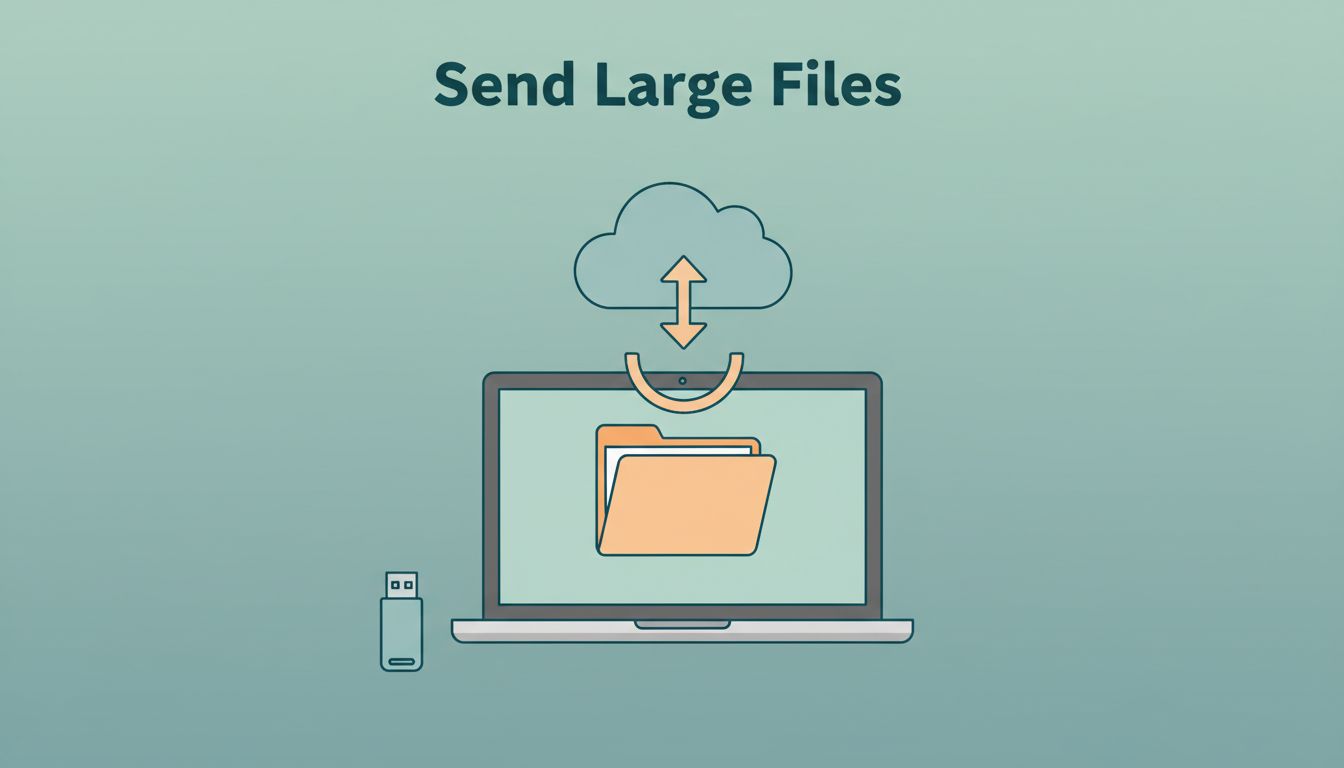
Why force a 2 GB video through a mailbox built for postcards? I don’t. When a file is too big for email, I pick the method based on size, speed, privacy, and how often the other person needs it.
In April 2026, that choice matters more than ever. A design proof, a batch of photos, a PDF bundle, or a work archive can stall in email and waste time. I’d rather send the file once, send it safely, and know the other side can open it.
I start with the file’s job, not the tool
Before I upload anything, I ask one simple thing: will this file be used again, or is it a one-time handoff? That answer usually decides the best path.
| Method | Best for | Main strength | Main tradeoff |
|---|---|---|---|
| Cloud storage | Team docs, design files, shared videos | Easy reuse and permissions | Needs storage and access control |
| Transfer service | One-off photos, PDFs, work packs | Fast link sharing | Often expires after a short time |
| Peer-to-peer transfer | Huge urgent files | Can be very fast | Both sides need to be available |
| Physical drive | Massive archives | Bypasses upload limits | Slower and less convenient |
My rule is simple. If the file needs comments, version history, or repeat access, I use cloud storage. If I only need to hand it off once, I use a transfer service. For a broader compare-and-contrast view, I keep Fast.io’s 2026 large-file comparison handy.
If the file will come back tomorrow, I store it. If it leaves once, I send a link.
Cloud storage works best when the file will be used again
For team work, cloud storage is my default. It fits videos, photos, PDFs, and work documents that need more than one pair of eyes. I like it because I can control access, replace old versions, and keep one source of truth.
When the file belongs to my team, I keep it in Google Workspace Shared Drives setup for small teams or shape the folder plan with deploying Google Workspace file storage. That keeps ownership with the business, not one person’s inbox.

I usually send files this way:
- I upload the file to a shared folder or drive.
- I set the right role, usually Viewer, Commenter, or Editor.
- I switch on expiration dates when the file is temporary.
- I test the link from another account before I send it out.
The upside is strong. I get permission control, audit history, and fewer duplicate copies. The downside is that storage can fill up, and sloppy sharing rules can create risk. For sensitive work, I tighten things further with secure Google Workspace document sharing.
Transfer services are better for one-off sends
When I need to send a file once, I reach for a transfer service. This works well for a single video clip, a folder of photos, a PDF proof, or a short-term client review. The recipient usually gets a simple link, and I don’t have to manage a shared folder for weeks.
I also like this route when the other person doesn’t want another account. That keeps friction low. For a security-first view of this process, I also like SendMeSafe’s secure large-file guide.
My send routine is short:
- I upload the file.
- I add the recipient email or copy the share link.
- I set a password and an expiry date if the tool supports it.
- I confirm the recipient can open it.
The strength here is speed. The weakness is that the link may expire, and I may need to upload again for a fresh send. That’s fine for a one-off handoff, less fine for an ongoing review loop.
Peer-to-peer tools help when speed matters most
Sometimes I need to move a huge file fast, and both sides are online at the same time. That’s where peer-to-peer style transfer helps. It can be a good fit for large datasets, long video files, or time-sensitive work when I want to avoid a long cloud upload.

I use this approach carefully:
- I open the transfer tool on both devices.
- I confirm the connection method, such as a code or local network path.
- I send the file and wait for a full completion check.
- I end the session and remove the file if the tool stores one.
The upside is speed, especially with big files. The downside is timing. Both people need to be ready, and the connection quality matters. For sensitive transfers, I still want password protection, encryption in transit, and a separate channel for sharing the code.
My last security check before I hit send
Before I send anything important, I do a quick safety pass. I compress folders if they contain lots of small files, because that keeps transfer times down and reduces clutter. I also rename files clearly, since “final_final2” causes chaos later.
Then I check three things: the recipient email, the access level, and the expiry date. If the file is private, I use a password and share it through a different channel. If the file is meant for review only, I stop at view or comment access. If the file is sensitive, I treat the link like a key, not a postcard.
The best way to send large files is the one that fits the job. I use cloud storage for files that need to live, transfer links for files that need to leave, and peer-to-peer tools when speed matters most. Email is still useful, but only for the small stuff.
When I choose the method first and the service second, large file sharing gets a lot calmer.