How to send money Chile fast with Remitly
A search for “send money Chile” usually means you need a reliable transfer without unnecessary delays. Remitly lets you send funds from the United States to Chile through a mobile app or website, with delivery choices such as ba...

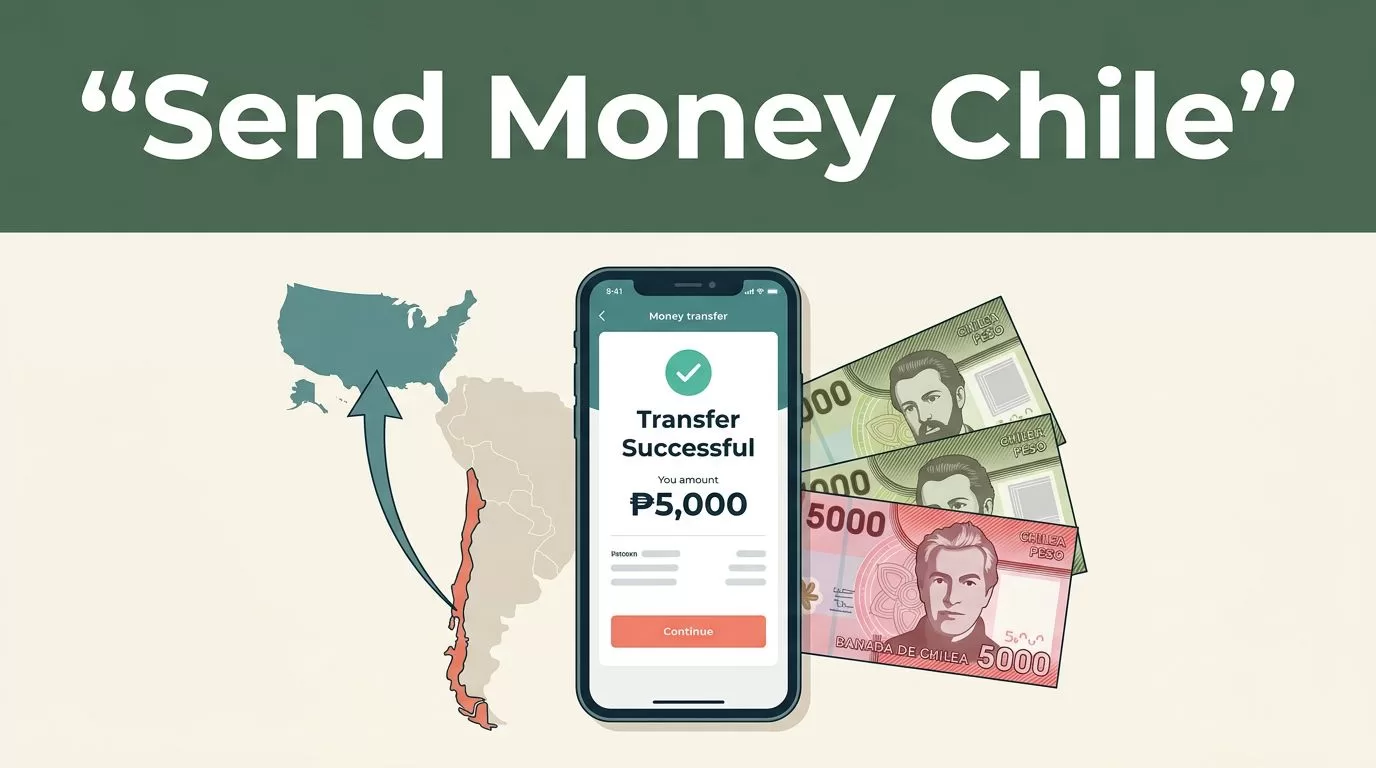
A search for “send money Chile” usually means you need a reliable transfer without unnecessary delays. Remitly lets you send funds from the United States to Chile through a mobile app or website, with delivery choices such as bank deposit and cash pickup.
The fastest option isn’t always the cheapest. Your payment method, transfer amount, recipient location, delivery method, and verification status can change the final cost and arrival time. Check the live quote and delivery estimate in Remitly before you confirm the transaction.
How to send money Chile with Remitly
Remitly separates the transfer into four decisions:
- How much money you want to send.
- How you want to pay.
- How your recipient will receive the funds.
- How quickly the transfer should arrive.
You can start through the Remitly page for transfers to Chile. Enter the sending amount and review the Chilean peso amount shown for your recipient.
Remitly generally offers two speed levels. Express is usually the faster option when you pay with an eligible debit or credit card. Depending on the route and review process, the recipient may receive the money within minutes.
Economy is usually slower. Transfers funded through a bank account can take several business days. General estimates may range from one to five business days, but the exact estimate for your transaction appears in the app or website.
Payment speed also depends on transaction review and system availability. A transfer that looks immediate during setup can take longer if Remitly requests additional information.
The delivery estimate shown for your specific transfer is more useful than a general promise about transfer speed.


Select the right delivery method in Chile
Your recipient’s needs should determine the delivery method. A bank deposit works well for regular household support. Cash pickup is more useful when the recipient needs access to physical cash or doesn’t have a suitable bank account.
Bank deposit
With a bank deposit, Remitly sends the funds directly to the recipient’s Chilean bank account. You typically need:
- The recipient’s legal name.
- The name of the Chilean bank.
- The account type.
- The account number.
- The recipient’s phone number and other requested details.
The name on the transfer should match the recipient’s identification and bank records. A spelling error can delay the deposit or require a correction.
Bank deposits also remove the need for your recipient to travel to a payout location. Confirm the bank details before sending. Don’t rely on a saved contact if the recipient recently changed accounts.
Cash pickup
Cash pickup lets the recipient collect Chilean pesos at an available local partner location. Remitly lists More Money Transfer as a cash-pickup provider in Chile, with disbursement in CLP. Available locations and providers can change, so check the options displayed for your recipient’s city.
Your recipient usually needs the transfer reference and valid identification. The legal name entered during setup should match the name on that identification.
Cash pickup can be fast, but the recipient still needs to reach the location during its operating hours. Check the address and collection requirements before choosing this option.
Mobile wallet delivery
A mobile wallet option may appear for some Chilean recipients and routes. Availability depends on the destination, provider, account eligibility, and current Remitly configuration.
Don’t promise a wallet transfer until the app displays it as an available choice. The recipient may need an active wallet account registered under the correct name and phone number.
Compare the Remitly fee and exchange rate
A transfer has more than one cost. Review the fee, exchange rate, funding method, and final amount received together.
Remitly may show a different rate for a debit card transfer than for a bank-funded transfer. Promotional rates may also apply to an eligible first transfer and may not continue on later transactions.
Use the Remitly USD-to-CLP currency converter as a reference, then verify the final quote inside the transfer flow. Exchange rates change during the day. An older screenshot or blog post can’t tell you what your recipient will receive now.
Look for these figures before pressing the final button:
- The amount charged to your payment method.
- The transfer fee.
- The exchange rate used for USD to CLP.
- The amount your recipient will collect.
- The expected delivery date or time.
- Any available promotion and its conditions.
A low fee doesn’t automatically mean a lower total cost. A provider can charge less upfront but offer a weaker exchange rate. Compare the final CLP amount, not only the visible fee.
Credit card payments may also be treated differently by the card issuer. Check your card terms if you’re unsure whether the transaction could be classified as a cash advance.
Set up your account and complete the transfer
You can use the Remitly website or download the mobile app. The process is direct, but accurate information matters at each step.
1. Create and verify your account
Register with your email address and create a secure password. Remitly may request government-issued identification and additional information before allowing a transfer.
Identity checks support financial compliance and help prevent unauthorized transactions. Complete them before an urgent payment is needed. A new account that requires review may not send funds instantly.
Use your own account and keep your contact information current. Remitly may contact you if the transaction requires clarification.
2. Enter Chile as the destination
Select Chile as the receiving country. Enter the amount you want to send in U.S. dollars or the amount you want the recipient to receive in Chilean pesos.
Review the conversion immediately. The recipient amount can change if you edit the transfer amount, delivery method, or payment source.
3. Add the recipient
Enter the recipient’s full legal name, phone number, city, and any other requested information. Choose the delivery method, then provide the bank details or cash-pickup information.
Check every character. A wrong account number can send funds to the wrong destination. A name mismatch can prevent cash collection.
4. Choose your payment method
Eligible payment methods may include a bank account, debit card, or credit card. Card-funded Express transfers are generally the quickest when the option is available.
Bank funding can take longer because the money must leave your account before Remitly completes the transfer. The app will show the available payment methods for your account and route.
5. Review and submit
Read the full quote before confirmation. Check the recipient, delivery method, fee, exchange rate, payment source, and estimated arrival time.
After submission, save the confirmation details and tracking number. Send the reference information to your recipient only through a private channel.
Reduce delays and protect the transfer
Most avoidable delays come from incorrect information or incomplete verification. Use a short pre-send review:
- Confirm the recipient’s name against their identification or bank record.
- Check the bank name, account type, and account number.
- Verify the recipient’s phone number and city.
- Confirm that the delivery location is open if using cash pickup.
- Review the final CLP amount and arrival estimate.
- Check that your card or bank account can cover the full charge.
- Keep your email and phone available for verification requests.
Don’t send money until you know how the recipient will collect it. A bank deposit doesn’t help if the account is closed. Cash pickup doesn’t help if the location is too far away or the recipient lacks valid identification.
Monitor the transfer status in the Remitly app or website. If the status doesn’t change within the stated window, check your email for a request from Remitly. Contact support through the official account rather than replying to an unexpected message asking for payment details.
Watch for fraud during urgent family requests. Confirm the request with your recipient through a separate phone call or known messaging account. Never share your password, verification code, or full card number with another person.
Choose speed based on the real need
Use Express when the recipient needs funds quickly and the additional cost fits your budget. This is usually the practical choice for an urgent medical payment, a time-sensitive bill, or a same-day household need.
Use Economy when the recipient can wait and reducing the total cost matters more than immediate delivery. Bank-funded transfers often fit planned monthly support better than card-funded urgent payments.
The correct choice depends on the live quote. Express isn’t always available for every route, amount, or payment method. Economy isn’t always the same length either. Review the estimate after selecting the exact payment and delivery options.
If you send money to the same person regularly, save their verified details and still review them before each transfer. Banking information can change. So can fees, rates, promotions, and payout availability.
Conclusion
Remitly gives you a clear way to send money to Chile through bank deposit, cash pickup, and selected digital delivery options. Card-funded Express transfers are generally the fastest, while bank-funded Economy transfers may cost less but take longer.
For anyone searching “send money Chile”, the safest process is simple: verify the account, enter accurate recipient details, compare the total CLP received, and review the live delivery estimate before confirming. Speed matters, but the final amount and successful delivery matter more.

