Download Remitly to Send Money to Chile: Step-by-Step
When you need to send money to Chile, the transfer should not depend on guesswork. You need a verified app, a clear Chilean peso payout, and a delivery method your recipient can use. Remitly lets eligible users send money to Chile through a...

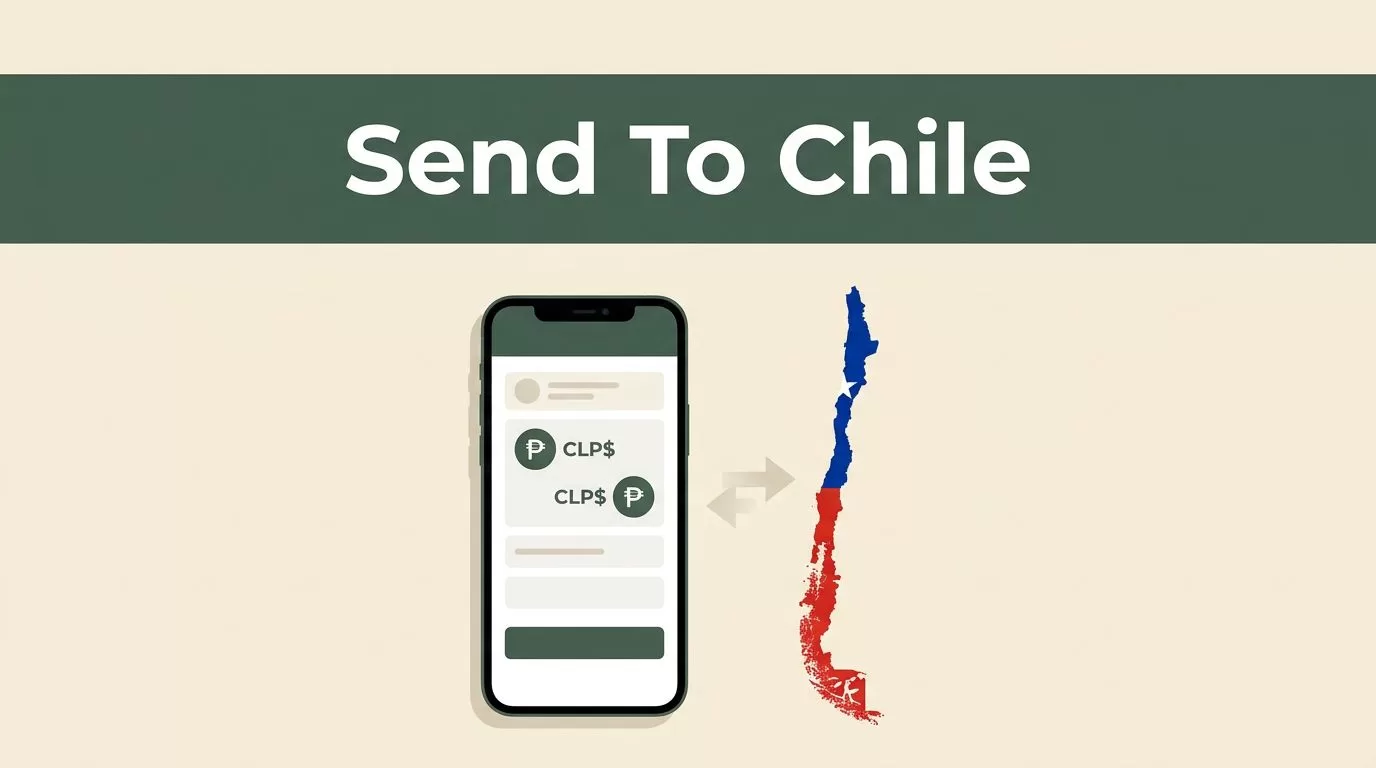
When you need to send money to Chile, the transfer should not depend on guesswork. You need a verified app, a clear Chilean peso payout, and a delivery method your recipient can use. Remitly lets eligible users send money to Chile through a mobile app or website, but the rate, fee, limit, and payout options depend on the sending route.
The process is direct: download Remitly from an official app store, verify your account, add the recipient, review the live quote, and send. Complete each step before you tap the final confirmation button.
Why Remitly Is a Practical Way to Send Money to Chile
Remitly supports several delivery methods for transfers to Chile. On the United States-to-Chile route, the main options include:
- Bank deposit, which sends Chilean pesos directly to an eligible account.
- Cash pickup, which lets the recipient collect funds from a supported local provider.
- Mobile wallet, where available, for recipients who manage money through a compatible phone-based account.
The options shown in your app depend on your sending country, the recipient’s location, and the payout partner available for that transaction. Some users may see additional delivery choices, such as debit card deposit or home delivery. Don’t assume an option is available until it appears in your live Remitly quote.
Bank deposit works well when your recipient already uses a supported bank. Remitly lists providers such as Banco de Chile and Credichile for certain transfers. Cash pickup may be more practical when the recipient doesn’t have an active bank account. A mobile wallet can reduce the need for a branch visit when the recipient has a supported account.
Review the official Remitly page for sending money to Chile before you start. The page shows route-specific details that may differ from information published for another country.


Check the Transfer Route Before You Download
Your sending country controls much of the transfer setup. A person sending from the United States may see different payment methods, fees, limits, or delivery speeds than someone sending from Canada, Spain, or the United Kingdom.
Check these details before you create the transfer:
| Transfer detail | What can change |
|---|---|
| Sending country | Available payment methods, currency, and compliance checks |
| Payment method | Total cost, processing speed, and transfer eligibility |
| Delivery method | Recipient options, fee, and estimated arrival |
| Transfer amount | Limits, promotions, and verification requirements |
| Recipient location | Available payout partners and local collection rules |
The recipient usually receives Chilean pesos, or CLP. The amount can change as the exchange rate moves during the day. Don’t rely on an old rate shown in a search result, a previous transfer, or a general currency calculator.
You can review the USD to CLP exchange-rate page for general context. Use the rate displayed inside your account for the exact amount, payment method, and delivery option you plan to select.
Download Remitly and Verify Your Account
Use the official Apple App Store or Google Play Store for your device. Avoid third-party download pages, modified application files, or links sent by unknown contacts. Confirm that the publisher is Remitly before installing the app.
Follow this setup process:
- Open your device’s official app store and search for Remitly.
- Install the Remitly app, then open it and select the option to create an account.
- Enter your email address and other requested profile information.
- Select your sending country and choose Chile as the destination.
- Complete identity verification if Remitly requests it.
- Create a strong password and activate available account security alerts.
Remitly may request a government-issued identity document. This step supports financial regulations and helps prevent unauthorized transfers. Use your legal information and submit clear document images. A blurry photo or mismatched name can delay account approval.
Don’t create multiple profiles to avoid a transfer limit or verification request. That can create more review work and delay future transactions. Use one account with accurate information.
After setup, sign in and open the transfer screen. You don’t need to send money immediately. You can review the available payout methods and generate a quote before deciding whether to continue.
How to Send Money to Chile in the Remitly App
Once your account is active, use this sequence to create the transfer:
- Select Chile as the destination country and enter the amount you want to send. Some screens also let you enter the amount the recipient should receive.
- Choose the delivery method. Select bank deposit, cash pickup, or mobile wallet based on what your recipient can use. The app will show only the options available for your route.
- Add the recipient’s information. Enter the full legal name exactly as it appears on the recipient’s identification or financial account. Check every letter before continuing.
- Add payout details. A bank deposit may require the bank name, account type, account number, and contact information. Cash pickup usually requires the recipient’s legal name and contact details. A mobile wallet may require a registered phone number or account identifier.
- Select your payment method. Depending on the sending country, Remitly may support a bank account, debit card, credit card, prepaid card, or another approved option. U.S. senders may see Visa, Mastercard, Discover, and bank account choices, but availability can vary.
- Review the quote and confirm the transfer. Check the exchange rate, transfer fee, total payment amount, recipient payout, delivery estimate, and recipient details. Submit the payment only after each item matches your plan.
The recipient’s legal name is a common source of delays. Don’t use a nickname, shortened name, or different spelling because the person uses it socially. Enter the information requested by the app and compare it with the recipient’s identification or account records.
For a bank deposit, ask the recipient to send their details through a known contact method. Don’t copy account information from an unverified message. For cash pickup, confirm the recipient knows which identification they need and where they can collect the funds.
Compare the Rate, Fee, Limit, and Delivery Estimate
A transfer has more than one cost. The app may charge a transfer fee, and the currency conversion may include a rate margin. A lower fee doesn’t automatically mean the recipient gets more money.
Focus on the final CLP amount shown before payment. The quote should identify:
- The amount you send.
- The exchange rate applied to the conversion.
- The transfer fee.
- The total amount charged to your bank account or card.
- The amount the recipient receives in Chilean pesos.
- The estimated delivery time.
The recipient amount is the number to compare first. A small transfer fee can still produce a lower payout if the exchange rate is less favorable.
Rates, fees, limits, and delivery options can vary by sending country and payment method. A bank-funded transfer may have different pricing from a debit-card-funded transfer. A faster delivery option may also cost more than a standard option. Change one field at a time and check how the quote changes.
Promotional rates may apply to a first qualifying transfer. These offers can include eligibility rules, transfer caps, expiration dates, or different pricing after the first transaction. Treat the live quote as the source of truth.
Transfer limits can depend on your location, identity verification level, account history, payment source, recipient location, and payout partner. The app may request additional information when your amount is higher than usual. Don’t split a large transfer into multiple transactions to bypass a displayed limit.
An independent overview of Remitly fees and transfer costs can help explain how provider fees and exchange rates interact. Use it for general background only. Your Remitly quote may differ because pricing changes by corridor and transaction details.
Run a Final Security Check Before Sending
Review the transfer twice before you pay. This takes less time than correcting a failed payout.
Confirm that:
- Chile is the destination country.
- The recipient’s legal name is correct.
- The bank account, wallet number, or pickup details match the recipient’s records.
- The payout method is the method your recipient expects.
- The CLP amount is acceptable.
- The fee and total payment amount are clear.
- The delivery estimate fits the recipient’s need.
- Any identity request comes from the official Remitly app or website.
Never share your Remitly password, verification code, card number, or identity document with a person who claims to be a support agent through social media. Use the contact options inside the app or on the official website.
Save the confirmation screen and transaction reference after payment. Send the reference to your recipient through a trusted contact method. If the quote changes before you complete payment, stop and review the new figures instead of assuming the original amount still applies.
Conclusion
Remitly gives international senders a clear way to send money to Chile through bank deposit, cash pickup, or a supported mobile wallet. The correct choice depends on what your recipient can access and what the live quote shows.
Download the app from an official store, verify your identity, enter recipient information carefully, and compare the final CLP payout before sending. Rates, fees, limits, and delivery times can change, so review the latest details in the Remitly app every time.

