Send Money South Africa to a Bank Account With Remitly
If you search for send money South Africa, you probably want a direct answer: how to transfer funds safely, what details you need, and how much the recipient will receive. Remitly lets you send money to eligible South African bank accounts...
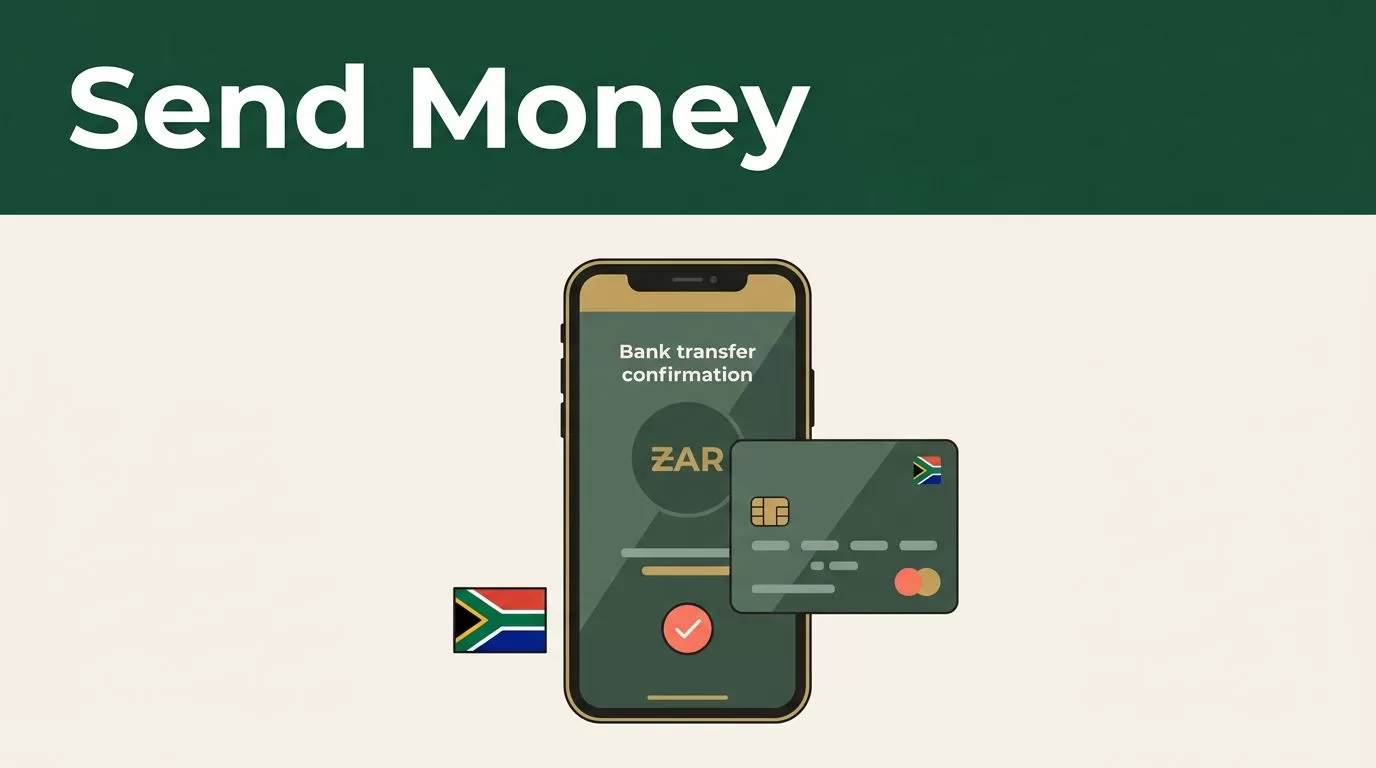
If you search for send money South Africa, you probably want a direct answer: how to transfer funds safely, what details you need, and how much the recipient will receive.
Remitly lets you send money to eligible South African bank accounts through its app or website. The live quote shows the exchange rate, fee, delivery option, and expected payout before you pay. These details can change based on your sending country, payment method, transfer amount, and recipient bank.
The process is simple when the account information is correct. Use the steps below to prepare the transfer and avoid common delays.
How to send money South Africa with Remitly
Remitly supports several delivery options for transfers to South Africa. Depending on your location and the current corridor, the recipient may receive funds through a bank deposit, cash pickup, mobile money, or another supported method. For this guide, the focus is direct deposit into a South African bank account.
Start by checking Remitly’s South Africa transfer page for the options available from your country. The available banks, payment methods, limits, and delivery speeds can differ between sending locations.
A bank deposit is practical when the recipient already has an active account and wants to use the funds for bills, purchases, or withdrawals. The recipient doesn’t need to travel to a pickup location. They also don’t need to create a separate account with Remitly to receive the deposit.
Remitly says recipients in South Africa don’t pay a Remitly receiving fee. That doesn’t mean every transfer has the same total cost. The sender may pay a transfer fee, and the exchange rate affects the final amount in rand. The recipient’s bank may also apply its own rules.
What you need before starting the transfer
Prepare the sender and recipient details before opening the transfer form. This reduces errors and lets you review the quote without stopping halfway through the process.
You typically need the following information:
- Your email address and personal details for the Remitly account.
- A government-issued identity document if Remitly requests verification.
- A supported payment method, such as a bank account, debit card, or credit card, depending on your sending country.
- The recipient’s legal name as it appears on their bank records.
- The recipient’s bank name and account details.
- The amount you want to send, or the amount the recipient should receive in South African rand.
The exact bank fields can vary. Remitly may ask for an account number, account type, contact details, or other information required by the receiving bank. Use the fields shown in the app instead of relying on an old transfer form or a previous transaction.
Ask the recipient to confirm their details directly. Check the spelling of their legal name, account number, and bank name. A nickname, missing digit, or incorrect account type can delay the transfer or send it for review.
Also decide which amount matters most. You can enter the amount you want to send in your currency, or focus on the amount the recipient should receive in rand when that option is available. The quote will show how Remitly converts one amount into the other.
How to transfer money to a South African bank account
The process follows a clear sequence. Complete each step carefully instead of rushing to the payment screen.
- Create or open your Remitly account.
Download the official app or use the Remitly website. Sign in and complete identity verification if requested. Verification requirements depend on your sending country, transfer amount, account history, and compliance checks. - Select South Africa as the destination.
Enter the amount you want to send. Remitly will calculate the expected recipient amount and display the available delivery methods. - Choose bank deposit.
Select direct deposit rather than cash pickup. The app will show the banks and account details supported for your transfer route. - Add the recipient.
Enter the recipient’s legal name and banking information exactly as provided. Review every number before moving to the next screen. - Select your payment method.
A bank-funded transfer may produce a different quote from a debit-card-funded transfer. Check whether the fee, rate, delivery estimate, or recipient amount changes. - Review and submit the transfer.
Confirm the sending amount, fee, exchange rate, payout amount, recipient details, and delivery estimate. Pay only after the information matches your plan. - Track the transfer.
Keep the confirmation details. If the transfer is pending, check the status inside your Remitly account. Don’t create a duplicate transfer before you know what happened to the first one.
Remitly also describes this sequence in its five-step South Africa transfer guide. Use the live app quote as the final reference because prices and delivery options can change after an article or help page is published.
Fees, exchange rates, delivery times, and limits
A transfer quote contains more useful information than the advertised fee alone. A low fee can still produce a smaller payout if the exchange rate is less favorable. Compare the total amount the recipient receives after all listed costs.
There is no single fee or limit that applies to every Remitly transfer to South Africa. The amount can depend on:
- Your sending country and local regulations.
- The transfer amount.
- Your identity verification status.
- The payment method you choose.
- The selected delivery method.
- Exchange-rate movement.
- Remitly’s compliance checks and banking partner limits.
Remitly’s South Africa information says transfers are usually received within minutes, but that isn’t a guarantee. The actual timing can change based on when you complete payment, the selected payout method, transaction review, system availability, and the recipient’s bank.
Some routes may show faster and slower delivery options. Read the estimate attached to your specific quote. Don’t assume that a previous transfer, promotional rate, or transfer to another country will have the same timing.
Limits can also change during the transfer process. Remitly may request additional documents or information for a larger payment. A transfer that exceeds a country, partner bank, or compliance limit may require review or may not be available through the selected method.
A quote is a control point, not a formality. Check the fee, exchange rate, recipient amount, and delivery estimate every time before confirming.
Check the bank details before you pay
Most avoidable bank deposit problems begin with incorrect recipient information. The sender enters an old account number, uses a shortened name, or selects the wrong bank. The transfer then needs additional review or correction.
Use the recipient’s current banking information. Don’t copy details from a message sent months ago. If the recipient recently changed banks, verify the new information before you start.
Pay attention to the name field. Enter the recipient’s legal name as their bank records show it. If the account belongs to a business, don’t enter an employee’s personal name. If the account belongs to an individual, don’t replace the legal name with a family nickname.
Review the recipient amount in rand as well. The amount can change when you edit the sending amount, switch payment methods, or select another delivery option. Confirm the final quote after all changes are complete.
If you notice a mistake after submitting the transfer, contact Remitly support through the official app or website immediately. Don’t assume that a bank deposit can be edited after processing has started.
SECURITY AND SCAM AWARENESS
Money transfers are difficult to reverse after the recipient receives the funds. Treat the recipient details and your Remitly login as financial information.
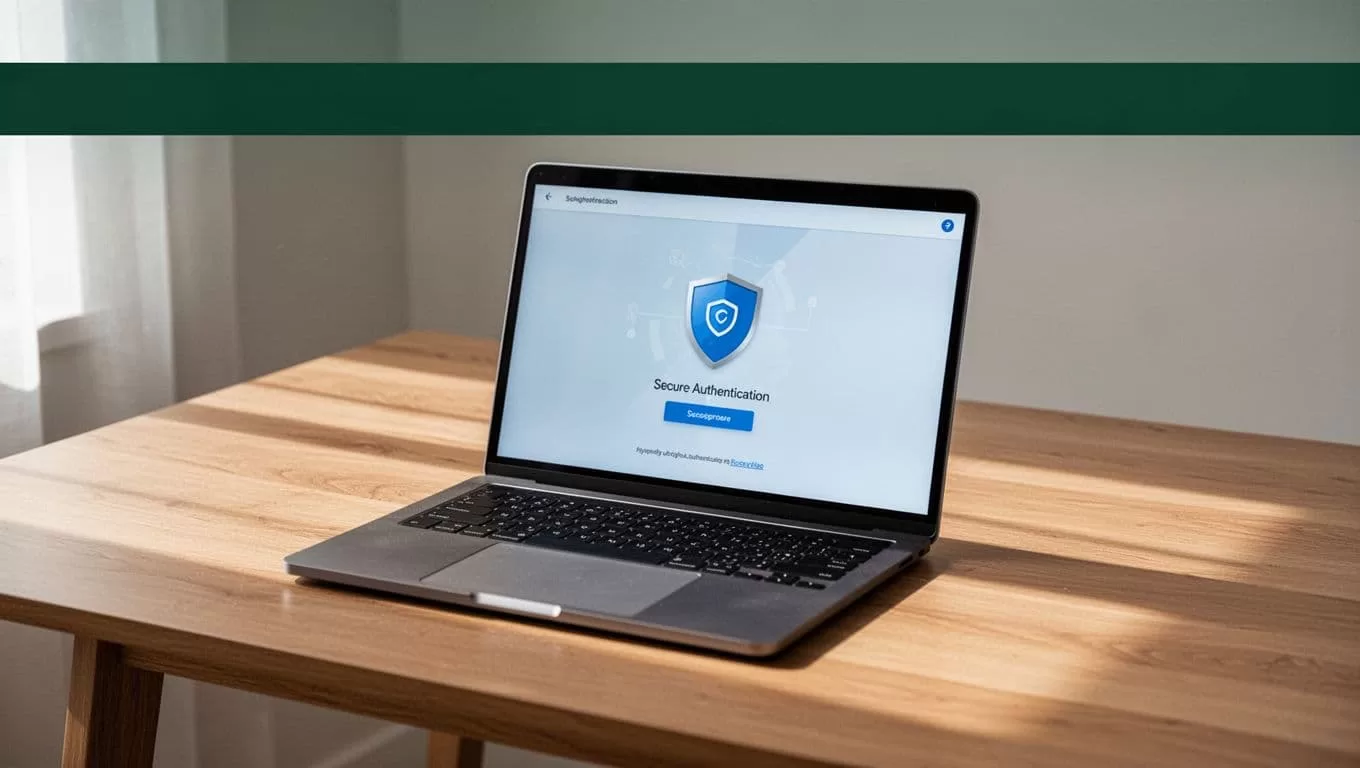
Use these controls before sending:
- Open Remitly through the official app or website. Avoid links sent by unknown contacts.
- Never share your password, verification code, or one-time passcode with another person.
- Confirm the recipient’s bank information through a separate trusted channel.
- Stop if someone creates urgency or asks you to send money to unlock an account, claim a prize, or pay an unexpected release fee.
- Don’t allow an unknown person to control your phone or computer while you use the transfer service.
- Check the recipient name and account number one final time before payment.
Scammers may impersonate relatives, employers, delivery companies, or financial support agents. A familiar name doesn’t prove that the request is legitimate. Call the person using a number you already trust if the request is unusual.
A search for send money South Africa should end with the same basic control: verify the live details before you send. Check the current quote, recipient information, payment status, and delivery estimate inside Remitly.
A practical final check before confirming
Use a short review process for every transfer:
- Confirm the destination is South Africa.
- Confirm the delivery method is bank deposit.
- Match the recipient’s legal name and account information.
- Review the exchange rate and total fee.
- Check the amount the recipient should receive in rand.
- Read the current delivery estimate.
- Confirm that the payment method is correct.
- Save the confirmation and tracking information.
This process takes less time than fixing a wrong account number or investigating an unexpected charge. It also gives you a consistent way to send money South Africa recipients can access without relying on memory from a previous transfer.
CONCLUSION
Remitly can provide a straightforward way to deposit money into an eligible South African bank account. The main work happens before payment: prepare accurate recipient details, select bank deposit, review the live quote, and confirm the final payout.
Fees, exchange rates, transfer limits, and delivery times vary by sending country, payment method, transfer amount, and recipient bank. Remitly may also request verification or review a transaction before release.
Check the current information in the Remitly app or website every time. A careful review is the best protection against avoidable delays, incorrect deposits, and scams.
