Sending Money to Colombia With Remitly: Recipient Details and Tracking
I still remember the first time my cousin in Bogotá called, short on cash for a family event. Banks charged too much, and old apps felt slow. That’s when I found Remitly, a tool that gets dollars to Colombian pesos fast and cheap. You...


I still remember the first time my cousin in Bogotá called, short on cash for a family event. Banks charged too much, and old apps felt slow. That’s when I found Remitly, a tool that gets dollars to Colombian pesos fast and cheap.
You might face the same rush. Family needs help, or business suppliers in Medellín wait for payment. Remitly handles it with clear steps and solid options. Let’s walk through how I do it now.
Why Remitly Fits My Cross-Border Needs
Remitly stands out for sends to Colombia because it skips bank markups. I run a small team with suppliers there, so quick transfers matter. The app shows exact costs upfront, no surprises.
Family ties pull me back often. My aunt in Cali relies on these sends for groceries or bills in COP. Remitly beats wires because it offers cash pickup spots everywhere, from Bancolombia to small agents.
Business folks like me value the app’s speed too. It links to my debit card or bank, and funds land in hours for Express. Economy saves more but takes days. I pick based on urgency.
For larger business payments, I sometimes compare with Wise business payments for overseas clients. Remitly wins on cash options, though.
What Sender and Recipient Information You Need
Start with basics on your end. You’ll enter your full name, phone, email, and address. Link a debit card, credit card, or bank account for payout. Remitly verifies identity fast, often in minutes.
Your recipient in Colombia needs less. They provide their full name as on ID, phone number, and city. For bank deposit, add account number and bank name like BBVA or Davivienda. Cash pickup skips bank details; they just show ID at a partner spot.
I always confirm details twice. A wrong phone means delays. Recipients get a code via text to claim funds. In rural areas, cash pickup shines because banks aren’t always close.
Keep documents ready. Senders over 18 need proof like a driver’s license. Colombia rules match; recipients use cédula or passport.
Step-by-Step Guide to Sending Money
I open the Remitly app first. Download it free on iOS or Android, or use the website. Sign up with email and a password.
Next, tap “Send Money.” Pick Colombia as destination. Enter the amount in USD. The app shows COP received after fees and rate.
Choose payout speed: Express for minutes to hours, Economy for 3-5 days. Select delivery like bank or cash. Add recipient details if new.
Review costs. Pay from bank, debit, or card. Credit cards work but add fees sometimes. Confirm, and track it live.

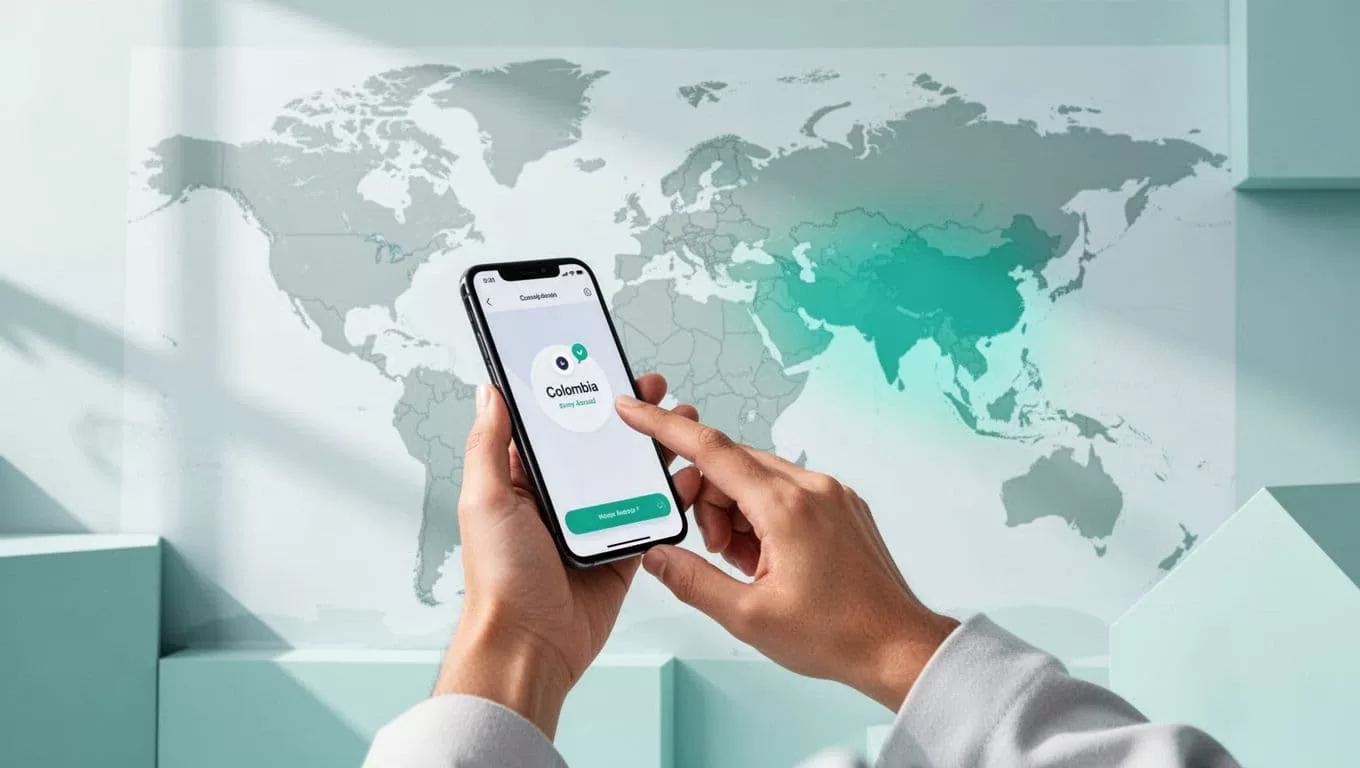
This process feels smooth, like texting money across borders. I sent $200 last week; it hit cash pickup in two hours.
Delivery Options in Colombia
Colombia gets three main methods. Bank deposit goes straight to accounts at major banks. Recipients see COP fast, ideal for bills.
Cash pickup lets them grab money at agents like Super Giros or Punto Urbano. Over 10,000 spots cover cities and towns. They show ID and code; no bank needed.
Mobile wallet works too, into apps like Nequi or Daviplata. Perfect for young users who skip branches. Home delivery exists in some areas, but check availability.
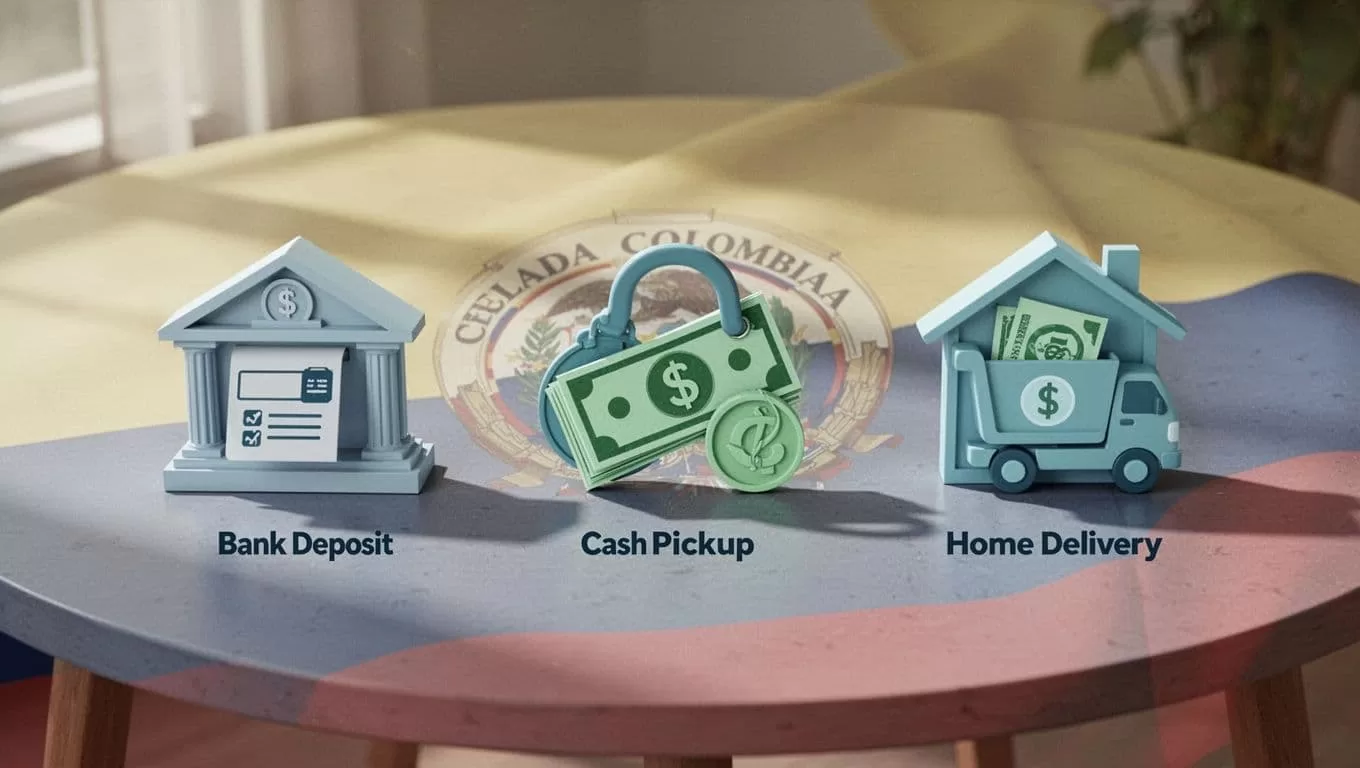
I mix these based on need. Urban family uses bank; rural contacts pick cash. See Remitly’s Colombia page for partner lists.
Fees, Exchange Rates, and Transfer Limits Right Now
Fees shift, so I always check live. From the US in May 2026, it’s $3.99 for sends under $500 on Express or Economy. Over $500, Economy goes free.
New users get first two transfers fee-free, plus better rates on $500. Bank deposit or cash pickup matches those; mobile wallet adds $0.99 sometimes.
Exchange rates hover around 3,830 to 3,960 COP per USD, with 1-2% markup. Better than banks. Limits start low for new accounts, up to $30,000 after verification.
| Amount (USD) | Economy Fee | Express Fee | Typical Time |
|---|---|---|---|
| Under 500 | $3.99 | $3.99 | 3-5 days |
| 500+ | Free | $3.99 | Hours |
This table sums my checks. Rates beat old services. Visit Remitly pricing before you send.
Security and Tracking Your Transfer
Remitly locks down data tight. Two-factor auth guards accounts. Transfers encrypt end-to-end, and partners verify IDs.
I track every send in the app. Status updates hit: paid, in transit, delivered. Texts go to both sides too.
If issues pop, chat support responds quick. They hold funds until verified.


Peace comes from that bar filling up. No lost sends in my years using it.
Handling Delays, Cancellations, or Problems
Delays hit from wrong details or holidays. Bank deposits wait for processing; cash needs ID match. I call support if over 24 hours.
Cancel before payout. App refunds to original method, minus small fee. After delivery, no reverse.
Contact via app chat or phone at 1-888-736-4859. Emails go to service@remitly.com. They fix most in a day.
For Colombia, power outages slow agents sometimes. Advise recipients to check ahead. I prep backups like Remitly’s how-to guide.
Conclusion
Remitly makes sending money to Colombia simple and reliable for my needs. Quick steps, flexible delivery, and low costs keep it my go-to. Always verify fees and rates fresh, though.
Next time family calls from Cartagena, I know the app delivers. You can too, with details straight. Funds flow smooth when you follow through.

