Send Money to Hungary Using Remitly: A Practical Guide
If you need to send money to Hungary, Remitly gives you a clear process for choosing the route, adding the recipient, reviewing the quote, and tracking the transfer. The available options depend on your sending country, payment method, reci...
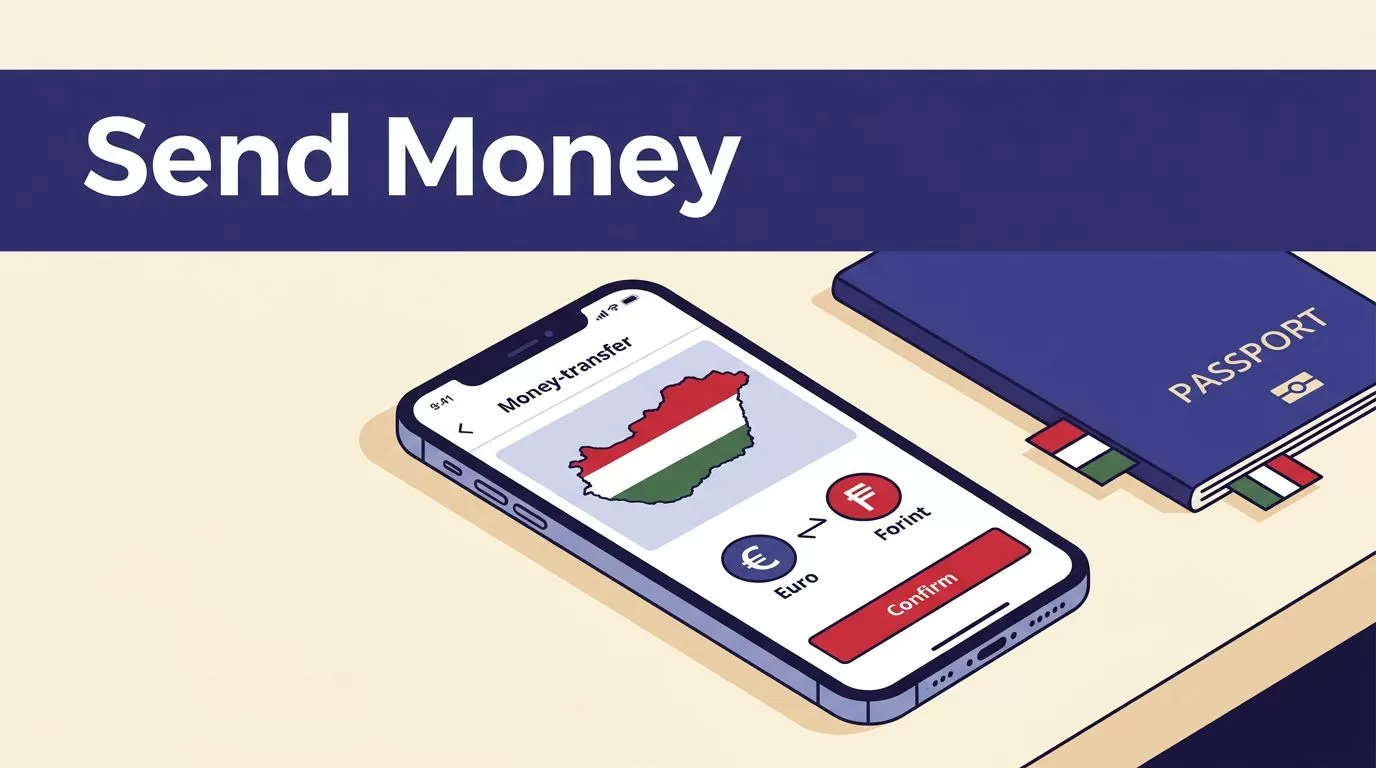
If you need to send money to Hungary, Remitly gives you a clear process for choosing the route, adding the recipient, reviewing the quote, and tracking the transfer. The available options depend on your sending country, payment method, recipient location, and the payout provider in Hungary.
Fees, exchange rates, transfer limits, delivery estimates, and promotions can change. Use the live quote in the Remitly app or on the official Remitly Hungary transfer page before every payment. The steps below help you complete the transfer without guessing.
How to Send Money to Hungary Using Remitly
Remitly supports transfers through its website and mobile app. The exact screen layout may differ by country, but the process follows the same basic sequence.
Set the sending country, destination, and amount
Start by selecting your actual sending country. Then choose Hungary as the destination and enter the amount you want to send.
Pay attention to the currency shown on both sides of the transfer. The Hungarian forint is identified by the code HUF. A U.S. sender may enter an amount in USD and see the recipient’s payout in HUF. A sender in another country may see a different sending currency and a different exchange rate.
Remitly’s quote changes based on the amount, payment method, delivery speed, recipient location, and current promotions. Don’t use a quote from a previous transfer as your current price.
Select the delivery speed and method
Remitly may show different delivery speeds during setup. Some routes display options such as Express and Economy. The cost and estimated arrival time can differ between them.
The app may also offer one or more delivery methods:
- Bank deposit to an eligible Hungarian account.
- Cash pickup through an available payout provider.
- Mobile money or home delivery where supported.
- A specific Hungarian bank or payout institution selected during setup.
The receiving method should match the recipient’s situation. Bank deposit is practical when the recipient has an eligible account. Cash pickup may work better when the recipient needs physical cash or doesn’t use a supported bank account.
Remitly’s receiving options guide describes the general delivery types, but availability is corridor-specific. A method shown to a sender in Canada or Ireland may not appear for a sender in the United States.

Photo by Monstera Production
Prepare the Recipient Details Before You Pay
Recipient errors are one of the easiest ways to delay a transfer. Collect the required information before opening the final payment screen.
Bank deposit requirements
For a bank deposit to Hungary, Remitly may ask for:
- The recipient’s full name exactly as it appears on their identification.
- The recipient’s address, matching their identification where required.
- The recipient’s phone number.
- The recipient’s bank name.
- The recipient’s bank account number or other account information requested by Remitly.
Ask the recipient to send these details directly. Don’t copy a bank number from an old message without confirming it first.
Remitly’s Hungary provider pages list institutions such as K&H Bank, OTP Bank, Raiffeisen Bank, and Gránit Bank on certain corridors. A provider page for sending money to K&H Bank doesn’t mean that bank is available for every sender or every recipient. Check the provider list in your own transfer setup.
A wrong account number can create a larger correction problem than a simple spelling error. Review the bank details before you approve the payment.
Cash pickup requirements
For cash pickup, Remitly may require the recipient’s:
- Full legal name exactly as shown on their ID.
- Address matching the information requested by Remitly.
- Phone number.
- Selected pickup location or payout provider.
The sender chooses a pickup location from the available list. The recipient should know the provider, location, transfer details, and the identification documents required before traveling to collect the money.
A name mismatch can prevent collection. If the recipient recently changed their name or uses a nickname, enter the legal name required by the payout provider instead.
Compare the Full Cost, Not Only the Transfer Fee
The transfer fee is only one part of the transaction. The exchange rate determines how much HUF the recipient receives, so compare the complete quote.
Before confirming, check these values:
| Item | What to verify |
|---|---|
| Amount sent | The currency and amount leaving your account |
| Transfer fee | The fee for the selected speed and delivery method |
| Exchange rate | The rate applied to your exact transfer |
| Recipient payout | The final amount received in HUF |
| Delivery estimate | The expected completion time shown at checkout |
| Total cost | The full amount charged to your payment method |
Remitly maintains a USD-to-HUF exchange rate page, but the final quote in your account is more useful than a general rate page. Your transfer amount, account status, payment method, and delivery choice can produce a different result.
The live checkout quote is the usable price. A search result, old receipt, or promotional page isn’t a guarantee for your next transfer.
A first-transfer promotion may apply only to eligible customers, a defined amount, or a specific payment method. Read the conditions shown in your account. Don’t assume that a welcome rate applies to future transfers.
If the recipient needs a particular HUF amount, start by entering the amount they should receive when the app allows it. Then review how much you must pay. This approach is more reliable than sending a fixed USD amount and discovering that the payout is lower than expected.
Check Limits and Delivery Estimates
Remitly doesn’t use one universal limit or delivery time for every Hungary transfer. These details can depend on your sending country, identity verification status, payment method, transfer amount, recipient location, and payout provider.
Transfer limits can change
Your account may have limits over different periods, such as 24 hours, 30 days, or 180 days. Additional limits may apply to a particular receiving institution or delivery method.
The app may ask for more information before allowing a larger transfer. Remitly can also request documentation or additional payment details. A transfer limit shown in a general help page may not match the limit available in your account.
Check the limit before preparing a large payment. If the amount exceeds your current limit, don’t split the transfer repeatedly without checking the applicable rules. Use Remitly support or the in-app instructions to confirm the correct process.
Delivery times are estimates
The completion estimate appears after you enter the transfer details and select the delivery method. It can change because of bank processing schedules, weekends, recipient information, compliance checks, payment confirmation, and payout-provider availability.
Don’t promise a specific arrival time to the recipient until the app shows the estimate for that transaction. If the money is needed for rent, tuition, medical expenses, or a scheduled bill, leave time for processing.
A cash pickup location may also have different opening hours or local requirements. Confirm that the recipient can reach the location before choosing that option.
Choose a Supported Payment Method
Payment options vary by sending country. U.S. senders can generally use a U.S.-issued Visa or Mastercard debit card or a bank account. Remitly’s current U.S. payment guidance also lists other supported options in some cases, including prepaid cards, Discover cards, and Apple Pay.
U.S. senders should not assume that a credit card will work. Remitly’s payment methods guidance says U.S. customers should use an eligible debit card or bank account instead.
Check the funding source before submitting the transfer. The account or card should be in your name where Remitly requires it. Make sure the billing information matches the payment details in your account.
Remitly may also verify your identity. Verification can affect your transfer limit and may be required before the money is released. Use accurate personal information and submit documents only through the official Remitly app or website.
Never send your password, one-time security code, or full card details through a message to someone claiming to be support. Open the Remitly app or type the official website address yourself when checking an account issue.
Review, Send, and Track the Transfer
Complete a final review before payment. Confirm the following:
- The sending country and destination are correct.
- The amount is entered in the expected currency.
- The recipient’s legal name is accurate.
- The bank account or pickup details match the recipient’s information.
- The delivery method and speed suit the recipient.
- The fee, exchange rate, total charge, HUF payout, and estimate are acceptable.
A completed transfer isn’t proof that the recipient details were correct. Accuracy before payment prevents most avoidable collection and correction problems.
After payment, save the receipt and transfer reference. Share the necessary pickup information with the recipient through a trusted channel. Don’t post transfer details publicly.
You can monitor the status inside your account using Remitly’s transfer tracking help page. If the status remains pending or the delivery takes longer than the estimate, check the transaction details first. Then follow Remitly’s support instructions.
Don’t create a second transfer until you confirm what happened to the first one. Duplicate payments can create a separate recovery problem.
Conclusion
Remitly can be a practical way to send money to Hungary when the route supports the recipient’s preferred delivery method. The important controls are simple: enter the correct recipient details, choose the right payout option, and review the complete quote before paying.
Fees, exchange rates, HUF payouts, limits, promotions, delivery methods, and estimated times can change. Check the current information in the Remitly app or official website every time you send, then track the transfer until the recipient confirms receipt.
