Download Remitly: A Practical App to Send Money to Malaysia
When you need to send money to Malaysia, the transfer fee is only one part of the decision. The exchange rate, delivery method, payment option, and estimated arrival time all affect the final result. Remitly gives you a mobile workflow for...
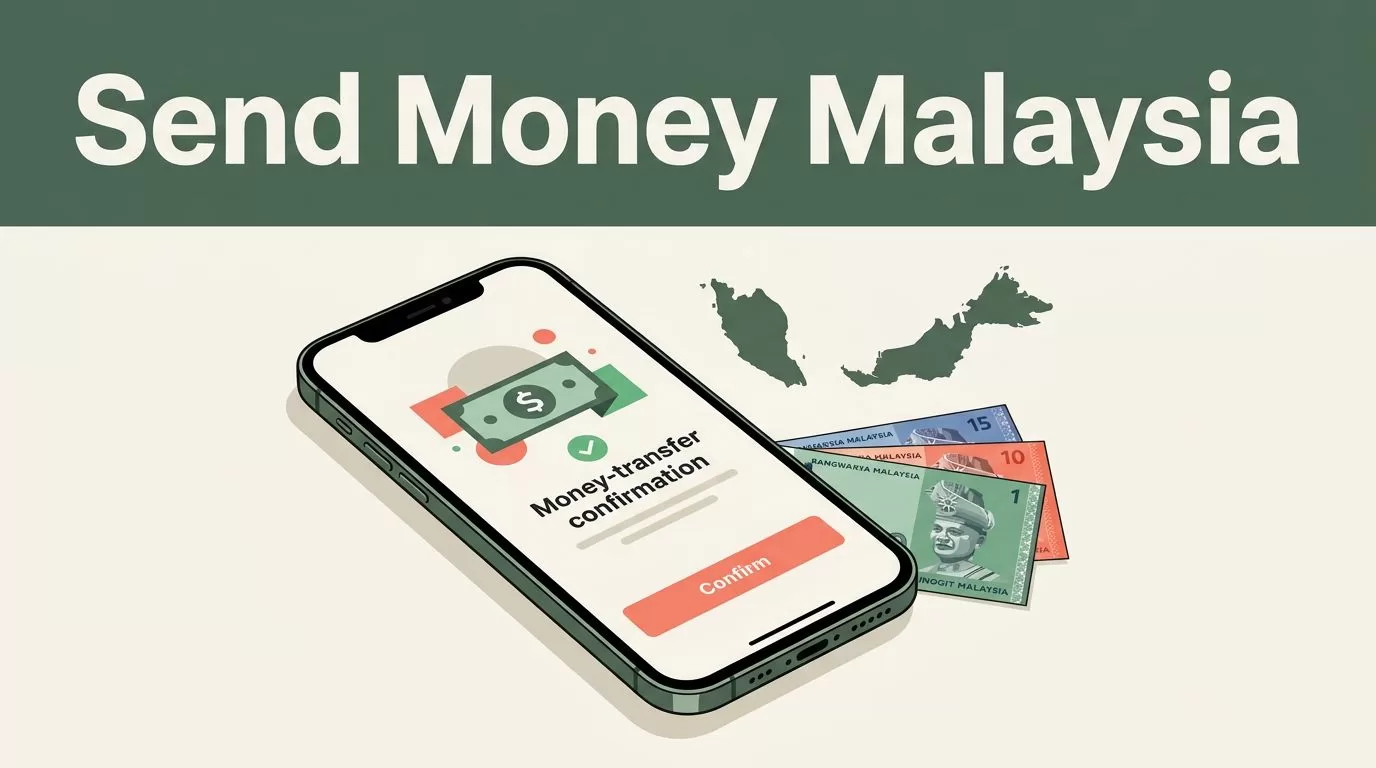
When you need to send money to Malaysia, the transfer fee is only one part of the decision. The exchange rate, delivery method, payment option, and estimated arrival time all affect the final result.
Remitly gives you a mobile workflow for sending funds to eligible recipients in Malaysia. It supports options such as bank deposits, cash pickup, mobile wallets, and debit card deposits, depending on your sending country and the recipient’s location. The correct process starts with the live quote shown in the app.
Is Remitly a practical app to send money to Malaysia?
Remitly supports transfers from the United States to Malaysia. Its Malaysia corridor includes several payout options, although the exact choices depend on where you send from and where the recipient collects the money.
For U.S. senders, the listed delivery methods include:
- Bank deposit to an eligible Malaysian account.
- Cash pickup at a supported local partner.
- Mobile wallet delivery where available.
- Debit card deposit.
- Other local delivery options shown during the transfer setup.
The recipient may receive funds through providers such as Maybank or Malayan Banking when those options appear in the app. Cash pickup and home delivery may also be available in selected locations. You need to enter the recipient’s location before the app can show the correct choices.
Remitly is not automatically the cheapest provider for every amount or corridor. That claim would be impossible to support because pricing changes with the sending country, payment method, transfer speed, and payout method. Use the app’s quote as your source of truth.
Start with Remitly’s official website if you want to check whether your country supports transfers to Malaysia. Then download the Remitly app from your device’s official app store and compare the available quote before paying.
Download and set up the Remitly app
The setup process follows a short sequence. You create an account, verify your identity, enter the transfer details, and review the payout quote.
- Download the Remitly app and open it on your phone.
- Create an account with your email address and personal details.
- Complete identity verification if Remitly requests it.
- Select Malaysia as the destination country.
- Enter the amount you want to send or the amount the recipient should receive.
- Choose a delivery method.
- Add the recipient’s details.
- Select your payment method and review the final quote.
- Confirm the transfer and save the tracking information.
Identity verification can require a government-issued document. Remitly uses these checks to meet financial compliance and anti-fraud requirements. Your transfer limits may also depend on your verification status, sending country, and transaction history.
If you send from the United States, Remitly currently lists Visa and Mastercard debit or credit cards, Discover cards, prepaid cards, and bank account funding among its payment methods. Other sending countries may show different choices. Apple Pay, local bank transfers, and other payment services can appear in selected markets.
Enter every recipient detail exactly as it appears on the recipient’s bank or identification record. A missing middle name, spelling difference, or incorrect account number can create a review or delay.
For bank deposits, prepare the recipient’s legal name, bank name, account details, and contact information. For cash pickup, use the recipient’s legal name and current contact details. The recipient may need identification before collecting the funds.
Choose the right payout method and delivery speed
The payout method should match the recipient’s situation. A bank deposit is usually practical for someone who already uses a Malaysian bank account. Cash pickup works better when the recipient needs access to physical cash or doesn’t have a suitable account.
Mobile wallet delivery can be useful for supported recipients who manage daily payments through a compatible wallet. Debit card deposits may appear for eligible cards and locations. The app controls which options you can select, so don’t assume that a method available to one recipient will appear for another.
Review the expected arrival time after selecting the payout method. Remitly may show different speed choices, such as Express and Economy, depending on the corridor. Express may arrive sooner and cost more. Economy may reduce the fee but take longer.
The delivery estimate can change after you switch the funding method. A bank-funded transfer may produce a different quote from a debit-card-funded transfer. The same can happen when you change from bank deposit to cash pickup.

Use this order when comparing options:
- Select the payout method the recipient can actually use.
- Check the estimated delivery time.
- Review the fee and exchange rate.
- Confirm the final receiving amount.
- Compare another payment method only if it is practical for you.
The receiving amount is the main decision metric. A low transfer fee can still produce a weaker result if the exchange rate is less favorable.
Don’t select Express only because it appears first. If the recipient can wait, compare the Economy quote. If the transfer is urgent, confirm that the higher cost matches the delivery estimate shown in the app.
Check fees, exchange rates, and transfer limits
There is no single Remitly fee for sending money to Malaysia. Your quote changes based on the sending country, amount, funding method, speed, and payout channel.
The fee is visible before you confirm the transfer. The quote should also show the exchange rate, the amount you pay, the recipient’s expected amount, and the estimated delivery time.
Check the full transaction instead of looking at the fee alone. A transfer with a small upfront charge may provide less value if the exchange rate is weaker. A card-funded payment may also cost more than a bank-funded transfer in some corridors.
Exchange rates can change throughout the day. An old comparison article, social media post, or search result won’t show the rate available for your transfer now. Enter the amount in the app and review the live quote immediately before sending.
The quote can work in two directions. You can enter the amount you want to send, and Remitly calculates the expected payout. You can also enter the amount the recipient should receive, and the app calculates your required payment.
Your account may have sending limits based on verification level and other risk controls. Large transfers can trigger additional document requests or a manual review. Don’t split a transfer to bypass a limit. Complete the requested verification and contact Remitly support if the app blocks the transaction.
You can also review Remitly customer service reviews on Trustpilot, but treat user feedback as secondary information. The quote inside your account is more useful for current pricing, availability, and delivery estimates.
Send money to Malaysia and track the transfer
Once the quote looks correct, complete the transfer in a controlled sequence. Confirm the recipient’s name first. Then check the bank or pickup information, payment method, fee, exchange rate, and expected arrival time.
Use the recipient’s legal name exactly as requested. For a bank deposit, verify the account number and bank selection. For cash pickup, confirm the pickup location and the identification requirements. Ask the recipient to check their information before you submit the payment if the transfer is large or urgent.
After you authorize the payment, save the confirmation and tracking reference. Remitly provides transfer status information through the account or app. The status can change as the payment is processed, approved, and delivered.
A delay doesn’t always mean the money is lost. Reviews can happen because of identity checks, incorrect recipient information, payment processing, bank schedules, weekends, holidays, or local payout rules. Contact support through the official app if the status remains unchanged beyond the displayed delivery estimate.
Use basic account security controls:
- Download the app through an official app store.
- Use a unique password for your Remitly account.
- Don’t share verification codes with the recipient or another caller.
- Check the recipient’s details before every transfer.
- Avoid sending money to someone who pressures you to bypass normal checks.
- Keep your confirmation and tracking information private.
The official workflow is simple, but the details matter. A correct recipient record and a reviewed quote prevent most avoidable transfer problems.
Conclusion
Remitly is a practical option for people who need to send money to Malaysia through a mobile app. It supports bank deposits, cash pickup, mobile wallets, and other payout methods when available for your corridor.
Download the Remitly app, select Malaysia, enter the recipient’s information, and compare the live quote. Check the total cost, exchange rate, delivery method, and estimated arrival time before you confirm. That process gives you a clearer result than choosing a transfer service based on a promotional fee or an old comparison.
