How to Send Money to Uruguay Using Remitly
You can send money to Uruguay with Remitly through a mobile app or website. The process is direct, but the final cost and delivery time depend on your amount, payment method, delivery option, and current quote. First-time users should focus...
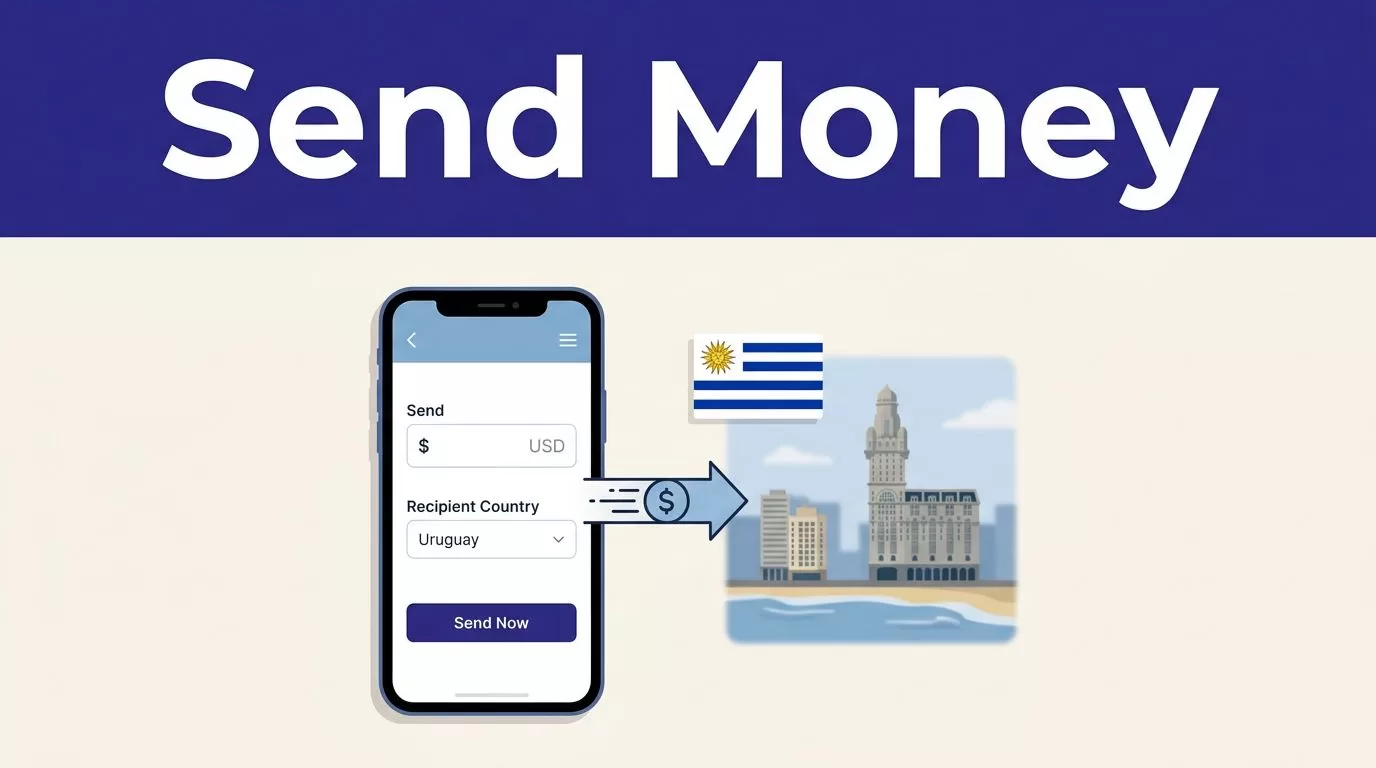
You can send money to Uruguay with Remitly through a mobile app or website. The process is direct, but the final cost and delivery time depend on your amount, payment method, delivery option, and current quote.
First-time users should focus on the full transaction result. Check the amount you pay, the exchange rate, the recipient’s payout, and the expected arrival time before confirming. The quote shown in Remitly can change, so review it immediately before sending.
What to Confirm Before Sending Money to Uruguay
Remitly gives you the main transfer details during setup. You still need to verify the information before approving the payment.
The quote depends on your transfer details
Fees and exchange rates aren’t fixed across every transfer. Remitly states that pricing can vary by the amount sent, payment method, delivery option, and current promotion.
A promotional rate may apply only to a qualifying transaction. It isn’t a permanent rate or a guaranteed price for future transfers. Some promotional terms may also exclude credit-card-funded transactions.
Use Remitly’s official US-to-Uruguay transfer page to start the route. Enter the amount you plan to send, then review the live quote inside the app or website.
Check these figures together:
- The transfer fee
- The exchange rate
- The total amount charged to your payment method
- The exact amount the recipient should receive
- The selected currency
- The delivery estimate
A low fee doesn’t always produce the best result. A weaker exchange rate can reduce the recipient’s payout more than a small fee would.
The recipient’s information must match
Enter the recipient’s legal name and contact details exactly. A name mismatch can delay a cash pickup. Incorrect bank information can delay a deposit or require a correction.
Ask the recipient to confirm their details before you begin. For a bank deposit, verify the bank name and account information. For cash pickup, confirm the recipient’s name as it appears on their identification and follow the payout provider’s instructions.
The recipient doesn’t need a Remitly account to receive money. The sender does need a Remitly account.
How to Send Money to Uruguay with Remitly
The transfer flow has five main stages: create an account, select Uruguay, enter recipient details, choose delivery and payment methods, then confirm the transaction.

Photo by Monstera Production
Create your account and choose Uruguay
Open the official Remitly website or app. Create an account with your email address and complete any requested identity or account checks.
Set the sending country to the United States. Select Uruguay as the destination country. Enter the amount you want to send and choose the receiving currency offered for your selected delivery method.
The app may show different delivery speeds. Review those choices before continuing. Don’t select a speed based only on labels such as “Express” or “Economy.” Read the estimate displayed for your actual transfer.
Enter the recipient details
Add the recipient’s name, phone number, and other requested contact information. The required fields can vary based on the delivery method and payout provider.
For a bank deposit, enter the recipient’s bank details carefully. For cash pickup, select the available provider and location if Remitly requests those details. The recipient should know which information you entered.
Review every field before moving to payment. Fixing an error after the transfer starts may take additional time.
Select payment, review, and confirm
Enter your payment information. Remitly will display the applicable fee, exchange rate, delivery method, estimated arrival time, and recipient payout.
Compare the total amount charged with the amount received. These are different figures. The first is what leaves your account. The second is what reaches the recipient.
If the numbers are acceptable, confirm the transfer. Save the confirmation screen and any reference number or receipt provided by Remitly.
Compare Remitly Delivery Options in Uruguay
Remitly’s Uruguay network may offer bank deposit, cash pickup, and mobile wallet delivery. Availability can depend on the recipient’s location, provider, currency, and current route configuration.
| Delivery option | Best for | Details to verify |
|---|---|---|
| Bank deposit | A recipient with an active bank account | Bank name, account information, currency, and arrival estimate |
| Cash pickup | A recipient who needs physical cash | Legal name, pickup provider, location, identification requirements, and timing |
| Mobile wallet | A recipient who uses a supported wallet | Wallet availability, phone or account details, currency, and limits |
The app shows the options available for your transfer. Don’t assume every method appears for every recipient.
Bank deposit
Bank deposit is useful when the recipient already has a supported account. It removes the need to visit a pickup location.
Remitly lists Banco Santander as a Uruguay delivery provider. Its provider information says supported accounts can receive USD or UYU when the option is available for the transfer.
Enter the account information exactly as requested. Confirm the recipient’s preferred currency before sending. A deposit can be delayed if the account details, name, or selected currency doesn’t match the provider’s requirements.
Cash pickup and mobile wallet
Cash pickup can work better when the recipient doesn’t use a bank account. The recipient must follow the provider’s pickup instructions and may need acceptable identification.
Mobile wallet delivery can be convenient for recipients who already use a supported service. Check the wallet details carefully. A wrong phone number or account identifier can send the transfer into review.
Remitly may also show providers such as More Money Transfer in Uruguay. Treat provider availability as route-specific. Confirm the option inside the current quote.
Review Fees, Exchange Rates, Limits, and Timing
Remitly doesn’t publish one fixed price for every US-to-Uruguay transfer. The quote changes with the transaction details.
Compare the recipient payout, not only the rate
The exchange rate tells you how dollars convert into the recipient’s currency. It doesn’t show the complete cost by itself.
Use the Remitly USD to UYU converter as a reference, then check the final transfer quote in the app. The rate shown during checkout is the relevant figure for your selected amount and delivery method.
Don’t reuse yesterday’s quote. Enter the amount again when you’re ready to send. Promotions can have separate eligibility rules, expiration dates, or transfer caps.
The most useful comparison is:
Total amount you pay versus exact amount the recipient receives.
Limits and delivery times can change
Remitly applies sending limits over periods such as 24 hours, 30 days, and 180 days. The limit can depend on your location, the recipient’s location, the payout provider, and the receiving location.
The app may request additional information if you need a higher limit or if the transfer requires review. No single numeric limit should be treated as universal for every sender.
Delivery estimates also depend on payment method, delivery option, transaction review, and system availability. Some Economy transfers may take several business days. A faster option may cost more or have different eligibility requirements.
Confirm the displayed arrival estimate before approving the transfer. Treat it as an estimate, not a guarantee.
The only reliable quote is the one shown for your exact amount, payment method, recipient, and delivery option at checkout.
Track the Transfer and Fix Problems Quickly
Remitly lets you track the transfer through the app or website after you confirm it. Keep the receipt, confirmation message, and reference information until the recipient confirms receipt.
Check the status before contacting support
Open the transfer history and review the current status. Compare it with the delivery estimate shown during checkout.
If the recipient hasn’t received the money after the displayed window, verify the recipient details first. Check the selected provider, bank information, wallet details, and payout method. Then use Remitly’s official support options through the app or Remitly’s official website.
Don’t create a second transfer before you understand the first transfer’s status. Duplicate payments can create a separate recovery problem.
Request corrections through the official process
Contact Remitly as soon as you find an error. Don’t ask the recipient to change information through an unofficial channel.
A transfer that has already been deposited or collected may have limited correction options. The sooner you report a mistake, the more information Remitly has to review the transaction.
Keep your records organized:
- Transfer date and amount
- Recipient name
- Delivery method and provider
- Confirmation or reference number
- Payment method
- Messages from Remitly
This information gives support a complete record of the transaction.
Prevent Fraud Before You Send
Money transfers are difficult to reverse after the recipient collects or receives the funds. Treat every transfer as final until Remitly confirms otherwise.
Verify the request through another channel
If a family member sends an urgent request, call them using a phone number you already trust. Don’t rely only on a new message, social media account, or unfamiliar phone number.
Scammers often create pressure by claiming that someone needs money immediately. They may impersonate relatives, employers, landlords, government agencies, or customer support representatives.
Never send money to receive a prize, release a package, unlock an account, or secure a job. Remitly won’t require you to share your password or one-time verification code with another person.
Protect your account and recipient information
Use the official Remitly website or app. Avoid modified apps, unofficial download pages, and links sent by unknown people.
Create a strong, unique password. Don’t share your login details with the recipient. Remitly support should be contacted through its official channels, not through a random social media account.
Before you confirm, ask one final question: Do I know the recipient, and did I verify this request independently?
If the answer is no, stop the transfer.
Conclusion
Remitly gives people in the United States a clear way to send money to Uruguay through bank deposit, cash pickup, or mobile wallet delivery when those options are available.
The process is simple, but the details control the result. Select Uruguay, enter accurate recipient information, compare the full payout, confirm the current fee and exchange rate, then track the transfer until the recipient confirms receipt.
Review the live quote before every transfer. Rates, fees, limits, delivery times, and payout methods can change.
