Download Remitly to Send Money to Uruguay Safely
When you need to send money to Uruguay from the United States, the main decision isn’t downloading any transfer app. It’s confirming the recipient’s delivery method, the final UYU amount, and the total charge before you ta...
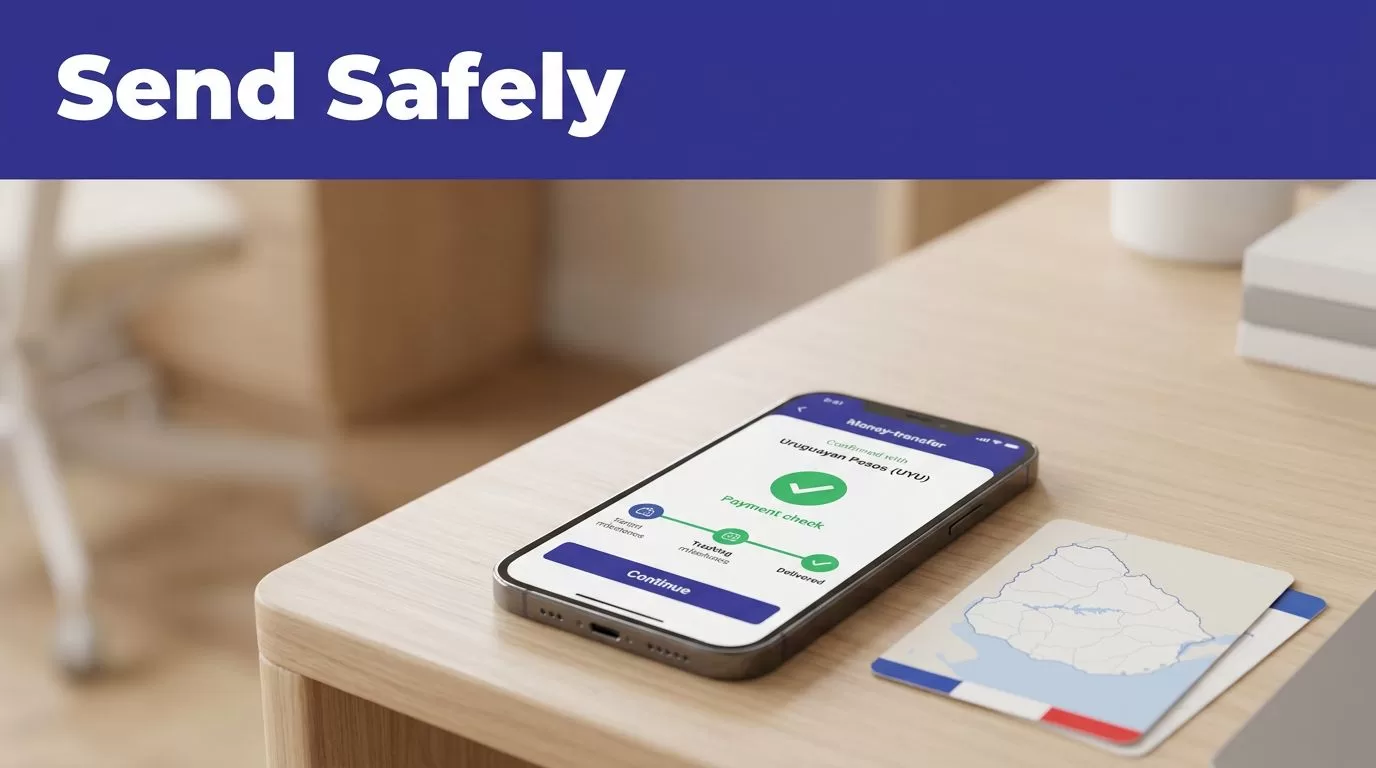
When you need to send money to Uruguay from the United States, the main decision isn’t downloading any transfer app. It’s confirming the recipient’s delivery method, the final UYU amount, and the total charge before you tap Send.
Remitly is a practical option for this route because it combines account setup, payment, delivery selection, and transfer tracking in one app. The exact quote still depends on your amount, payment method, recipient location, delivery speed, and current promotion.
Use the official app, enter the recipient data exactly, and compare the final quote before approving the transfer.
DOWNLOAD THE OFFICIAL REMITLY APP
Avoid third-party download pages and app files shared through messages. They can imitate legitimate financial services and request information you shouldn’t provide.
Start with Remitly’s official mobile app page. It directs users to the official iOS and Android download options. Android users can also use the official Remitly Google Play listing.
Check the publisher before installing
Open the listing through the official Remitly website or your device’s app store. Confirm that the publisher and app name match Remitly. Don’t install an application that asks you to disable device security or download an extra payment tool.
Keep your phone’s operating system and the Remitly app updated. Updates can include security fixes, compatibility changes, and improvements to transfer tracking.
You can also start a transfer through a web browser. The mobile app is more convenient when you want to save recipient details, receive status notifications, or check a transfer while away from your computer.
Create your account
Remitly requires an account before you send money. Registration uses an email address, and the service may request identity or account verification before completing a transfer.
Use an email address you can access. Keep your password private. Don’t send login credentials through email, text messages, or social media.
The first transfer can be set up quickly, but setup time isn’t the same as delivery time. Your transfer still depends on payment approval, recipient information, the selected delivery method, and any transaction review.
WHY USE REMITLY TO SEND MONEY TO URUGUAY?
The route supports several delivery choices. Remitly’s U.S.-to-Uruguay transfer page currently lists bank deposit and cash pickup, while mobile wallet availability can depend on the recipient’s location.
The app shows the options available for the specific recipient. That screen is more useful than a general list because delivery partners and methods can change by location.
Select the method your recipient can use
A bank deposit sends the funds directly to an eligible account in Uruguay. This is useful when the recipient already uses a supported bank and doesn’t need cash.
Cash pickup can work better when the recipient doesn’t have a bank account or needs access to physical money. The recipient may need identification that matches the transfer details before collecting the funds.
Mobile wallet delivery may appear for eligible recipients and locations. Don’t assume that an option available in one part of Uruguay will appear for another address.
Review the available payout providers
Remitly’s Uruguay pages show providers such as More Money Transfer, Banco Santander, and HSBC. More Money Transfer is listed for cash pickup and supports UYU and USD in the relevant provider flow.
Provider availability isn’t universal. The recipient’s location, selected currency, and delivery type affect what appears in the app. Ask the recipient which method they prefer before creating the transfer.
HOW TO SEND MONEY TO URUGUAY WITH THE REMITLY APP
The process is simple, but each field affects whether the transfer arrives correctly. Complete the steps in order.
1. Choose Uruguay and enter the amount
Open the app and select Uruguay as the destination. Enter the amount you want to send in U.S. dollars, or review the amount the recipient should receive in Uruguayan pesos.
Check both values. A transfer can look affordable on the fee line while producing less value through the exchange rate.
2. Choose delivery speed and method
Select bank deposit, cash pickup, or another available option. Remitly may show Economy and Express service tiers.
The faster tier can cost more. The lower-cost tier may take longer. Use the delivery estimate shown for your specific transfer instead of relying only on the name of the service.
3. Add the recipient
Enter the recipient’s legal name exactly as it appears on government identification. Add the correct address and contact details.
For bank deposits, enter the required bank account information carefully. Ask the recipient to confirm the account number and bank name before you continue.
A small spelling difference can delay cash pickup. An incorrect account number can create a larger correction process.
4. Select your payment method
Available U.S. payment methods can include a debit card, credit card, or bank account. The choices shown may vary by transfer, account, amount, and delivery route.
Review the funding source before sending. Check that the card isn’t expired and that the bank account has enough available funds for the full charge.
5. Review, pay, and track
Before confirming, review the recipient name, delivery provider, delivery method, exchange rate, transfer fee, total amount charged, recipient amount, and estimated arrival time.
Approve the transfer only when all details are correct. After payment, use the app to monitor the status and respond to any request for additional information.
REMITLY FEES, EXCHANGE RATES, AND PROMOTIONS
The headline exchange rate doesn’t show the full cost. You need to compare the fee, the amount charged to your payment method, and the amount received in Uruguay.
Remitly’s quote changes based on the transfer amount, payment method, delivery option, speed tier, recipient location, and current promotions.
Current USD-to-UYU fee examples
At the time of checking in August 2026, Remitly’s USD-to-UYU pricing information listed these fee bands for U.S. senders:
| Amount sent | Economy fee | Express fee |
|---|---|---|
| Below $500 | $3.99 | $4.99 |
| $500 to $999.99 | $7.99 | $11.99 |
| $1,000 to $1,999.99 | $13.99 | $25.99 |
| $2,000 or more | $17.99 | $33.99 |
These are published route examples, not a guaranteed quote for every account. Open Remitly’s current USD-to-UYU rate page and check the quote inside your account before sending.
The pricing page was also displaying a promotional rate of 39.21 UYU for 1 USD on a first transfer, along with a limited-time fee offer for eligible new customers. Promotions can have eligibility rules, expiration dates, sending limits, and other conditions.
The recipient amount is the decision point. A low transfer fee doesn’t guarantee the best value if the exchange rate is weaker.
Compare the complete quote
Look at these five figures together:
- The amount you send in U.S. dollars.
- The transfer fee.
- The exchange rate.
- The total amount charged to your payment method.
- The amount the recipient receives in UYU or USD.
Reopen the transfer quote when you’re ready to pay. Currency rates are live pricing inputs, so a quote viewed earlier may not be the quote available at checkout.
Don’t select Express only because it sounds faster. Read the actual delivery estimate and compare the additional fee with the recipient’s deadline.
CHOOSE BANK DEPOSIT OR CASH PICKUP
The right delivery method depends on how the recipient uses money in Uruguay. It also affects the available providers, fees, and estimated delivery time.
Bank deposit works for regular household support
Choose bank deposit when the recipient has an eligible account and wants the funds delivered electronically. It removes the need to visit a pickup location.
Confirm the recipient’s bank details before you send. Ask for the account information directly rather than copying it from an old message. Banks may require the account holder’s name to match the recipient information.
Bank deposit is also easier for recurring support because the recipient doesn’t need to arrange a cash collection for every transfer.
Cash pickup works when access matters
Cash pickup gives the recipient another way to receive funds. Remitly may show pickup providers based on the recipient’s location, including More Money Transfer in the relevant route.
The recipient should take the required identification and transfer information to the approved pickup location. Names must match. A mismatch can delay collection until the details are corrected.
Check the pickup provider, address, currency, and instructions shown in the transfer confirmation. Don’t assume the recipient can collect cash from any branch or provider.
CHECK EVERY DETAIL BEFORE YOU SEND
Most avoidable transfer problems begin with incorrect recipient data or a rushed review. Treat the confirmation screen as a control step, not a formality.
Verify identity and account information
Ask the recipient to confirm:
- Full legal name as shown on government ID.
- Current address and phone number.
- Bank name and account details, if using bank deposit.
- Preferred currency.
- Preferred delivery method.
Save the recipient only after checking the information. A saved profile can make later transfers faster, but it can also repeat an old error.
Review the currency as well. The recipient may expect UYU while the transfer is configured for USD, or the available payout provider may support only one currency for that method.
Avoid common quote mistakes
Don’t compare fee amounts without checking exchange rates. Don’t use yesterday’s quote. Don’t ignore the delivery estimate. Don’t assume a completed payment means the recipient has already received the funds.
Also check your payment method. A bank transfer and a card payment can produce different processing times or costs. The app’s final quote controls the actual transaction.
If the app asks for more information, provide it through the official Remitly app or website. Never send sensitive documents to a person who contacts you through an unverified account.
LIMITS, TIMING, AND TRANSFER SAFETY
Remitly applies transfer limits over periods such as 24 hours, 30 days, and 180 days. Limits vary by sender location, recipient location, payout provider, account history, and transaction details.
A large transfer may require additional verification. A payout partner may apply its own receiving limits. Check the limit displayed in the app before planning a recurring payment schedule.
Delivery estimates are not guarantees. Payment processing, system availability, transaction review, weekends, holidays, and the recipient’s delivery method can affect timing. Economy transfers may take several business days, while a faster option may be available for an additional fee.
Keep the confirmation number and status updates until the recipient confirms receipt. If a transfer fails or the details are wrong, contact Remitly through its official support channel and keep the original transaction information available.
CONCLUSION
Remitly gives U.S. senders a clear process to send money to Uruguay through bank deposit, cash pickup, and other eligible delivery methods. The app can make the transfer easier to set up, but it doesn’t remove the need to check recipient data, fees, exchange rates, and delivery estimates.
Download the official app, compare the complete quote, and confirm the recipient’s preferred method before paying. The safest transfer is the one where the sender knows exactly what will be charged and what the recipient should receive.
