Send Money Uganda With Remitly: A Practical Guide
Sending money to family in Uganda should be simple, but the wrong recipient details or payout method can delay the transfer. If you search for send money Uganda, Remitly gives you a structured way to choose the destination, payment method,...

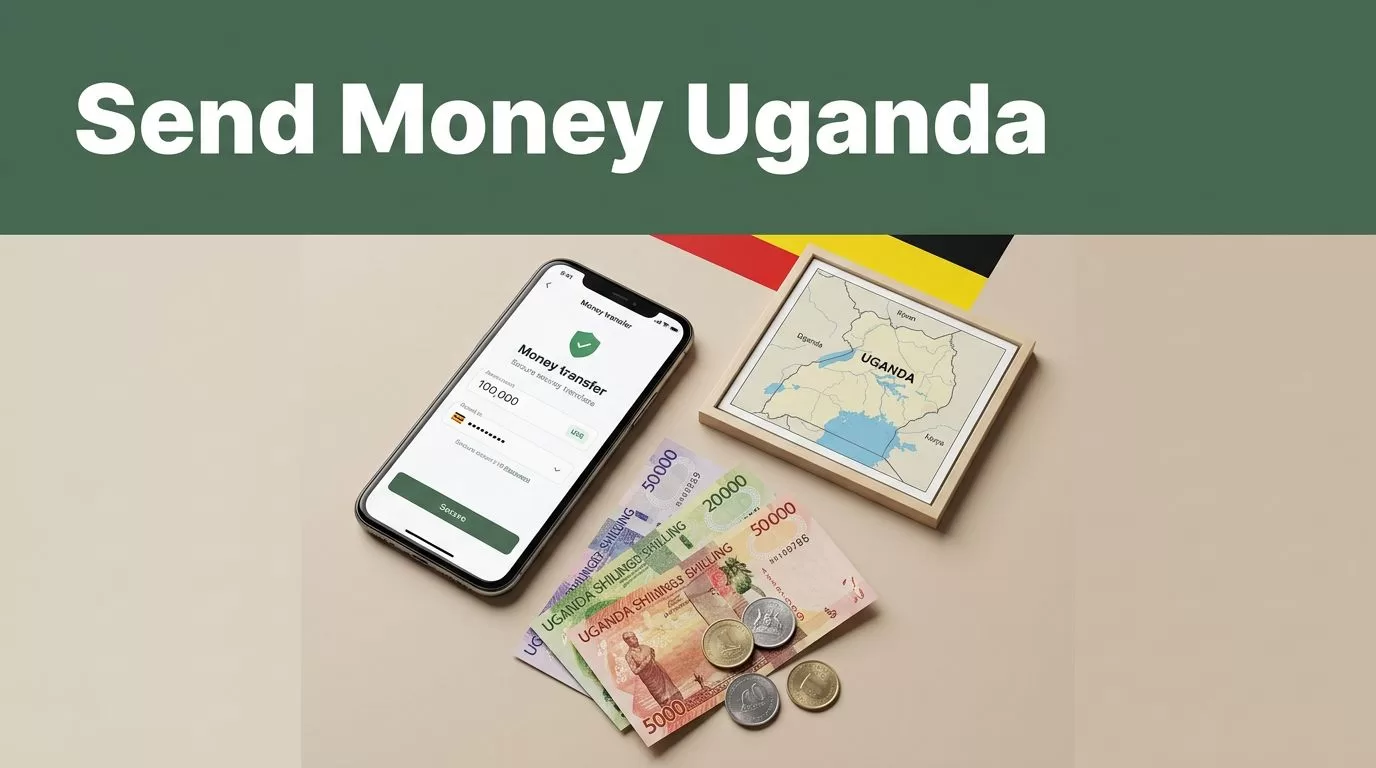
Sending money to family in Uganda should be simple, but the wrong recipient details or payout method can delay the transfer. If you search for send money Uganda, Remitly gives you a structured way to choose the destination, payment method, delivery option, and transfer amount before confirming.
The main decision is not only the transfer fee. You also need to check the exchange rate, delivery estimate, recipient requirements, and the amount that will arrive in Ugandan shillings. Use the process below to reduce avoidable errors.
Send Money Uganda: How Remitly Works
Remitly supports international transfers to Uganda, including transfers sent from the United States. Available features depend on your sending country, payment method, recipient location, and local payout providers.
The process is handled through the Remitly app or website. Depending on your country, you may be able to pay with a bank account, debit card, credit card, Google Pay, or Apple Pay. The available options appear during checkout.


Follow these steps:
- Create a Remitly account with your email address and personal information. Remitly may request identity verification before allowing the transfer.
- Select Uganda as the destination and enter the amount you want to send. You can usually view the estimated recipient amount in Ugandan shillings.
- Add the recipient’s information. Use the recipient’s legal name, active phone number, and the account or wallet details required for the selected delivery method.
- Choose how the recipient should receive the funds. The available choices can include bank deposit, cash pickup, and mobile wallet delivery.
- Select your payment method, review the transfer quote, and confirm the transaction. Check the fee, exchange rate, delivery estimate, and final recipient amount before you submit it.
The recipient doesn’t always need a Remitly account. Their requirements depend on the payout method. A mobile wallet transfer needs a supported wallet number. A bank deposit needs valid bank information. Cash pickup normally requires identification that matches the transfer details.
Keep the recipient’s phone available after sending. Remitly or the local payout provider may send status updates or instructions during the transfer.
Choose the Right Uganda Delivery Method
Delivery method controls how the recipient accesses the money. Remitly’s Uganda delivery options include bank deposit, cash pickup, and mobile wallet delivery, although availability can change by location.
A search for “send money Uganda” usually hides three separate choices. The recipient may need immediate access to cash, a deposit into an existing bank account, or money sent directly to a mobile wallet.
| Delivery option | What the recipient receives | Details to prepare |
|---|---|---|
| Mobile wallet | Ugandan shillings sent to an eligible MTN Mobile Money or Airtel Money account | Exact mobile number and registered name |
| Bank deposit | Funds deposited into an eligible Ugandan bank account | Legal name, bank name, account number, and other requested bank details |
| Cash pickup | Cash collected at an available partner location | Legal name, phone number, and valid identification |
Mobile wallet delivery
Mobile money is useful when the recipient already uses MTN Mobile Money or Airtel Money. The mobile number must be active and connected to the correct wallet. A single incorrect digit can route the transfer incorrectly or cause a rejection.
Ask the recipient to confirm the registered name and phone number before you send. Don’t assume the number they use for calls is registered to their mobile money account.
Bank deposit
Bank deposit works best when the recipient has an active account and can provide accurate account details. Remitly’s Uganda provider listings include banks such as Absa Uganda, Bank of Africa, Centenary Bank, DFCU Bank, Equity Bank, KCB Bank, and Stanbic Bank.
The available bank list depends on the recipient’s location and the current Remitly network. Check the options shown inside your transfer before promising a specific bank deposit.
Cash pickup
Cash pickup can help when the recipient doesn’t use mobile money or needs physical cash. The recipient must usually visit an available payout location and present acceptable identification. Their name must match the transfer record.
Remitly’s transfer-method comparison guide also recommends matching the delivery method to the recipient’s access, location, and immediate needs. Don’t choose cash pickup if the recipient lives far from the available provider location.
Check Fees, Exchange Rates, and Delivery Timing
Remitly shows the transfer cost before you confirm. The quote can include the amount you send, the transfer fee, the exchange rate, the recipient amount, and an estimated delivery time.
Review the final amount in Ugandan shillings instead of judging the offer by the fee alone. A low advertised fee doesn’t always produce the highest recipient amount if the exchange rate differs. Payment method and delivery option can also affect the total cost.
Rates and fees can change during the day. They may also vary by sending country, transfer size, payment method, recipient location, and promotional eligibility. An introductory offer shown to one customer may not apply to another transfer.
For a broader breakdown of how Remitly charges can vary, review this Remitly fees guide. Use the Remitly quote on your account as the final reference before payment.
Delivery estimates are also variable. Verification checks, payment processing, bank operating hours, mobile wallet availability, weekends, public holidays, and local provider rules can affect completion. A transfer that looks fast during checkout can take longer if a payment fails or additional verification is required.
Don’t promise the recipient an exact arrival time until the app provides a confirmed estimate. Share the estimate as a guide, not a guarantee.
Verify Recipient Details Before You Send
Most avoidable delays come from incorrect recipient information. Treat the transfer form like a payment record. Copy details carefully, then ask the recipient to confirm them through a trusted channel.
Use this quick checklist:
- Enter the recipient’s full legal name as it appears on their identification or account.
- Confirm the Uganda phone number, including the correct country code and active mobile number.
- Match the mobile wallet number to the recipient’s MTN Mobile Money or Airtel Money account.
- Check the bank name, account number, and any account type or branch information requested.
- Confirm the recipient’s location and the available cash-pickup provider before choosing that option.
- Save the transfer reference after payment and share it only with the intended recipient.
Avoid sending a second transfer because the first one appears slow. Check the status first. Duplicate transfers create a separate refund and cancellation problem.
Never ask the recipient to share a password, one-time security code, or account login. Remitly support and payout providers should not need those credentials to release a normal transfer.
Track, Cancel, or Resolve a Delayed Transfer
Remitly lets you track transfers through the app or website. Open the transfer activity area and review the current status, estimated delivery information, and any request for additional action.
If the transfer is delayed, confirm that your payment method completed successfully. Then check whether Remitly requested identity documents or corrected recipient information. Ask the recipient to confirm that their phone, bank account, or wallet is active.
Contact Remitly support with the transfer reference if the status doesn’t change or the delivery estimate passes. Include the sender name, recipient name, date, amount, and selected delivery method. Don’t create another transfer until support confirms what happened.
Cancellation depends on the transfer status. A request may be possible before the money is paid out, but it isn’t guaranteed after delivery or collection. Refund timing can also depend on the original payment method and the local rules that apply to the transaction.
Conclusion
Remitly gives you three practical ways to send money to Uganda: mobile wallet, bank deposit, and cash pickup. The right choice depends on how the recipient already receives money and what access they have nearby.
Check the legal name, phone number, wallet or bank details, fee, exchange rate, and delivery estimate before confirming. Accurate recipient data is the simplest way to prevent a routine transfer from becoming a support case.
FAQ About Sending Money to Uganda With Remitly
What recipient details are needed?
The information depends on the delivery method. Mobile wallet transfers usually need the recipient’s registered name and wallet number. Bank deposits need the recipient’s legal name and bank details. Cash pickup usually requires matching identification and a phone number.
Can I track a Remitly transfer to Uganda?
Yes. Use the Remitly app or website to view the transfer status and estimated delivery information. Keep the transfer reference available if you need to contact support or help the recipient check with the local payout provider.
Can I cancel a transfer after sending it?
You can request cancellation, but approval depends on the transfer status. A transfer that hasn’t been paid out may have more cancellation options than one already deposited, collected, or delivered. Check the current status before submitting the request.
What should I do if the transfer is delayed?
Review the status, confirm that your payment cleared, and check for identity or recipient-detail requests. Ask the recipient to confirm that their wallet, bank account, or pickup information is valid. If the estimated delivery time has passed, contact Remitly support with the transfer reference.

