Send Money Uganda With the Remitly App
Your first transfer to Uganda shouldn’t start with a random APK or an unclear exchange-rate page. If you search for “send money Uganda”, the practical answer is to download the official Remitly app, confirm the Uganda rout...


Your first transfer to Uganda shouldn’t start with a random APK or an unclear exchange-rate page. If you search for “send money Uganda”, the practical answer is to download the official Remitly app, confirm the Uganda route, and review the complete quote before paying.
Remitly supports several delivery methods for Uganda, including cash pickup, bank deposit, and mobile wallet delivery. Your available options, fees, exchange rate, payment methods, and delivery estimate depend on the country you’re sending from. Start with the app, then verify every transfer detail before you confirm it.
Why Remitly Is a Practical Option for Uganda
A search for “send money Uganda” often hides three separate decisions. You need to choose a trusted provider, select how the recipient will receive the funds, and confirm the real cost of the transaction.
Remitly combines these steps inside one mobile workflow. You enter the destination and amount, select a delivery method, add the recipient’s information, pay, and track the transfer from the same account.
The official Remitly Uganda transfer page lists cash pickup, bank deposit, and mobile wallet delivery for transfers from the United States. Other sending countries may show different options. For example, people sending from the United Arab Emirates can review the official UAE-to-Uganda transfer route.
The app also shows the exchange rate, transfer fee, recipient amount, and estimated delivery time before you submit the payment. That quote is the figure you should use for your decision. Rates can change during the day, and a different payment method or delivery option can produce a different total.
Remitly may also provide Express and other delivery choices when the route supports them. Faster delivery isn’t guaranteed for every transfer. Check the estimate shown for your account and destination before proceeding.
Download the Official Remitly App
Use an official app store. Avoid APK files, download links sent through messages, and websites that imitate the Remitly brand.

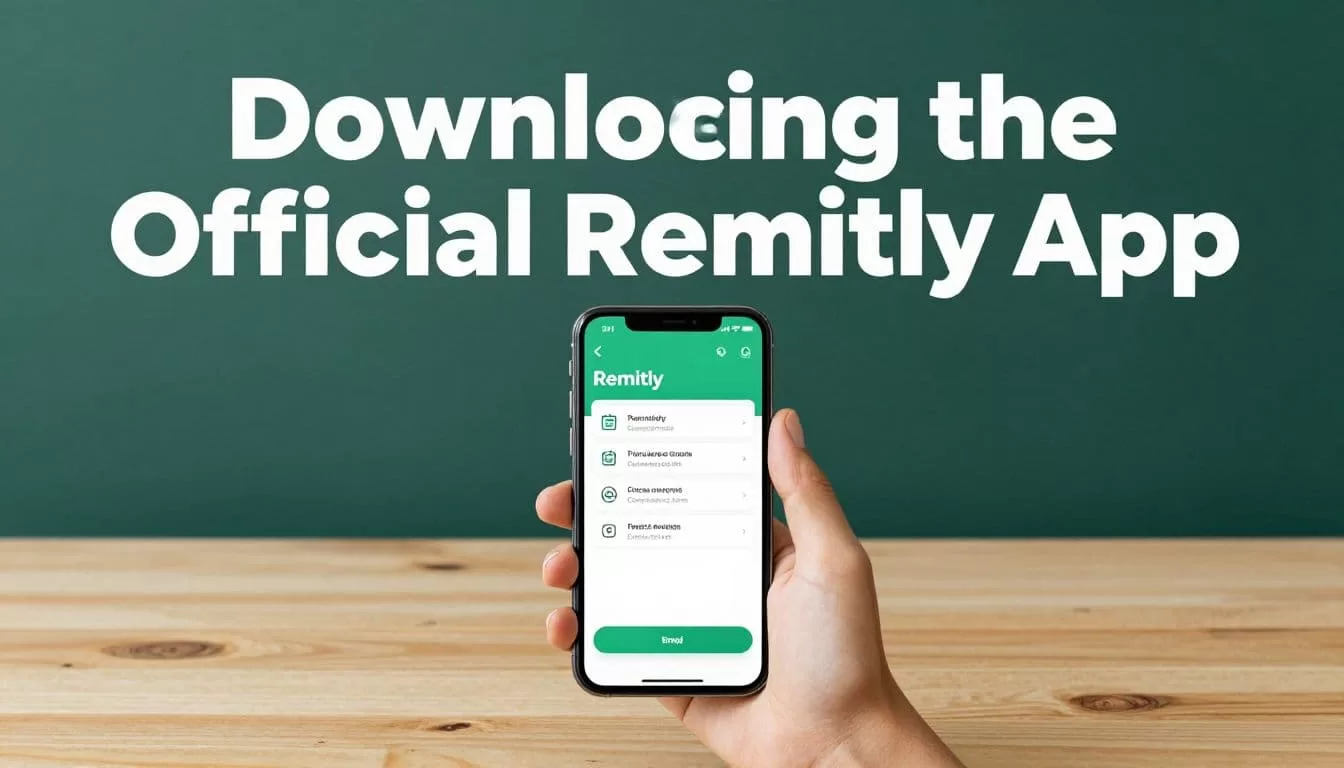
Follow these steps to install the app safely:
- Open your device’s official app store. Android users can download the official Remitly app on Google Play. iPhone users should search for Remitly in the Apple App Store.
- Check the app listing before installing it. Confirm the name, publisher details, reviews, and app icon. Don’t rely on an advertisement or an unfamiliar download page.
- Install the app and open it directly from your device. Keep your operating system and app store updated. These updates often include security fixes.
- Create your Remitly account. Enter your contact information as requested. Use an email address and phone number that you can access during the transfer.
- Complete identity checks when prompted. Remittance providers may request government-issued identification or additional information to meet financial compliance requirements. Submit documents only inside the official app or Remitly website.
You don’t need to send money immediately after creating an account. Open the Uganda route first and inspect the available delivery methods. This gives you time to confirm that the app supports the recipient’s preferred bank, wallet, or cash pickup location.
Send Money Uganda Transfers: Set Up Your First Payment
Once your account is ready, complete the transfer in a controlled sequence. Don’t enter the recipient’s information from memory if you can check it against an official document or a message from the recipient.


1. Select Uganda as the destination
Open the send-money flow and choose Uganda. Enter either the amount you want to send or the amount the recipient should receive, depending on the option shown in the app.
Review the quote immediately. The app should display the exchange rate, transfer fee, payment cost if applicable, and the expected recipient amount.
2. Select the delivery method
Choose how the recipient will access the money. The available options can include:
- Cash pickup at a supported partner location.
- Deposit into a Ugandan bank account.
- Mobile wallet or mobile money delivery.
The best option depends on the recipient’s access. Cash pickup may work better for someone without a bank account. A mobile wallet can be more convenient for a recipient who regularly uses mobile money. Bank deposit may be suitable for rent, tuition, business expenses, or larger planned payments.
3. Add the recipient’s details
Enter the recipient’s legal name exactly as requested. Small differences in spelling can delay a cash pickup or create a failed transfer.
The required information depends on the delivery method. A bank deposit may require the bank name, account number, account type, and recipient contact details. A mobile wallet transfer may require the wallet provider, registered phone number, and account holder’s name.
Remitly’s Uganda materials include MTN Money as a mobile wallet example. Your app may show other providers based on your sending country and the current route.
4. Choose a payment method
The available funding options depend on where you live. U.S. customers may see bank transfer, debit card, credit card, Google Pay, or Apple Pay. Other countries may offer different payment methods.
Check the payment source before approving the transaction. A bank-funded transfer and a card-funded transfer may have different processing times or costs.
5. Review the complete order
Stop before the final confirmation screen. Compare these details with the information you collected:
- Your sending amount and currency.
- The recipient’s expected amount in Ugandan shillings.
- The exchange rate.
- Transfer and payment fees.
- Delivery method.
- Recipient name and account or phone number.
- Estimated delivery date or time.
A two-minute review can prevent a wrong payout, a failed transfer, or a long correction process.
6. Confirm and track the transfer
Submit the payment only after the details match. Save the confirmation number and keep the receipt in your email or account history.
Use Remitly’s tracking updates to monitor progress. If the status changes unexpectedly, contact support through the official app or website. Don’t send another payment because a recipient says the first one is delayed until you confirm the actual transfer status.
Choose the Right Way for the Recipient to Receive Money
The delivery method affects convenience, required information, and the estimated delivery time. Compare the choices inside your live quote because availability can change.
| Delivery method | Best fit | Information usually required | What to check |
|---|---|---|---|
| Cash pickup | Recipients who need physical cash | Legal name and contact details | Pickup location, identification rules, and collection instructions |
| Bank deposit | Rent, bills, savings, or planned expenses | Bank name, account number, and legal account details | Account accuracy and the estimated deposit time |
| Mobile wallet | Recipients who use mobile money | Wallet provider, phone number, and registered name | Supported wallet, phone ownership, and wallet limits |
Cash pickup isn’t the same as delivery to a home address. The recipient may need valid identification and may need to collect the money at a listed partner location.
For a mobile wallet, don’t assume the phone number is enough. The name on the Remitly transfer should match the name registered with the wallet provider. Confirm the number through a known contact method before you pay.
Bank deposits require the most careful data entry. One incorrect digit in an account number can cause a failed deposit or a delay while the transaction is reviewed.
Check Fees, Exchange Rates, and Security Before You Pay
The amount your recipient receives depends on more than the amount you enter. The exchange rate, transfer fee, payment method, delivery speed, and promotional terms can all affect the final result.
Remitly may display a promotional rate or fee for an eligible first transfer. Read the conditions before relying on it. Promotions can have limits, expiration dates, minimum amounts, or restrictions based on the sending country.
Don’t compare providers using the fee alone. A lower visible fee may come with a different exchange rate or delivery method. Compare the total amount paid with the amount received.
The phrase “send money Uganda” should lead to a verification process, not a rushed payment. Use these controls each time:
- Confirm the recipient’s name and phone number with the recipient.
- Check bank and wallet details against a trusted source.
- Never share your Remitly password, verification code, or card security code.
- Ignore requests to pay extra money through an unrelated person or website.
- Review the recipient amount and delivery estimate on the final screen.
- Save the transfer receipt and confirmation number.
If someone sends urgent new payment instructions through social media or an unfamiliar number, pause the transfer. Contact the recipient through a known phone number before making changes.
What to Do If the Transfer Is Delayed
Start by checking the transfer status in the app. The status can show whether Remitly is processing the payment, waiting for information, or has released the funds to the selected delivery method.
Confirm that the payment left your bank or card account. A failed funding attempt can look like a transfer delay when the money was never fully submitted.
Review the recipient information again, especially the legal name, phone number, bank account, and wallet provider. If Remitly requests additional verification, respond through the official support channel.
Don’t cancel or resend a transfer without checking the first transaction’s status. Duplicate payments create a second problem and may take additional time to resolve.
Conclusion
The Remitly app gives people abroad a clear way to send money to Uganda through cash pickup, bank deposit, or mobile wallet delivery when those options are available on their route.
Download the official app, verify your account, compare the full quote, and enter recipient details carefully. The strongest protection is a final review before payment. Check the amount, rate, fees, delivery method, and recipient information every time.

