How I Schedule Skool Community Events That Keep Members Coming Back
I remember the first time my Skool group felt alive. Members logged in, chatted, and actually showed up for live sessions. That spark came from Skool community events. Without them, communities drift into silence. You run a group for creato...

I remember the first time my Skool group felt alive. Members logged in, chatted, and actually showed up for live sessions. That spark came from Skool community events. Without them, communities drift into silence.
You run a group for creators or coaches. Members join with excitement, but attendance drops. Posts get ignored. You wonder why.
Events fix that. They create rhythm and connection. I schedule them weekly now. Let me show you my exact process.
Why Skool Makes Community Events Simple and Effective
Skool’s calendar sits right in the platform. No need for extra tools like Calendly or Zoom links scattered everywhere. Everything stays in one spot.
Members see events on their dashboard. They get reminders in their time zone. That pulls them back. In my experience, event RSVPs beat post views by three times.
I started with basic calls. Now, events drive 40% of my retention. People pay to stay because they miss the live energy.
Skool handles calls natively too. Pick Skool Call, Zoom, or Google Meet. Replays save automatically. Members catch up without hassle.
Check the official Skool calendar guide for the latest options. Interfaces update, so verify your admin view.
Events build habits. One office hour leads to questions. Questions spark posts. Posts fuel more events. The cycle grows your group.
In short, Skool community events turn passive members into active ones. They work because access is instant.
Setting Up Your First Skool Community Event
Log into your Skool admin. Head to the Calendar tab. Click the plus button. A modal pops up.
Name your event short and clear. “Weekly Q&A” works. Pick date and time next. Set duration from 30 minutes to a full day.
Choose recurring if you want repeats. Weekly office hours save time. For location, default to Skool Call. It’s free on all plans.
Add a description. Tell members what to prepare. Upload a cover image. Match your branding to grab eyes.
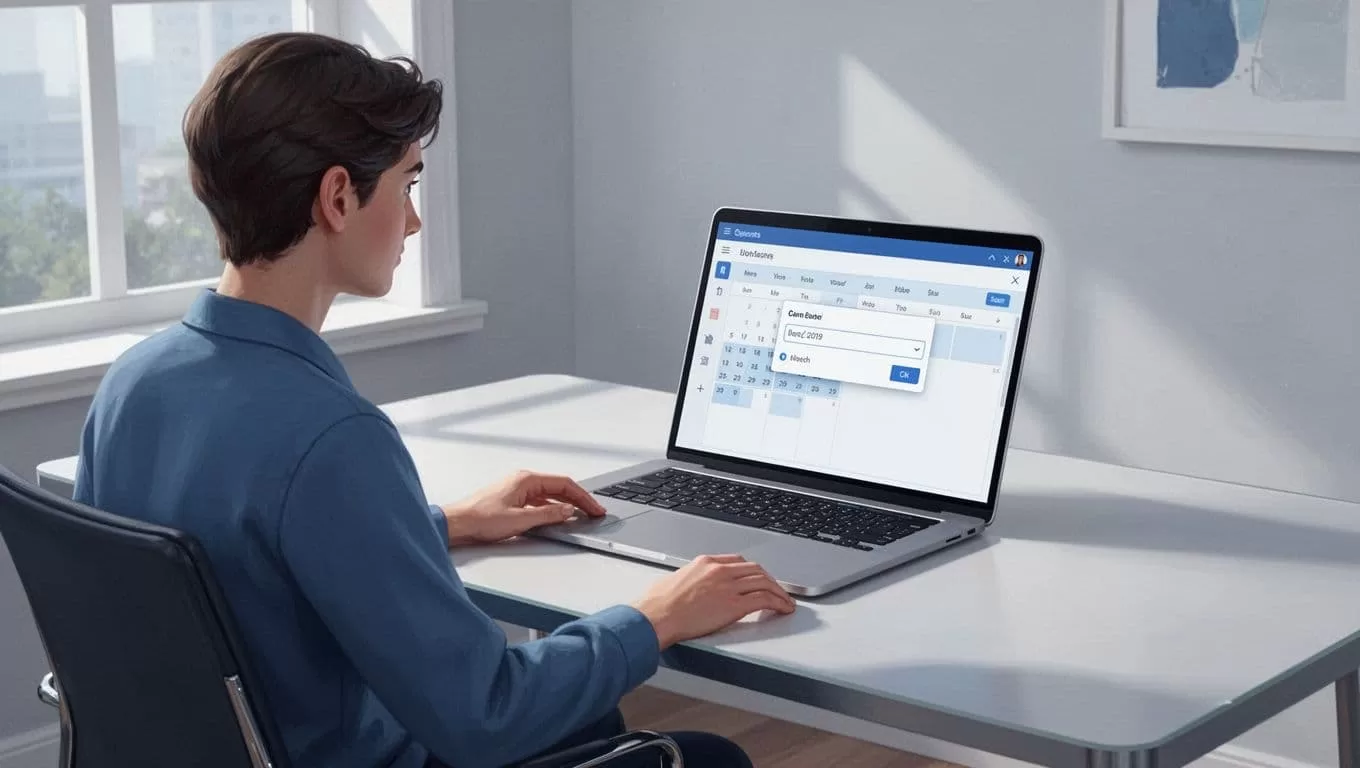
Save it. Members see it instantly. They RSVP with one click.
Follow Skool’s step-by-step event creation. I do this for every session.
Test permissions first. Set who views or joins. Guests only for public teasers. Paid members for exclusives.
My first event? A 45-minute onboarding. New folks learned norms. Questions flowed. Half stayed for replays.
Start small. One event per week. Watch RSVPs climb.
Event Types That Spark Engagement in Skool
Pick types that fit your audience. Office hours suit coaches. I host them Tuesdays. Members bring wins and blocks.
Coaching calls shine next. Hot seat one member. Others watch and learn. Limit to six spots. Scarcity boosts sign-ups.
Workshops teach skills. “Build Your First Funnel” drew 20 last month. Share screen, pause for practice.
Q&As answer burning questions. Post a thread first. Collect topics. Then go live.
Onboarding sessions welcome newbies. Cover rules, wins, and next steps. Pair with a challenge.
Accountability meetups close strong. Pairs report progress. I facilitate shares.
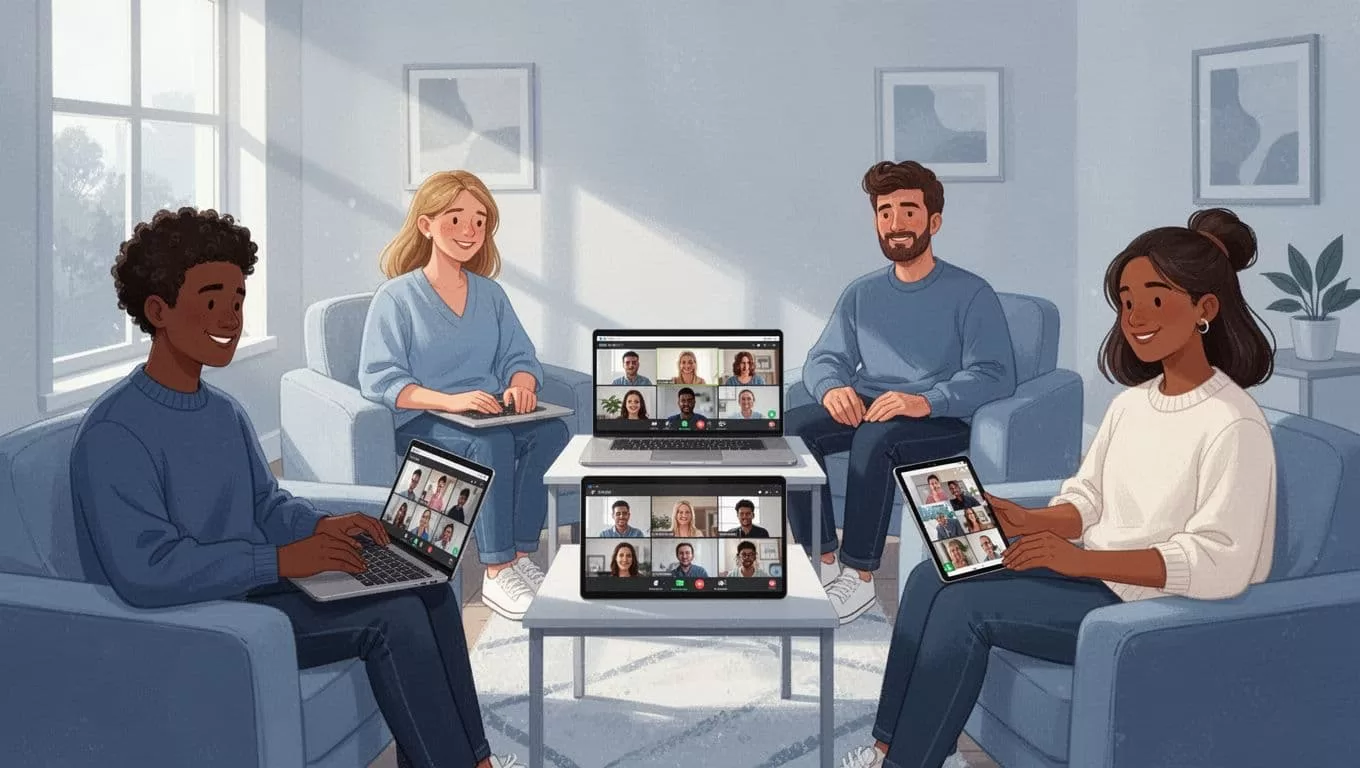
For group coaching, I use native live streaming in Skool events. Replays keep value high.
Mix formats. One week Q&A, next workshop. Variety keeps calendars full.
Track what works. High no-shows? Shorten time. Low energy? Add polls.
These types build bonds. People return because they connect.
Promoting Your Skool Events Effectively
Events flop without buzz. Announce early. Post in your main feed seven days out.
Tease value. “Struggling with leads? Join Thursday’s live fix.” Pin the post.
Use the calendar’s power. Members get email and push alerts. No extra work.
Cross-promote. Link events in lessons. “RSVP here after Module 2.”
For retention, schedule office hours on Skool calendar. They pull lurkers back.
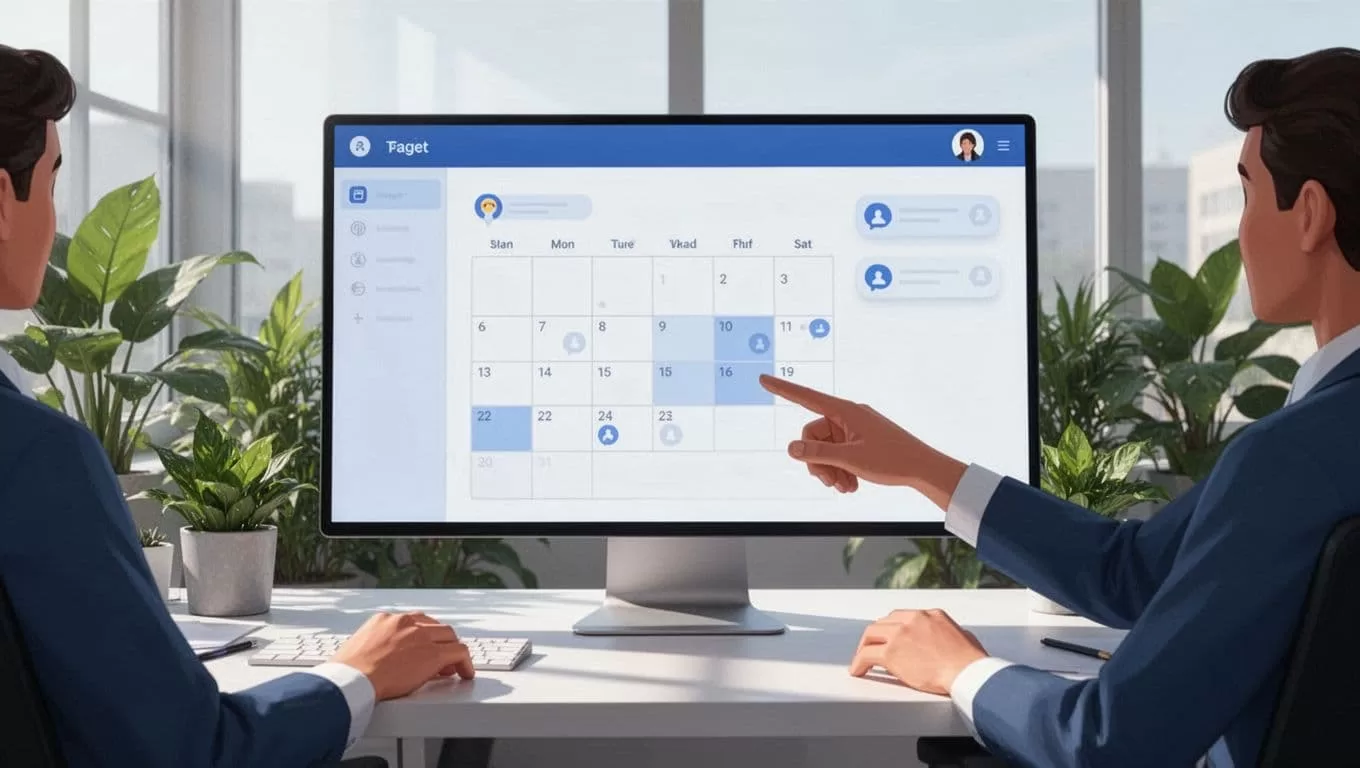
Reminders fire automatically. One day before, then one hour. I see 20% more arrivals.
Email non-RSVPers. “Missed the invite? Spots open.” Personal touch converts.
Partner with members. Let top posters co-host. They promote to their networks.
In my Skool community guide, event reminders boost growth. Test yours.
Avoid spam. Two posts max per event. Quality over quantity.
Promotion turns calendars into full rooms.
Running Events and Following Up for Maximum Impact
Prep matters. Test tech 30 minutes early. Share agenda in chat.
Start on time. Welcome stragglers. Icebreakers warm the group.
Engage all. Call names. Use chat for quiet folks.
Record always. Skool saves replays. Post links fast.
Follow up same day. Thread highlights. Tag speakers. Ask for feedback.
Missed folks get recap. “Key takeaway: Test one change this week.”
For live support, RSVP events boost engagement.
Handle no-shows. Poll reasons. Adjust times.
My metric? Replay views over 50% of live. That means value sticks.
Refine each time. Short surveys guide next ones.
Follow-up cements loyalty.
Conclusion
Skool community events create pulse in your group. I schedule them weekly because they drive connection and retention.
Start with one simple setup. Pick a type like office hours. Promote smart. Follow through strong.
Your members will show up. Groups grow. Check your calendar today.
(Word count: 1492)
