How I Send Direct Messages to Students on Skool
I’ve managed Skool communities for years now. Public posts work for big announcements. But when a student needs personal feedback or quick help, those group threads get messy fast. Skool direct messages fix that. They let me reach one...

I’ve managed Skool communities for years now. Public posts work for big announcements. But when a student needs personal feedback or quick help, those group threads get messy fast.
Skool direct messages fix that. They let me reach one student privately without cluttering the feed. In 2026, this feature feels essential for creators like me who run coaching groups or courses.
You probably face the same issue. Let’s walk through how I handle Skool direct messages every day.
Why Skool Direct Messages Matter for Community Managers
I build trust in my communities through one-on-one talks. Skool direct messages create that space. Students open up more in private chats than in comments.
Public replies help everyone. Yet sensitive topics, like course struggles or payment questions, demand privacy. Direct messages keep those conversations contained.
Admins gain too. I track individual progress better this way. It cuts down on repeated questions in posts. Plus, students feel valued when I respond directly.
Skool rolled out these messages fully by now. They stay secure and separate from group areas. I use them weekly to nudge students toward goals.
Finding Students to Message
I start most chats from active spots. A student comments on my post? I click their avatar right there. Their profile pops up fast.
From the member list, it’s even simpler. I go to the community sidebar. Scroll names or search by keyword. Active students show first.
Profiles give context before I message. I see their join date, levels, and recent activity. That helps me personalize.
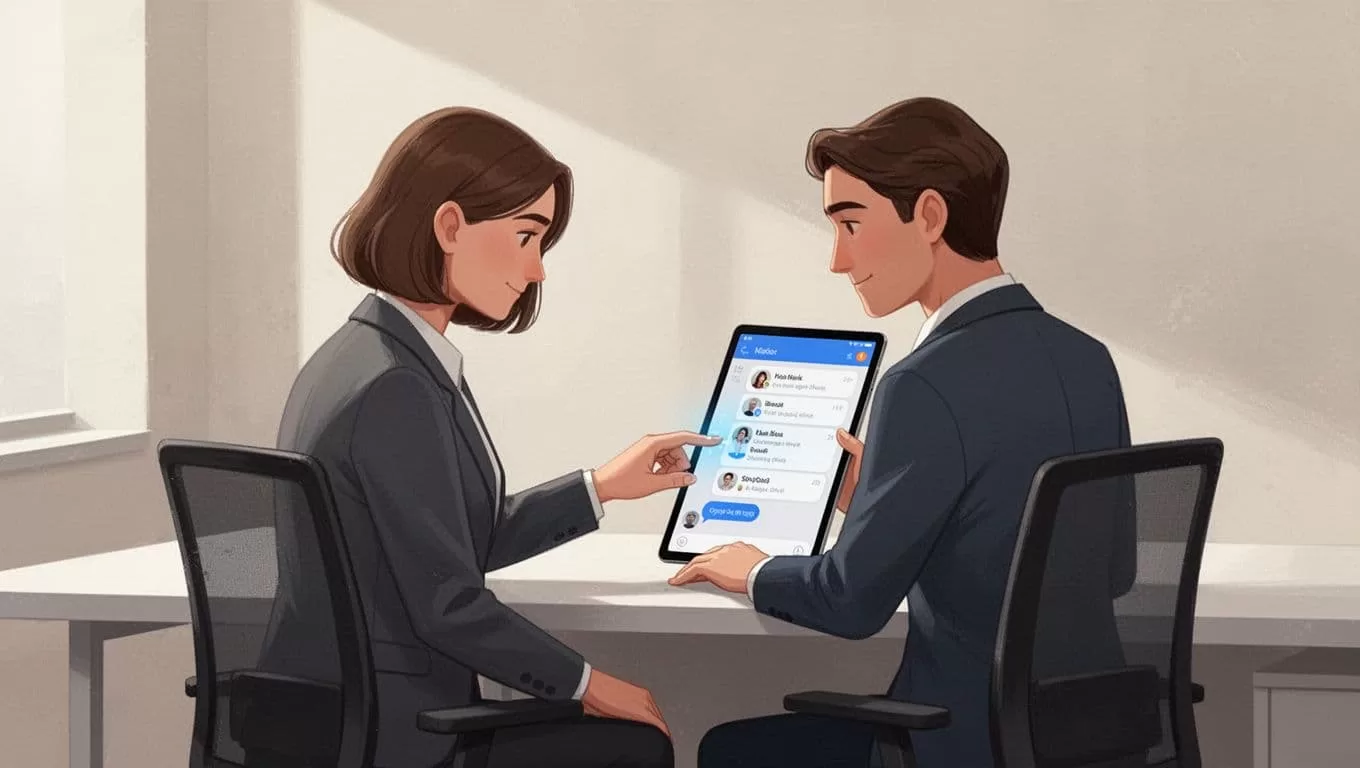
In this setup, I spot who needs a nudge. For example, a quiet new joiner gets my attention quick.
Posts and comments trigger most of my outreach. I reply publicly first. Then follow up privately if needed. It feels natural that way.
Sending Your First Direct Message
Once on a profile, the message button sits right there. I click it. A clean chat window opens.
I keep openers short. “Hey Sarah, loved your question on module 2. Quick tip here…” Context matters. Students ignore vague notes.
Type your message. Hit send. It lands instantly. They get a notification, even off-community.

This view matches my desk sessions. Profile open, button ready, coffee in hand. Conversations flow from here.
Threads build over time. I reference past chats easily. Attachments work too, for files or links.
Automate Welcome Messages for New Students
Manual DMs take time. That’s why I set up auto DMs. New students get a private welcome right away.
Go to Settings. Find the Plugins tab. Edit the AutoDM section. I craft a note like: “Welcome, #NAME#! Dive into #GROUPNAME# posts today.”
Variables personalize it. Preview before save. Toggle on, and it runs. Messages hit within minutes of join.
Only admins send these. If a chat exists already, it skips. Check Skool’s AutoDM setup guide for exact steps.
This boosts retention. Newbies feel seen from day one. I see higher engagement after.
Best Practices to Make Messages Stick
Politeness wins. Greet by name. State your role quick. “As your coach, here’s feedback on your quiz.”
Be specific. Vague asks get ignored. Instead of “How’s it going?”, say “Your video edit needs tighter cuts. Try this tool.”
Time replies well. Evenings work for most. Don’t spam. No answer? Wait a week.
Follow community rules. Skool policies ban harassment. Stick to value adds.
For visuals, watch this 2026 Skool messaging tutorial. It shows the flow live.
Track opens if available. I note who engages most. That shapes my next moves.
Handling Limits and Smart Workarounds
Not everyone messages freely. You need level 3 or higher often. Group settings might block it.
Members control prefs too. Some disable DMs. Respect that. Pivot to comments.
If blocked, use announcements. Pin a post for targeted groups. Or tag in threads.
For scale, I blend with tools. In my Skool community guide, I cover broader growth tactics.
External apps fill gaps sometimes. Email lists or simple CRMs. But Skool DMs handle 90% of my needs.
Test permissions first. Message a trusted student. Confirm it works.
Conclusion
Skool direct messages keep my communities personal and efficient. I start from profiles, automate welcomes, and follow etiquette.
This method builds stronger bonds. Students stick around longer. My groups thrive.
Try one today. Pick a student. Send that nudge. You’ll see the difference quick.
(Word count: 982)
