Is Skool A Better Discord Alternative For Paid Communities
Discord runs a live room well. Paid courses and coaching groups need a different shape. A Discord alternative for paid communities should give members a clear path from signup to progress. This guide compares Skool with Discord on structure...
Discord runs a live room well. Paid courses and coaching groups need a different shape. A Discord alternative for paid communities should give members a clear path from signup to progress. This guide compares Skool with Discord on structure, payments, moderation, cost, and fit. Skool figures come from the official Skool pricing page and Skool help articles as read in October 2026. Discord figures come from the Discord creator support page. Confirm every number before you commit.
Chat-first vs path-first
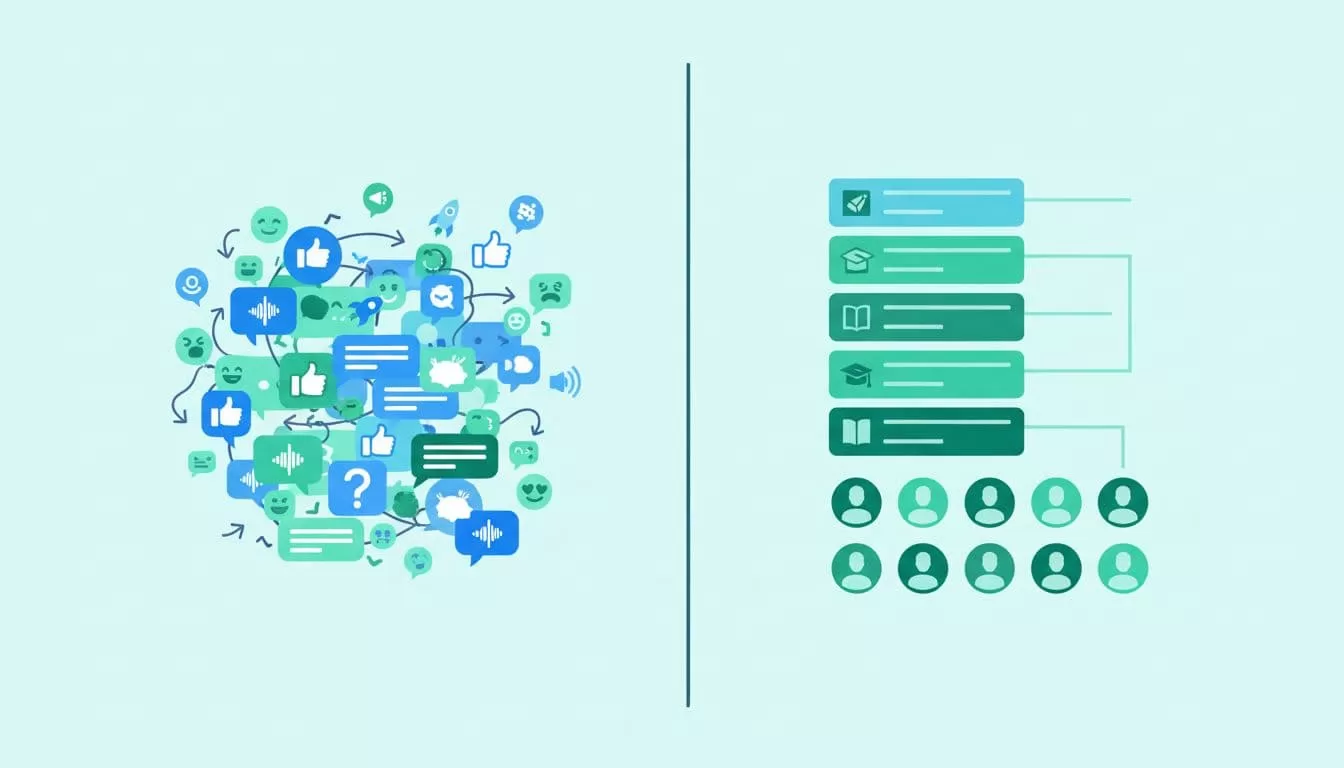
Discord is chat-first. Members join servers with channels, threads, voice rooms, and roles. Conversation moves fast, and the newest message sits on top. Skool is path-first. Members land in a feed, a classroom, and a calendar. The design points toward lessons, events, and progress.
This difference shows up in the first hour. A new Discord member must learn the channel list, read pinned posts, and find the right role. A new Skool member sees one front door. Neither design is wrong. The right choice depends on how your members learn and talk.
Skool vs Discord at a glance
| Area | Skool | Discord |
|---|---|---|
| Core design | Feed, classroom, calendar, leaderboard | Channels, threads, voice rooms, roles |
| Cost to start | 14-day trial, then $9 or $99 per month | Free to run a server |
| Paid access | Native payments through Stripe Express | Server subscriptions with a 10% Discord cut |
| Course delivery | Built-in classroom | Needs links, bots, or outside tools |
| Engagement | Points, levels, leaderboards | Chat activity, roles, bots |
| Moderation depth | Simpler admin controls | Deep roles, permissions, and bots |
| Best for | Courses, coaching, paid groups | Live chat, gaming, open communities |
The table shows the trade. Discord is free and flexible. Skool costs money and adds structure.
Where Skool works better for paid groups
A clear member journey
Paid members expect to find lessons, replays, and events fast. Skool places these items in one app. The classroom holds lessons in folders and pages with videos, text, and attachments, according to a Learning Revolution review of Skool. Events show in each member local time zone with RSVPs and email reminders.
Native payments
Skool collects payment inside the platform. The Skool payout setup guide lists monthly, annual, and lifetime price options. Payouts run through Stripe Express to your bank account. The guide recommends a local regional bank and says Wise, Chime, and other fintech accounts are not supported.
The Skool payments FAQ adds three useful facts. Skool acts as merchant of record and handles sales tax collection and filing. Payouts run every Wednesday. The first payout can take up to 14 days.
Game mechanics
Members earn points for posting, commenting, and finishing lessons. Levels can unlock courses or resources. Leaderboards add friendly competition. These tools will not fix a dull community, but they reward steady activity.

Calmer notifications
Active Discord servers can feel noisy, because every channel can ping. Skool keeps the focus on the feed, the classroom, and the calendar. Fewer places for talk means fewer interruptions.
Where Discord still wins
Live conversation
Discord suits groups who gather to talk. Voice rooms, quick replies, and screen sharing make real-time help easy. Gaming groups, fan clubs, developer servers, and trading rooms thrive on this speed. A classroom layout can feel too still for them.
Moderation and automation
Discord offers deeper roles, permissions, and bot support. Large servers with many volunteers need these tools. Skool offers simpler admin controls, which fit smaller paid groups.
Zero platform cost
A Discord server costs nothing to start. A free community with casual chat and many members gains little from a paid platform.
Paid access on Discord: what the rules say
Discord offers Server Subscriptions for creators. The Discord creator support page lists these terms:
- Discord keeps 10% of each subscription or one-time sale, so creators receive 90% before other fees.
- On iOS, Apple takes a further 30% of subscriptions started in the Discord iOS app, so iOS subscribers pay a higher price.
- Only the server owner can enable monetization. The owner must be 18 or older.
- The owner must be based in the US and provide a US bank account and US ID to Stripe.
- The server needs Community enabled and must not be primarily NSFW.
- The first payout needs $100 in earnings. Later payouts need $25.
- Payouts usually arrive about a month after the monthly review.
These rules limit who can sell on Discord. A creator outside the US cannot use Server Subscriptions as written on the page. Skool lists payout setup for non-US accounts, with payouts in local currency. Check the current rules for your country on both help pages.
Many Discord creators use outside tools for payments and course delivery. Each tool adds a login, a bill, and a place to lose members. This patchwork is the main reason paid groups look for a Discord alternative.
The real cost of a patchwork stack
A paid Discord community often needs several parts. Payment collection, lesson hosting, event reminders, and access control each need a tool or a bot. Each part carries a monthly price and a setup task. A member who pays must also join the server, claim a role, and find the lessons.
Skool bundles these parts into one plan. The bundle costs less effort, but the plan has limits. Learning Revolution reports no email broadcasts, no quizzes, and no official API. Count both sides before you decide.
Build a simple sheet. List every tool you would use on each path. Add the monthly price, the transaction fee at your expected sales, and the weekly hours you spend on admin. The lower total wins.
Pricing for Skool in October 2026
| Plan | Monthly price | Transaction fee | Trial |
|---|---|---|---|
| Hobby | $9 | 10% | 14 days |
| Pro | $99 | 2.9% | 14 days |
Both plans list unlimited members, courses, videos, and live calls. The pricing page also shows a two months free offer next to a monthly and yearly toggle, without yearly prices in the text read. Check the toggle for current numbers.
Break-even math
Hobby costs $9 plus 10% of sales. Pro costs $99 plus 2.9% of sales. The two costs match near $1,270 in monthly sales. Compare the Discord 10% cut with the Skool fee on your own sales before you decide.
Known Skool limits
Learning Revolution reports no quizzes, tests, or certificates in Skool. The same review lists no email broadcasts and no official API. Sources disagree on custom domains and admin seats by plan, so confirm these on the pricing page.
Which platform fits which community
- Choose Skool for paid courses, coaching programs, cohort groups, and memberships with lessons.
- Choose Discord for gaming groups, open support spaces, fan clubs, and free communities.
- Choose both when you want a free public chat on Discord and a paid core program in Skool.
The two-platform model is common. Discord acts as the public lobby. Skool acts as the paid classroom. Members who want more depth cross over.
How to move paid members from Discord to Skool
- Write the member path from day one to month three, including lessons, events, and goals.
- Start the Skool 14-day trial and build the classroom before inviting members.
- Connect payouts through Stripe Express and test one checkout.
- Announce the move in Discord with a date, a reason, and a link.
- Keep the Discord server open for a short overlap, with a pinned message.
- Hold a welcome event in Skool during the first week.
Do not close the Discord server on the first day. Give members time to move, and track who has joined.
Checklist before you pay
- Read the Skool pricing page and write down the plan, the fee, and the trial length.
- Read the Discord creator support page and confirm you meet the owner requirements.
- List every outside tool your current setup uses and its monthly price.
- Draft the first thirty days of member content, including three live events.
- Decide how you will keep a copy of lessons and member emails outside both platforms.
FAQ
Is Skool better than Discord for courses?
Skool suits courses because lessons, events, and payments sit in one app. Discord suits live chat. Course sellers who need structure usually prefer Skool.
Is Discord free?
Running a server costs nothing to start. Server Subscriptions take 10% of each sale, according to the Discord creator support page.
Can I accept payments on Skool without my own Stripe account?
Yes. Skool uses Stripe Express for payouts. You complete a short signup and identity check, then connect a bank account.
Does Skool support voice rooms like Discord?
Skool supports live calls and events with Zoom or YouTube Live links per Learning Revolution. Skool does not replace always-on voice channels.
Which platform has better moderation?
Discord offers deeper roles, permissions, and bots. Skool offers simpler controls for smaller paid groups.
Can I use Wise for Skool payouts?
The Skool payout guide says Wise, Chime, and other fintech bank accounts are not supported. Use a local regional bank.
Do members keep their price after a price increase?
The Skool payments FAQ describes grandfathering. Existing members keep their current price when you raise prices.
Conclusion
Skool is the stronger Discord alternative for courses, coaching, and paid memberships. Discord remains the stronger choice for live chat and free communities. Map one member path from day one to month three, add every tool cost, and read the official Skool and Discord pages again before you pay.
