How I Deploy Slack Automation Bots on Twin.so
You know that moment when a Slack ping piles onto your overflowing inbox? I used to drown in notifications until I built my own bots. They handle the noise now. A Slack automation bot on Twin.so changed everything for me. Twin.so lets me cr...


You know that moment when a Slack ping piles onto your overflowing inbox? I used to drown in notifications until I built my own bots. They handle the noise now. A Slack automation bot on Twin.so changed everything for me.
Twin.so lets me create no-code agents that listen to Slack events and act fast. No servers or code. Just describe what you want. In this guide, I walk you through my exact steps from 2026. You’ll have a working bot by the end.
Gather Your Setup Requirements
Start with basics. You need a Slack workspace. Free works for tests. Paid plans unlock more bot scopes.
Sign up for Twin.so. It’s free to start. Agents run on their cloud. Pricing kicks in at scale: $0.10 per run after trials. Check Twin.so’s quickstart guide for current tiers.
Basic tech helps. A browser. Stable internet. Know your Slack channels. I list permissions early to avoid blocks.
Permissions matter. Bots need read access to channels. Write for posts. Events like mentions trigger runs. Twin.so uses OAuth. One-click connect. No tokens to juggle.
I prepare a test channel first. Post sample messages. Note user IDs if needed.
Create Your Slack App
Head to api.slack.com/apps. Click “Create New App.”
Name it. Pick your workspace. I call mine “TwinNotifier.”

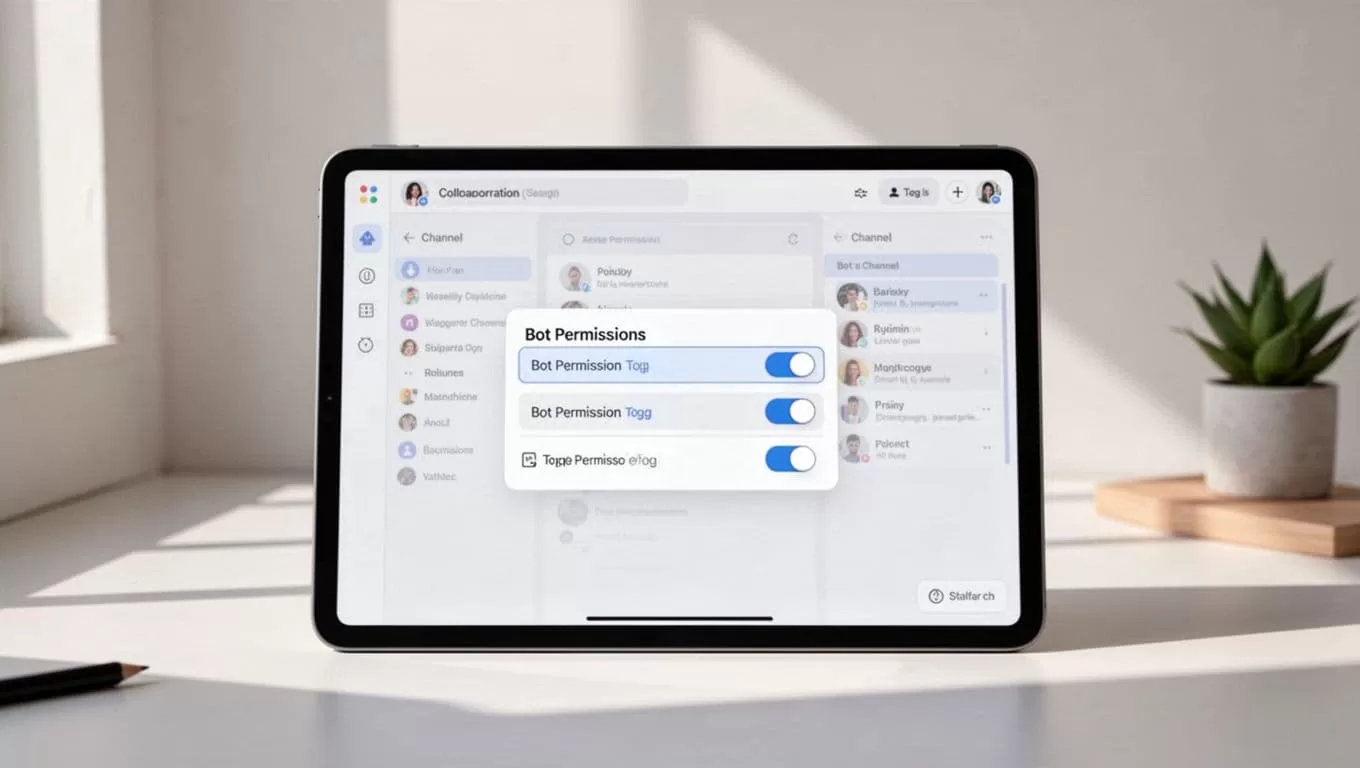
Go to OAuth & Permissions. Add scopes: chat:write, channels:read, im:read. For mentions, add app_mentions:read.
Install to workspace. Copy Bot User OAuth Token. Starts with xoxb-. Save it secure. Twin.so prefers OAuth flows over tokens now.
Under Event Subscriptions, toggle on. Request URL comes later from Twin. Add bot events: message.channels, app_mention.
Verify in Basic Info. App ready.
This setup took me five minutes. Test by inviting bot to channel.
Connect Slack in Twin.so
Log into Twin.so. Dashboard shows “New Agent.”
Pick trigger. Slack tops the list. See Twin.so triggers docs for options.
Click “Connect Slack.” OAuth pops up. Grant access. Twin handles scopes.
It lists your workspaces. Channels appear. Select targets.
I connect once. Stays linked. Revoke anytime in Slack apps.
Now agents trigger on new messages. Or mentions. Perfect for routing.
Design Useful Slack Automations
Think simple first. Notifications save hours.
Example one: Route sales mentions. Bot sees “#sales” in general. Posts summary to sales channel. Adds task in CRM.

Task updates next. User types “@bot update ticket 123 done.” Bot pings Jira. Or emails client.
Approvals shine. Post pulls request. Bot notifies manager. They react 👍. Bot archives or rejects.
I built message routing like this. “@bot route to support.” It DMs support lead. Logs in thread.
In Twin.so chat, describe: “When message has #urgent, notify oncall via DM and post thread update.”
Agent builds. Preview runs. Tweak prompts.
These cut my Slack chaos. One bot handles 50 daily pings.
For teams, I link to Recruit CRM workflows with Slack notifications. Similar triggers there.
Deploy Your Bot on Twin.so
Back to dashboard. Agent ready? Hit “Deploy.”
Choose mode. Scheduled for daily summaries. Event-driven for Slack triggers.

Set concurrency. One run per event. Scales auto.
API key generates. For webhooks if needed.
Deploy live. Status green. Logs show runs.
I deploy in minutes. Costs pennies per execution.
Test Your Bot Thoroughly
Post in channel. “@bot test urgent.” Watch response.
Check logs in Twin. See inputs, outputs. Errors highlight.
Common fix: Scope mismatch. Reconnect OAuth.
Rate limits hit? Slack caps 1 per second. Space actions.
Silent fails? Enable debug in Twin chat.
I test edge cases. Empty messages. Mentions only.
Invite teammates. Real traffic reveals bugs.
Troubleshoot Common Issues
Permissions block most problems. Recheck scopes.
OAuth expires? Reconnect.
High volume? Upgrade Twin plan. Or batch runs.
Bot offline? Check Twin status. Rare, but happens.
Slack verifies apps. Submit if public.
I log everything. Screenshot errors. Twin support fast.
Switching from Zapier? See my Zapier to Twin.so path. Cleaner agents.
Wrapping It Up
My Slack automation bots on Twin.so handle routing, approvals, and updates without fuss. They free me from constant checks.
You save time too. Start with one trigger. Scale as needed. Costs stay low.
Bots run autonomous. Like a quiet assistant in channels. Build yours today.

