A Teachable Alternative: Is Skool Better for You in 2026?
Picking a course platform feels like choosing between a classroom and a club. Both work, but each shapes your business differently. This guide treats Skool as a Teachable alternative and compares the two on the points deciding most purchase...
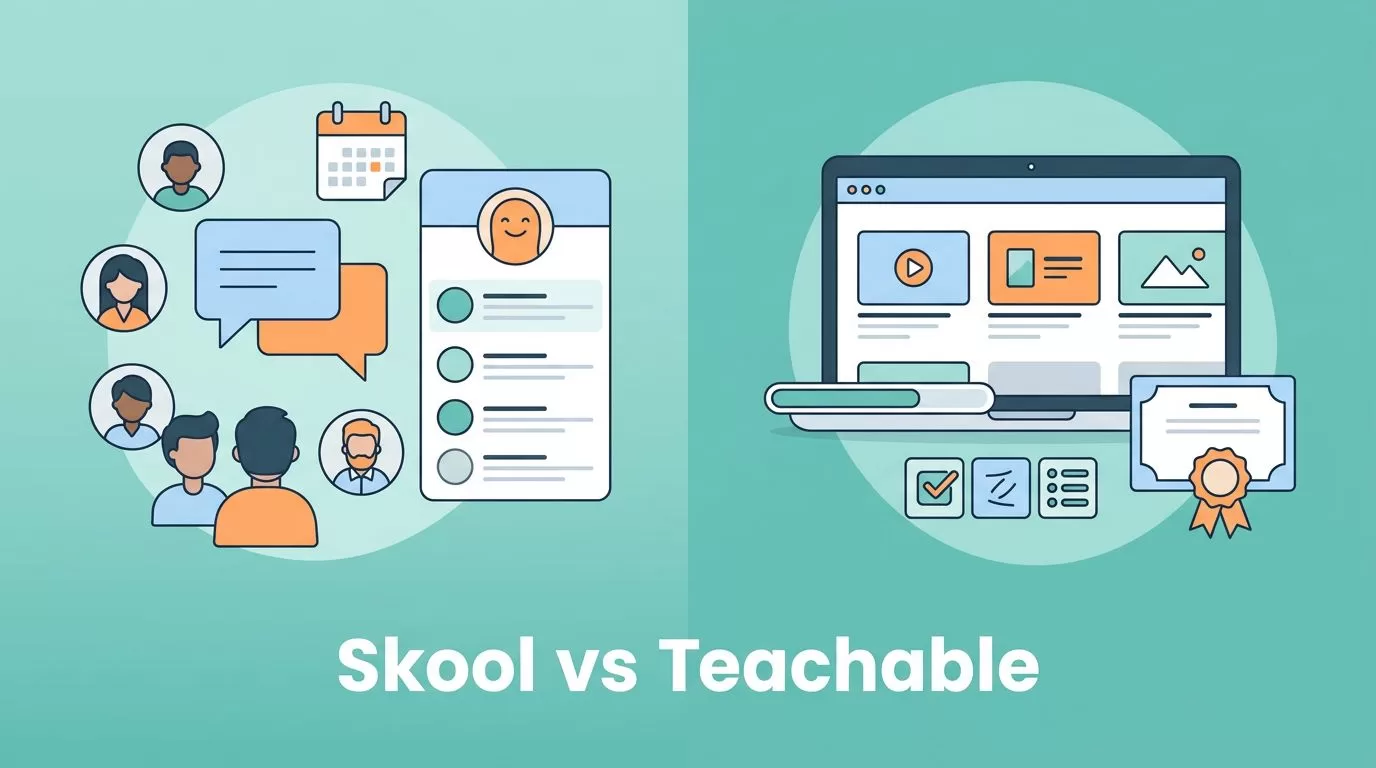
Picking a course platform feels like choosing between a classroom and a club. Both work, but each shapes your business differently. This guide treats Skool as a Teachable alternative and compares the two on the points deciding most purchases: what you sell, what each platform costs as sales grow, and which tools you must add yourself.
Skool is built around community. Teachable is built around course delivery. Pricing below comes from the official Skool and Teachable pricing pages. Both vendors change plans often, so confirm every figure before you commit.
Skool vs Teachable: the core difference
Start with a single question. Are you selling a structured learning path, or access to a group with ongoing support? A structured path points to Teachable. Access to a group points to Skool.
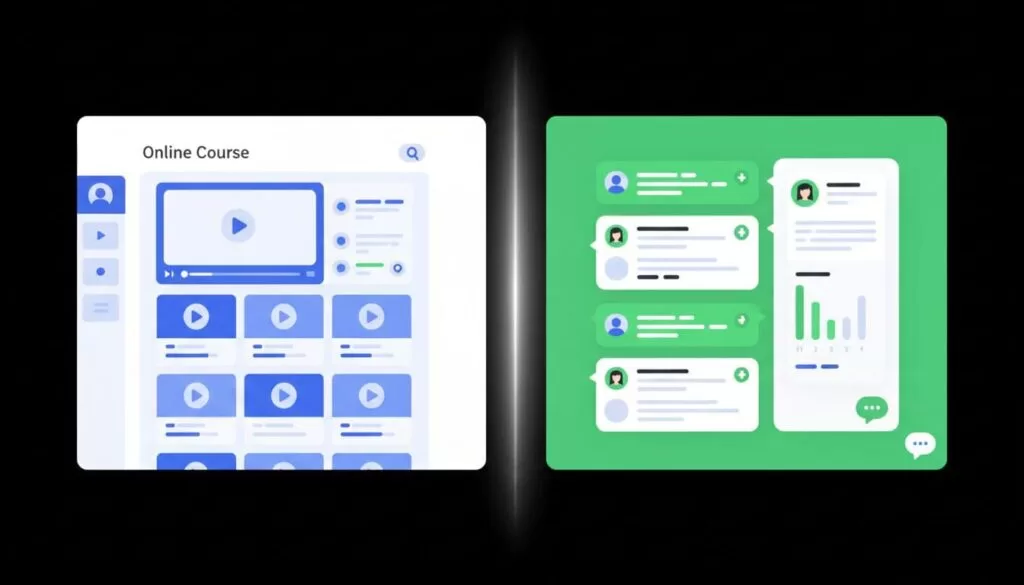
A course platform organizes lessons, tracks progress, and handles checkout. A community platform organizes conversation, events, and belonging. Skool puts members in a feed first. Teachable puts students in a lesson list first. Neither design is better in general. Each fits a different offer.
| Area | Skool | Teachable |
|---|---|---|
| Main focus | Community with classroom | Course delivery and sales |
| Course hosting | Simple classroom with unlimited videos and courses | Course builder with video storage up to 1 TB on every plan |
| Community | Core of the product | Not the center of the product |
| Recurring membership | Natural fit for paid groups | Possible, but courses come first |
| Checkout and sales tools | Check the plan page for current options | Upsells, cart recovery, global payments and tax handling on all plans |
| Best fit | Coaches, masterminds, paid groups | Course sellers, schools, training businesses |
Pricing compared
Pricing shapes the decision more than any feature grid, because platform fees grow with revenue. The figures below come from the official Skool pricing page and the official Teachable pricing page.
Skool plans
- Hobby: $9 per month with a 10 percent transaction fee.
- Pro: $99 per month with a 2.9 percent transaction fee.
- Both plans list unlimited members, courses, videos, and live calls, a custom URL, and affiliates.
- Skool offers a 14-day free trial. The page advertises two months free on yearly billing but does not show yearly prices.
The pricing page does not list Zapier access, analytics, or video hosting details. Earlier versions of this guide described those as plan differences. Treat them as unverified and check the vendor before you rely on them.
Teachable plans
| Plan | Monthly | Annual, per month | Transaction fee | Products | Admin users |
|---|---|---|---|---|---|
| Starter | $39 | $29 | 7.5 percent | 5 | 1 |
| Builder | $89 | $69 | 0 percent | 10 | 1 |
| Growth | $189 | $139 | 0 percent | 50 | 5 |
| Custom | Contact sales | Contact sales | 0 percent | Contact sales | Contact sales |
Teachable lists a 30-day money-back guarantee and unlimited students enrolled through Teachable checkout on every plan. Annual billing saves 22 percent according to the page. The plan cards show a 7-day trial, while a promotion mentions 30 days, so confirm the current trial at sign-up. Standard payment processing fees still apply on top of platform fees, for example 2.9 percent plus 30 cents for United States card sales.
By plan, Starter includes AI creation tools, mobile student apps, global payments and tax handling, upsells, and cart recovery. Builder adds an affiliate program and real-time support. Growth adds course certificates, removal of Teachable branding, imported students, custom admin permissions, and free subtitles and translations.

What the fees cost as sales grow
A low monthly price can hide a high transaction fee. The table below models platform charges only for a few monthly revenue levels. The model uses the Teachable monthly price, not the annual price, and ignores payment processor fees on both sides.
| Monthly sales | Skool Hobby | Skool Pro | Teachable Starter | Teachable Builder |
|---|---|---|---|---|
| $500 | $59 | $113.50 | $76.50 | $89 |
| $2,000 | $209 | $157 | $189 | $89 |
| $5,000 | $509 | $244 | $414 | $89 |
Each cell equals the monthly plan price plus the transaction fee on sales. For example, Skool Hobby at $2,000 equals $9 plus 10 percent of $2,000. The pattern is clear. Hobby wins only at very low revenue. Pro overtakes Hobby once sales pass a modest level. Teachable Builder stays flat because the plan carries no platform transaction fee.
Revenue is not the only variable. Annual billing lowers the monthly cost at both vendors. Refunds, taxes, and processor fees also change the real total. Run the same table with your own numbers before you choose.
When Skool is the stronger Teachable alternative
Choose Skool when your business lives on ongoing conversation. Coaches, community builders, peer groups, and membership brands fit well. Members land in a feed, not a lesson list. They post, reply, join live calls, and return between sessions.
Skool also suits founders who dislike busy dashboards. The product offers fewer design choices and less setup. A paid mastermind, a coaching circle, or a private client hub can launch quickly.
Recurring revenue is a second strength. Selling ongoing access feels native in a community product. Retention depends on interaction, and Skool places interaction first.
Skool trade-offs
- The classroom is simple. Expect fewer course-delivery tools than a dedicated course platform.
- The pricing page does not describe video hosting, so test your video workflow in the trial.
- Plan details beyond fees and the feature list on the pricing page need confirmation with the vendor.
- Hobby carries a 10 percent fee. Revenue growth makes the Pro upgrade worth a calculation.
When Teachable still makes more sense
Choose Teachable when the course is the product. A structured program with modules, drip lessons, and a classic student flow fits the platform. Video storage up to 1 TB on every plan removes one outside tool for many creators.
Teachable also brings commerce tools. Upsells and cart recovery come on the first plan. Global payments and tax handling help creators who sell across borders. Student mobile apps help learners who watch on a phone. Higher plans add certificates, more admin users, and branding removal.
Teams benefit from the Growth plan, which lists five admin users and custom admin permissions. Solo creators rarely need such depth.
Using both platforms together
Some creators avoid a forced choice. They sell the course on Teachable and run a free or paid community on Skool. The course supplies the curriculum. The community supplies accountability. This setup adds two bills and two logins, so use the pair only when both parts earn money.
Related guides on this site explore the community side in more depth. Read about the Skool membership site model and compare other platforms in the Kajabi alternative guide.
Questions to answer before you buy
Platform tours look good in every demo. Real fit shows up in a few specific questions. Answer each one in writing before you pay.
- Where will members spend time? A daily feed suits Skool. A lesson path suits Teachable.
- How do you charge? One-time course purchases suit Teachable checkout. Monthly access suits a community model.
- Who will run the platform? A solo creator needs a simple admin screen. A team needs several admin users and permissions.
- How will you host video? Teachable lists video storage up to 1 TB. Skool lists unlimited videos, so test the workflow.
- What happens at ten times the sales? Transaction fees can outgrow a low monthly price. Rerun the fee table at the larger volume.
- Can you leave? Export member emails and content on a schedule. Ask the vendor what data you can take with you.
A trial week answers more than any review. Build one real lesson and one real discussion thread. Invite three trusted buyers to try both. Their feedback beats a feature checklist.
How to decide in five steps
- Write one sentence describing what a buyer receives each month.
- Estimate monthly sales for the first six months and the next two years.
- Run the fee table above with your numbers.
- Start a trial on the leading choice and publish one real lesson or one real discussion.
- Ask three buyers which experience they prefer, then decide.
Keep a simple record during the trial. Note setup time, the number of questions from testers, and any task requiring an extra tool. Compare the notes for both platforms side by side. The platform with fewer workarounds usually wins.
FAQ
Is Skool a real Teachable alternative?
Yes, for creators selling community access with a course inside. Skool is weaker for course-heavy offers needing deep delivery tools.
Is Skool cheaper than Teachable?
Not always. Skool Hobby costs $9 per month with a 10 percent fee. Teachable Starter costs $39 per month with a 7.5 percent fee. Total cost depends on your sales volume, so model your numbers.
Does Teachable charge transaction fees?
Teachable lists a 7.5 percent fee on Starter and 0 percent on Builder and above. Standard payment processing fees still apply.
Does Skool offer a free trial?
Skool lists a 14-day free trial with cancellation at any time.
Can I host videos on Skool?
The pricing page lists unlimited videos but does not describe hosting. Test your video workflow during the trial.
Which platform is better for a paid mastermind?
Skool is the stronger fit because the product centers on member interaction and live calls.
Conclusion
Match the platform to the shape of the business, not the loudest promise. Choose Skool when you sell belonging, access, and accountability. Choose Teachable when you sell a polished learning product with built-in commerce. Model the fees at your expected revenue, then confirm current prices and terms on the official Skool and Teachable pricing pages.
