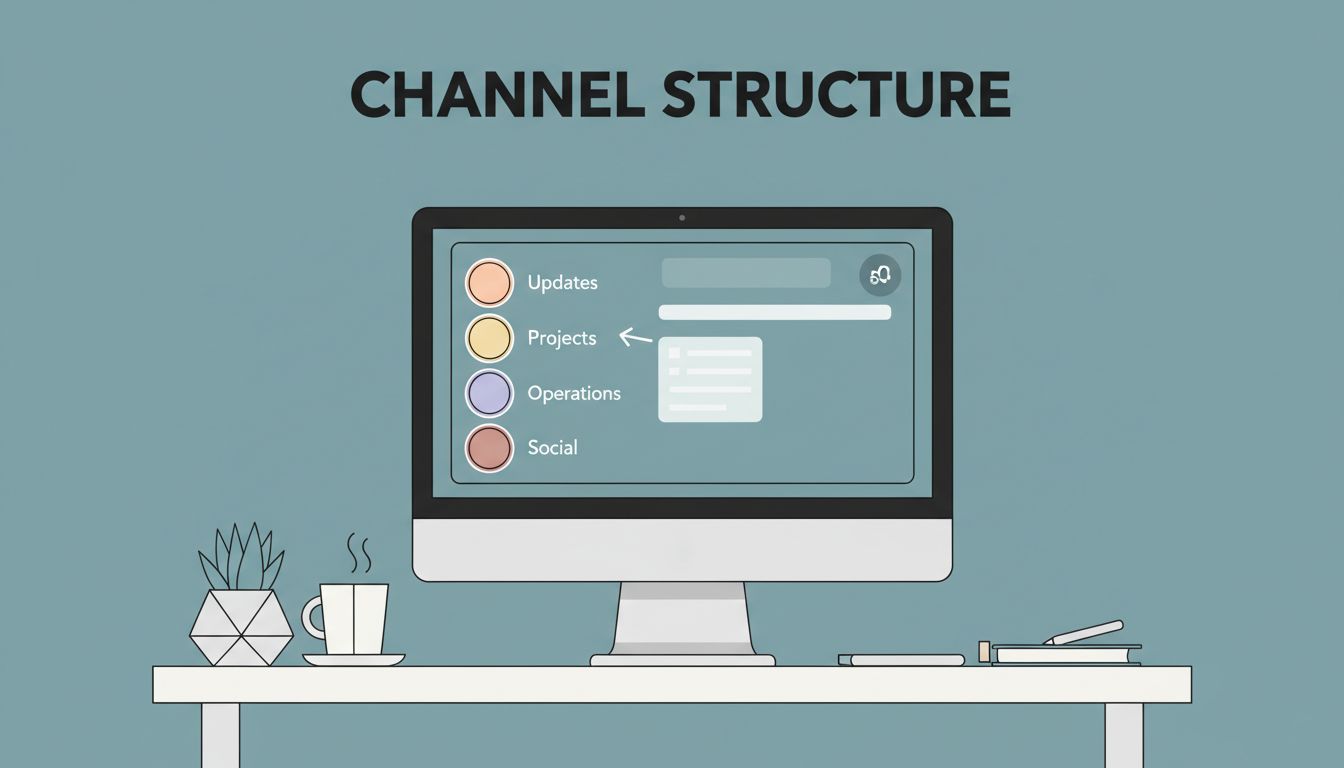
Slack gets messy fast when every chat looks the same. I keep a Slack channel structure simple so people know where to post without asking twice. For small teams, the goal is clarity, not a channel for every mood or micro-task.
If my team can find work in seconds, Slack stays useful. If not, it turns into a noisy hallway. I build around a few channel types, a naming rule, and a habit of trimming dead space.
Start with the few channel types small teams actually need
I don’t begin by listing every possible use case. I start with a small map that matches how the team already works. Slack’s own guide on organizing your Slack channels points in the same direction, channels should map to teams, projects, and functions.
For a tiny team, I keep the structure almost bare. For a growing team, I split work by purpose, not by personality. That means I use channels for company updates, team talk, projects, operations, and a little social room.
If my team also needs cleaner file flow and email habits, I pair Slack with Google Workspace collaboration for remote teams. When I’m choosing the wider setup, I also compare it with Google Workspace vs Microsoft 365 for team collaboration.
Here’s the pattern I use by team size:
| Team size | Structure I use | Example channels | Why it works |
|---|---|---|---|
| 5 to 8 people | Core channels only | #announcements, #team, #projects, #ops, #random | Easy to scan and easy to keep clean |
| 9 to 15 people | Core plus function channels | #sales, #marketing, #support, #product, #client-work | Fewer side conversations in #team |
| 16 to 25 people | Function, project, and client channels | #ops, #finance, #proj-launch, #client-acme | Work stays grouped and searchable |
That setup keeps the sidebar short. It also helps new hires learn the company in a day, not a week.
Use a naming rule that nobody has to guess
I keep names plain, lowercase, and short. Slack’s channel name guidelines support that same approach, and it saves a lot of confusion later.
My copyable format looks like this:
[type]-[topic]
I use a few prefixes and stick with them.
team-for ongoing department work, liketeam-marketingproj-for temporary projects, likeproj-q2-launchops-for internal process work, likeops-invoicingclient-for customer work, likeclient-acmeann-for announcements, likeann-companysocial-for lighter chat, likesocial-watercooler
I also keep one idea per channel. If a channel mixes sales, support, and planning, it loses its shape. A clean name helps, but a clean purpose helps more.
If I can’t explain a channel in one plain sentence, I don’t create it yet.
For naming inspiration, I like the practical breakdown in how to name Slack channels so your team can actually find things. The best names are boring in the best way. They tell people exactly where to go.
My starter channel list for a team of 5 to 25


I usually start with a small set, then add channels only when the work asks for them. This keeps Slack useful without turning it into a directory of leftovers.
| Channel | Purpose | Notes |
|---|---|---|
| #announcements | Company-wide updates | Posting stays limited |
| #team | Day-to-day chat | Good for quick questions |
| #projects | Cross-team work | Use threads for details |
| #ops | Admin, billing, process | Keeps recurring work together |
| #sales | Deals and pipeline | Useful once sales has regular traffic |
| #support | Customer issues | Great for response tracking |
| #random | Light talk | Optional, but nice for morale |
| #client-acme | Client-specific work | Use private mode if needed |
That list works well for a team of 5 to 25 people. Smaller teams can skip sales or support if those jobs live inside one person’s inbox. Larger small teams can split by function as soon as one channel starts carrying too much traffic.
I also give each channel a short description. A sentence like “Project updates, key decisions, and files for Q2 launch” helps people post in the right place.
When I create a new channel, and when I don’t
I open a new channel when the work has its own life. If a topic will last longer than a week, needs a history, or pulls in the same group of people often, it earns a channel. I also create one when the topic has files, decisions, and deadlines that I’ll want to search later.
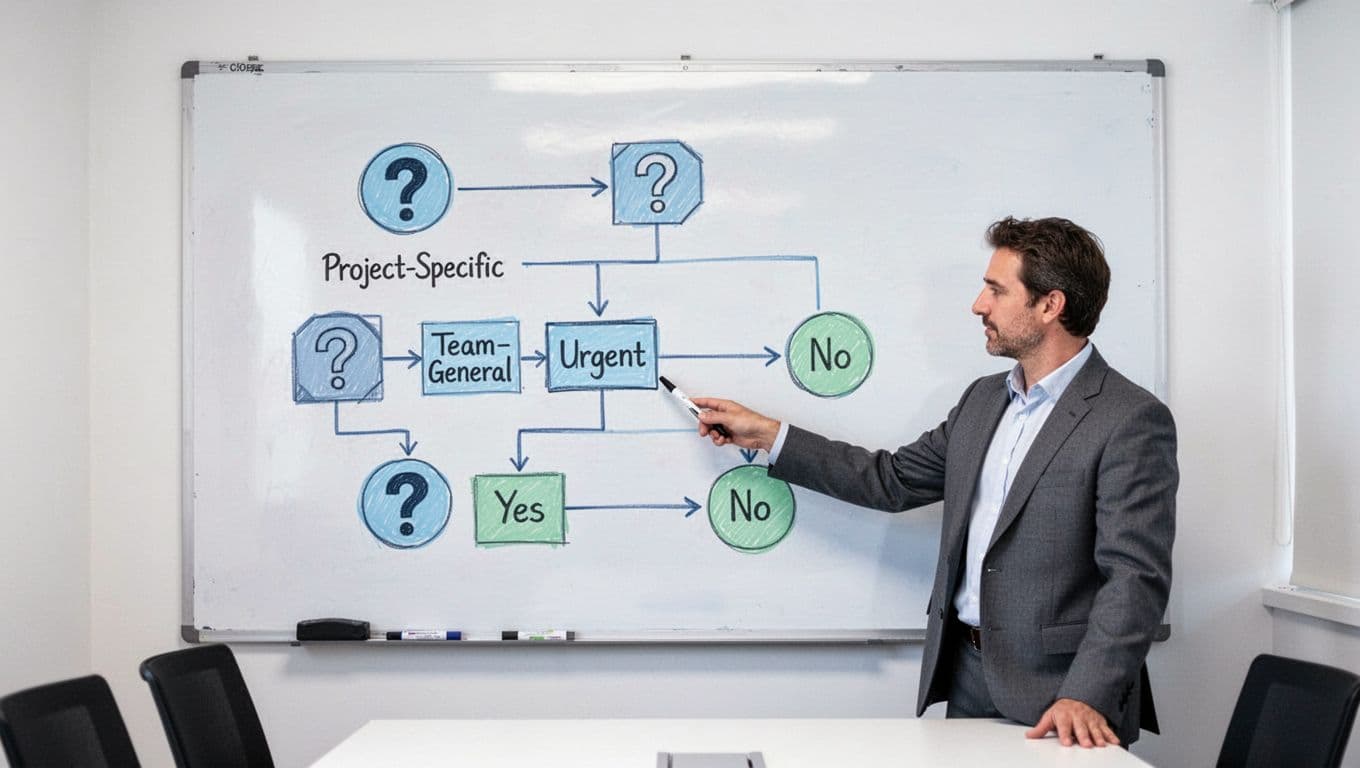
I stay in the current channel when the message is small. A quick question, a one-off update, or a short back-and-forth belongs in the existing thread. If only two or three people care, I don’t split the conversation just to make it look tidy.
My rule is simple:
- Create a new channel for repeat work, shared decisions, or a clear audience.
- Use the existing channel for quick questions, one-time updates, and active project chatter.
- Move to a new channel when a thread keeps coming back every week.
- Keep threads for side conversations inside the main channel.
That approach cuts channel sprawl before it starts. It also keeps search results useful, because the same topic lives in one place.
Keep channel hygiene on a short weekly loop
A good Slack setup needs maintenance. Otherwise, old channels pile up like boxes in a hallway.


I spend a few minutes each week on channel hygiene:
- Archive channels that have no owner or no recent use.
- Rename vague channels before they spread confusion.
- Check that each active channel still has a clear purpose.
- Update channel descriptions after a team change or new project.
- Remove people who no longer need access.
- Mute channels that should stay quiet, especially social ones.
A five-minute review saves me from a cluttered sidebar later. It also makes Slack feel calmer, which helps the team use it more often.
A simple structure beats a clever one
I don’t need a giant system for a small team. I need a structure that people can remember on a busy Tuesday. When I keep the number of channels low, name them with a clear pattern, and archive the dead ones, Slack becomes a work tool instead of a distraction.
The best Slack channel structure is the one my team can explain without thinking. If everyone knows where work lives, the rest gets easier.