Typing out long documents, emails, and daily notes slows down your workflow. When your fingers can’t keep pace with your thoughts, projects stall and frustration sets in. You need a faster method to capture ideas without staring at a blank screen waiting for inspiration. Speechify dictation software solves this problem by turning spoken words into written text in real time.
You can use Speechify to draft emails, essays, notes, and professional reports without manual typing. The platform goes beyond passive reading by providing powerful voice-to-text features that speed up your daily writing tasks [2]. Let’s look at how you can set up and run your dictation workflow efficiently across desktop and mobile devices.
Key Takeaways
- Install the Speechify Chrome extension or mobile app to access real-time voice typing across your favorite applications.
- Speak naturally while the AI automatically handles grammar corrections and removes disfluencies like filler words.
- Dictate punctuation marks explicitly by saying terms like period, comma, and new paragraph to keep formatting clean.
- Test your microphone permissions and clean up multi-column PDF layouts before you start recording to avoid transcription errors.
Getting Started With Speechify Dictation

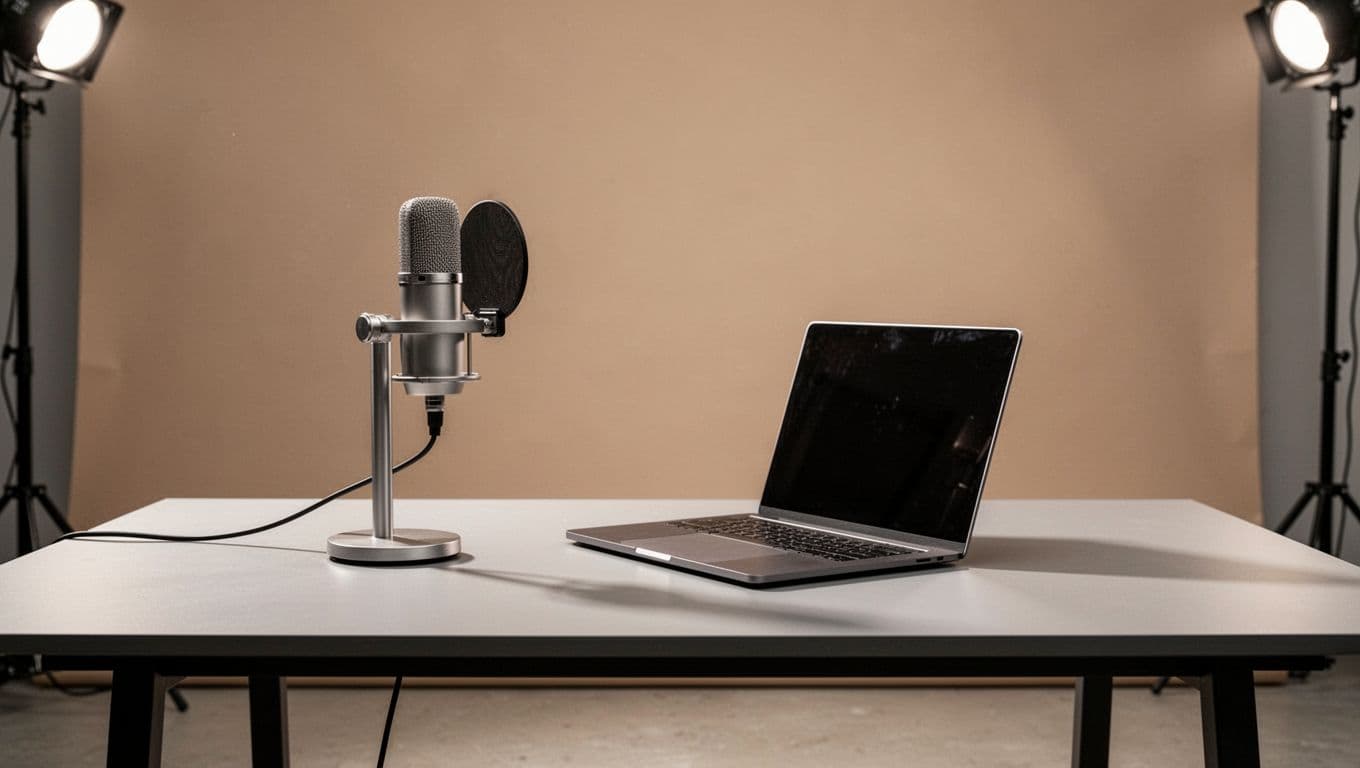
Setting up your system takes less than a minute across desktop and mobile devices. You don’t need complicated equipment to get started. A standard built-in laptop microphone or a basic headset works well for daily tasks.
Log in to your account through the web app or open the mobile application on your phone. You can access dictation tools via the browser extension, the iOS app, or the Android app by clicking the microphone icon [3]. On Mac devices, the software installs as a floating microphone button that works system-wide. This lets you dictate text directly into Slack, Apple Mail, Microsoft Word, Notion, and Safari without switching windows [6].
Before you begin speaking, check your browser and system permissions. Your operating system will prompt you to allow microphone access. Click allow so the software can capture your voice input without interruption. Open a blank document or an email draft, click the dictation button, and start talking at a normal conversational pace.
Dictating Emails, Notes, and Documents
Effective voice typing requires a slight shift in how you compose text. Instead of typing word by word, you speak your thoughts in natural phrases. Speechify processes your audio stream instantly and transcribes the speech into clean text.
For professional emails, state your main point first, then dictate your supporting details. You don’t need to stress over minor stumbles because the AI automatically removes filler words like uhm and you know while applying grammar corrections [14]. This keeps your final output polished and ready to send.
Punctuation requires explicit spoken commands while you talk. Say words like period, comma, question mark, and exclamation point where punctuation belongs. To start a fresh section, say new paragraph or new line.
Practice these spoken commands during a short test note to build muscle memory. Once you get comfortable speaking your punctuation, your drafting speed will outpace traditional typing by a wide margin.
Troubleshooting Common Setup Frustrations
Even streamlined tools encounter occasional friction during daily use. If your transcriptions contain missing words or weird phrasing, your microphone input level is likely set too high or too low. Check your system audio settings and select the correct input device before you start a long dictation session.
Background noise also triggers recognition errors. Find a quiet workspace or use a directional microphone to isolate your voice from ambient room sounds. If you dictate long passages and notice formatting glitches, verify that your target app supports rich text input.
When you import documents or notes into your workspace, ensure the source files are clean and text-based. Messy scans or corrupted text layers confuse parsing engines and cause output delays. Restart your application or check your internet connection if you experience syncing lags across devices.
Conclusion
Mastering voice typing transforms how you handle daily writing workloads. By moving from manual keyboard entry to spoken dictation, you reclaim hours of valuable time each week. Open your workspace today, test out the microphone feature on a quick draft, and streamline your writing routine.