Stripe Commission Tracking With Rewardful: A Setup Guide
Affiliate payouts become a finance problem the moment your program starts producing recurring sales. A referral click is easy to count. Matching that click to a customer, invoice, refund, and payout is harder. Stripe commission tracking nee...
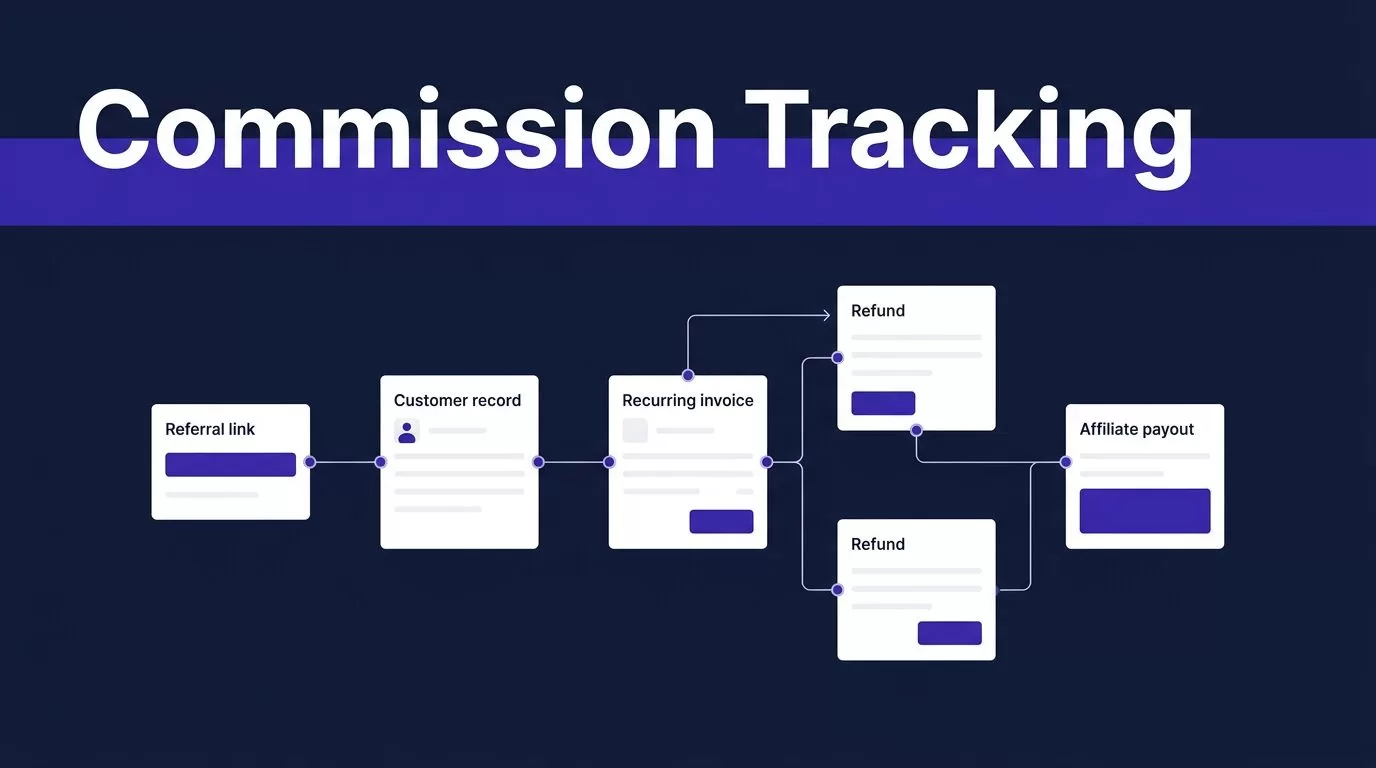
Affiliate payouts become a finance problem the moment your program starts producing recurring sales. A referral click is easy to count. Matching that click to a customer, invoice, refund, and payout is harder.
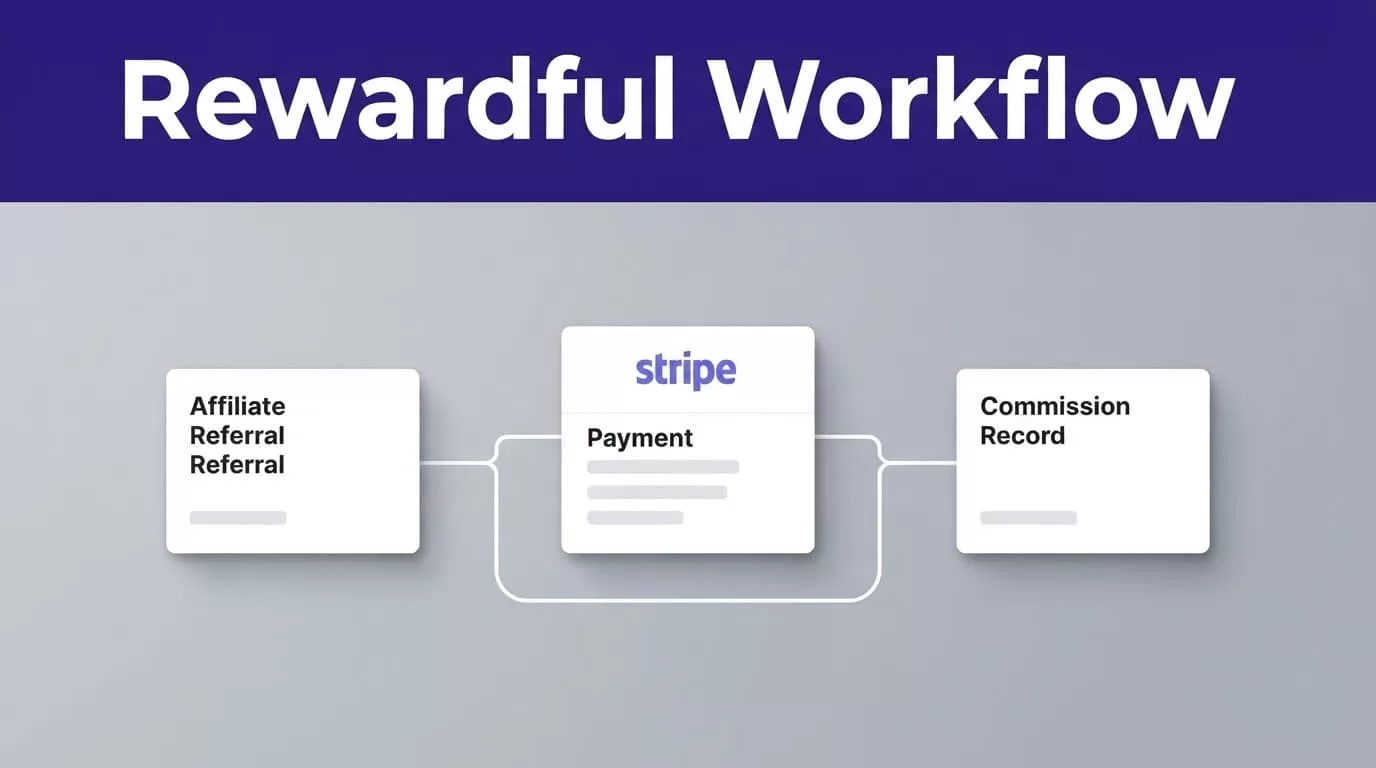
Stripe commission tracking needs a durable link between the affiliate referral and the Stripe customer record. Rewardful provides that link when its tracking and checkout settings match your billing flow.
Set the attribution path first. Then test it before affiliates start sending paid traffic.
Where Stripe Commission Tracking Breaks in Practice
Stripe records billing activity. Rewardful records referral attribution and commission rules. Your process fails when those records cannot be matched with a stable customer or payment identifier.
A Stripe subscription can create recurring invoices over time. Stripe explains this lifecycle in its subscription billing overview. A referral system must recognize which paid invoices belong to the referred customer.
Attribution must reach the Stripe customer
A referral click by itself is not enough. The referral ID must survive the checkout process and attach to the customer who pays.
Rewardful’s script captures the referral. Your Stripe checkout path then passes that value into Stripe through the correct field. If the customer is created without that association, Stripe can show a successful payment while Rewardful cannot assign a commission.
Paid does not always mean payable
A paid invoice can later be refunded, partially refunded, disputed, or followed by a cancellation. Those changes affect what finance should approve for payout.
Treat the Stripe payment record as the billing source. Treat Rewardful as the commission calculation and affiliate-management layer. Both records need review before cash leaves your account.
A completed checkout proves a customer paid once. It does not prove the commission is final.
Map Your Rewardful and Stripe Checkout Path
Rewardful currently supports Stripe Checkout, Payment Links, Pricing Tables, Buy Buttons, and custom Stripe API flows. Pick one primary path before you configure tracking.
Use the handoff your billing flow requires
The referral value needs a different handoff depending on how you create the Stripe customer.
| Billing flow | Referral handoff to validate |
|---|---|
| Server-side Stripe Checkout | Pass the Rewardful referral value in client_reference_id. Do not send a blank value. |
| Custom Stripe API flow | Store the referral value in Stripe customer metadata using the referral key. |
| Stripe Payment Links or Buy Button | Enable “Save payment details for future use” so Stripe creates a customer record. |
| Stripe Pricing Table | Pass the referral into the table’s client-reference-id attribute. |
For client-side Stripe Checkout, use Rewardful’s current install instructions and test that the completed payment creates an attributable customer. The goal is the same, even when the implementation differs.
Do not mix patterns without a reason
A common failure is using Payment Links for one plan, a custom API for another, and a Buy Button on an older landing page. Each path can create customers differently.
Document every public checkout URL. Record its Stripe product, campaign, referral handoff, and owner. Remove old purchase buttons when you replace a billing flow.
Build Stripe Commission Tracking in Five Steps
Set up the workflow in a controlled order. Do not invite affiliates after only checking that the Rewardful script loads.
- Write the commission rule first. Define the percentage or fixed amount, eligible products, recurring period, refund treatment, payout timing, and excluded purchases.
- Connect the correct Stripe account. Confirm that Rewardful is connected to the Stripe account that receives live customer payments. Check the account name before authorizing the connection.
- Create the campaign and install the current Rewardful script. Use the snippet shown in your own Rewardful account, not code copied from an old tutorial. Add it to every referral landing page and checkout entry page.
- Configure the Stripe handoff. Use
client_reference_idfor the documented Checkout route, customer metadata for a custom API integration, or the required customer-saving setting for Payment Links and Buy Buttons. - Run a controlled referral test. Open a referral link in a private browser window, complete a test purchase through the real checkout path, then compare the affiliate, referral, Stripe customer, invoice, and commission records.
Store evidence from every test
Keep the referral URL, affiliate ID, Stripe customer ID, invoice or payment ID, timestamp, campaign name, and final commission result. This gives your team a trusted baseline.
Stripe’s subscription webhook documentation shows why billing status can change after checkout. Payment failures, trial endings, authentication requirements, and status changes all affect recurring revenue.
Set Commission Rules Before You Invite Affiliates
Rewardful can calculate recurring commissions, but your policy must answer the questions the software cannot settle for you. What happens when a customer uses a coupon? What happens after a downgrade? How long does an affiliate earn on a retained account?
Put the payout policy in writing
State whether commission applies to the first payment, every successful renewal, or a fixed number of billing periods. Define whether commission is based on the amount before discounts, after discounts, or another approved value.
Also define the payout hold period. A longer hold can reduce refund-related corrections. A short hold may be attractive to affiliates but creates more finance review.
Customers can change plans, payment methods, and cancellation choices through Stripe’s customer portal tools. Your rules need to handle those changes without relying on manual judgment.
A simple recurring commission example
Assume an affiliate refers a customer to a $100 monthly plan. Your campaign pays 20% of each successful monthly invoice for the first 12 paid months.
The affiliate earns $20 for each eligible payment. If the customer remains active and all 12 invoices succeed, the total commission is $240.
If the fourth invoice is refunded, do not assume the $20 remains payable. Check the refund rule in your Rewardful account and match it to the Stripe invoice outcome. Partial refunds need the same review.
Reconcile Rewardful Payouts With Stripe Every Month
A useful Stripe commission tracking process produces reconciled payouts, not a large dashboard total. Finance needs a record that ties every commission to a real billing event.
Build one reconciliation row per commission
Use a shared export or worksheet with these fields:
| Field | What it proves |
|---|---|
| Affiliate and campaign | Who earned the commission and under which rule |
| Referral ID | Which tracked visit created the attribution |
| Stripe customer ID | Which billing record belongs to the referral |
| Invoice or payment ID | Which successful payment supports the commission |
| Refund or dispute status | Whether the amount needs review or reversal |
| Rewardful payout status | Whether finance has approved, held, or paid it |
Keep the original Stripe and Rewardful values unchanged. Store reviewer notes and correction decisions in separate fields. This preserves an audit trail when someone asks why a commission changed.
Pilot the process with a small approved batch
Start with 25 recent referred customers. Include normal renewals, a cancellation, a refund, a discounted sale, and an unsuccessful payment if you have one.
Track accepted payout rows, missing matches, duplicate commissions, failed sync checks, review time, and correction time. A workflow that removes ten minutes of data entry but creates thirty minutes of corrections has failed.
Keep the last trusted reconciliation file. If a configuration change causes missing attribution, your team still has a verified payout record.
Fix the Failure Points That Cause Missing Commissions
Most issues fall into three groups: missing referral data, missing Stripe customer data, or a billing event that changed after the commission appeared.
The referral link works, but no sale appears
Check that the Rewardful script loads on the landing page. Then check that the buyer completed checkout in the same supported browser journey.
Review the referral URL, campaign status, eligible domain, and checkout path. If the customer used a different device, cleared cookies, or started on an untracked page, the referral may not persist.
Stripe shows a payment, but Rewardful shows no commission
Locate the Stripe customer first. Check whether the customer record contains the expected referral value, client_reference_id, or customer metadata.
Then check campaign eligibility. The product, plan, coupon rule, and affiliate status can all block a commission. Do not add a manual commission until you rule out a delayed sync or a duplicate record.
Refunds, disputes, and late billing changes need an owner
Rewardful’s Stripe sync can process refund and partial-refund data. Chargeback treatment can vary by account settings, so confirm the current behavior before setting your payout policy.
Stripe can send asynchronous updates for confirmed payments, disputes, and other account activity through webhooks. Review Stripe’s webhook guide and its event type reference when you build an exception process.
Assign every exception to one person. Record the event ID, decision, date, and payout action.
Confirm These Rewardful Settings in Your Own Account
Rewardful features and account controls can change. Confirm these settings before you rely on an automated payout report:
- Check that your plan includes the campaign and Stripe integration controls you need.
- Confirm the connected Stripe account is the intended live billing account.
- Verify the exact integration route used by every checkout page.
- For Payment Links and Buy Buttons, confirm Stripe creates customer records through the required payment-detail setting.
- Review how your campaign handles coupons, refunds, partial refunds, disputes, upgrades, cancellations, and recurring limits.
Make finance approval a separate step
Rewardful can reduce manual attribution work. It should not replace payout approval. Keep commission calculation, exception review, and payment authorization as separate actions.
Tax reporting, contractor classification, withholding, and record retention depend on your location and affiliate agreements. Keep the supporting documents your accountant requires.
Final Takeaway
Rewardful makes affiliate attribution easier when its referral data reaches the correct Stripe customer and invoice. The setup is not complete until a real test proves that link.
Build the checkout handoff, define the commission rules, and reconcile payment changes before payout. Accepted payout records matter more than completed automations.
