How I Track Stripe Refund Rate Each Month
Refunds can make a strong sales month look thinner than the month felt. A monthly check of your Stripe refund rate shows the damage early, like checking the waterline on a boat before a small leak grows. The process takes about ten minutes...
Refunds can make a strong sales month look thinner than the month felt. A monthly check of your Stripe refund rate shows the damage early, like checking the waterline on a boat before a small leak grows. The process takes about ten minutes once you set the routine.
This guide covers two refund rate formulas, a Dashboard workflow, a spreadsheet template, a Stripe Sigma option, and the Stripe rules you must know before you read any number. Stripe documentation is the source for every rule below. Confirm current details on the Stripe refunds documentation.
Two Stripe Refund Rate Formulas to Track
One formula cannot answer every question. Track two, because each shows a different risk.
| Method | Formula | What the formula reveals |
|---|---|---|
| Count-based refund rate | Refund count divided by successful payment count, times 100 | How often customers end up with a refund |
| Amount-based refund rate | Refunded amount divided by gross successful payment volume, times 100 | How much revenue you gave back |
The count-based rate points to customer experience problems. A rising rate suggests bugs, billing confusion, or a poor product match.
The amount-based rate shows financial impact. Trust this rate more when partial refunds are common. A $10 partial refund and a $500 full refund each count as one refund event, yet the two events hit the business very differently.
Use successful payments in the denominator
Never divide refunds by all payment attempts. Failed cards, retries, and duplicate attempts distort the result. Use successful payments only. Stripe also publishes a payment KPI guide with related metrics.
For a practical reference, see a refund rate example built on Stripe data. The example follows the same two views of count and amount.
Log refunds by the month of the refund
Assign each refund to the month when you issued the refund, not the month of the original sale. Your monthly report then matches cash movement. Handle deeper accounting treatment in a separate report.
Stripe Refund Rules to Know Before You Read the Rate
Several Stripe rules affect how you read the rate. Stripe documents each rule on the refunds page.
- Processing fees stay with Stripe: The documentation states Stripe processing fees from the original transaction are not returned on a refund. A refund therefore costs more than the refunded amount alone.
- Multiple refunds per charge: You can issue more than one refund against a charge. The total cannot exceed the original charge amount.
- Full and partial refunds: The Dashboard issues a full refund by default. Enter a different amount for a partial refund. Bulk refunds in the Dashboard support full refunds only.
- Reversals: Some refunds issued shortly after the charge appear as a reversal. The original charge drops off the customer statement and no separate credit appears.
- Failed refunds: A refund can fail when the customer bank cannot process the refund. Stripe adds the amount back to your balance. Failed refunds need a manual fix and should not count as completed refunds.
- Timing: Stripe states customers usually see a refund credit about 5 to 10 business days later, depending on the bank.
Stripe also lists a cost tip. For a high volume of refunds close to the sale, manual authorization and capture can lower refund costs. You cancel an uncaptured payment instead of refunding a captured one.
Your Monthly Check in the Stripe Dashboard
Start in the Stripe Dashboard. The Payments page supports a refunded filter, which lists refunded and partially refunded payments.
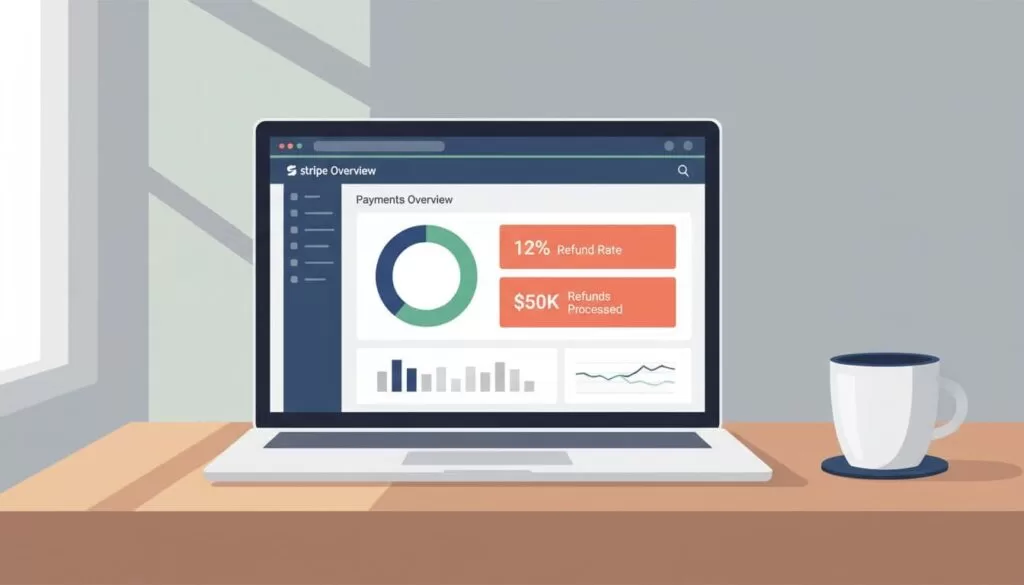
- Open the Dashboard and set the date range to the month.
- Open the refunded payments view and note the refund count and refunded amount.
- Switch to successful payments for the same date range.
- Record the successful payment count and the gross payment volume before refunds.
The math is simple. Suppose a month shows 420 successful payments and 9 refunds. The count-based rate is 9 divided by 420, or 2.14%. Suppose those payments total $18,900 and refunds total $615. The amount-based rate is 615 divided by 18,900, or 3.25%. These figures are an example only.
Scan the refund list before you leave the Dashboard. A quick look often explains the number. One product may have repeat issues. One client may have received a large goodwill refund. A renewal may have charged a customer who forgot to cancel.
Handle partial refunds the same way every month
Each refund event counts as one in a count-based formula. If one charge receives two partial refunds, either count both events or collapse them into one original payment. Pick one method and keep the method stable from month to month.
Treat subscription renewals with care
Count a refunded renewal like any other successful payment. Add a note when the refund belongs to an earlier billing cycle. The note helps when you compare refunds with retention data later.
The Spreadsheet Template to Update Monthly
After the Dashboard check, export CSV files and copy the figures into one sheet. The sheet becomes a running record and keeps the process honest.
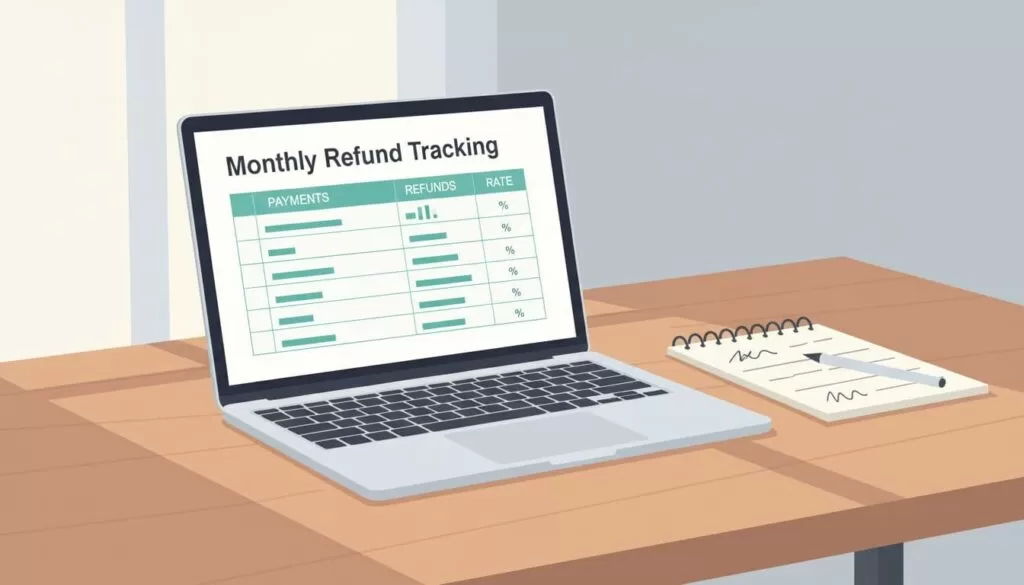
| Month | Successful payments | Gross volume | Refund count | Refunded amount | Count rate | Amount rate | Notes |
|---|---|---|---|---|---|---|---|
| March 2026 (example) | 420 | $18,900 | 9 | $615 | 2.14% | 3.25% | 2 partial refunds, 1 annual renewal refund |
The sheet does three jobs.
- Trend line: One month can mislead. Six months in a row rarely do.
- Context: A flat count with a jump in amount means a few large cases drove the change. A jump in count with a low amount may signal a small but widespread support problem.
- Notes: A short notes column records partial refunds, annual renewals, refunds reversed later, and large customer exceptions. Future you will not need to guess what happened.
Never read refund rate alone. Compare the rate with tracking customer and revenue churn formulas. Refunds and churn often point to the same weak spot, such as clunky onboarding, confusing pricing, or a poor-fit customer segment.
Common Mistakes When You Track Refund Rate
Small errors in the inputs create large errors in the result. Avoid these mistakes.
- Mixing date ranges: Pull refunds and payments for the same period. A mismatch inflates or shrinks the rate.
- Counting test mode data: Test payments and live payments live in separate views. Confirm the Dashboard shows live mode.
- Mixing currencies: Convert every amount to one currency before you compute the amount-based rate.
- Changing the method midyear: A new counting rule breaks the trend line. Record any change in the notes column.
- Ignoring tiny samples: A month with ten sales and one refund shows a 10% rate. Wait for more volume before you react.
Refunds Versus Disputes
A refund and a dispute are different events. You issue a refund. A customer opens a dispute through the card issuer. Keep disputes out of the refund rate and track disputes in a separate row.
Stripe warns about one case. If a customer disputes a charge while a refund is pending, the refund can fail. Stripe recommends you accept or challenge the dispute instead of refunding, which avoids paying the customer twice. For bank debit methods, the same double refund risk exists when you refund while the bank starts a dispute.
When to Use Stripe Sigma Instead of CSV
CSV works until volume grows. Move to Sigma when you need to split refunds by plan, country, or product.

Stripe Sigma lets you query Stripe data in the Dashboard with SQL, prebuilt templates, or an assistant. The Sigma page describes saved queries, charts, shared reports, and scheduled report delivery. Check the Sigma pricing page for current cost, since the main Sigma page shows no price.
A saved Sigma report can return monthly refund count, refunded amount, successful payment count, gross volume, and both rates. You can then group by month and filter deeper. Compare first-time payments with renewals, or review refunds by product metadata when you label charges well.
Do not use Sigma for every review. Use Sigma when the number moves sharply, when finance wants a repeatable report, or when stitching CSV files by hand wastes time.
Frequently Asked Questions
What is a good Stripe refund rate?
No single figure fits every business. Compare your rate with your own history first. Product type, price, and billing model all change normal levels.
Does Stripe return processing fees on refunds?
No. Stripe documentation states processing fees from the original transaction are not returned.
Do partial refunds count as refunds?
Yes. Each partial refund is a refund event. Use the amount-based rate to see the true financial effect.
How long until a customer sees a refund?
Stripe states customers usually see a credit about 5 to 10 business days later, depending on the bank. Some refunds appear as reversals with no separate credit.
Should failed refunds count in the rate?
No. A failed refund returns funds to your balance. Exclude failed refunds and resolve each case with the customer.
Conclusion
A Stripe refund rate is more than a percentage. The rate is a clue about product fit, billing clarity, and support quality. Build one monthly row in a spreadsheet and keep both formulas side by side.
Consistency wins over a fancy report. Track the same formulas each month and the signal becomes clear fast. Review the official Stripe refunds documentation whenever your setup changes.
