Automate Talent Pool Management in Recruit CRM
A talent pool can look full and still be useless. I have seen candidate lists packed with names, yet no tags, no follow-up history, and no clear next step. That is not a pool, it is a drawer full of loose paper. When I use talent pool manag...
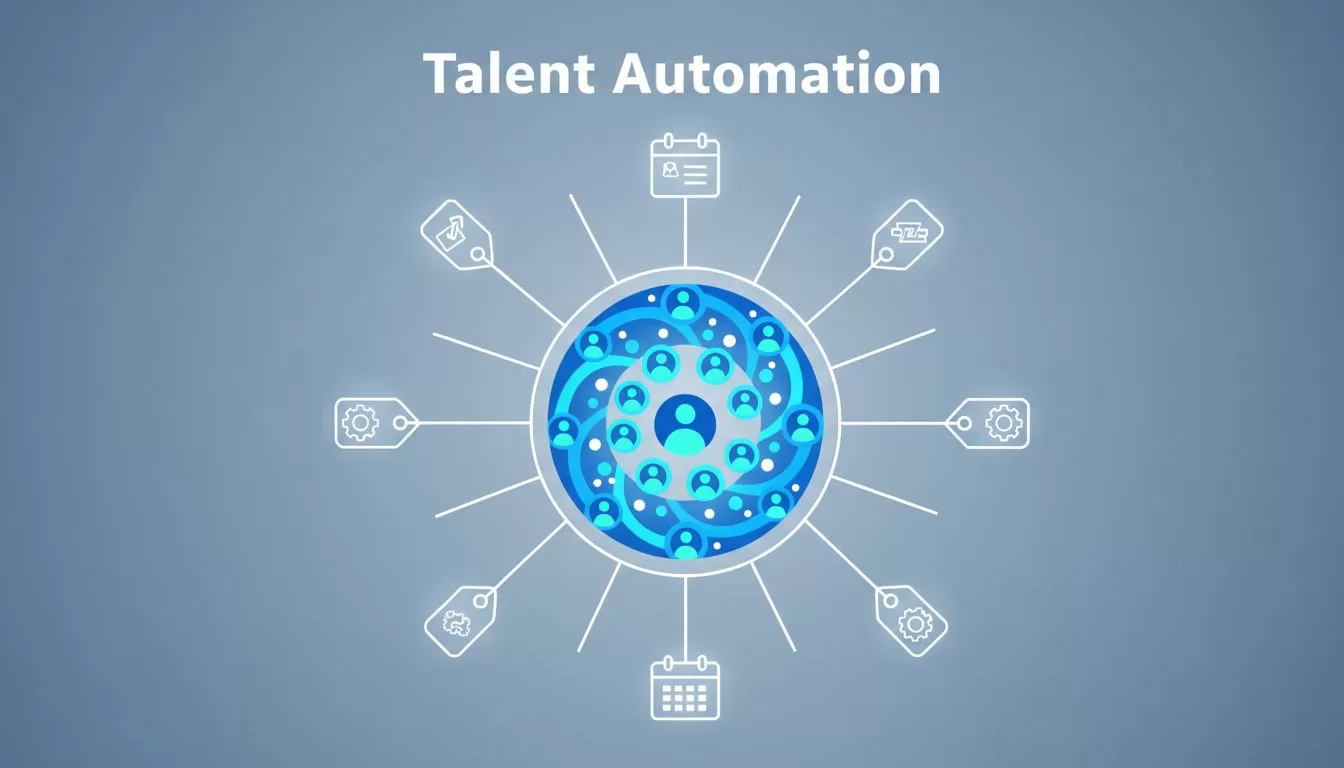
A talent pool can look full and still be useless. I have seen candidate lists packed with names, yet no tags, no follow-up history, and no clear next step. That is not a pool, it is a drawer full of loose paper.
When I use talent pool management well, I want every candidate to feel tracked, warm, and ready for the right role. In 2026, that means more than storing contacts. It means automation that sorts, nudges, cleans, and reports without making the process feel cold.
Why talent pools go stale fast
Most talent pools lose value for simple reasons. Notes get buried. Recruiters change jobs. Tags stay vague. A strong candidate gets added once, then disappears into a quiet list.
I see the biggest problem as delay. If I wait too long to follow up, the contact cools off. If I wait too long to update the record, the data stops helping me.
That is why I start with process, not volume. I look at each step and ask what should happen without me touching it. In my own setup, I use my Recruit CRM workflow setup as a model for removing repeat tasks before they pile up.
In 2026, recruiters expect the CRM to do more than hold names. It should move records, trigger reminders, and keep the talent pipeline visible. If it cannot do that, the pool turns stale faster than the job market does.
Segment candidates before I automate
Automation only works when the pool has structure. I segment candidates by skill set, seniority, location, notice period, source, and engagement level. That gives each follow-up a clear purpose.
I also use tags with care. Too many tags become noise. Too few tags hide the real story. When I build a Recruit CRM database, I want a tag to mean something exact, like “Java contract”, “open to relocation”, or “past finalist”.
Recruit CRM’s own talent pool features make this idea easy to see. Hotlists and candidate groups work best when the records are clean first. If the data is messy, automation only spreads the mess faster.

I keep my segment rules simple. One field for availability. One for seniority. One for source. One for interest level. Then I let the CRM do the sorting.
That setup makes every later step easier. If I want to re-engage passive candidates, I already know who belongs in that sequence. If I need a hotlist for a fast hire, I can pull it without digging through old notes.
Automating follow-ups that feel human
Follow-up automation is where Recruit CRM earns its keep for me. I set sequences for first contact, reminder emails, interview prep, and long-term nurture. The trick is timing. A candidate should feel remembered, not chased.
For passive candidates, I keep the messages light and useful. A market update works better than a hard sell. A role alert works better than a generic “checking in” note. When someone replies, I pause the sequence and switch to direct outreach.
That is also where my candidate engagement setup I use helps. I want each message to match the stage, because stage-aware automation feels personal. Recruit CRM can send email, LinkedIn, and SMS touchpoints, so I do not have to jump between tools all day.
I want automation to remember the next step, not talk over me.
In 2026, I also expect reminders to work both ways. If I leave a candidate in “interviewed” too long, the system should flag it. If a silver medalist has not heard from me in 60 days, I want a task ready. That keeps the talent pipeline warm without forcing me to babysit every record.

Cleaning the database while the pipeline runs
Database cleanup is part of talent pool management, not a side job. If records are outdated, the whole pool slows down. I use parsing and enrichment to keep profiles useful. I also remove duplicates before they confuse the pipeline.
Resume parsing saves me time because it turns messy input into usable data. Instead of entering the same details by hand, I get a structured candidate record. My resume parsing notes cover the kind of cleanup that keeps a database sharp.
Recruit CRM’s workflow automation features also matter here. I can trigger actions after import, stage change, or profile update. That means a candidate can be tagged, assigned, and nudged without three manual steps.
I also like to run refresh campaigns. If a candidate has gone quiet for months, I ask them to update their profile. That small step keeps old talent usable and shows me who is still active.
Reports that show what is working
Reports tell me whether my automation is helping or just making noise. I watch a few signals closely:
- reply rate by segment
- time from import to first real contact
- dormant records that came back to life
- stage movement by source
- interview conversion by talent pool
If one segment keeps getting replies, I know the message fits. If another segment sits dead, I change the tags, the timing, or the message itself.

I also look for patterns in source quality. A pool built from referrals may behave differently from one built from LinkedIn sourcing. That is useful. It tells me where to spend more time and where to trim waste.
The best reports do not just show activity. They show whether my talent pool is still alive.
Conclusion
When I automate talent pool management in Recruit CRM, I am not trying to replace recruiting judgment. I am trying to protect it. The CRM handles the repeat work, so I can focus on people who are worth talking to.
The strongest setup is simple, clean, and active. It tags candidates well, follows up on time, clears bad data, and shows what is working. That is how I keep a pool from turning into a forgotten list.
