How I Set Up Recruit CRM for Job Board Posting
When I test job board software, I care about one thing first: how fast it turns a job brief into live applications. If the setup feels clumsy, the tool adds friction before the first candidate even sees the role. Recruit CRM works well for...
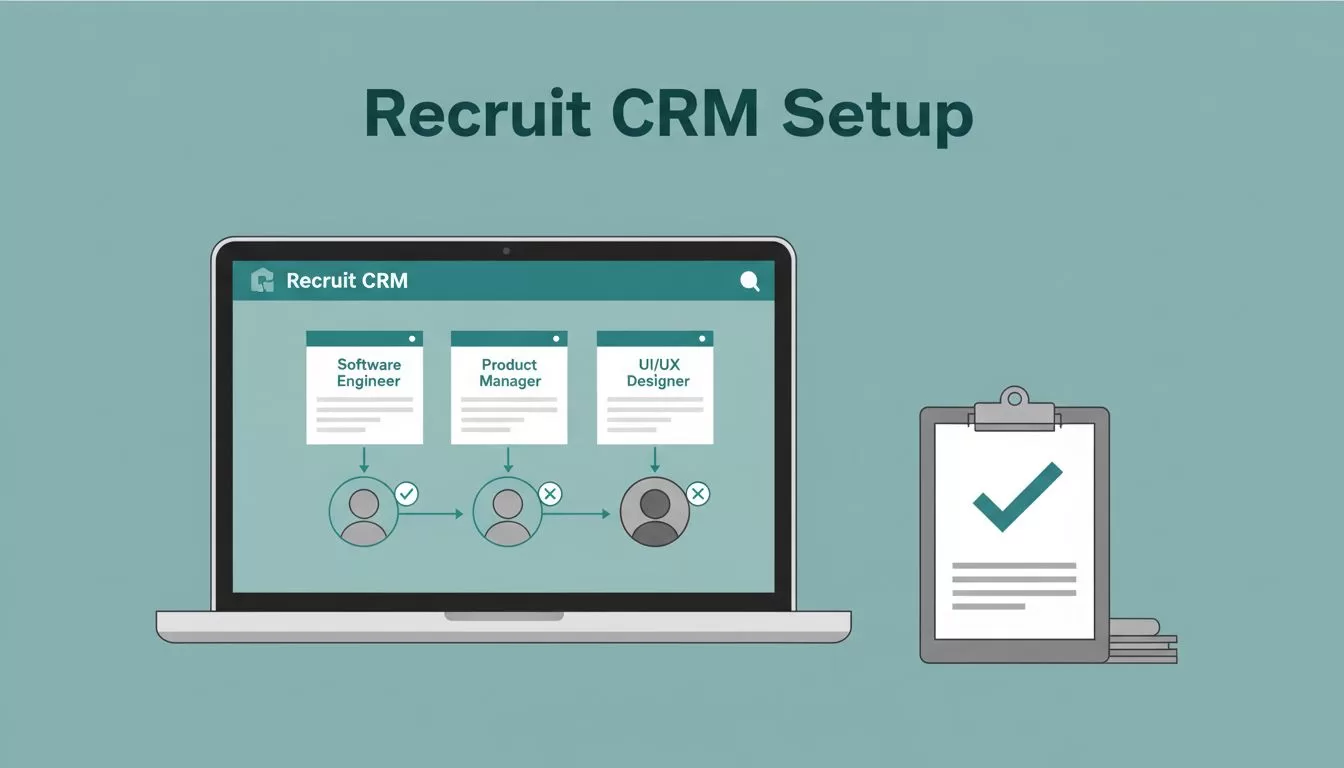
When I test job board software, I care about one thing first: how fast it turns a job brief into live applications. If the setup feels clumsy, the tool adds friction before the first candidate even sees the role.
Recruit CRM works well for me when posting jobs is part of a wider recruiting process, not a separate chore. I can publish openings, track responses, and keep candidate notes in one place, which matters when roles move fast and inboxes fill up.
Why I use Recruit CRM when job posts pile up
I like Recruit CRM because it combines ATS and CRM work in one system. That matters when I’m handling client searches, repeat vacancies, and a steady stream of applicants. In 2026, that mix matters even more, because many teams are dealing with more direct apply traffic and tighter response windows.
I also look at outside reviews before I commit to any platform. A useful place to start is the Recruit CRM reviews in 2026, since it gives a plain-English view of pricing and plan differences. That matters here because full job multiposting can sit behind higher tiers, so I want to know where the extra cost lands before rollout.
For me, the appeal is simple. I can keep the job, the source, and the candidate record tied together. That makes reporting easier later, because I’m not trying to piece the story together from five tools.
Setting up posting without making a mess

I start by building the job record with the basics, title, location, employment type, salary range if I have it, and a short description that sounds human. Then I check the posting fields that matter for distribution. If the role needs multiple boards, I want the details clean before I hit publish.
When I want a quick setup checklist, I keep the Recruit CRM setup guide open beside me. That helps me avoid the usual mistakes, like missing a source field or forgetting to confirm where applicants will route.
The part I care about most is consistency. A good setup means every job carries the same structure, so I can compare results later. If I post ten roles this month, I don’t want ten different shapes of data.
Recruit CRM’s newer AI helpers also help reduce retyping. I use that support when a job brief arrives in rough form and I need it ready for posting. It saves time, but I still review every field before publishing.
Turning applications into a usable pipeline

Once the job goes live, the real work starts. I want every applicant routed into the same workflow, no matter which board sent them. That way, I can sort by source, stage, priority, and fit without jumping between inboxes.
This is where Recruit CRM feels more like a control room than a posting tool. I can move candidates through stages, add notes, and keep follow-up tasks attached to the record. If I’m handling a headhunting search at the same time, I also use the Recruit CRM headhunter software notes I’ve built around sourcing and placement. The overlap matters, because many roles need both outbound search and inbound screening.
I also like having a single view for candidates who apply from multiple places. Duplicate records waste time. Worse, they can create confusion with clients who expect a clean update. When the system holds the source and the history in one place, I can answer questions faster and with more confidence.
For agencies, that matters across the whole week, not just on launch day. Monday might bring ten applicants. Friday might bring fifty. The workflow has to hold up either way.
Where job board posting software fits best
Recruit CRM makes the most sense when I’m posting often and managing more than one hiring channel. That includes staffing firms, internal talent teams with repeat openings, and agencies that need a faster way to distribute jobs without losing track of candidates.
It fits especially well when I need:
- multi-board posting for one role
- source tracking across applications
- a shared view for recruiters and account managers
- a cleaner handoff from posting to screening
It fits less well when I only post occasionally or use one niche board. In that case, a simpler setup may be enough. I still think the software is strongest when posting and candidate management happen together, because that’s where the time savings show up.
If I have to post the same role in several places, I want one system to hold the thread from start to finish.
The real test is not whether the job gets posted. It’s whether I can keep the response flow under control after it goes live.
Conclusion
Recruit CRM makes job board posting feel more like part of the recruiting process and less like a separate admin task. That is the part I value most, because posting, sourcing, and screening all feed the same outcome.
If I’m evaluating it for a team, I look at job volume, board mix, and how much reporting I need after applications arrive. Those three things tell me whether the platform will save time or just move work around.
For recruiters and staffing teams, that’s the difference that counts. The best job board software doesn’t just publish roles, it helps me manage what comes next.
