Switching to a Taplio Alternative Like Someli
I switch LinkedIn tools when the workflow stops matching the job. If I need one account to write, schedule, and track posts, Taplio still makes sense. If I need a team of employees to amplify one brand story, Someli starts to look like the...

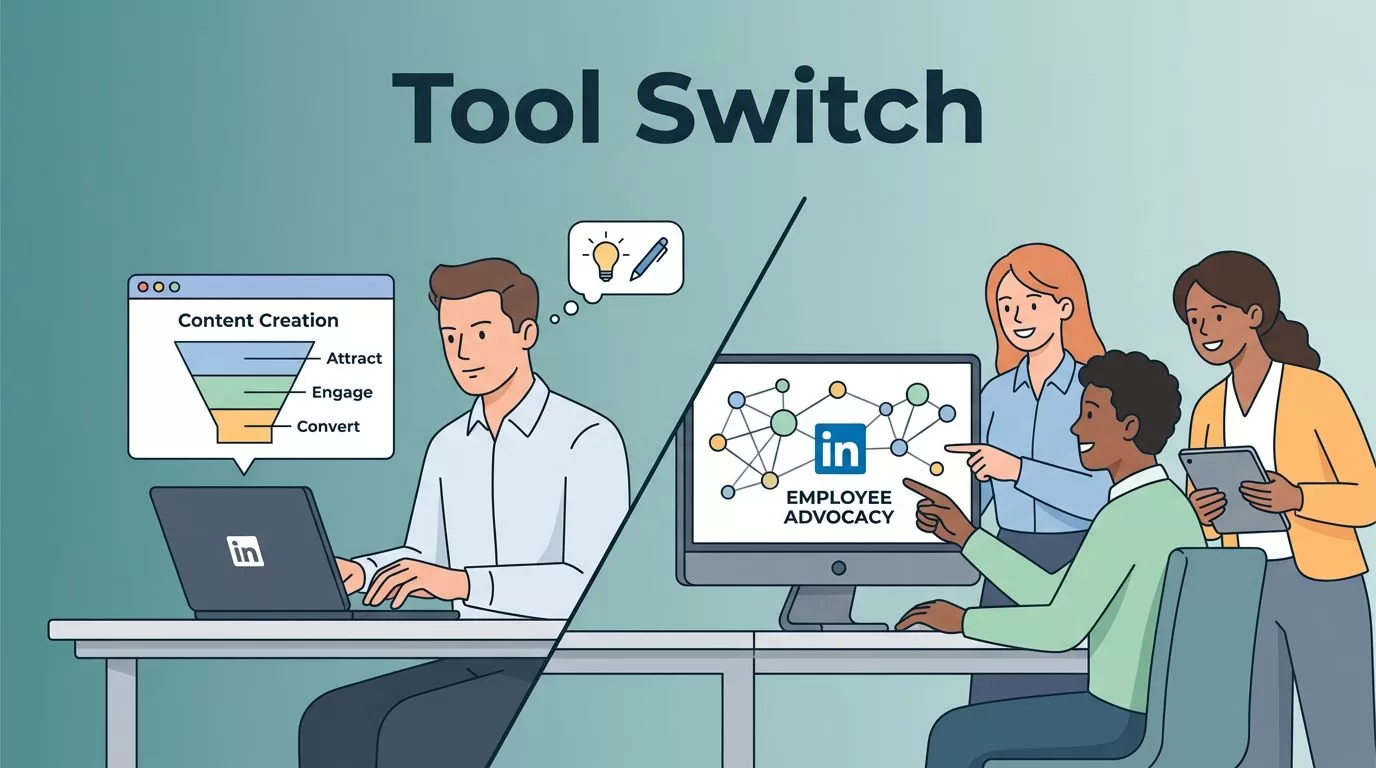
I switch LinkedIn tools when the workflow stops matching the job. If I need one account to write, schedule, and track posts, Taplio still makes sense. If I need a team of employees to amplify one brand story, Someli starts to look like the better fit.
That difference matters more than the feature lists on a pricing page. One tool is built for a single voice with lead generation attached. The other is built for employee advocacy at scale. I want the stack that matches how I actually publish, approve, and measure LinkedIn content.
What I need from a LinkedIn tool before I move


When I look at LinkedIn software, I start with the workflow, not the homepage copy. I ask a simple question first: am I trying to publish better content, or am I trying to turn my whole team into a distribution engine?
Taplio leans toward the first answer. It focuses on LinkedIn content creation, scheduling, analytics, and lead generation support. Someli leans toward the second. It is positioned as an employee advocacy platform that helps activate a larger group of people as brand messengers.
That split changes everything. If I only manage my own profile, I care most about AI writing help, publishing speed, and CRM handoff. If I run marketing for a B2B team, I care more about participation, consistency, and reach across employee accounts.
If one person can carry the calendar, I don’t need an advocacy layer. If twenty-five people can share the same story, I do.
Taplio vs Someli at a glance
Here is the comparison I use when I want the difference in one view.
| Area | Taplio | Someli | My read |
|---|---|---|---|
| Main fit | Individual and small-team LinkedIn growth | Employee advocacy for larger teams | I pick based on whether I need one voice or many |
| AI writing | LinkedIn-focused drafting and rewriting | AI-assisted social content automation | Taplio feels tighter for solo post creation |
| Scheduling | Post planning and publishing for LinkedIn | Team-oriented content distribution | Both help with cadence, but the workflow is different |
| Analytics | Post performance and engagement tracking | Brand reach and employee activity focus | Taplio is stronger for post-level analysis |
| Lead gen | Outreach and prospecting support | Not positioned as a prospecting stack | Taplio wins when pipeline matters |
| Integrations | HubSpot, Zapier, CRM workflows | Broader social automation positioning | Taplio fits revenue ops better |
| Pricing | Public tiered pricing starts at $39/month | Pricing is less clearly published in the sources I reviewed | Taplio is easier to budget before a trial |
I read that table as a shape, not a verdict. Taplio looks like a sharper fit for creators, consultants, and teams that care about outbound lead flow. Someli looks better when the goal is distributed advocacy and broader employee participation.
Where Someli fits better in a B2B team
Someli makes the most sense when I want content to come from people, not just a brand page. That matters in B2B, because posts from real employees often feel more human than polished company updates. A product lesson from a customer success lead usually carries more weight than another branded announcement.
That is why I think about Someli in the same family as the workflows I covered in my social selling software walkthrough. The value is not just publishing more. The value is getting the right people to post the right story at the right time.
For a marketing team, that can clean up a lot of friction. I can imagine a campaign where leadership shares a point of view, sales shares customer questions, and marketing keeps the message aligned. Someli looks built for that kind of motion. Taplio, by contrast, looks more like a command center for a single profile or a small cluster of profiles.
I also care about how quickly a team can learn the tool. When I want a broad rollout, I don’t want a platform that feels like a puzzle box. I want something my team can understand after one short training session, then use without calling me every morning.
For a closer look at Someli’s broader workflow, I keep this Someli social media automation review nearby. It helps me think about the platform as more than a scheduler. It is a content system with people attached to it.
Where Taplio still makes sense
Taplio still deserves attention if my job is personal brand growth or outbound prospecting. Its AI is built for LinkedIn content, and its feature set includes scheduling, analytics, and lead generation support. That makes it useful when I want posts to support a sales motion.
It also has a clearer public pricing story. Taplio’s tiers are easier to compare before I book a demo, and that matters when I am protecting budget. I also like to cross-check Taplio’s pricing and feature split against this third-party Taplio review before I decide whether the value lines up with my needs.
Taplio can also fit better when I need CRM-friendly workflows. If I want content activity to feed a pipeline, the HubSpot and Zapier angle is hard to ignore. That is one reason solo founders and small sales teams still keep it in their stack.
I would not toss Taplio aside if my team is small and my output is mostly my own. In that case, the tool still gives me a tidy place to draft, schedule, and measure LinkedIn posts. If Someli feels like a town square, Taplio feels more like a well-organized office desk.
How I switch without losing momentum
A tool swap can stall a good posting habit if I rush it. I handle the move in small pieces so my publishing rhythm stays intact. I also keep one calendar thread alive while I test the new system.
- I audit the last month of posts.
I look for the topics, hooks, and formats that already worked. That gives me a clean baseline before I move anything. - I decide what stays and what changes.
If Taplio still handles my personal account well, I leave that workflow alone. If I want employee advocacy, I move that part to Someli first. - I rebuild my content library in the new tool.
I copy my best hooks, brand notes, and post templates into Someli. When I want a steady cadence, I keep my calendar in the shape I describe in how I schedule LinkedIn posts efficiently. - I run a short pilot with a small group.
I start with one campaign and a few employees, not the whole company. That lets me check approval flow, scheduling, and content quality without creating noise. - I compare reach and effort side by side.
I watch whether the new workflow saves time, improves consistency, or gets more people posting. If it does not improve one of those things, I don’t force the move.
That approach keeps the transition boring in the best way. Posts still go out. The team still knows what to do. I just swap the machine behind the curtain.
Onboarding and support are part of the decision
I never judge a LinkedIn tool only by the demo. I care about the first two weeks, because that is when hidden friction shows up. If I need a support reply to fix a schedule issue, I want it fast. If my team gets stuck on roles or permissions, I want the answer to be easy to find.
Taplio has the advantage of a larger public footprint. I can find more examples, more user opinions, and more comparisons. That helps when I want to train someone quickly.
Someli may need a tighter pilot, especially if I am rolling it out across several employees. I would ask for a clear onboarding plan, a contact for support, and a simple way to handle content approvals before I commit.
Conclusion
If I am choosing between Taplio and a Someli alternative, I start with the team model. Taplio fits best when I want one profile, one writer, and one pipeline. Someli fits better when I want multiple employees to share the same message without turning every post into a separate project.
That is the real decision. I am not buying a posting tool. I am choosing how my LinkedIn work gets done.
If the work lives in one inbox, Taplio can still be the right call. If the work belongs to the whole team, Someli is the cleaner move.

