How I Scrape TikTok Influencer Data With Twin.so
When I need a list of TikTok creators, I don’t start with a spreadsheet. I start with a question, because TikTok influencer scraping works best when I know what I want the data to answer. Twin.so gives that work a structure. I can pul...
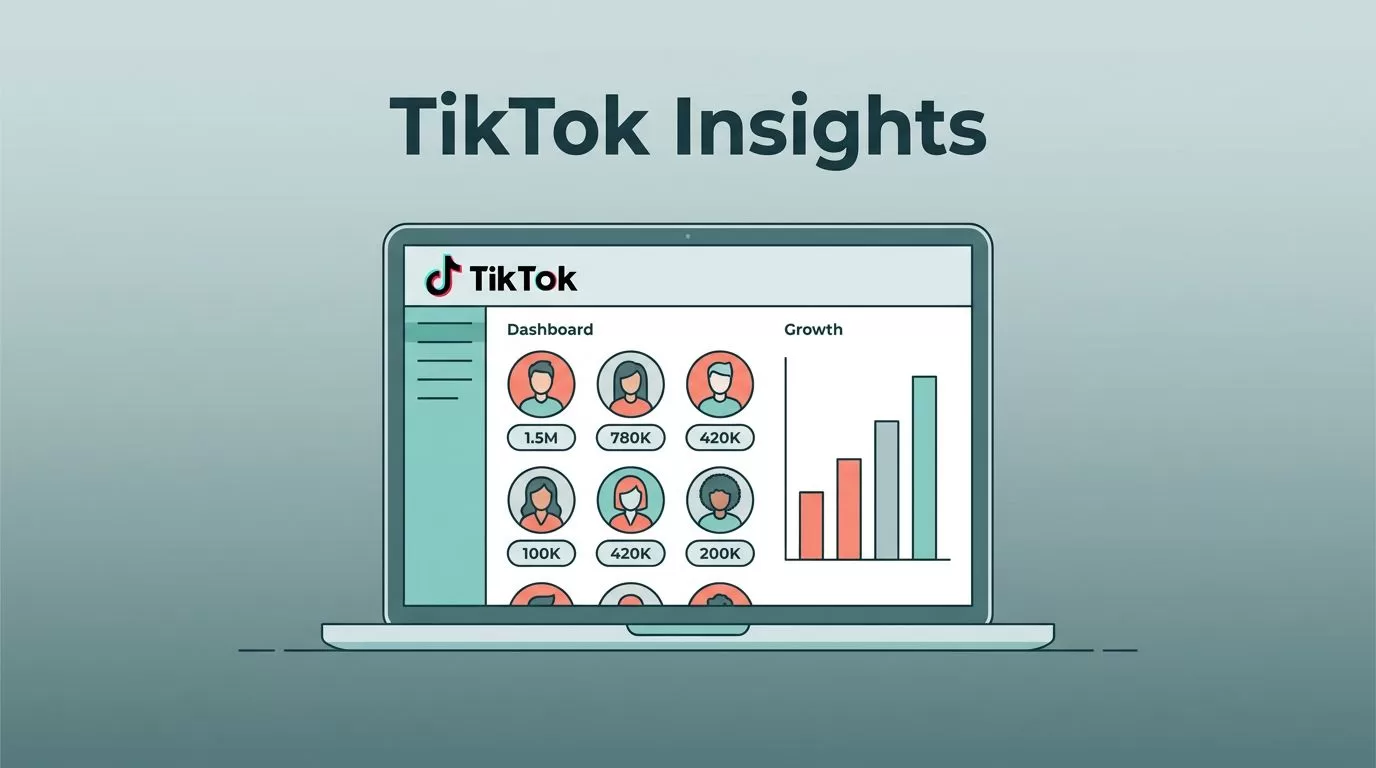
When I need a list of TikTok creators, I don’t start with a spreadsheet. I start with a question, because TikTok influencer scraping works best when I know what I want the data to answer.
Twin.so gives that work a structure. I can pull public creator details into one place, sort them by niche or fit, and stop chasing profiles one by one. The real win is cleaner research, faster outreach, and fewer dead-end leads.
I start by deciding which data points matter, then I build the scrape around those fields.
What I collect from TikTok creators, and why I care
Public TikTok data gets useful fast when I keep the scope tight. I don’t try to capture everything. I collect the details that help me judge fit, reach, and activity.
These are the fields I usually want first:
- Username and display name: I use these to identify the creator and dedupe records.
- Bio text: I scan for niche clues, brand mentions, and location hints.
- Follower count: I use this as a rough size check, not as the final answer.
- Recent video topics: I look for content themes that match a campaign.
- Engagement signals: I compare likes, comments, and visible interaction patterns.
- Link-in-bio URL: I check whether the creator points to a store, portfolio, or agency page.
- Contact email if public: I only capture this when the creator has published it openly.
That set is enough to build a strong outreach list. It also helps with competitor monitoring, because I can see which creators show up again and again around the same brands.

I also keep one rule in mind. Public data is useful, but it still needs a clean purpose. If I can’t explain why a field matters, I don’t collect it.
How I set up Twin.so for a clean scrape
I treat the first run like a sample, not a final job. A small test exposes bad fields, duplicate profiles, and messy sources before I spend time on a bigger list.
My setup usually follows this order:
- Start with a narrow creator niche
I pick a theme like skincare, B2B marketing, fitness, or local food creators. The tighter the niche, the cleaner the output. - Use public TikTok profile URLs or search-based targets
I focus on public profiles and open pages only. That keeps the process simple and reduces risk. - Map the fields before the run
I decide what the output needs to include, such as handle, bio, follower count, video count, and links. - Run a small test batch first
I usually check a few dozen profiles before I scale. That gives me a fast quality check. - Review the export for gaps and duplicates
I look for repeated names, empty bios, odd formatting, and missing URLs.
I start small on purpose. A 20-profile test catches more problems than a 2,000-row export ever will.
Once I trust the shape of the data, I push it into a sheet or database. If I want to connect the scrape to follow-up tasks, I compare my setup with an n8n workflow for TikTok influencer profiles. That kind of automation is handy when I need a repeatable path from research to action.
The first run is where I tune the process. After that, the scrape becomes a routine, not a project.
The fields I save for outreach, research, and reporting
When the export lands, I sort the data by how I plan to use it. That keeps the sheet from turning into a pile of random facts.
| Field | Why I keep it | What I do with it |
|---|---|---|
| Username | Unique identifier | Dedupe and search later |
| Display name | Human-readable label | Share with team members |
| Bio text | Niche and audience clues | Tag creators by category |
| Follower count | Size signal | Build rough tiers |
| Recent post topics | Content fit | Match creators to campaigns |
| Engagement cues | Activity check | Filter stronger leads |
| Link-in-bio URL | External destination | Review site, store, or portfolio |
| Public email | Outreach path | Build contact lists |
That table gives me a simple rule set. If the creator has the right niche, active posts, and a public contact path, I move them into a higher-priority group.
When I turn research into campaign planning, I keep the creator list beside a social media content calendar template. That helps me compare outside trends with my own posting rhythm, especially when I want to time a product launch around creator activity.
I also watch for repeated brand patterns. If I see the same products, discount codes, or sponsor styles across multiple profiles, I treat that as a signal. It can show which creators are active in a niche and which brands are spending there.
For a second point of reference, the TikTok Scraper on Apify shows the same general kind of output, profiles, hashtags, and videos in structured form. I use that kind of comparison to sanity-check my own field list and make sure I am not missing obvious data.
Four ways I use the data after the scrape
The value of TikTok creator data comes after collection. That’s when the list starts answering real business questions.
- Influencer discovery: I filter by niche, location, and posting style. That helps me find creators who fit the brand before I spend time on outreach.
- Competitor monitoring: I watch which creators appear around competitor campaigns. That gives me a practical look at who already works in the space.
- Campaign research: I compare content themes, cadence, and engagement patterns. Then I can plan my own brief with more context.
- Outreach list building: I sort creators into warm, medium, and low-fit groups. That makes my first message more targeted.
I keep the list honest by ranking fit above follower count. A smaller creator with the right audience can outperform a larger account that drifts off-topic. That is especially true when the campaign needs a clear niche, not just broad reach.
I also refresh the list often. TikTok profiles change fast, and link-in-bio pages can shift overnight. A clean list today can be stale next month.
Privacy and compliance rules I follow
I keep my process to public data. I don’t touch private messages, locked profiles, or anything that needs a login wall I shouldn’t cross.
I also strip the scrape down to what I need. If a field doesn’t help discovery, outreach, or reporting, I leave it out. That lowers risk and keeps the dataset easier to manage.
For a quick legal sanity check, I use Zyte’s web scraping legality guide as a reference point. I also keep EPIC’s social media privacy research in mind, because public posts still involve real people and real data.
The guardrails I follow are simple:
- I collect public information only.
- I avoid sensitive personal data.
- I respect regional privacy rules, including GDPR and CCPA concerns when they apply.
- I store only the data I need for the job.
- I keep my outreach tied to public contact details.
Public doesn’t mean unlimited. I still treat creator data like personal data, because it often is.
That approach keeps the workflow useful without turning it sloppy.
Conclusion
When I start with a clear question, Twin.so becomes more than a scraper. It becomes a repeatable way to find creators, compare campaigns, and build outreach lists that I can trust.
The biggest mistake I avoid is collecting too much. Clean public fields, a small test run, and a careful review are enough to turn TikTok creator research into something I can use.
If I want strong results, I keep the list focused, the export tidy, and the rules simple. That combination matters more than raw volume.
