Deploying Speechify for Professional Training and eLearning Workflows
Training teams face a constant volume of course materials, script revisions, and localized modules. When you need to update dozens of training videos before a quarterly product launch, manual recording sessions create a severe bottleneck. Y...

Training teams face a constant volume of course materials, script revisions, and localized modules. When you need to update dozens of training videos before a quarterly product launch, manual recording sessions create a severe bottleneck. You can break through that production wall by routing your training documents and scripts into specialized software. Integrating Speechify’s eLearning Voice Generator lets learning and development leaders turn text into polished audio tracks without booking external voice actors.
L&D leaders and instructional designers need repeatable processes to convert text into production-ready audio assets. Evaluating this platform requires looking past consumer reading features and focusing on deployment mechanics, security realities, and quality control. This guide outlines how to configure, scale, and manage audio generation for corporate training programs.
Key Takeaways
- Position automated voice generation as a scalable asset for iterative training modules rather than a total replacement for high-visibility brand narrators.
- Set up structured workspace folders by department or course topic to keep your script revision queue organized.
- Calibrate voice models and pacing parameters to match the cognitive load requirements of your learners.
- Implement strict quality assurance protocols to catch pronunciation anomalies before publishing training content to your LMS.
Evaluating Product Capabilities Versus Consumer Features
Speechify operates primarily as a text-to-speech platform that converts PDFs, web pages, and documents into spoken audio. While many individual users rely on the application for accessibility or speed reading, corporate training teams interact with Speechify as an enterprise tool for rapid course production. Understanding this distinction prevents you from expecting native SCORM packaging where API or manual audio export is required.
The platform provides an extensive voice library featuring hundreds of natural-sounding options across multiple languages and accents. When you update a compliance module, you don’t need to rehire a talent pool for studio pickups. You simply edit the text in your workspace, regenerate the audio track, and drop the fresh file into your authoring software. Cross-device syncing allows instructional designers to draft scripts on a desktop client and review generated output on mobile devices during field tests.
| Feature Area | Consumer Utility | eLearning Deployment Value |
|---|---|---|
| Document Ingestion | Reading PDFs and web articles | Converting Word scripts and PDF manuals into audio |
| Voice Library | Selecting personal reading voices | Matching brand tone and regional instructor personas |
| Speed Controls | Accelerating personal consumption | Testing pacing and timing for slide transitions |
| Export Tools | Offline listening on mobile | Integrating audio stems directly into video editors |
Preparing Your Content Pipeline for Automated Narration
Raw training scripts rarely translate into clean audio without prior preparation. Copy-pasting a complex technical manual straight into an audio generator results in awkward pauses, mispronounced acronyms, and unnatural cadence. You need to clean your source files before hitting generate.
Organize your training repository into structured folders by course name or module number. Remove administrative footers, revision history tables, and navigation markers from your documents before processing them. When you feed clean text blocks into the audio engine, the software moves smoothly through headings, instructional steps, and scenario descriptions without stuttering on typographical artifacts.
You also need to format tricky terminology manually. Spell out acronyms phonetically when the default engine stumbles on company-specific jargon. Add punctuation pauses where the pacing feels rushed. Taking ten minutes to prep your source text saves hours of downstream audio editing.
Configuring Voice Settings and Pacing for Learners
Selecting the right voice model dictates whether your training modules sound authoritative or robotic. Corporate compliance training requires a measured, steady cadence, whereas software walkthroughs benefit from an energetic tone. Test multiple voice models within your target demographic before locking in a selection for an entire course series.
Playback speed adjustments serve a different purpose in production than they do in personal speed-reading workflows. While individual users scale playback up to 4x speed for quick review, your published eLearning output must run at a natural comprehension pace for the end learner, usually between 1x and 1.25x speed.
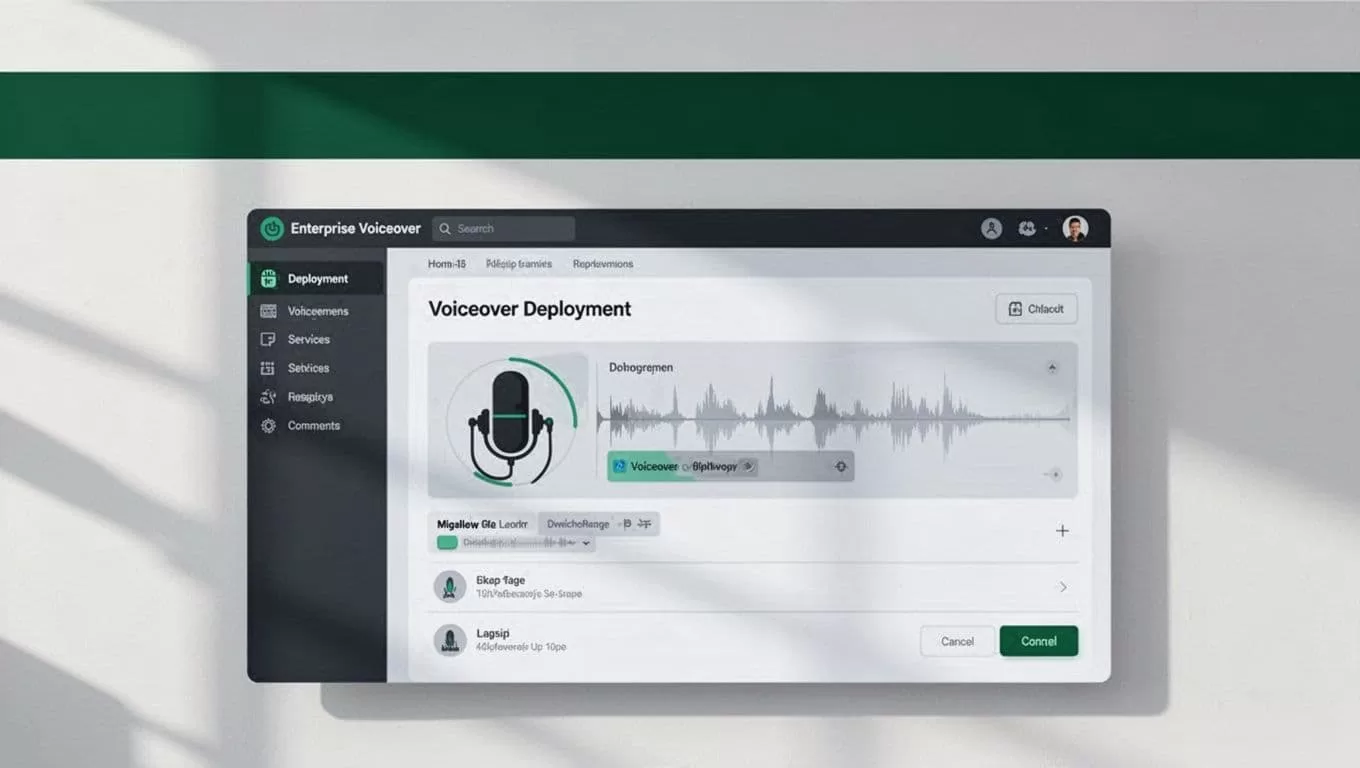
Set up your project templates with consistent voice parameters across all modules in a series. Consistency builds cognitive familiarity, allowing employees to focus on the training content rather than adjusting to changing vocal styles from one slide to the next. For deeper technical insights on adapting synthesized audio for educational software, review Speechify’s guide on edTech applications.
Implementing Quality Assurance and Knowing When to Use Human Narration
Automation speed brings distinct operational advantages, but it doesn’t eliminate the need for human oversight. Synthesized voices occasionally mispronounce proprietary product names, regional slang, or complex technical acronyms. You must establish a dedicated review step before exporting audio tracks into your learning management system.
Listen to every generated module at normal speed while following along with the source script. Flag awkward inflections, flat emotional delivery on sensitive HR topics, or incorrect stress on key syllables. For standard procedural training, software narration handles the workload efficiently. Certain high-visibility projects still require human voice actors.
| Training Category | Recommended Narration Method | Operational Reason |
|---|---|---|
| Software Tutorials | Automated Voice Generation | Frequent product updates require fast script changes |
| Compliance Policies | Automated Voice Generation | Standardized delivery with easy localization options |
| Executive Leadership | Human Narration | Requires authentic emotional resonance and nuance |
| Brand Campaigns | Human Narration | Demands unique artistic interpretation and styling |
Match your production method to your operational objective. Use automated voice generation to clear large backlogs of technical documentation, safety updates, and standard operating procedures. Reserve human recording sessions for high-profile executive messages or creative brand content where emotional inflection drives the core message.
Conclusion
Deploying text-to-speech tools transforms how L&D teams produce and update corporate training materials. By organizing your script repository, cleaning your source texts, and establishing strict quality checks, you eliminate traditional studio bottlenecks. Set up your workspace folders today, test your voice parameters against your learner requirements, and scale your training output with a more efficient workflow.
