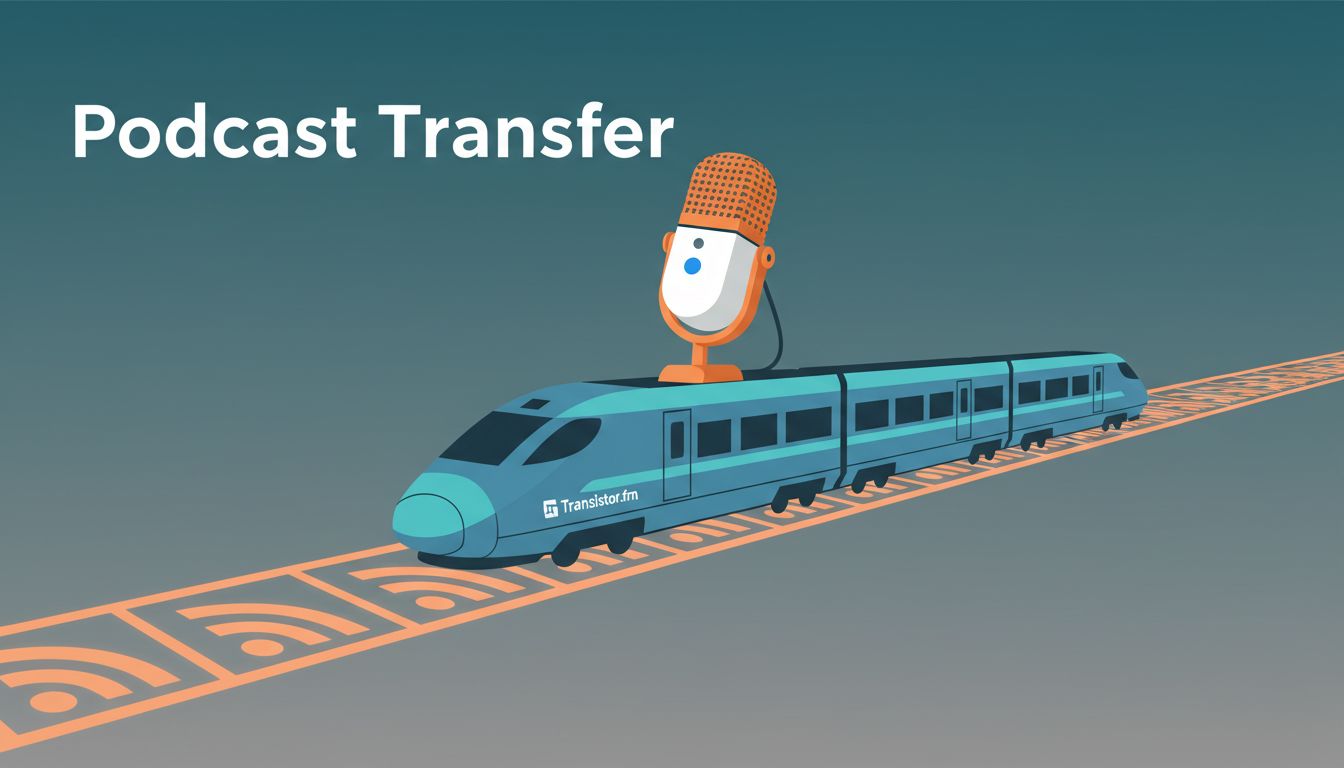
Moving a podcast host can feel like changing tracks while the train is still moving. I can transfer a podcast to Transistor.fm without losing listeners if I handle the move in the right order.
I focus on three things: a clean import, a proper RSS redirect, and a patient cleanup of the old host. That keeps downtime short and protects subscribers while Apple Podcasts, Spotify, and smaller apps catch up. I also leave the old show live long enough for the listeners who only open their app once a week.
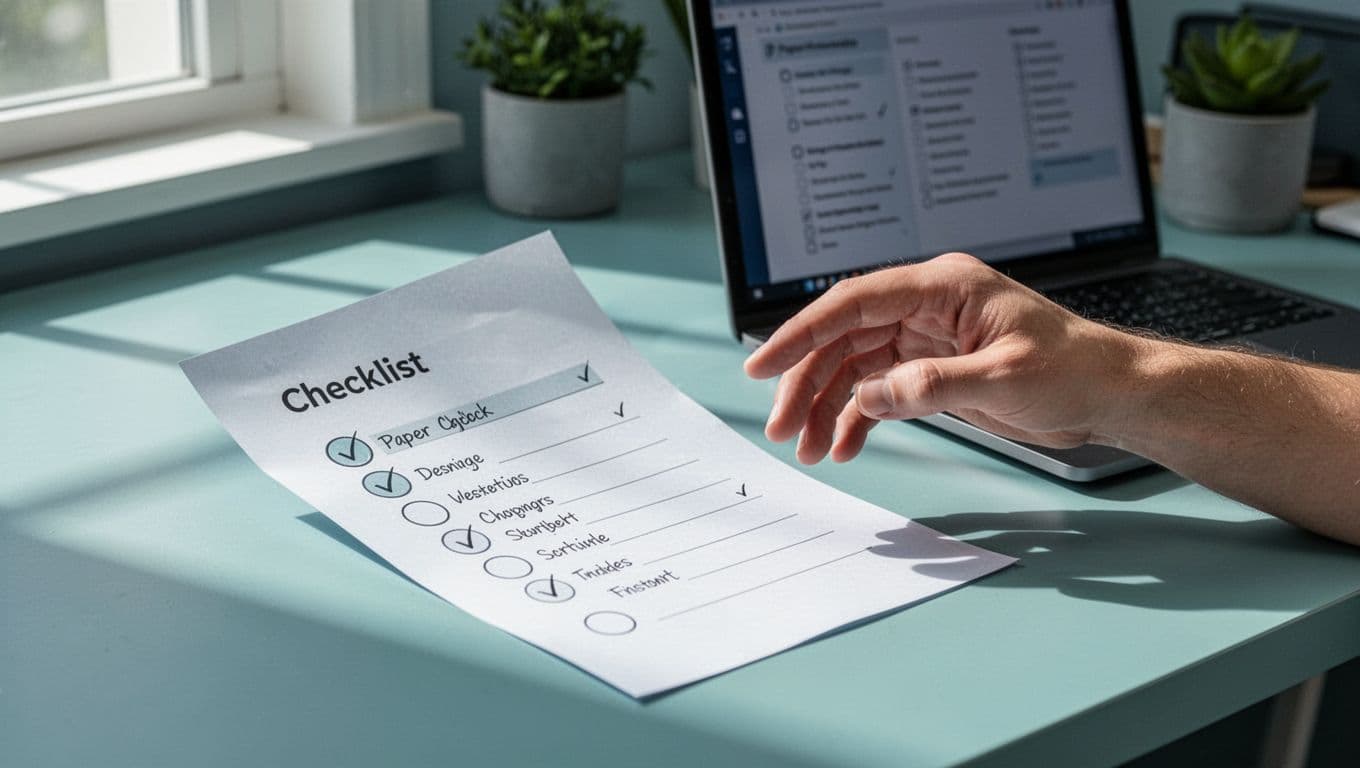
My pre-migration checklist
Before I start, I gather every piece of the show in one place. I want the current RSS feed, old-host login, episode files, artwork, show notes, and access to Apple Podcasts and Spotify. I also check that each episode has a title, publish date, and description, because missing metadata causes messy imports.
I back up the feed, confirm that no draft or duplicate episodes are waiting in the queue, and pick a calm transfer window. I do not want to switch on the same day as a launch, sponsor update, or live promotion.
If I want a quick look at Transistor itself, I compare it with host unlimited shows on Transistor. For feed prep, I keep how to prepare an RSS feed before importing open beside me.
I also make sure I can still sign in to the old host after the move. That matters more than people think, because the redirect lives there, not inside the new account. If an episode file is missing, or an enclosure looks wrong, I fix that before I touch the import.

Import the show into Transistor
The import itself is straightforward. I open Transistor, choose the option to add an existing show, and paste the old RSS feed. If the show already lives in Apple Podcasts, I still treat Transistor as the new home, not a separate show.
I keep Transistor’s import guide open while I work. The steps are simple:
- Sign in to Transistor and start an import for an existing show.
- Paste the main RSS feed from the old host, or search for the show if Transistor offers that path.
- Verify ownership by email.
- Wait for the import to finish.
- Check episodes, artwork, notes, and publish dates before I touch the redirect.
I never create a brand-new show page unless I want a second podcast. When I transfer podcast to Transistor as a migration, the old audience path needs to stay intact. Duplicate episodes usually happen when someone imports twice or publishes the same show again instead of moving it.
Once the import lands, I scan the feed inside Transistor for missing artwork or stale episode notes. It only takes a few minutes, and it saves me from fixing the same mistake twice.
Set the RSS redirect on the old host
This is the part that protects subscriber count. A 301 redirect tells directories and apps that the old feed moved permanently. When I set it up right, old subscribers are sent to the new Transistor feed without lifting a finger.
Transistor’s moving your show help category is useful because different hosts hide the redirect in different places. Most hosts label the switch as feed redirect, RSS redirect, or permanent redirect. In Libsyn, Simplecast, Buzzsprout, and other services, I look for those settings first. If the host needs support to set it, I ask for a permanent redirect to my new feed.
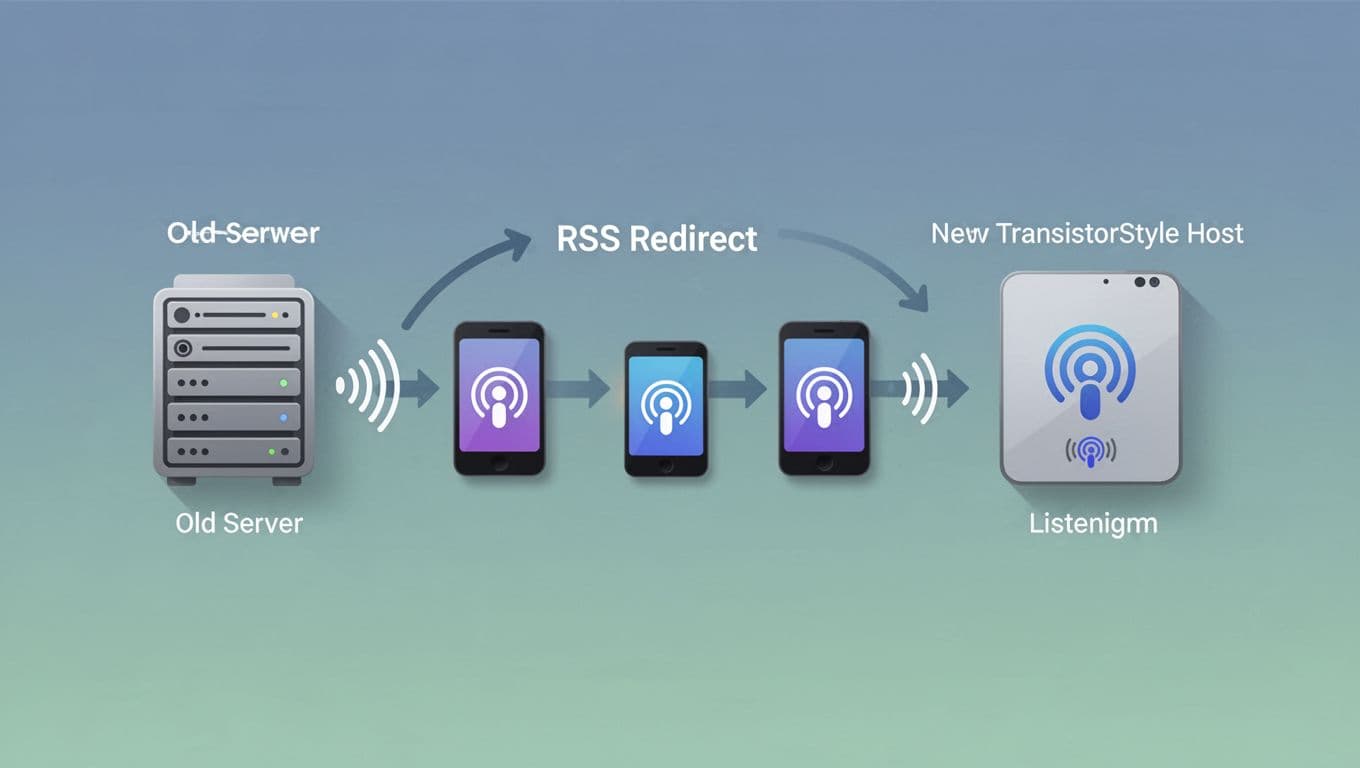
I leave the old feed live until the redirect has had time to settle.
If I delete the old RSS too early, some apps never learn where the show went. A broken redirect or a temporary 302 can cause trouble fast, so I test the old feed in a browser and check that it lands on the new Transistor URL.
Check Apple Podcasts, Spotify, and other apps
After the redirect is live, I check the apps that matter most. Apple Podcasts, Spotify, Overcast, Pocket Casts, and Podcast Addict should all pull from the new feed in time. I look for the latest episode, correct artwork, and the right show notes.
- In Apple Podcasts, I confirm that the show page updates and that new episodes appear from the Transistor feed.
- In Spotify, I check the podcast page and make sure the newest upload shows up.
- In smaller apps, I subscribe with a test account and refresh once or twice.
If something looks wrong, I check the feed source first. Duplicate episodes usually mean I imported twice or submitted a new show instead of migrating the existing one. Missing episode metadata, like a blank description or publish date, usually points to a rough import or an old episode file that needs repair.
If Apple or Spotify still lag after a day, I recheck the redirect before I touch anything else.
I give the apps 24 to 72 hours before I panic. Most of the time, the feed catches up on its own once the redirect has had time to work.
What I do with the old host account
I do not cancel the old host on day one. First, I export analytics, save invoices, and confirm the redirect has been live long enough for slower apps to catch up. A couple of weeks is a safe buffer for most shows.
After that, I check three things: new episodes are arriving on schedule, old subscribers are still flowing through, and no app is clinging to the old feed. I keep a backup of the old feed URL in my notes. If the host lets me keep the redirect after cancellation, I confirm that in writing before I close the account.
This last part is simple, but it saves headaches later. The old account is backup gear until the new feed proves itself.
Conclusion
A podcast move works best when I treat it like a careful handoff. I import the show, set the permanent redirect, then verify the feed in Apple Podcasts, Spotify, and the other apps my listeners actually use.
Once those pieces line up, the switch becomes quiet and boring in the best way. The audience keeps listening, and I get to keep building the show on Transistor without starting over.