How I Send Podcast Email Alerts Using Transistor.fm
I remember the frustration of new episodes dropping into a void. Listeners promised to tune in, but downloads stayed flat. Then I hooked up Transistor email alerts to my RSS feed. Subscribers now get instant notifications with episode links...

I remember the frustration of new episodes dropping into a void. Listeners promised to tune in, but downloads stayed flat. Then I hooked up Transistor email alerts to my RSS feed. Subscribers now get instant notifications with episode links right in their inbox. No more chasing them down.
You run a podcast on Transistor.fm. You want those automatic emails without constant manual work. This setup uses your podcast’s RSS feed with tools like Mailchimp or Kit. It triggers alerts for every new episode. Follow my steps, and you’ll notify fans the moment content lands.
Grab Your Transistor.fm RSS Feed First
Every podcast needs an RSS feed. Transistor.fm generates one automatically. I head straight to my dashboard for mine. Log in at transistor.fm. Pick your show from the list.
Click the Distribution tab. There sits your RSS feed URL. Copy it. That’s your golden ticket. Paste it into notes or a doc for the next steps. Transistor updates this feed each time you publish. Podcast directories like Spotify pull from here too.

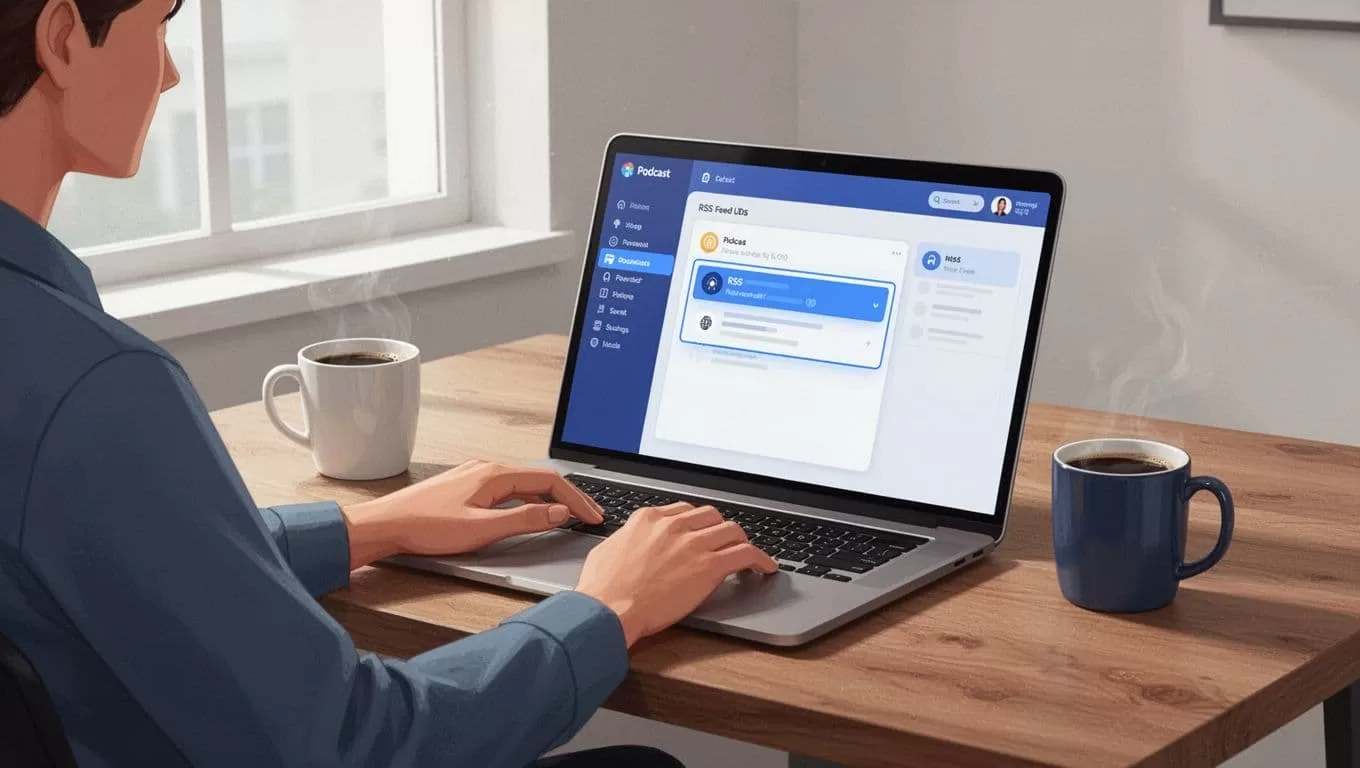
Feeds change rarely, but menu labels might shift. Check Transistor’s podcast RSS guide if yours looks different. I verify mine before every integration. This step takes seconds. It powers all your email automations.
Set Up Automatic Emails in Mailchimp
Mailchimp handles RSS-to-email basics well. I use it for simple alerts. Start a free account if you need one. They offer automation for RSS-driven campaigns.
Log in. Go to Create > Automations. Select RSS-driven blog posts or a similar option. Name your campaign, like “New Podcast Episodes.” Paste your Transistor RSS feed URL into the field.
Design the email next. Use merge tags for dynamic content. |RSSITEM:TITLE| pulls the episode name. Link it to |RSSITEM:URL| for direct access. Add |RSSITEM:CONTENT_FULL| for show notes. Preview pulls the latest episode.
Test it. Send to yourself. Check if the link works and formatting holds on mobile. Activate with Start RSS. Schedule sends daily or weekly. New episodes trigger emails automatically.
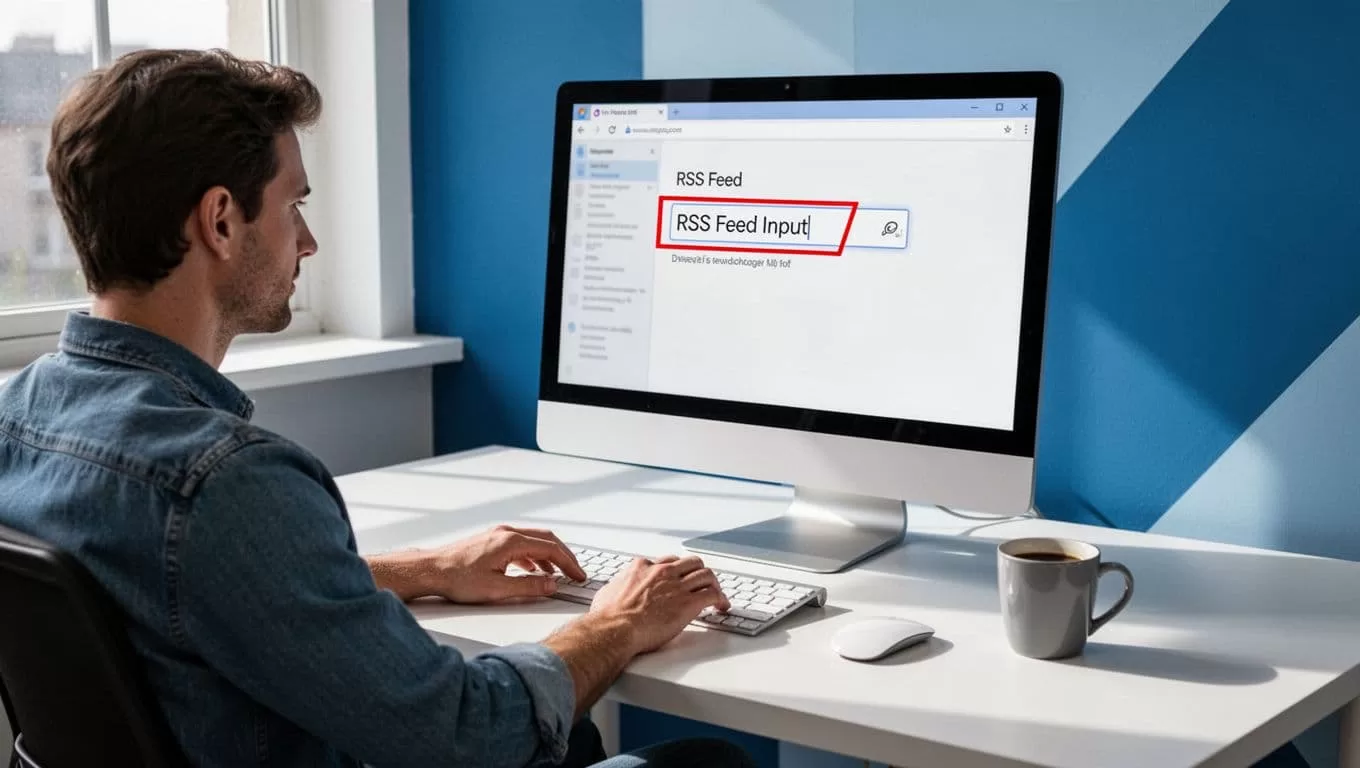
Transistor’s podcast-to-email tutorial covers Mailchimp details. I follow it yearly for updates. Collect subscribers via your show’s landing page forms linked to Mailchimp lists.
Integrate Kit for Embedded Podcast Players
Kit, formerly ConvertKit, goes further. It embeds playable episodes in emails. Perfect for driving listens. I switched for this feature.
In Kit, navigate to Automate > App Store. Search Transistor. Install the app. Grant access to your account. It pulls episode data securely.
Create a broadcast or sequence. Find the Transistor block. Select your show and latest episode. Embed the player. Kit formats it nicely, linking to your host page. Audio plays externally, but it looks pro.
For RSS automations, add your feed under RSS. Kit generates emails from new items. Turn on automation. Test sends confirm embeds work.
See Kit’s Transistor embedding help. Or Transistor’s Kit connection guide. I test after publishes. Subscribers click and listen faster.
This pairs well with my Transistor Opus integration for auto clips. Alerts drive traffic; clips extend reach.
Customize Emails to Boost Opens
Plain alerts work, but custom ones convert better. I add a personal touch. Start with your branding. Use podcast art as the header image.
Write a short intro: “Episode [title] is live! Dive into [topic].” Follow with the embed or link. End with a call to listen now. Keep it under 200 words. Short subjects like “New Episode: [Title]” spike opens.
Test across devices. Mobile views matter most. Tools like Litmus help, but Kit and Mailchimp previews suffice. Segment lists by listener history if possible.

Track metrics. Open rates above 30% mean success. Clicks show engagement. I tweak based on data.
Avoid Pitfalls and Fix Common Issues
Mistakes happen. Feeds fail if unpublished episodes exist. Publish first, then test. Wrong RSS URL? Double-check Distribution tab.
Emails land in spam? Use verified domains. Warm up lists slowly. No triggers? Confirm automation status. Mailchimp shows last pull time.
Kit embeds break on some clients. Fallback to links. Always test with a dummy episode.
Transistor lacks built-in alerts as of April 2026. RSS integrations fill the gap. Menus evolve, so peek at dashboards. Official docs stay current.
For clip alerts, check my podcast-to-TikTok workflow. It complements email pushes.
Wrapping Up Transistor Email Alerts
Transistor email alerts turned my stagnant downloads around. RSS feeds connect seamlessly to Mailchimp or Kit. Subscribers get timely nudges with embeds or links.
You save hours weekly. Listens climb because fans hear about episodes first. Start with your RSS today. Test one campaign. Watch engagement grow.
Stick to these steps, and your podcast thrives.

