How I Track Podcast Performance with Transistor’s Analytics Dashboard
I remember the early days of my podcast. Downloads trickled in, but I had no clue what worked or why listeners vanished mid-episode. Guessing wasted time. Then I found Transistor.fm’s analytics dashboard. It changed everything. Now I...

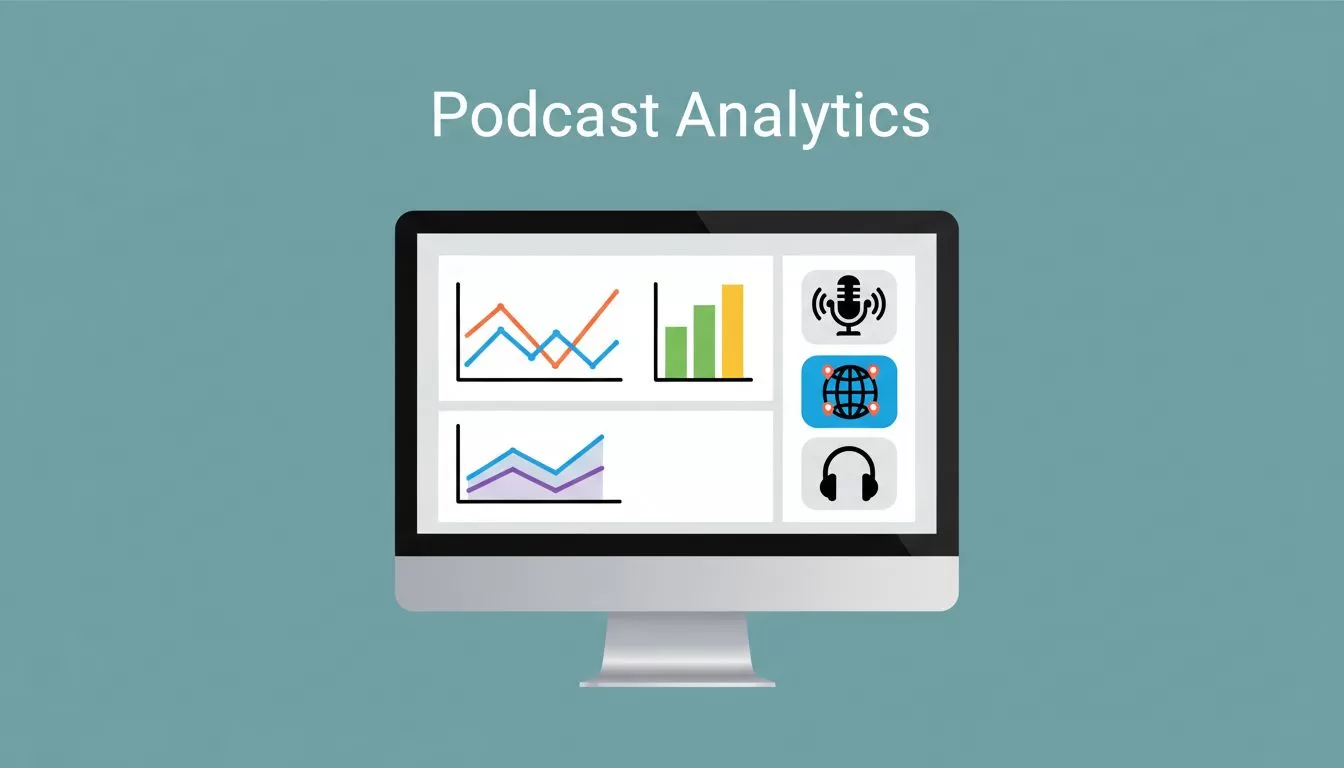
I remember the early days of my podcast. Downloads trickled in, but I had no clue what worked or why listeners vanished mid-episode. Guessing wasted time. Then I found Transistor.fm’s analytics dashboard. It changed everything. Now I spot trends fast and tweak episodes based on real data.
You face the same puzzle. Listeners skip shows without feedback? Platforms bury episodes? Transistor’s dashboard pulls it all together. It shows downloads, apps, and locations in one spot. No fluff. Just numbers that guide decisions.
Let’s walk through how I check mine every week. You’ll see the metrics that matter most.
Access Your Transistor Analytics Dashboard Quickly
I log into Transistor.fm first. The dashboard sits right there under each podcast’s name. Click “Analytics,” and charts load instantly. No digging through menus.
All plans give full access. Starter handles 20,000 downloads a month. I upgraded to Pro for teams and unlimited storage. Prices scale by total downloads across shows. Check Transistor’s pricing page for tiers.
Export data as CSV too. I pull it into Google Sheets for custom views. This beats manual tracking. Features stay consistent across plans, though labels might shift with updates. As of April 2026, no big changes hit analytics.
Pro tip: Pin your top show. It saves clicks. I review weekly on Mondays. That rhythm keeps me ahead.
Key Metrics That Drive My Podcast Decisions
Focus here separates vanity numbers from action steps. Total downloads look good on paper. But average per episode tells the real story.
Transistor calculates averages at 7, 30, 60, or 90 days post-release. Advertisers love the 30-day figure. Mine hovered at 500 early on. Now it hits 2,000 after shorter intros.
Subscriber estimates come from first-24-hour downloads on recent episodes. The graph trends up or down. I watch for plateaus. A flat line means stale topics.
Top apps matter next. Apple Podcasts leads for me at 45%. Spotify follows at 30%. Charts show shifts over time. If Spotify dips, I push episodes there harder.


Devices round it out. iPhones dominate, but Android growth signals broader reach. These metrics guide guest picks or promo tweaks. For details, see Transistor’s analytics overview.
Vanity metric? Raw totals. They inflate with old episodes. Actionable ones like averages push changes.
Track Growth and Spot Trends Over Time
Growth hides in history. Transistor’s listener trends chart shows downloads by day, month, or year. I zoom to last 90 days. Spikes reveal viral shares.
Episode tables list total listens per show. Sort by popular ones. My best hit 5,000 because a guest tweet boosted it. Compare daily downloads across episodes. Surges predict winners.
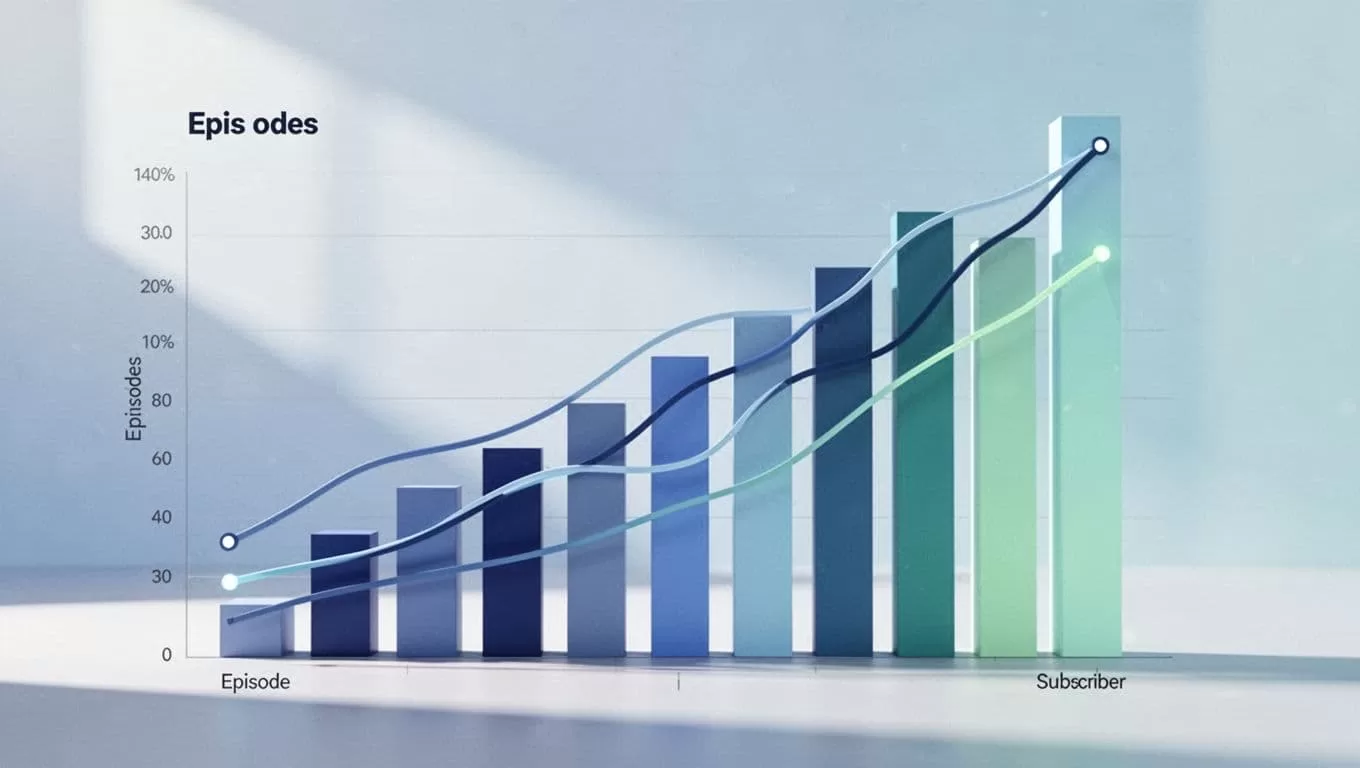
Subscriber graphs climb steadily for me. A 20% monthly bump came from consistent uploads. Plateaus? I test hooks or covers.
Export these for deeper dives. I plot against promo spends. Correlation shows what pays off. Trends beat gut feels every time.
Note differences from Apple or Spotify. Transistor counts all plays as downloads. It sits between their numbers. For why, read Transistor’s comparison guide.
Uncover Where Your Listeners Tune In
Locations paint a vivid map. Transistor breaks down countries, states, cities. U.S. dominates my audience at 70%. Canada surprises at 10%.
This shapes content. Texas listeners love tech tips. I double down there. Cities highlight urban vs. rural splits.
Devices pair with it. Desktop listens mean long-form okay. Mobile? Keep episodes punchy.
I cross-check with my Transistor.fm clip workflow. Analytics spot drop-offs. Clips target weak spots.
These insights refine targeting. No more blind blasts.
Turn Data into Smarter Podcast Moves
Metrics mean nothing without action. Low averages? Shorten episodes. My 40-minute shows tested better at 25.
App shifts? Optimize for Spotify with playlists. Subscriber dips prompt email blasts.
Example: Downloads stalled. Map showed international growth. I added timestamps for non-natives. Averages rose 15%.
Track promo ROI. Post a clip, watch next-day spikes. In my viral clips setup, Transistor data picks top performers.
Test one change at a time. Measure over 30 days. Adjust. Repeat.
Private podcasts get same stats. Great for exclusives.
Key Takeaways for Your Dashboard Routine
Transistor’s analytics dashboard turns guesses into plans. Averages, trends, and locations guide my weekly checks. Act on them, and growth follows.
Stick to actionable metrics. Export often. Review consistently. Your podcast thrives on data, not hope.
Start today. Log in, scan your numbers, tweak one thing. Results compound fast.

