Transistor.fm for Agencies: A Scalable Video Workflow
An agency can produce excellent video podcasts and still lose time managing files, approvals, feeds, and reports. The problem usually isn’t production. It’s the lack of a repeatable publishing system. Transistor.fm for agencies...
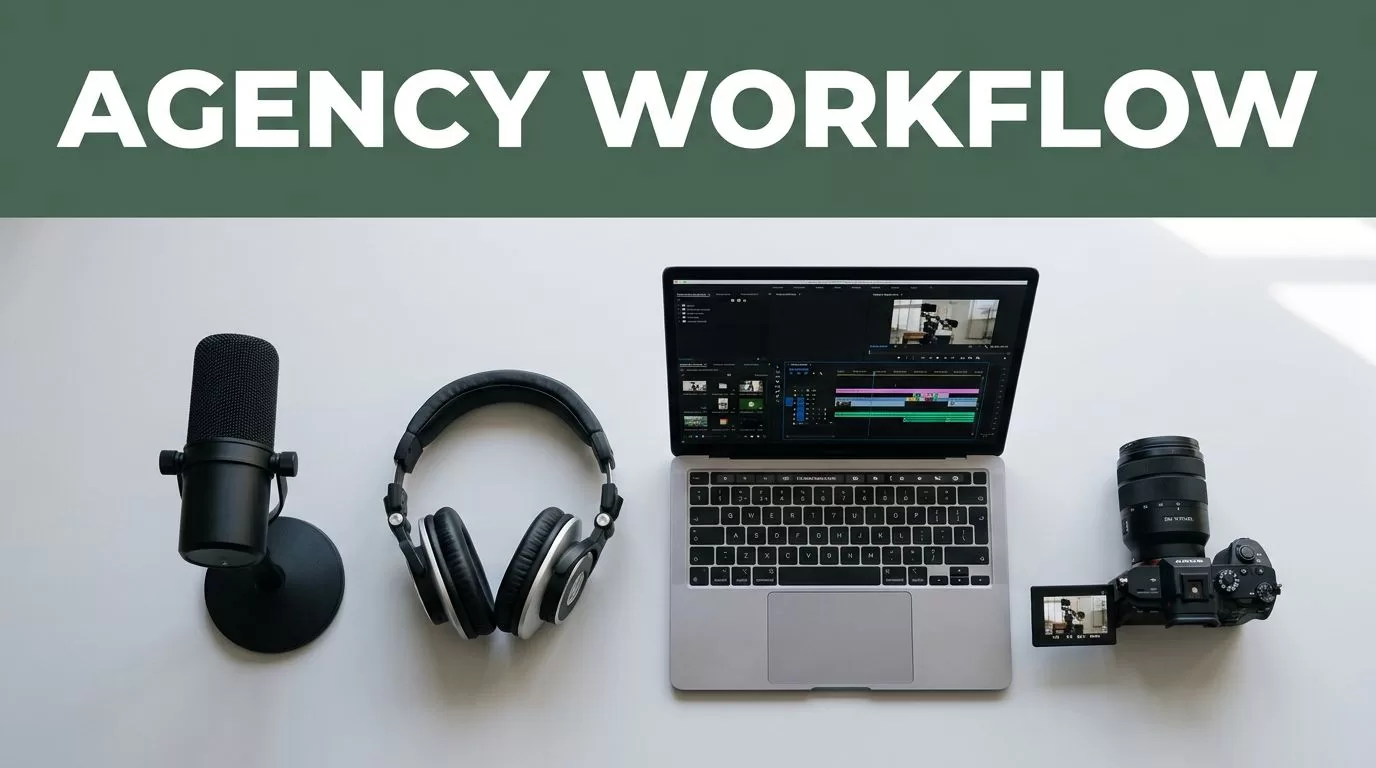
An agency can produce excellent video podcasts and still lose time managing files, approvals, feeds, and reports. The problem usually isn’t production. It’s the lack of a repeatable publishing system.
Transistor.fm for agencies works best when it handles the audio podcast layer while a separate platform manages video. You need clear ownership, consistent metadata, client approvals, and one workflow that works for one show or twenty.
Key Takeaways
- Use Transistor for podcast hosting, RSS distribution, audio analytics, and show management.
- Keep video hosting and video analytics in platforms built for video.
- Give every client or podcast series its own feed, naming system, and approval process.
- Automate repetitive handoffs only after the manual workflow works.
- Check current Transistor plan limits before including features or pricing in a client proposal.
Build the Right Agency Operating Model
Transistor is a podcast platform. It is not a replacement for YouTube, Vimeo, Wistia, or a video content management system.
That distinction controls the entire setup. Your video team can record and edit a video podcast, then create two publishing assets:
- A video master for YouTube, Vimeo, or the client website.
- An audio master for the podcast RSS feed hosted by Transistor.
The audio file should be a clean export without video compression artifacts. Add the episode title, description, cover art, season details, and guest information inside the publishing workflow. Keep the video metadata aligned with the podcast metadata, but don’t copy every field without reviewing it.
Transistor can give your agency a central place to manage podcast shows, publish episodes, provide RSS feeds, and review download analytics. Features such as private podcasts, team access, custom domains, and API access may depend on the selected plan. Review the current Transistor.fm product information before you design the service around a specific feature.
Create one show per client or podcast series. Do not place unrelated clients inside one feed. A podcast feed is a public identity, and mixing brands creates problems with subscribers, analytics, permissions, and ownership.
Use an agency-owned account only when your contract covers account administration and client access. Otherwise, create the show under the client’s account and give your team the required permissions. The correct choice depends on who owns the brand, audience, and historical data.
Transistor should be the audio publishing system in your video workflow, not the video archive.
Your operating model should define five items before production starts:
- Who owns the Transistor account and RSS feed
- Who approves titles, descriptions, artwork, and publishing dates
- Where the video master and audio master are stored
- Which platform owns video analytics
- How the client receives monthly performance data
Write these decisions into the statement of work. A vague ownership model becomes an expensive migration later.
Use a Step-by-Step Workflow That Scales
A scalable workflow reduces decisions at each stage. The same person shouldn’t rebuild the process for every client.
1. Collect the client brief
Create a standard intake form for every new show. Capture the show name, host names, guest details, category, publishing frequency, launch date, artwork, website URL, approval contacts, and destination platforms.
Ask whether the client already has a podcast feed. If they do, migration requires careful planning. Never create a second feed and ask subscribers to find the new one later.
Also record the client’s preferred title format. For example:
Client Name | Episode 014 | Guest Name
A fixed naming convention improves search, reporting, file storage, and handoffs.
2. Create the show structure
Set up the Transistor show with the approved name, author, description, category, artwork, website link, and contact details. Use a separate show for each brand or series.
Store the show ID, RSS feed URL, account owner, and approval contact in your agency operations database. Restrict editing access to the employees who publish or audit episodes.
Do not treat the RSS feed as a backup. Store every source file, transcript, thumbnail, and approved description in a separate client folder.
3. Produce the audio version
After the video edit is approved, export the audio version. Remove long visual pauses, dead air, and any section that depends on on-screen graphics.
Set a consistent audio standard across the account. Use the same export format, loudness target, intro treatment, and file naming pattern for every episode. Your editor should not decide these settings from memory.
A practical file structure looks like this:
Client / Show / 2026 / EP014 / Approved
Place the final video, final audio, transcript, thumbnail, description, and approval record inside that episode folder.
4. Prepare metadata once
Write the episode title and description in one master document. Then adapt the copy for the podcast feed, YouTube, the client website, and email promotion.
Keep the first two sentences useful. State the subject, guest, and main outcome. Add links only after checking that they work and belong to the client.
Use a short, consistent call to action. Avoid inserting several competing offers into every episode description. The podcast page, video page, and email should direct attention to the same primary action.
5. Publish the audio episode
Upload the approved audio file to the correct Transistor show. Add the title, description, artwork, season information, episode number, and publishing date. Preview the episode before scheduling it.
Check the RSS feed after publication. Confirm the title, description, artwork, audio playback, and links. Podcast directories may take time to display changes, so review the feed itself rather than relying on one app.
Transistor handles the podcast hosting layer. Submit and manage directory listings through the relevant services, then track the feed URL in your records.
6. Publish the video separately
Upload the video master to the client’s selected video platform. YouTube Studio is useful when YouTube is the primary destination because it provides video-specific publishing controls and performance data. For client websites, YouTube Studio or the client’s chosen video host should remain the source of truth for video analytics.
Do not report podcast downloads as video views. These are different measurements. A podcast download reflects an audio request, while a video view depends on the video platform’s own rules and reporting window.
Use matching episode numbers and titles across both formats. The audience should recognize that the audio and video versions belong to the same release.
7. Run a release check
Assign one person to complete the final check. The checklist should confirm:
- Audio and video play correctly
- Titles and guest names are accurate
- Links open correctly
- Artwork uses the approved file
- The episode is scheduled for the correct time
- The client has approved all public copy
- The RSS feed and video page show the expected information
Record the result in the operations database. A simple approved, blocked, or needs changes status is enough.
Turn the Workflow Into an Agency SOP
Your SOP should fit on a few pages. It needs to tell a new operator what to do without requiring a meeting.
Start with a responsibility matrix. Assign production, metadata, client approval, publishing, quality control, and reporting to named roles. One person can hold several roles, but every task needs an owner.
Use fixed deadlines. For example, the editor delivers final assets three business days before publication. The account manager sends the review link within one day. The client receives a defined approval deadline. The publisher schedules the episode after approval.
Keep client comments in one system. Frame.io can manage video review, while a project management tool can track approvals and publishing status. Don’t split feedback across email, chat, documents, and private messages.
Set access rules before adding contractors. Use individual accounts where available. Remove access when a contract ends. Keep the RSS feed, billing account, and client database restricted to approved staff.
Review current Transistor.fm pricing before quoting a package. Plan limits, included shows, download allowances, team features, and private podcast access can affect margins. Quote the agency service separately from software costs.
A useful client package can include:
- Episode editing
- Audio extraction and quality control
- Metadata preparation
- Transistor publishing
- Video publishing
- Monthly reporting
- Archive and feed administration
This makes the delivery scope clear. It also prevents unlimited revisions from being hidden inside a publishing fee.
Avoid Common Scaling Problems
The first problem is using one podcast feed for multiple brands. Separate feeds protect subscriber data and give each client clean reporting.
The second problem is publishing directly from the editor’s workstation. Keep approved assets in a shared, permission-controlled folder. A team member should be able to publish without searching through local drives.
The third problem is treating every platform as identical. Podcast descriptions, YouTube descriptions, video chapters, thumbnails, and website embeds have different requirements. Build reusable templates, then review each destination before publishing.
Another common mistake is automating too early. A Zapier or Make workflow can create tasks, copy approved metadata, or notify a client. It can’t correct a wrong guest name or detect that an editor uploaded the draft file. Automate stable steps after your team has completed them manually.
Don’t use podcast downloads as the only measure of success. Combine Transistor analytics with video views, watch time, retention, website clicks, email traffic, and qualified leads. Choose three to five metrics that match the client’s objective.
Finally, don’t publish without a documented approval. A chat message that says “looks good” may be difficult to find six months later. Store the approval date, approver, and approved asset version with the episode record.
Use a Lean Tool Stack
Keep the stack small. Each tool should have one clear job.
| Function | Practical tool | Operating rule |
|---|---|---|
| Video editing | Adobe Premiere Pro, DaVinci Resolve, or Descript | Export approved video and audio masters |
| Review and approvals | Frame.io | Keep time-coded feedback in one place |
| Podcast hosting | Transistor | Manage audio episodes, RSS, and podcast analytics |
| Video publishing | YouTube, Vimeo, or the client’s host | Track video views and watch time here |
| Operations database | Airtable, Notion, or a project tool | Store owners, deadlines, URLs, and statuses |
| Automation | Zapier or Make | Automate notifications and task creation after QA |
Transistor is the center of the podcast workflow, not the entire media stack. That structure gives your agency clean boundaries. Video teams manage video delivery. Podcast operators manage the feed. Account managers manage approval and reporting.
Use the Transistor API or third-party automation only when your plan and technical setup support it. Start with low-risk actions such as creating internal tasks or sending status notifications. Keep publishing approval under human control until the workflow has a reliable audit trail.
Conclusion
Scaling agency video content with Transistor.fm starts with a clear separation between audio podcast distribution and video publishing. Give every client a proper show, keep the RSS feed under controlled ownership, and use one approved metadata and asset workflow.
The strongest system is not the one with the most automation. It’s the one your team can repeat without guessing. When every episode follows the same path, Transistor.fm for agencies becomes a dependable audio layer inside a broader video production operation.
