How I Automate Podcast Episode Scheduling with Transistor.fm
I remember the chaos of manual podcast releases. Episodes dropped late because I forgot to hit publish. Listeners tuned out. Now, I set it and forget it. Automation handles the rest. Transistor.fm powers my shows. It excels at hosting and d...
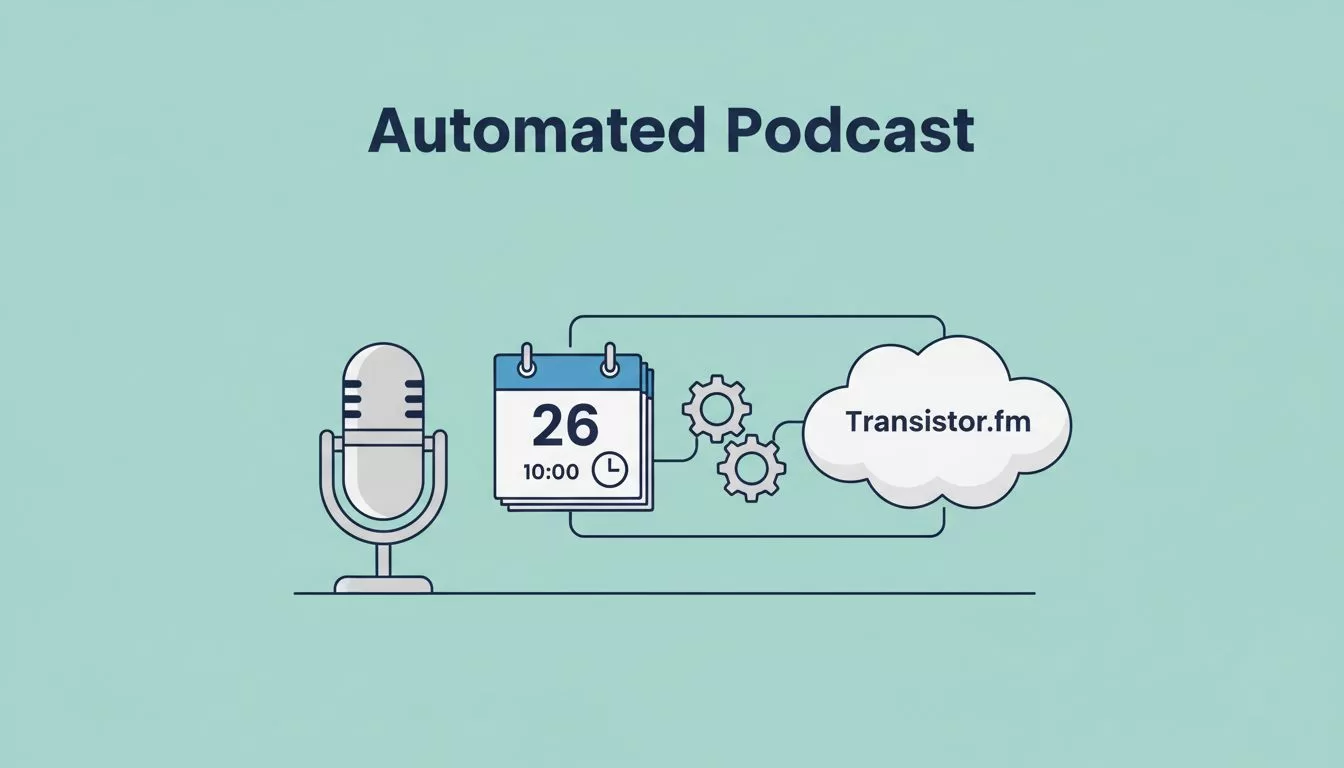
I remember the chaos of manual podcast releases. Episodes dropped late because I forgot to hit publish. Listeners tuned out. Now, I set it and forget it. Automation handles the rest.
Transistor.fm powers my shows. It excels at hosting and distribution. But true transistor podcast scheduling needs external help. I’ll show you my setup. It links production tools to seamless publishes.
Transistor.fm’s Publishing Basics
Transistor.fm shines in episode management. You upload audio or video files directly. The platform pushes them to Apple Podcasts, Spotify, and RSS feeds right away.
No built-in scheduler exists yet. As of April 2026, you publish now or never. I prep episodes early. Then I use triggers for timed releases. This keeps my calendar clear.
For quick wins, use show note templates. They speed up descriptions and links. I copy-paste guest bios. It cuts setup time in half.
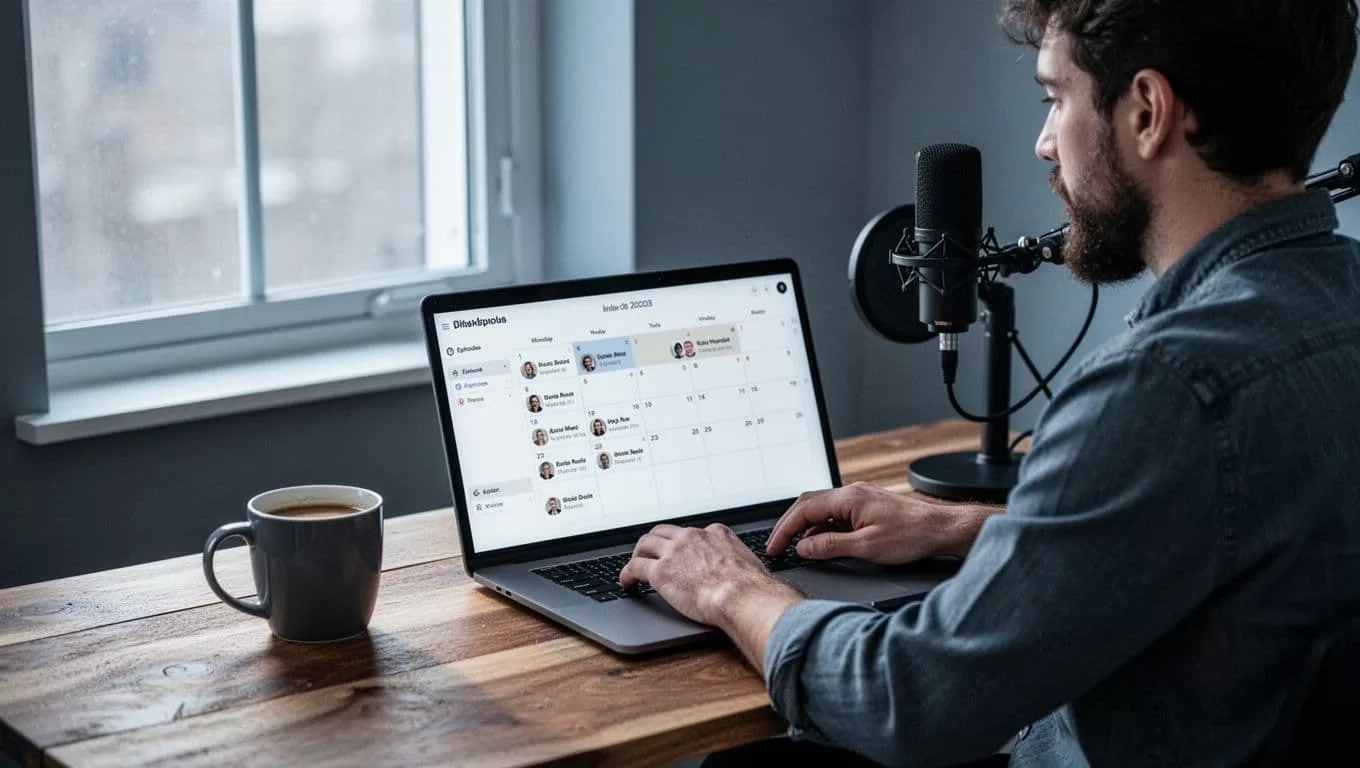
I visualize my dashboard like this setup. Prep files there. Automations take over from uploads.
Triggers That Kick Off Automation
Transistor.fm triggers actions on new episodes. “Episode published” fires instantly. It notifies teams or posts to socials.
Check Transistor’s integrations page for options. They list email tools like ConvertKit and social auto-posts to Bluesky.
I connect these to broader flows. A new upload sparks emails to my list. It also queues clips for shorts. No more manual shares.
Limitations hit here. Triggers work post-publish only. Pre-scheduling stays manual. But chains fix that.
Building Workflows with Zapier and Make
Zapier and Make bridge the gap. They poll Transistor’s RSS or API for new content. Then they schedule posts or edits.
Here’s my basic Zapier flow. It starts with a new episode in Transistor.
- Trigger: New RSS item from your show’s feed.
- Action: Delay until release date.
- Action: Post to Twitter or LinkedIn with show notes.
Make.com offers similar paths. I prefer it for complex branches. One flow handles guest forms to episode queues.
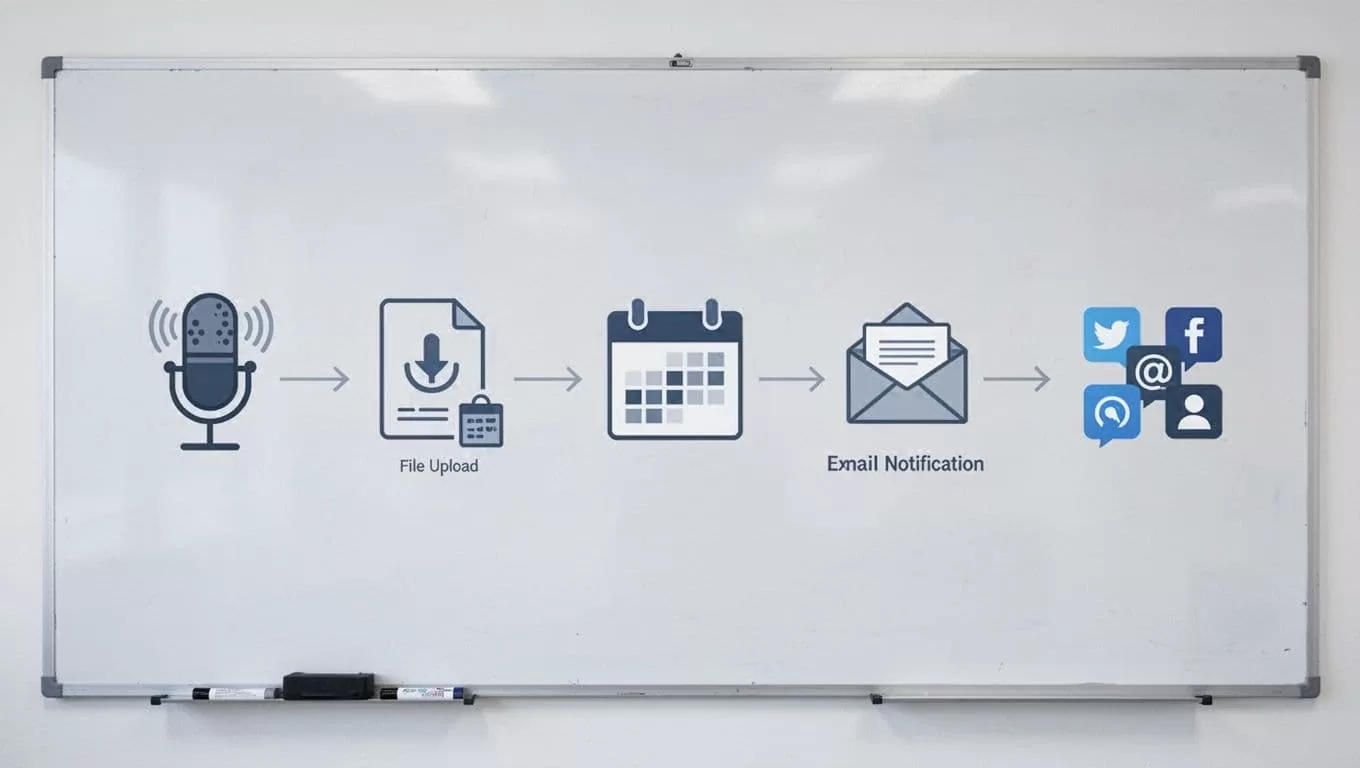
This flowchart matches my weekly routine. Record, upload, automate.
Test every step. I ran dry tests first. It caught a bad RSS link. Saved a missed release.
For deeper setups, see Transistor’s Zapier changelog. It details early triggers like Slack alerts.
Link Calendars and Forms to Your Pipeline
Google Calendar syncs with Zapier. I block recording slots. A finished event triggers file uploads to Transistor.
Forms work too. Guest submissions via Typeform feed into Notion. Then scripts push to Transistor drafts.
I use Airtable for pipelines. Columns track status: recorded, edited, scheduled. Automations move rows on completion.
No direct calendar tie-in exists. But webhooks fill it. Set a calendar event. It pings Make. Make uploads your MP3.
Best practice: Keep files under 200MB. Transistor processes fast. I name them “ep-45-raw.mp3”. No mix-ups.
Use Cases That Save Me Time
Solo hosts batch episodes. I record four on Sundays. Automations stagger publishes weekly.
Teams share duties. One edits. Another approves. Triggers notify on upload. No email chains.
For clips, I chain to Opus Clip. New Transistor episode exports video. Opus generates shorts. Buffer schedules them. Check my Opus Transistor.fm workflow for steps.

My wall calendar inspires digital versions. Pins mark drops. Automations make them real.
Monetized shows gate bonuses. Memberful signup adds private feeds. Triggers email exclusives.
Limitations: Free Zapier tiers cap zaps. I upgraded for multi-step flows. Watch quotas.
Best Practices and Pitfalls to Avoid
Start simple. One trigger: episode to Slack. Build from there.
Monitor RSS delays. Platforms lag 24 hours sometimes. Buffer with early uploads.
Secure API keys. Transistor hides them well. Revoke on team changes.
Common mistake: Forgetting time zones. I set UTC for global listeners.
Use StackReaction’s Transistor integrations to scout tools. It lists Make and Pipedream options.
Backup files locally. Automations fail. I keep Dropbox mirrors.
Conclusion
Automation turned my podcast into a machine. Transistor.fm handles hosting. External tools schedule everything else.
You gain hours weekly. Listeners get steady drops. Start with one Zap today.
My shows run smooth now. Yours can too. Pick a trigger. Watch it grow.
