Manage Your Travel Affiliate Dashboard With Travelpayouts
Affiliate revenue rarely drops in one dramatic event. It usually slips through untracked links, weak pages, pending bookings, and reports nobody checks until month-end. Your travel affiliate dashboard gives you the data to catch those issue...
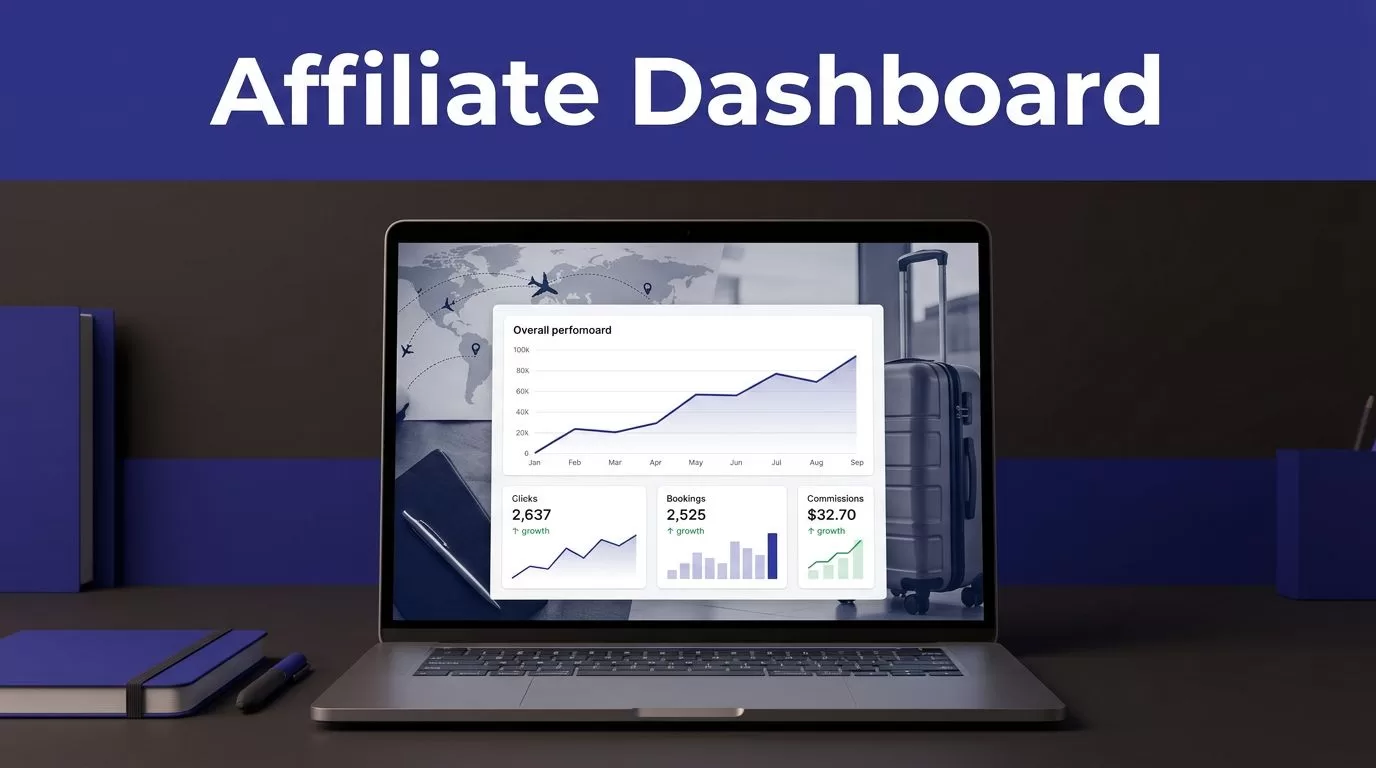
Affiliate revenue rarely drops in one dramatic event. It usually slips through untracked links, weak pages, pending bookings, and reports nobody checks until month-end.
Your travel affiliate dashboard gives you the data to catch those issues early. You need a fixed routine for reading clicks, bookings, commissions, and content performance before a small problem becomes a lost revenue month.
Travelpayouts puts program data, tools, reports, and payout information in one account. Use the numbers to make content decisions, not to admire a growing table.
BUILD A TRAVEL AFFILIATE DASHBOARD ROUTINE
Start on the Home page Dashboard. Travelpayouts describes it as an account overview with a performance table, widgets, and program-level information in its account overview guide.
Check the date range first. Then check whether you are viewing all programs, one program, or a filtered marker. A clean-looking total can hide a weak page or broken campaign.
Read performance as a chain
A travel affiliate dashboard works best when you read metrics in order:
- Impressions show whether visitors saw a tool or placement.
- Clicks show whether the placement earned attention.
- Pending bookings show early buyer activity.
- Confirmed bookings show brand-approved conversions.
- Earnings show the commission credited to your account.
Each step answers a different question. High impressions and low clicks point to placement, copy, or audience mismatch. Strong clicks and no bookings point to search intent, offer fit, price, or tracking.
Don’t compare every tool by clicks alone. Travelpayouts documents different measurement behavior for links, banners, and widgets. Widgets may report impressions and bookings differently from standard affiliate links.
Keep potential earnings separate
Potential earnings are not final commission income. They come from pending bookings that may later be confirmed, canceled, or rejected.
Confirmed bookings are stronger evidence, but they are still separate from a completed payout. Travelpayouts may use labels such as “Confirmed,” “Paid,” “Potential earnings,” or “Potential income” in different report views. Check the status definition in the screen you are using.
A booking record, a confirmed commission, and a paid balance are three different checkpoints. Reconcile each one before treating revenue as final.
USE REPORTS TO FIND THE SOURCE OF RESULTS
The dashboard gives you a fast pulse. Reports show where the movement came from.
Travelpayouts groups its Performance report by program by default and shows a recent reporting period. Its Reports overview explains the main report areas, including Performance, Bookings, and Referrals.
Check the Performance and Bookings views
Use Performance when you need a broad comparison across programs, days, or markers. Look for changes in clicks, pending bookings, cancellations, confirmed bookings, ECPC, earnings, and potential earnings.
Use Bookings when a total needs an explanation. A booking-level view helps you see whether several conversions are pending, a cancellation changed revenue, or one program stopped converting.
ECPC means average earnings per click. It helps you compare placements with different traffic volumes. A page with fewer clicks can still earn more if the audience is closer to booking.
For example, a “carry-on luggage rules” article can generate many low-value travel clicks. A “where to stay near Heathrow Terminal 5” page may receive less traffic but send visitors with immediate hotel intent.
Use SubID markers before changing content
A SubID lets you label a link or tool placement. It is the simplest way to separate traffic sources inside the same program.
Create short, stable names such as:
paris-hotels-guidenewsletter-juneinstagram-bioeurope-rail-widget
Travelpayouts lets you filter and group Performance statistics by SubID. That means you can see whether a booking came from a destination guide, email campaign, comparison page, or social profile.
Your travel affiliate dashboard becomes far more useful when every major placement has a marker. Without one, you are guessing which page earned the booking.
TURN CONTENT ANALYTICS INTO EDITORIAL DECISIONS
Traffic is not a content result. A page earns its place when it creates useful clicks and confirmed revenue.
Travelpayouts offers Content analytics for page-level information such as visitors, conversion rates, and tool performance. Use it to compare pages that target similar traveler needs.

Photo by Kampus Production
Find pages that deserve attention
Start with pages that have enough visitors to produce a signal. Then sort them into three groups.
A page with traffic and clicks but no bookings needs a better offer, clearer traveler intent, or a different program. A page with low traffic and high conversion needs more internal links, fresh search coverage, or promotion. A page with neither clicks nor bookings may need a full rewrite or removal.
Do not replace every underperforming link at once. Change one important variable. Test a new call to action, a different comparison block, a better position above the fold, or a more relevant supplier.
Match tools to the job
A flight search widget belongs where readers compare routes, dates, or airline options. A hotel link belongs where readers choose a neighborhood, property type, or arrival plan.
Put a generic hotel banner in a detailed city itinerary and it may create clicks. Put a property-specific link next to “where to stay in Kyoto for first-time visitors” and it has a clearer job.
Record the old placement, new placement, date, marker, and result. Otherwise, you will see a revenue change without knowing what caused it.
CHECK THE RIGHT NUMBERS ON A FIXED SCHEDULE
You do not need to refresh reports all day. You do need a repeatable review cycle.
Use this operating schedule for your Travelpayouts account:
| Review timing | What to check | What to do |
|---|---|---|
| Twice each week | Click drops, sudden zero activity, broken page links | Check the live page and marker setup |
| Weekly | Pending, canceled, and confirmed bookings by program | Update content priorities and investigate exceptions |
| Monthly | Earnings, ECPC, top pages, top programs, payout progress | Save a report snapshot and plan next month’s tests |
A weekly check catches broken placement before a high-traffic weekend passes. A monthly review gives you enough data to make larger editorial changes.
Set practical alerts for unusual movement
Look for movement that does not match your publishing calendar or traffic trend. A page that normally produces clicks but shows zero activity after a site update needs a check. So does a program that gains clicks while bookings fall for several weeks.
Compare like with like. A December hotel guide will not behave like the same page in February. Use the same weekday range, season, audience source, and destination type before calling a result a problem.
Keep a short exception log. Record the page, program, SubID, date range, issue, owner, and next review date.
TROUBLESHOOT MISSING BOOKINGS AND DELAYED COMMISSIONS
A missing booking is frustrating, but don’t start by assuming tracking failed. First separate a report delay, a pending booking, a cancellation, and a true reporting gap.
Travelpayouts provides missing booking guidance for bookings that have not appeared after 24 hours.
Rule out report and link issues first
Check the report date range, selected program, and SubID filter. Confirm that the live page uses the intended affiliate link or tool. A CMS update, link-shortener change, copied URL, or removed marker can break your reporting logic.
Browser extensions can also interfere with tracking. Check the public page in a clean browser session, then compare the destination URL with the link you generated in Travelpayouts.
Do not create duplicate reservations simply to test a suspected issue. Keep the evidence from the original visit.
Treat pending and canceled bookings correctly
Pending means the brand is still processing the booking. It is not a confirmed commission. The confirmation timetable depends on the program and the partner’s booking process.
Canceled bookings can result from traveler cancellations, program-rule issues, or fraud checks. A drop in potential earnings is not always a dashboard error.
Never assume every program uses the same attribution period or approval rules. Check the terms and program information before promising a commission result to a client or forecasting revenue.
Escalate with a complete evidence record
If the booking is still absent after the stated wait period, prepare a clean support record:
- Save the published page URL and the affiliate destination URL.
- Record the program name, SubID, booking date, and approximate click time.
- Capture the relevant report filters and date range.
- Keep the booking confirmation or reference number if available.
- Share only the details support needs. Do not send payment card data or unnecessary personal information.
A complete record gives support something they can trace. “My commission is missing” does not.
INCREASE REVENUE WITHOUT ADDING RANDOM PROGRAMS
More programs do not automatically produce more income. The better move is to identify the few programs and pages that already fit your audience.
Use the affiliate program summary to review program-level statistics before you add, pause, or replace a partner.
Compare confirmed earnings, not headline offers
A high commission percentage can still produce weak revenue if the offer does not match your readers. Compare confirmed bookings, confirmed earnings, cancellations, ECPC, and page-level intent.
A family travel site may convert better with apartment stays, airport transfers, and attractions than with premium business hotels. A frequent-flyer newsletter may earn more from flight-search content than broad destination lists.
Keep a short scorecard for each active program. Review the last 30, 60, and 90 days where volume supports it.
Expand winners with related content
When a page has steady confirmed bookings, build around the same traveler decision. Add an airport guide, neighborhood comparison, seasonal advice, property shortlist, or transport page.
Link the new articles to the proven page. Use separate SubIDs for every new placement. This protects your ability to compare results later.
Do not chase a temporary potential-earnings spike. Wait for confirmed patterns before you invest several articles in one program.
KEEP A TRUSTED REPORT HISTORY
Your dashboard is live data. Your operating record should be separate.
At the end of each month, export or capture your main report view. Store the date range, selected program, SubID filters, clicks, pending bookings, cancellations, confirmed bookings, earnings, potential earnings, and ECPC.
Preserve the last trusted snapshot
Keep the original record unchanged if you are investigating a discrepancy. Add notes in a separate log instead of overwriting the captured report.
Use simple review states such as “Open,” “Checked,” “Waiting for partner,” and “Resolved.” Record the date, the supporting evidence, and the final outcome.
This gives you a usable history when a commission changes status weeks later. It also stops your team from arguing over what the dashboard showed last month.
FINAL THOUGHTS
A travel affiliate dashboard becomes useful when every metric leads to a clear next action. Check the reporting range, label major placements with SubIDs, separate pending income from confirmed earnings, and save monthly evidence.
Focus on confirmed revenue and repeatable page performance. The strongest affiliate content is not the page with the most clicks. It is the page that helps a traveler make a booking decision and gives you a result you can verify.
