Travelpayouts Banner Ads: What You Can Deploy Now
A banner can send a reader to a booking site in one click. It can also slow a page, confuse visitors, and produce no useful revenue. Travelpayouts banner ads only make sense when the offer matches the page, the link works, and the placement...
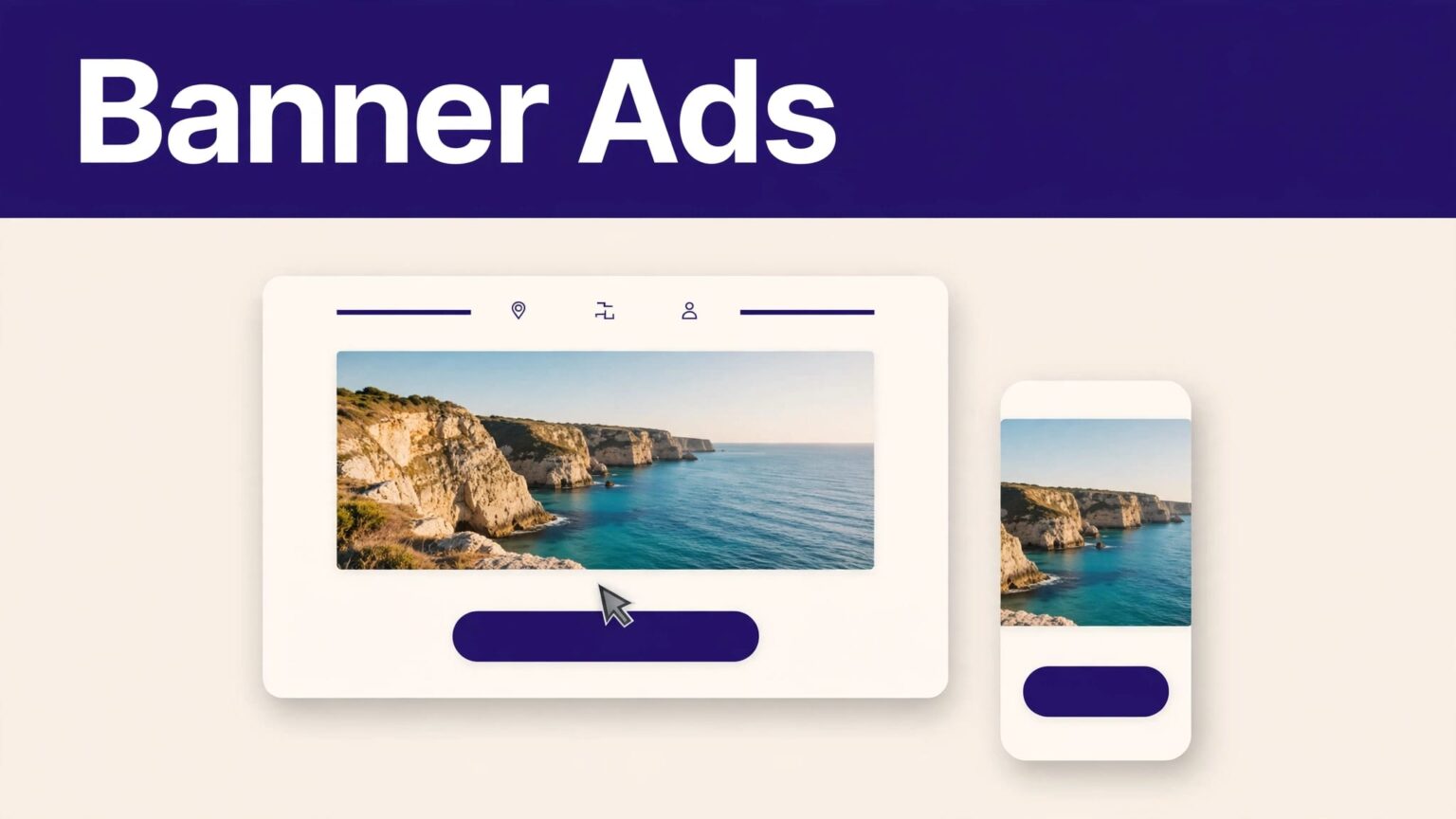
A banner can send a reader to a booking site in one click. It can also slow a page, confuse visitors, and produce no useful revenue.
Travelpayouts banner ads only make sense when the offer matches the page, the link works, and the placement is easy to use on a phone. Start with the current product limits before you paste any code into your CMS.
WHAT TRAVELPAYOUTS BANNER ADS CAN YOU DEPLOY?
Travelpayouts stopped allowing partners to create new banners on August 8, 2024. Its official banner guidance says banners created before that date can continue to work.
That changes the deployment process. If you already have a legacy banner, you can audit, place, test, and measure it. If you are starting a new site, do not spend hours looking for a banner builder that may no longer be available.
Travelpayouts still offers affiliate tools such as links and widgets. Tool access depends on the travel brand and your connected programs. Check the current affiliate program tools list before you plan a page around one format.
A banner that was placed years ago may still work. That does not mean your account can create another one today.
The dashboard, labels, and available assets can change. Verify the current interface and each brand’s rules before publishing.
CHECK THE ASSET BEFORE YOU TOUCH YOUR CMS
Do not copy old code into a live page without checking what it promotes. A legacy banner is an advertising asset, not a permanent site feature.
1. Confirm the banner is active and relevant
Open your Travelpayouts account and locate the connected program that supplied the banner. Check the destination URL, visible brand, language, currency, and offer message.
A flight banner belongs on a route guide, airline review, or airfare page. A hotel banner fits a destination accommodation guide. A broad “book now” unit on a packing-list article usually gets ignored.
Also check the brand terms. Programs can change their approved traffic sources, geographic restrictions, and promotional rules. Do not assume a banner remains approved because the HTML still loads.
2. Save the original code and page details
Copy the existing code into a private document before editing it. Record the page URL, banner dimensions, destination brand, placement location, and the date you checked it.
This gives you a rollback point if the banner breaks or the layout shifts. It also helps when multiple people manage the site.
Use a simple record with these fields:
| Field | What to record |
|---|---|
| Banner ID or name | The label visible in your account or original code |
| Page URL | The exact page where the banner appears |
| Placement | In-content, sidebar, footer, or another location |
| Destination | The travel brand and landing-page type |
| Review date | When you last clicked and checked the asset |
Count working, relevant placements, not the number of banner snippets saved in a folder.
ADD LEGACY BANNER CODE TO YOUR WEBSITE
Banner code is usually HTML, JavaScript, or an iframe. HTML tells the browser what to display. JavaScript can load content after the page opens. An iframe displays content from another website inside a frame on your page.
Only paste the complete code supplied with the existing asset. Do not rewrite affiliate IDs, remove tracking parameters, or combine fragments from different banners.
3. Use a custom HTML area, not a visual text block
Most CMS platforms have a place for raw code. The name varies, but the function is the same.
In WordPress, use a Custom HTML block in the editor. For a sidebar or footer, use a Custom HTML widget or block in the site’s widget area. In Squarespace, Wix, Webflow, Ghost, and similar platforms, look for an Embed, Code, HTML, or Custom Code block.
If you edit a theme template directly, place the banner inside the content area where you want it to appear. Do not put an ad script into the site header unless the provider explicitly requires it. A header script can load on every page, including pages where no banner appears.
Travelpayouts documents code-based tools for site owners. Its affiliate tools overview is a useful reference when you need a current alternative to an old banner.
4. Publish a draft page first
Use a draft, staging site, or unpublished page. Paste the code, save it, then preview the page in a private browser window.
Check four things before the page goes live:
- The banner appears without overlapping text, menus, or images.
- A click opens the expected travel brand and does not return an error page.
- The surrounding page remains readable if the banner fails to load.
- The banner does not push the main content far down the page.
Avoid placing code in a rich-text editor that strips scripts or rewrites HTML. If the visual editor removes part of the snippet, use the CMS code block or ask your developer for a template placement.
PLACE BANNERS WHERE READERS EXPECT THEM
Good placement follows the reader’s decision path. The banner should appear after useful content, not before it.
5. Match the banner to a high-intent moment
Put a relevant booking banner after you answer the question that brought the reader to the page. For example, a Bangkok hotel guide can show an accommodation offer after the neighborhood comparison and hotel recommendations.
A flight banner can follow a section about the cheapest months to fly. A car-rental offer can follow airport transfer advice. The reader has context, a reason to click, and enough information to judge the offer.
Travelpayouts banner ads work better as a next action than as decoration. One placement near a clear decision point is often better than three units scattered across the page.
Avoid misleading placements and fake buttons
Do not place a banner beside a “Download itinerary” button if it leads to a booking partner. Do not write “check availability” unless the click actually opens availability results. Do not cover navigation, maps, tables, or essential page controls.
Keep space between the banner and editorial links. Readers should know which item is an advertisement.
Add a clear disclosure near the first affiliate promotion on the page. For example:
Disclosure: This page contains affiliate links. If you book through them, we may earn a commission at no extra cost to you.
Travelpayouts recommends disclosure on every page that contains affiliate links in its affiliate disclosure guidance. If your audience includes U.S. consumers, also follow the FTC’s guidance on clear and conspicuous endorsements.
PROTECT PAGE SPEED AND MOBILE USABILITY
A travel page often has maps, photos, booking tools, and ad code competing for attention. Every extra script has a cost.
Reserve space for the banner
Set aside space in the layout before the banner loads. This reduces layout shift, where text or buttons jump after the page appears.
Use a container that can shrink on smaller screens. A fixed 728-pixel-wide banner can overflow on a phone. Test portrait and landscape views, then check tablets and desktop browsers.
Google’s Core Web Vitals documentation measures loading, responsiveness, and visual stability from real visitor data. A banner that causes a page to jump is not a minor design problem.
Limit scripts and check the result
Do not load several third-party banners on one page. Do not run the same banner in a sidebar, inside the article, and again at the bottom.
After publishing, use PageSpeed Insights, browser developer tools, or your CMS performance report. Compare the page before and after the code change. Watch for slower loading, unexpected errors, or a delayed main content area.
If the banner hurts the page experience, remove it. An affiliate placement has to earn its screen space.
TRACK CLICKS, NOT JUST IMPRESSIONS
A visible banner is not a successful banner. You need to know whether it sends qualified visitors to the right partner and whether that traffic produces tracked results.
6. Test the affiliate path yourself
Open the live page in an incognito or private browser. Click the banner once. Confirm that it reaches the correct advertiser page and that no broken redirect appears.
Do not repeatedly click your own affiliate links. One controlled test is enough. Repeated self-clicks can distort your analytics and may conflict with a program’s rules.
For links that support it, Travelpayouts documents how to use a SubID for link tracking. A SubID is a label you add to identify a traffic source, such as paris-guide-body or rome-hotels-sidebar.
Do not assume an old banner supports editable SubIDs. Check the current program tool and original code first.
7. Review placement performance each month
Use your web analytics and Travelpayouts reporting together. Analytics can show page views, device type, and outbound clicks. Affiliate reporting can show whether tracked traffic generated bookings or other approved conversions.
Track these fields for each placement:
- Page URL and page topic
- Banner location on the page
- Desktop and mobile click behavior
- Outbound click rate
- Reported conversions or revenue, where available
- Broken links, complaints, or layout issues
Do not judge a placement after one day. Travel planning has a long decision cycle. Still, remove banners that get traffic but produce confusion, slow pages, or irrelevant clicks.
USE CURRENT TOOLS WHEN YOU HAVE NO LEGACY BANNER
New publishers should build around tools Travelpayouts currently makes available in their account. That may include affiliate links, widgets, or other approved formats, depending on the connected brand.
A contextual text link is often the simpler option. It loads faster than a third-party banner and fits naturally into a destination guide. A hotel search widget may work better on a page where readers want to compare dates and prices.
Use the same controls either way. Match the offer to the page. Test the destination. Disclose the relationship. Measure the result. Keep a record of what you changed.
Travelpayouts banner ads are a legacy deployment task for most new publishers. Current affiliate tools give you more practical options when the original banner builder is unavailable.
FINAL TAKEAWAY
Deploy legacy banners only after you confirm the asset still works, fits the page, and follows the current program rules. Keep the code in a proper HTML area, test it on mobile, and make the affiliate relationship obvious.
The strongest placement is not the largest banner. It is the relevant next step for a reader who is ready to plan or book.
