Embed Travelpayouts Search Forms on Your Website
A travel guide can attract thousands of readers and still produce few affiliate clicks. The missing piece is often simple: readers have no fast way to start a relevant search. Travelpayouts search forms put a flight or hotel search action b...
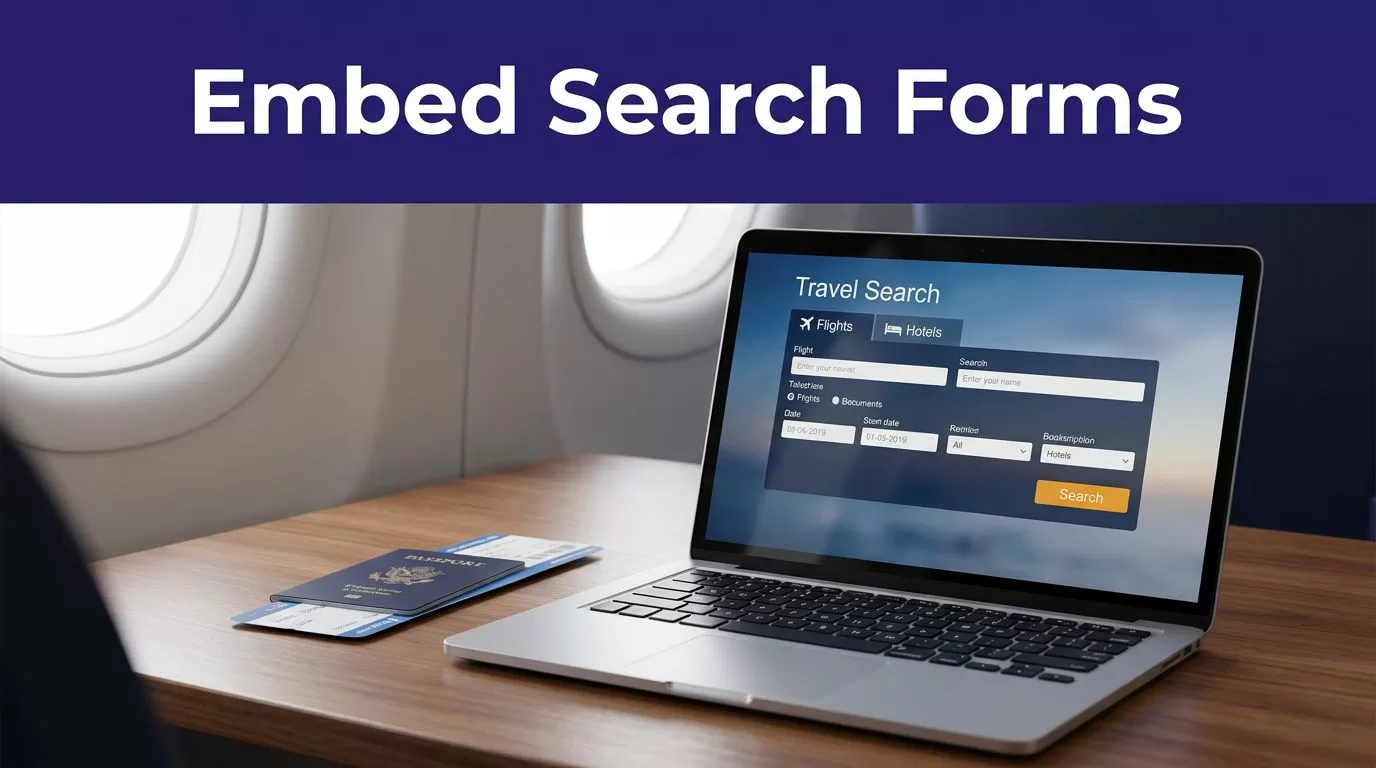
A travel guide can attract thousands of readers and still produce few affiliate clicks. The missing piece is often simple: readers have no fast way to start a relevant search.
Travelpayouts search forms put a flight or hotel search action beside the advice that created booking intent. A visitor reads your route, selects dates, and moves into the advertiser’s booking flow.
The setup works when the form, page, and partner program match. Start with the search behavior you want to support.
Pick the right form and partner program
Travelpayouts is an affiliate platform with program-specific tools. It is not one universal form builder for flights, hotels, cars, tours, and transfers.
Connect to the program before you look for its tools. A form only appears when the connected program offers that widget. Travelpayouts also lets publishers filter partner programs by available tools.
Use a flight form for route-led content
A flight form fits pages where a reader already knows the likely route. Think city guides, airline comparisons, airport transfer pages, or itineraries with fixed arrival and departure points.
The Aviasales flight search form can include origin, destination, travel dates, passenger count, and cabin class. Use it on content that helps a reader make those choices. Travelpayouts explains the available flight search form options in its current setup guidance.
Don’t place a flight form on every page by default. A broad post about travel packing has weak flight intent. A guide titled “How to Spend Five Days in Lisbon” has much stronger intent.
Use hotel tools where accommodation is the next step
A hotel search widget belongs beside accommodation advice, not in the middle of a flight comparison. Add it after a neighborhood breakdown, a hotel shortlist, or a section about where to stay.
Check the connected hotel program’s Tools area before planning the page layout. Widget types and configuration options differ by partner. Travelpayouts lists its widget categories and behavior, including search forms and White Label options.
A form should answer the next booking question on the page. It should not interrupt the reader with a different decision.
Build Travelpayouts search forms inside your account
The account generator creates the code after you configure a form. Don’t copy a snippet from an old tutorial, another publisher’s site, or a random GitHub repository. Your generated code contains the settings and affiliate tracking tied to your account.
For the current Aviasales workflow, open the connected program and look for its tools and widget settings.
Follow the current flight form workflow
Use this process for an Aviasales flight form:
- Sign in to Travelpayouts and open Programs.
- Open the connected Aviasales program.
- Select the Tools tab and find the Widgets section.
- Choose the search form and select Set up.
- Configure the form, then use Copy code to get the embed snippet.
Older Travelpayouts documentation may call this area Search Forms and use a “Create a New Search Form” button. The working principle is the same: configure the form in your account, then copy the generated code.
Configure only the fields your reader needs
Start with the default search fields. They are familiar and reduce setup risk. Change visible inputs or layout only when the form generator makes that option available.
A destination-specific page can justify a preset destination. An evergreen guide should not use dates that will become stale. Don’t hard-code a return trip on content aimed at one-way travelers.
Available widgets and configuration choices can vary by account, connected program, destination, and Travelpayouts updates. Recheck the live generator before publishing a new page template.
Put the generated code in the right place
A valid snippet can fail when a CMS strips scripts, converts HTML into text, or places the code inside a visual editor that doesn’t support embeds. Put the code in an HTML-capable area.
Travelpayouts search forms should sit close to the content that explains the trip or booking choice. A flight form below a route comparison is easier to understand than the same form placed in a generic sidebar.
Add the form in WordPress
For a standard WordPress page, use a Custom HTML block or the HTML element provided by your page builder. Paste the full generated code into that element. Do not paste it into a Paragraph block or Visual block.
If you use the Travelpayouts WordPress plugin, open the target page in the WordPress editor, add a block, and select the Travelpayouts option. The official WordPress plugin instructions show that workflow.
Publish the page, then open it in an incognito browser window. A logged-in administrator session can hide caching, consent, or script-loading problems.
Add the form on a custom website
For a custom React, Next.js, Webflow, or static website, use the platform’s approved HTML embed area. Ask the developer to preserve the complete generated code and load it where the form should appear.
Don’t remove script elements, replace affiliate markers, or rewrite the code to match a preferred style. Test any performance plugin, tag manager rule, consent tool, or script delay setting after deployment.
Travelpayouts provides widget placement guidance for adding generated widgets to site content. Use that guidance when your CMS handles scripts differently than expected.
Test the form before sending traffic
A form that appears on the page is not automatically a working affiliate placement. Check the search path, mobile layout, and outgoing booking journey before you add it to high-traffic content.
Use a staging page when possible. If production is your only option, publish the form on one low-risk page first.
Check the visitor path on desktop and mobile
Run several realistic searches. Test the destination, date selector, passenger controls, and search button. Then confirm the visitor reaches the expected advertiser or search-result flow.
Check these items before you duplicate the form across your site:
- The form loads without broken fields or visible raw code.
- The layout remains usable on a narrow mobile screen.
- Search inputs match the topic and audience of the page.
- The destination page opens through the expected affiliate journey.
- Your Travelpayouts reporting records widget impressions and later booking activity.
Don’t create paid test bookings to validate an embed. Test the search flow, then review reports after genuine visitor traffic reaches the page.
A rendered widget proves that the page loaded code. It does not prove that the search path, referral tracking, and reporting are correct.
Keep an approval record for each form
Treat every new placement as a controlled site change. Store the program name, page URL, form purpose, deployment date, and person who checked it.
Use simple statuses such as Draft, Ready for review, Published, and Returned for correction. This matters when several writers, developers, or affiliate managers edit the same site.
Save the original generated code in a restricted internal document. If an update breaks the page later, you need a known-good version and a clear record of what changed.
Match forms to search intent
Travelpayouts search forms work best when the page has already narrowed the reader’s decision. A generic form asks the reader to do the research. A well-placed form continues the research they just completed.
A page about “Best Areas to Stay in Tokyo” should lead into a hotel search. A guide comparing flight routes into Japan should lead into a flight search.
Place forms after useful travel advice
Give readers enough information before asking them to search. Put the form after a route recommendation, destination comparison, sample itinerary, or hotel neighborhood summary.
For example, a Barcelona weekend guide can explain airport choices, recommended arrival times, and ideal travel months. Place the flight form after that section. Readers now know why they should search.
Travelpayouts recommends that publishers treat widgets as conversion tools, not decoration. Its guidance on using affiliate widgets effectively supports matching the widget to the content and reader intent.
Avoid duplicate search boxes
One primary form per page is usually enough. Multiple boxes create competing actions and make it harder to see which placement performs.
Use a flight form on the main itinerary page. Use a hotel form on the accommodation section or a separate hotel guide. Link the two pages with useful editorial context instead of stacking every travel product into one block.
Review performance by page type after you have meaningful traffic. A form on a route guide may produce strong searches. The same form on a broad inspiration post may not justify the space.
Use White Label only when you need on-site results
A standard widget usually sends the visitor into the advertiser’s booking flow after they search. White Label is a different setup for publishers who want a branded flight-search experience with results displayed on their own site.
The choice affects your technical work, page structure, and testing requirements.
| Setup | Search result location | Best fit |
|---|---|---|
| Standard search widget | Advertiser or partner search flow | Travel blogs and content-led affiliate sites |
| White Label Widget | Your branded website | Dedicated flight search pages with developer support |
White Label has separate setup steps
To build a White Label Widget, open White Label, select WL Web, choose Create new, and select Widget. You then configure the approved website domain and copy the generated code blocks for the widget and results display.
Travelpayouts documents the current White Label Widget setup. Follow the generated instructions in your account rather than mixing code from a standard widget with White Label code.
A White Label build can include a main code element, a search form, and a results area. It needs more testing because the visitor stays on your site longer.
Keep hotel additions separate from flight results
A White Label flight page can also support related travel widgets, but don’t assume every hotel or travel product uses the same setup. Travelpayouts has separate guidance for adding a hotel search widget to White Label.
Start with one working flight search page. Add hotel search only after the original search and results experience passes review.
Final checks before you scale
The strongest Travelpayouts search forms are focused, visible, and tested. They match the page’s booking intent, use account-generated code, and send readers into a working search path.
Start with one route guide or hotel guide. Confirm the form loads, test the visitor journey, and record the approved version before you reuse it across the site.
If your team needs help connecting the form setup, CMS placement, testing process, and affiliate reporting workflow, Book A Call.
