Efficient Ad Spend Monitoring with Twin.so Agents
You probably spend your Monday mornings hunched over browser tabs, frantically checking ad performance. It is a ritual that drains your focus and keeps you stuck in spreadsheets. If you manage multiple ad accounts, the simple act of checkin...

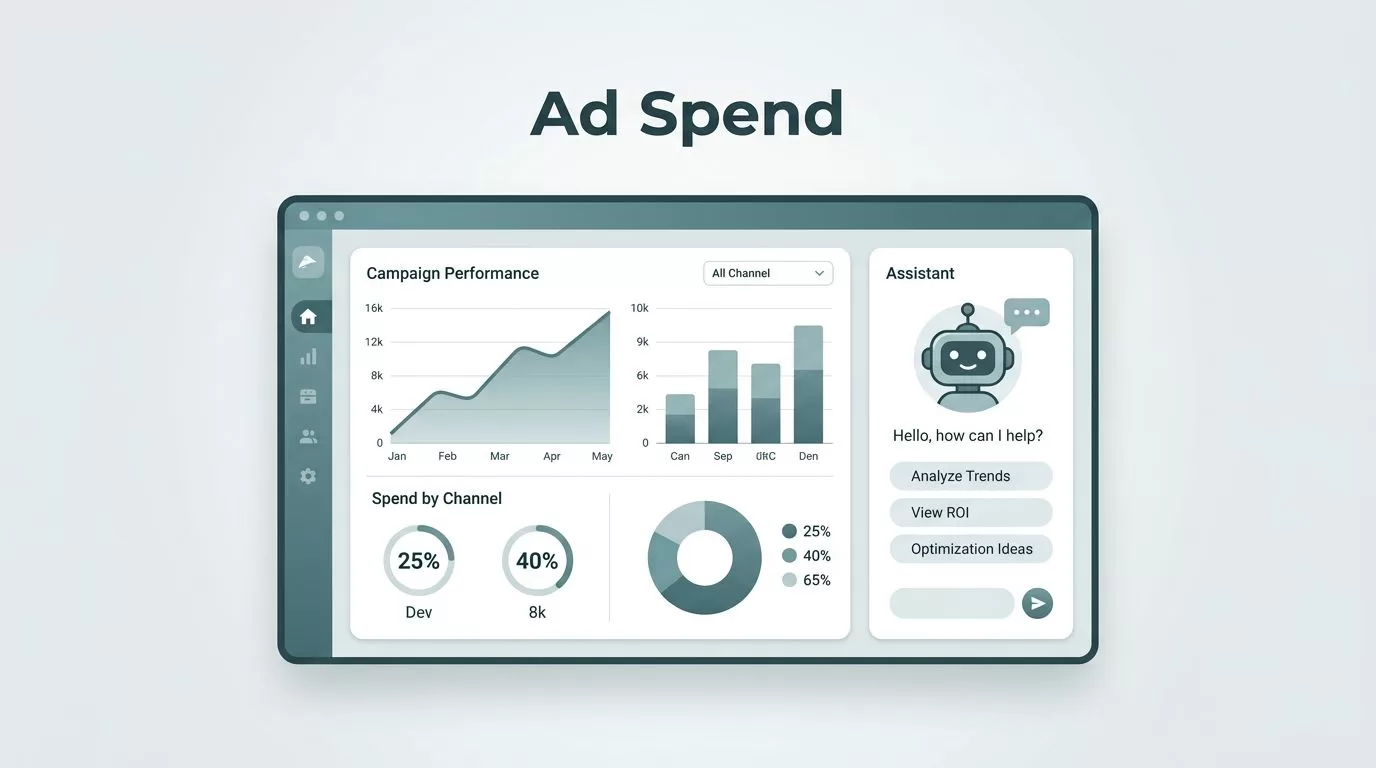
You probably spend your Monday mornings hunched over browser tabs, frantically checking ad performance. It is a ritual that drains your focus and keeps you stuck in spreadsheets. If you manage multiple ad accounts, the simple act of checking for overspending or sudden drops in return on ad spend becomes a full-time job. You need a way to reclaim those hours while keeping a sharp eye on your budget.
Using intelligent agents to handle these repetitive checks is a logical step for any growth-focused team. Instead of manually logging into Meta Ads or Google Ads, you can set up automated workflows that perform these tasks for you. This approach gives you back your morning and provides peace of mind that your budget is working exactly as intended.
Automating Your Ad Spend Monitoring Routine


Manual reporting is often the enemy of progress. When you automate your routine, you move from being a data collector to a decision-maker. With Twin.so ad spend monitoring, you create digital agents that act like a human operator. These agents log into your platforms, extract spend totals, and identify shifts in performance metrics.
Most teams struggle because their data lives in silos. You have to open a tab for Meta, another for Google, and perhaps a third for your CRM to see the full picture. An agent bypasses this by aggregating the data into a single, clean report delivered to your inbox or Slack channel. You don’t have to worry about missing an anomaly when the agent is programmed to flag changes that exceed your predefined thresholds.
Building Your First Monitoring Agent
Getting started with agent automation is surprisingly direct. You do not need deep technical knowledge or a team of engineers to build a functional monitor. The process is centered on defining the actions you perform during your manual checks.
Think about your current process. You likely navigate to a campaign dashboard, filter by date, and look for specific spend or conversion totals. A Twin documentation approach lets you replicate those exact clicks. You define the sequence once, and the system executes it whenever you schedule it. Whether you need a daily summary at 8 AM or an hourly pulse check, the agent stays consistent.
This type of AI agent automation is particularly effective when you have platforms that lack robust APIs. If a portal requires a manual login and a specific sequence of clicks to reach your reports, the agent handles the UI navigation exactly as you would. This capability removes the frustration of waiting for vendors to build better data integrations.
Identifying Performance Anomalies Early
One of the greatest benefits of using an automated monitor is the ability to catch spending errors before they burn through your entire monthly budget. You can set up your agents to perform basic math on your campaign data. If the spend for a specific day jumps by thirty percent compared to the weekly average, the agent sends an immediate notification.
This proactive alerting system is crucial for teams balancing scale and risk. Instead of finding out on Friday that a campaign overspent on Tuesday, you receive a ping as soon as the agent detects the discrepancy. It is like having a member of your team watching the dashboard around the clock, waiting specifically for red flags.
You can also use this system to correlate spend with real-world results. If you track conversions in your CRM, the agent can pull that data too. It creates a simple cross-channel reporting flow where you see total investment side-by-side with incoming leads. This visibility helps you make faster decisions about where to increase budget and where to pause performance.
Practical Workflows for Marketing Teams
Operations teams often struggle with the overhead of maintaining these connections. If an interface changes, a traditional script might break. However, agents built on browser-based logic are easier to maintain because they mimic human interaction. If the login button moves, the agent adapts as long as it can recognize the target element.
For those managing client accounts, branding is vital. You can configure your agents to pull data and format it into a professional report using your brand colors. Sending these reports from your own email account adds a personal touch to the automation. It looks like you spent hours crafting the document, even though the agent finished the work while you finished your coffee.
If you are looking for ways to improve your wider conversion metrics, it is often helpful to review your existing testing stack. For those who want to see how other companies handle their data-driven testing, exploring top CRO software tools can provide a better understanding of how these automated flows complement your experimentation efforts.
Scaling Your Operational Efficiency
As your campaign volume grows, the complexity of your reporting increases. Scaling your automation does not have to mean increasing your technical debt. You can deploy multiple agents across different project scopes without adding load to your daily schedule. Each agent works independently, reporting back only when needed.
If your team is also active on social channels, you might find that combining your spend monitoring with automated content calendar tools saves even more time. You can centralize the data gathering process so that your marketing engine feels more like a cohesive unit rather than a collection of disconnected tasks.
Remember that the goal of using these tools is to simplify your work. If an agent is too complex to troubleshoot, simplify its scope. Start by monitoring a single high-spend campaign. Once you are comfortable with the output and the frequency of reports, expand the monitor to cover your broader account portfolio. This iterative method ensures your workflows remain stable and reliable.
Refining Your Automated Setup
The most successful teams treat their agents as living components of their business. They regularly review the logic to ensure the captured data remains relevant. If you start seeing metrics that you rarely use, remove them to keep your reports clean. A report is only valuable if you can read the actionable data at a glance.
You should also look for ways to trigger actions beyond just reporting. For instance, if an agent detects a high-performing campaign, it could automatically update a shared document for your team to review. If it detects a campaign that is underperforming, it could draft a summary of the metrics for you to approve before taking corrective action.
These small, incremental changes move you toward a state where your ad management feels less like manual labor and more like oversight. You are no longer performing the work; you are directing the system that performs the work for you. This transition is essential for any team that wants to focus on creative strategy rather than data entry.
Final Thoughts
Automating your ad spend monitoring allows you to stop worrying about the technicalities of data collection. By building agents that handle the heavy lifting, you reclaim your focus and catch potential issues before they cause significant damage. Consistency is the primary advantage here. An agent does not get tired, it does not miss its morning coffee, and it does not forget to check the secondary campaigns you might overlook.
Start small, define the exact data points that matter to your bottom line, and let the automation run in the background. You will find that the time you save is better spent on the high-level decisions that actually drive growth. Once you automate the monitoring, you can look forward to seeing your reporting arrive on schedule, every time, without a single manual click required on your part.

