Automating the Mundane with Twin.so
You likely spend hours every month moving data between your bank, payment apps, and accounting software. It is tedious work that rarely demands your full attention, yet it requires absolute precision. When you perform these tasks manually,...
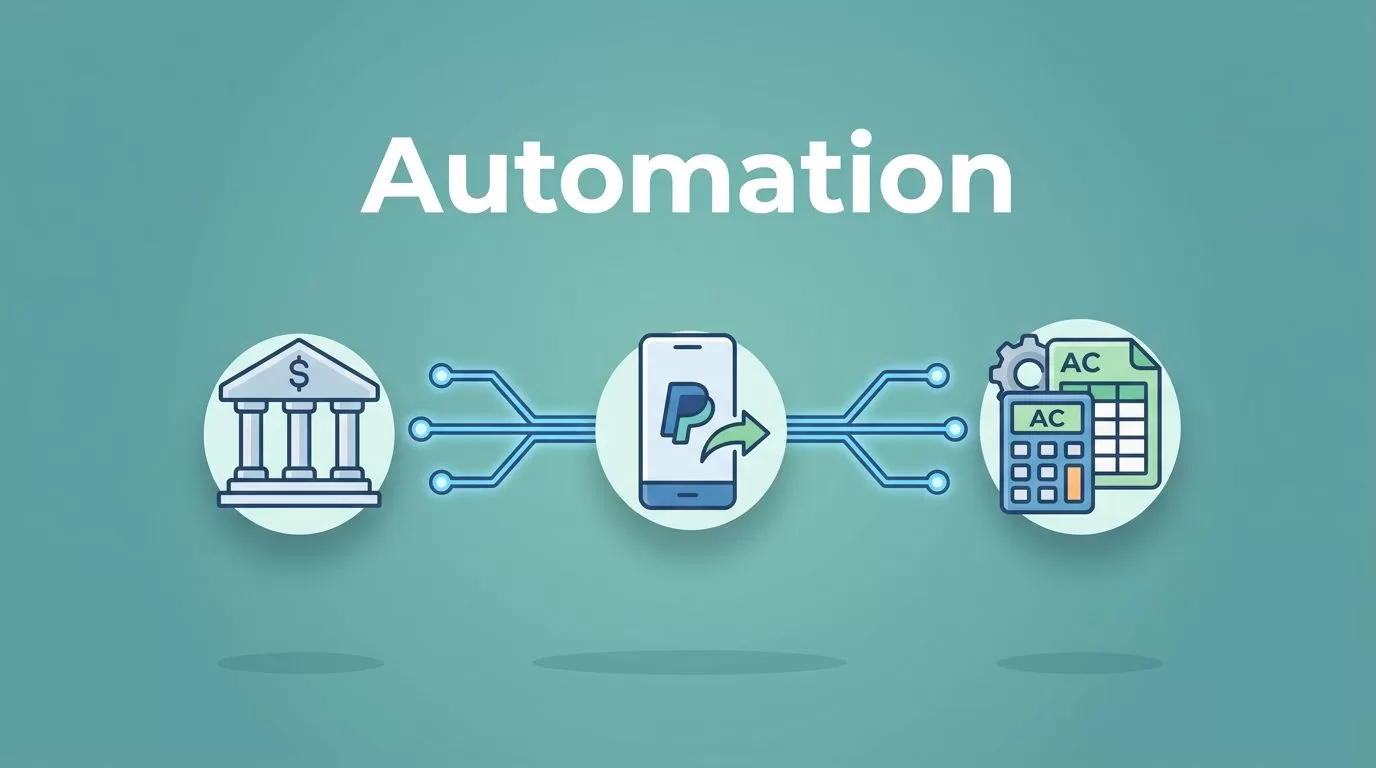
You likely spend hours every month moving data between your bank, payment apps, and accounting software. It is tedious work that rarely demands your full attention, yet it requires absolute precision. When you perform these tasks manually, you risk errors that take days to reconcile later.
Bookkeeping is a vital part of your business, but it shouldn’t consume your entire schedule. By using automation, you shift your focus from data entry to actual financial analysis. Twin.so bookkeeping automation offers a different approach by acting as a smart layer between your existing tools, ensuring information flows exactly where it needs to go without human intervention.

Why Bookkeeping Automation Matters
Most business owners find that manual entry creates a bottleneck. If you rely on spreadsheets or copy-paste routines, you are vulnerable to fatigue-related mistakes. Automation changes the rhythm of your week by handling those repetitive chores. When systems talk to each other, you reduce the time spent hunting for missing receipts or fixing mismatched balances.
You can learn about how to automate your bookkeeping in 2026 to see what standard integrations offer. Many modern platforms allow you to pull bank feeds automatically, which cuts out the initial data entry phase. However, many businesses use specialized apps that don’t always sync perfectly with core accounting platforms. That is where a flexible automation layer becomes necessary.
Using an automation platform lets you bridge the gap between tools that lack native connections. If your business uses a custom CRM, an obscure payment processor, and a standard accounting package, you often hit a wall. You need a way to move that data without building expensive custom software. Automation handles this by acting as the glue between your disparate systems.
How Twin.so Transforms Financial Workflows
Twin.so is not a replacement for your accounting software. Instead, it is an intelligent assistant that takes instructions in plain language to move data. If you want a report sent to a specific folder or transactions moved from an API-less portal to a spreadsheet, you simply tell the system what to do. It understands your intent and executes the task.
The power of this approach lies in browser automation. Some tools have APIs that provide direct access to data, but many legacy platforms do not. When a tool has no easy way to export data, Twin.so simulates human behavior. It can log into a website, click through menus, and extract the exact information you need. This is a game-changer for businesses that rely on older portals.
For those who want to see how this fits into a broader strategy, consider the transition from manual to automated bookkeeping as a way to clear your backlog. By offloading these mechanical tasks, you ensure that your financial data is ready for review the moment you need it. You aren’t just saving time; you are creating a more reliable, up-to-date version of your business reality.
Practical Implementation for Your Business
Start small by identifying the tasks that take up the most time but require the least decision-making. Reconciliation tasks are a perfect candidate. If you struggle with the manual work of reconciling Wise transfers with accounting software, you can build an automated workflow to fetch the statements, parse the data, and tag them for your records. This removes the chance of human error during the export process.
Consider the following steps to build your own financial automation:
- Map your current data flow: Identify exactly where a transaction starts and where it eventually needs to reside for tax reporting.
- Document the exceptions: Note which transactions don’t fit the standard pattern, as these will always require your personal review.
- Define the trigger: Determine what signals the system to start working, such as a new email arrival or a specific time of day.
- Test in a sandbox: Run your automation against a small data set before letting it touch your live, primary books.
Once you have these workflows running, you will likely find other areas to optimize. For example, automating bank feed reconciliation in QuickBooks becomes much easier when you have a tool that can pre-sort data before it even hits the bank feed. By cleaning up the inputs, you make the reconciliation process faster and less prone to those frustrating one-cent discrepancies.
Balancing Automation and Human Oversight
Automation is not a magic solution that solves everything. You still need to maintain oversight of your financial accounts. Systems are only as good as the rules you set for them. If a software update changes a button’s location or a bank alters its login flow, your automation might need a quick update. Keep a regular schedule to verify that your automated tasks are completing successfully.
It is helpful to view these tools as a way to handle the volume while you handle the strategy. You want your bookkeeping to be a reflection of your business activity, not a drain on your mental energy. If a task is rules-based and predictable, automate it. If it requires judgment or involves unique client situations, keep it manual.
Learning how to automate bookkeeping for small business usually highlights that the most successful setups combine human insight with machine efficiency. You define the logic, and the tools perform the heavy lifting. This keeps your books accurate and your focus sharp, allowing you to grow your business without being tethered to a ledger.
Final Thoughts
You now have the capability to stop treating bookkeeping as an end-of-month scramble. By choosing which tasks to hand off to software like Twin.so, you reclaim time that is better spent on growing your business. Use these tools to build a system that works on its own, providing you with clean data and peace of mind every single morning. Start with one small, repetitive task and build from there to create a more resilient operation.
