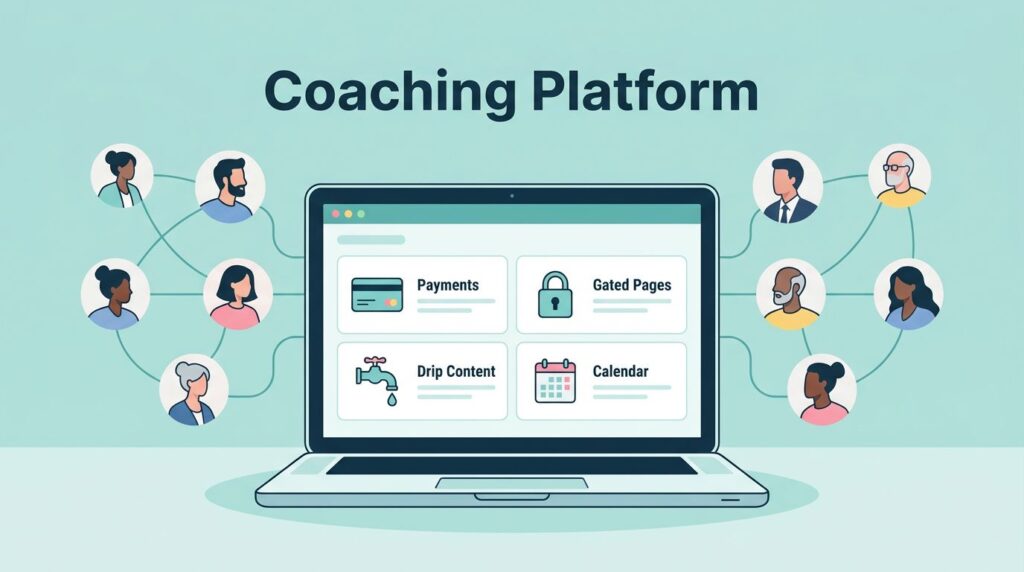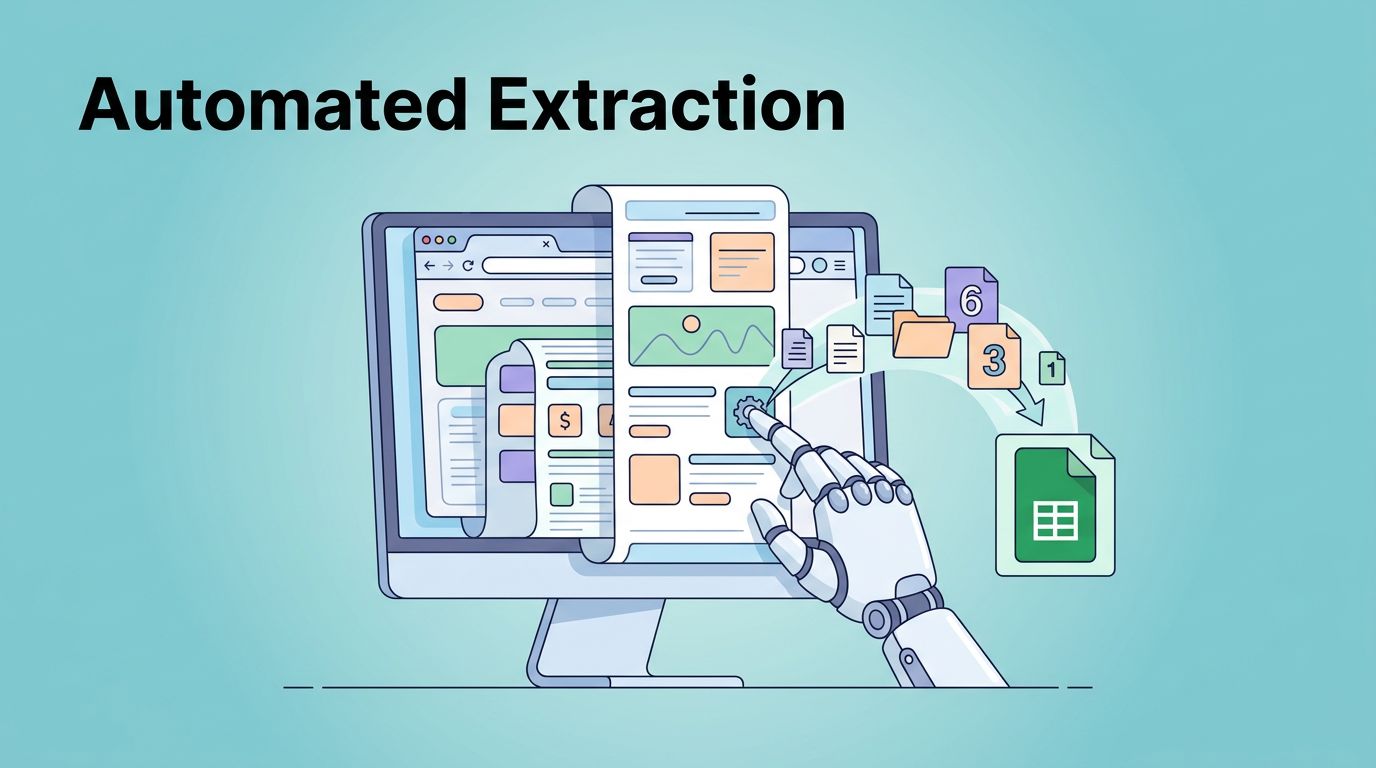
You need fresh data from websites, but APIs are scarce or sites block scrapers. I faced this when pulling competitor prices daily. Manual copies waste hours. Twin.so changes that. Its AI agents handle logins, scrolls, and extractions like a person would.
I switched to Twin.so for reliable Twin.so data extraction. No code required. Agents connect sites to sheets or emails in minutes. This guide shares my setup steps, cases, and fixes. Let’s build your first agent.
What Makes Twin.so Ideal for Data Extraction
Twin.so builds AI agents that automate web tasks. They read APIs when available. For others, they control browsers to mimic human actions. Clicks happen. Scrolls occur. Data flows out.
I start agents in a chat. Describe the goal, like “pull hotel prices from Booking.com and log to Google Sheets.” Twin generates the workflow. It tests runs and refines based on feedback. Deploy on schedules or triggers after that.
Core tools include web scrapers for quick pulls and full browser sessions for complex sites. A simple scrape grabs 100 items for 20 to 70 credits. Browser tasks with 20 steps cost 100 to 200. Credits deduct only for actual work, so costs stay predictable.
Pro plan gives 50,000 credits monthly for $463. That covers heavy use. Free tier lets you test basics. I appreciate the OAuth connections. One click links Gmail, Sheets, or Slack. No keys to manage.
Agents output to spreadsheets, emails, or CRMs. Results arrive structured. JSON, CSV, or tables. This fits my sales ops flow perfectly.
Setting Up Your First Twin.so Agent
Sign up at Twin.so and open a new workspace. The chat interface greets you. Type your goal clearly. I say, “Extract product prices from example.com, filter under $50, save to Google Sheets.”
Twin enters Build Mode. High-reasoning AI plans the agent. It scrapes the page first to map structure. Then it outlines steps: visit URL, apply filters, grab prices and links. Review this plan. Edit if needed.
Connect accounts next. OAuth pops up for Sheets. Approve permissions. Twin handles security. Test the agent. Watch it run in real time. Data lands in your sheet.

Switch to Run Mode for repeats. Costs drop 3 to 10 times. Set schedules, like daily at 9 AM, or webhooks for events. Deploy privately or share.
For details on these steps, check the Twin.so quickstart guide. I followed it for my first pull. Results beat manual work.
Pitfall: Vague prompts fail. Specify sources, filters, and output format. “Prices under $50 from homepage, columns for name, price, URL” works best.
Real-World Use Cases I Rely On
I track leads from directories. Twin.so agents log in, search niches, and extract contacts. Data hits my CRM. No more copy-paste marathons.
Competitor monitoring comes next. Agents visit e-commerce sites weekly. They note prices, stock, and promos. Sheets update automatically. I spot trends fast.
In recruiting, I parse job boards. Agents filter roles, grab descriptions and salaries. Output feeds resume parsing tools like Recruit CRM. Hours saved weekly.

Research fits too. Pull news or reviews into docs. One agent summarizes forum threads on tools. Another compares vendor features.
For no-API sites, the Web Agent shines. It handles dynamic pages and logins. I evade basic blocks by acting human. Slow scrolls, pauses between clicks.
These flows scale my ops. One agent replaced two staff hours daily.
Common Pitfalls and Fixes I Learned
Agents stumble on changing sites. Layout shifts break selectors. I fix by rebuilding in chat: “Update for new design.” Twin adapts instructions.
Credit overruns happen in Build Mode. Pick low reasoning for tests. Save high for finals. Monitor usage in dashboard.
Brittle sites timeout. Add retries in prompts: “Wait 5 seconds between pages.” Test edge cases first.
For alternatives, I sometimes use Browse AI for simple scrapes. Twin excels at multi-step browser work though.
Follow Twin.so tips for prompts. List sources, filters, outputs upfront.
Security, Rate Limits, and Smart Practices
Twin uses OAuth for apps. Least privilege applies. Agents access only what you allow. Browser sessions stay isolated.
No breaches reported as of May 2026. I log runs to audit data flows. Avoid public shares for sensitive pulls.
Bot detection? Human-like actions help: varied speeds, mouse moves. Sites still block heavy use. Space runs, rotate agents.
Rate limits tie to credits. Pro handles most needs. Buy more if scaling.
Collect responsibly. Respect robots.txt. Don’t overload servers. Public data only. This keeps access open.
Check Twin docs on instructions for secure tweaks.
Wrapping Up Twin.so Data Extraction
Twin.so turns messy web data into clean assets. I rely on its agents for pulls that once took days. Start small: one site, one output. Scale from there.
Your workflows gain speed. Sheets fill. Decisions sharpen. Build that first agent today.