Automated University Website Scraping With Twin.so
Growth and research teams need structured campus data for analytics, market research, and admissions tracking. Manual copying and pasting across hundreds of faculty directories wastes operational hours and introduces human error into your d...
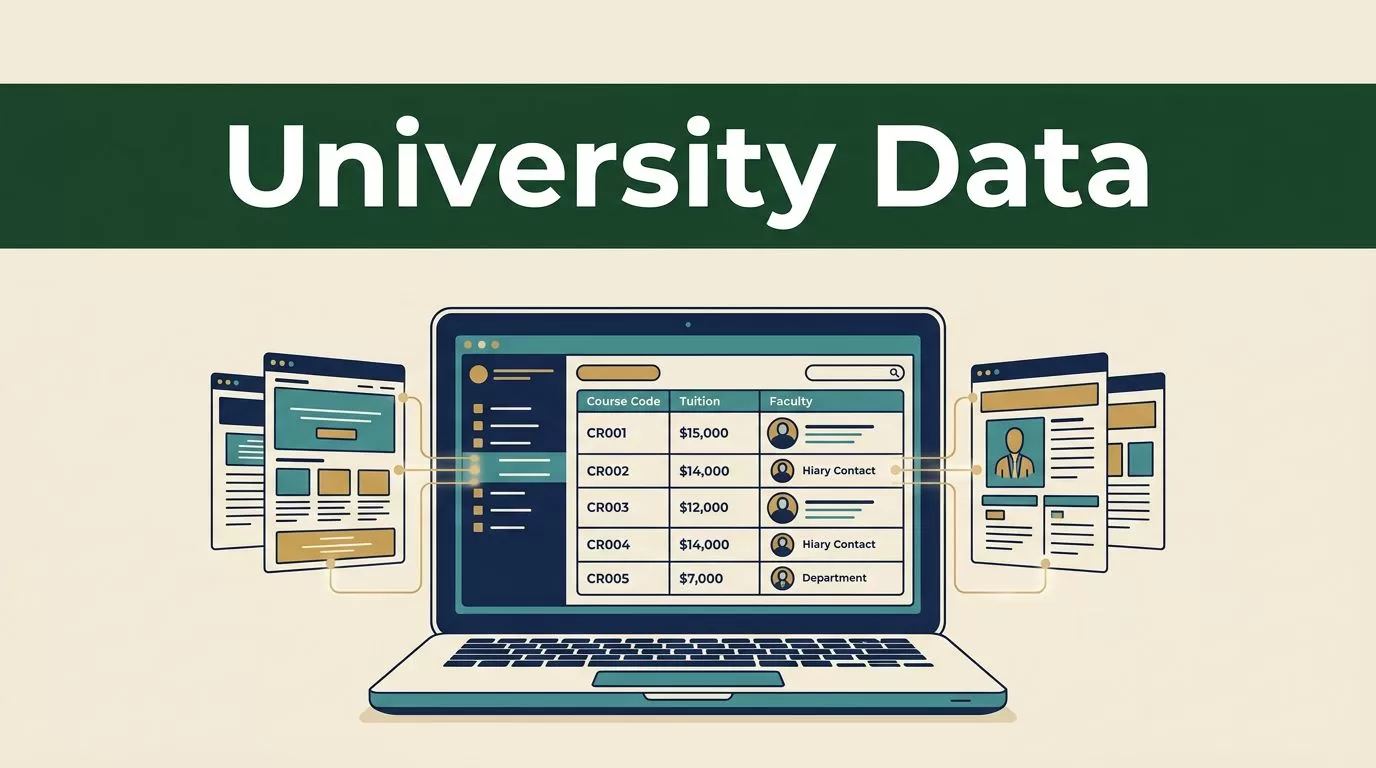
Growth and research teams need structured campus data for analytics, market research, and admissions tracking. Manual copying and pasting across hundreds of faculty directories wastes operational hours and introduces human error into your database.
Deploying automated university website scraping solves this bottleneck by turning unstructured campus pages into clean datasets. You extract catalog details, tuition rates, and contact lists at scale without writing complex custom parser scripts.
Mapping Your Data Extraction Requirements
Before you configure any automation rule, you need to define the exact data fields you want to collect. Higher education portals contain vast amounts of public information, but pulling unnecessary records bloats your storage and complicates downstream analysis. Focus your extraction scope on high-value operational metrics that directly serve your project goals.
Common target fields include course codes, professor email addresses, department office locations, and published tuition schedules. Admissions teams frequently track application deadlines and prerequisite lists across multiple academic departments. Research analysts pull publication records, lab descriptions, and grant listings from faculty profiles to map institutional expertise.
Document your target schema in a spreadsheet before launching your first extraction run. Knowing your exact data requirements prevents wasted compute credits and ensures your destination database receives clean, structured rows ready for immediate analysis. Effective university website scraping starts with precise field definition rather than random page crawling.
Setting Up Your Extraction Workflow
Twin.so provides two main execution modes for data collection: standard web scrapers and interactive browser agents. Standard scrapers work well for static, predictable directories where page markup stays consistent across all records. Browser agents handle dynamic pages, pagination buttons, and multi-step navigation flows that require simulated user clicks.

You describe your data collection goal in plain English within the platform workspace. The system translates your prompt into executable tasks, choosing APIs when available or deploying an embedded browser session when markup requires visual navigation. Keep your initial test runs small to verify that the agent correctly locates your target table or list elements.
Configure your extraction frequency based on how often academic portals update their schedules. Course catalogs and faculty directories typically require weekly syncs, while tuition schedules and admissions guidelines only need monthly checks to maintain data freshness.
Respecting Compliance and Rate Limits
Automated data collection requires strict adherence to institutional policies and legal boundaries. You must restrict your collection pipelines to publicly available information. Never attempt to bypass login screens, access password-protected student portals, or collect sensitive personal data that violates privacy regulations.
Review target domain file rules before running high-volume extraction tasks. For a detailed breakdown of how automated tools interact with site rules, read this guide to robots txt in web scraping to understand crawler permissions. Respecting these directives protects your IP address from getting blocked by university firewalls.
Implement reasonable delays between requests to prevent server degradation. Educational servers handle heavy traffic during peak enrollment periods, and aggressive polling disrupts normal campus operations. Set your concurrency limits conservatively to maintain polite extraction speeds and avoid triggering automated rate-limit alarms.
Mastering University Website Scraping Workflows
Executing reliable data collection across complex university portals requires structured testing and continuous observation. Large academic sites frequently feature deeply nested directory structures, inconsistent table formatting, and dynamically loaded JavaScript elements that frustrate basic parsers.
When you configure your agent instructions, break complex extraction tasks into sequential steps. Instruct the browser agent to load the department landing page first, extract the departmental links, and then loop through each sub-page to gather individual professor profiles. This modular approach makes university website scraping far more reliable and simplifies troubleshooting when a specific sub-page fails.
Store intermediate results in staging tables before pushing final records to your production database. Staging tables give your team a safe environment to inspect formatting, catch missing attributes, and resolve discrepancies before data enters active operational workflows.
Validating and Cleaning Extracted Data
Raw web extractions frequently contain formatting anomalies, trailing whitespace, and inconsistent date formats. You cannot load messy text directly into your CRM or analytics warehouse without risking faulty reporting. Building a rigorous quality verification step prevents bad data from corrupting your operational dashboards.

Run automated checks on your output rows to flag missing email fields, truncated course titles, or misaligned department names. For technical strategies on managing structural parsing errors, consult this overview on respecting robotstxt in web scraping for infrastructure insights. Spot-check a random sample of extracted records against the live campus pages to verify absolute accuracy.
Establish automated alerts that trigger when extraction yields zero results or sudden formatting changes. Structural redesigns on university websites frequently break parsing rules, requiring quick updates to your workflow instructions.
Automating Ongoing Syncs and Monitoring
Static data dumps lose value quickly as academic departments update course offerings and faculty rosters throughout the year. You need continuous synchronization to keep your operational databases accurate. Configure scheduled triggers inside your platform workspace to run extractions during off-peak hours, minimizing server load on target domains.
Connect your extraction output to your destination database or CRM using webhooks. Automated webhooks push new records instantly, eliminating manual file exports and spreadsheet juggling. For community perspectives on handling stubborn scraping edge cases, explore discussions on how to overcome robots txt blocks when dealing with strict institutional servers.
Monitor your execution logs regularly to catch failed runs early. Review error messages caused by layout changes and update your natural language prompts to restore normal data flow.
Conclusion
Automating university website scraping transforms how operational teams gather higher education intelligence. You replace manual browsing with reliable background workflows that update your database on a consistent schedule.
Keep your extraction scope focused strictly on public records and respect institutional server limits. Open your automation workspace today, define your target data schema, and deploy your first scheduled collection run.
