Secure Video Upload Automation with Twin.so
I don’t want a video upload process that breaks when a password changes or a teammate leaves. I want video upload automation that keeps moving, but still respects access controls and review steps. Twin.so fits that kind of setup becau...
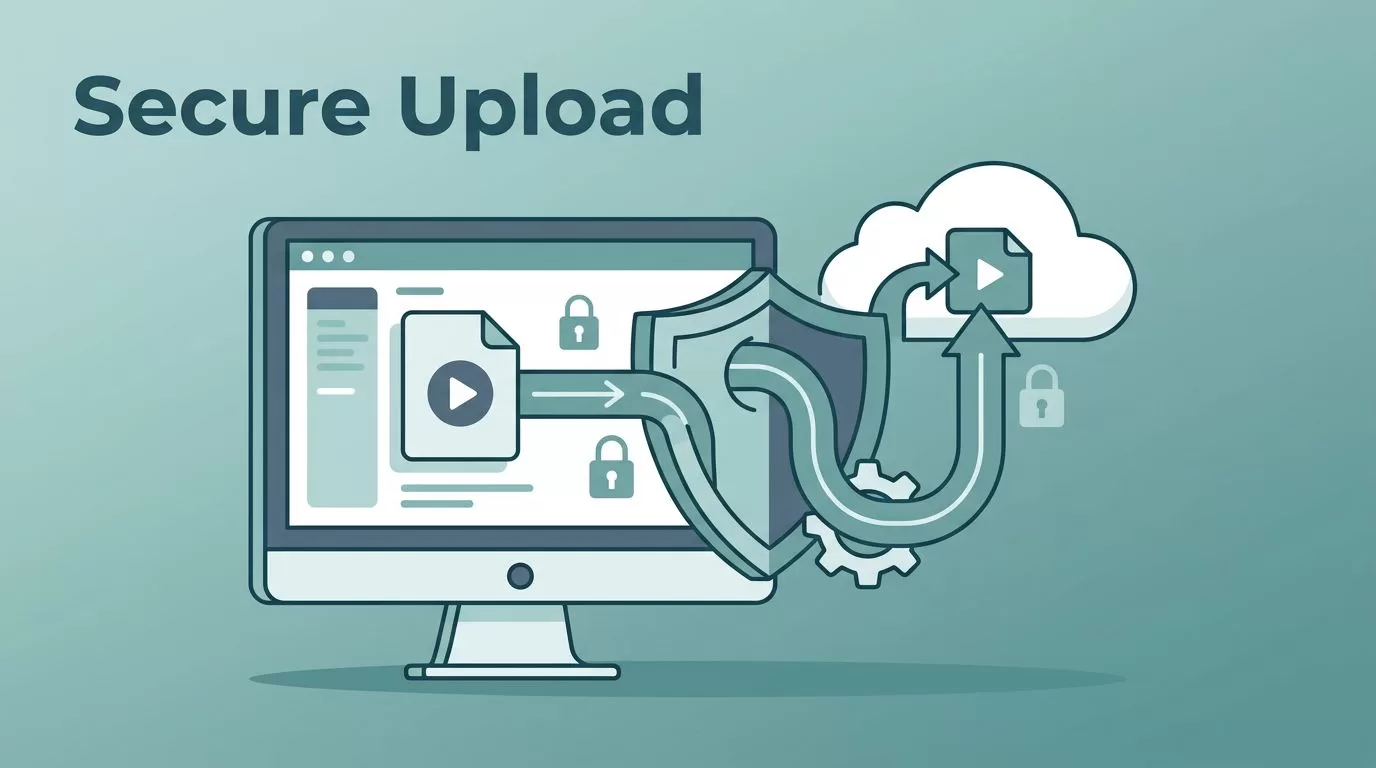
I don’t want a video upload process that breaks when a password changes or a teammate leaves. I want video upload automation that keeps moving, but still respects access controls and review steps.
Twin.so fits that kind of setup because I can describe the task in plain English, then let it run through APIs or a browser when no API exists. That matters when I need repeatable uploads without handing the keys to the whole team.
The work starts with the guardrails, not the upload button. Once those are in place, the rest gets much easier to trust.
Why secure automation matters before the first file moves
A video file often carries more than footage. It can hold client work, internal launches, product demos, or paid social assets. When I automate uploads, I am moving sensitive material across storage, transport, and publishing steps.
The common mistakes are simple. Teams reuse shared logins, leave old permissions in place, and skip approval checks because the task feels routine. Routine is exactly where mistakes hide.
For a wider checklist on storage and access, I keep secure enterprise video hosting best practices nearby. I also like the framing in secure video streaming methods, because it keeps encryption and credential hygiene in the same conversation.
My workflow inside Twin.so
I treat Twin.so as the orchestration layer. The source files stay in controlled storage, and the destination platform gets only what it needs. Twin.so can move between apps through APIs, or it can use a browser like a person when the platform does not expose an API.

A clean workflow usually looks like this:
- Choose the trigger. I start with an event, such as a file landing in a watched folder, a form submission, or a manager approval.
- Connect the source and destination. I point Twin.so at the storage location, then connect the publishing system or media platform.
- Map the metadata. Title, description, tags, publish date, and destination are all mapped before the first run.
- Set the account scope. I use a dedicated account for the workflow, not a personal login.
- Test with a non-sensitive file. I run one sample upload before I touch real content.
- Turn on logging. I want a record of each run, each failure, and each manual override.
I never store passwords in prompt text or shared notes. I keep credentials in approved systems, then give the workflow only the access it needs.
That setup keeps the automation boring in the best way. It becomes a repeatable path, not a guessing game.
Security controls I set before launch
Before I switch on any upload automation, I lock down four things. If one of them is weak, the rest matters less.
| Control | How I apply it | Why it matters |
|---|---|---|
| Authentication | I use a dedicated account or service account | It keeps personal logins out of the workflow |
| Scoped permissions | I grant access only to the needed folder, queue, or channel | It limits accidental edits and broad exposure |
| Encryption | I use encrypted transfer in transit and encrypted storage at rest | It protects files if traffic or storage is exposed |
| Audit trail | I keep logs for runs, approvals, and failures | It makes review and incident checks easier |
| Approval gate | I require a human sign-off before publish when content is sensitive | It stops a bad file or wrong caption from going live |
I also rotate access on a schedule and remove stale permissions when a project ends. That sounds basic, but basic controls are often what save the day.
Another habit helps more than people expect. I keep secrets out of task descriptions and free-text fields. If a workflow needs a password, that password should live in a proper secret store or connection layer, not in a note that gets copied around.
Approval flows that keep uploads clean
Not every upload should publish on its own. For team content, the best pattern is often draft, review, then release. Twin.so fits that pattern well because I can let it prepare the upload, then pause before the final action.
That matters for social scheduling. A clip may be ready, but the caption may still need a second set of eyes. A private approval step catches the wrong date, the wrong file, or the wrong channel before the post goes live.
The same logic helps when I hand off work between teams. An editor can finish the cut, an operator can confirm the metadata, and a manager can approve the final version. Each person touches the job once, then moves on.
When the workflow includes multiple stakeholders, I keep the handoff small. The reviewer should see the final title, destination, and file preview. They should not need to chase folders or ask where the file came from. That keeps the path clear and the audit trail easy to read.
Real use cases that fit the pattern
I use the same secure upload pattern in a few places. The details change, but the control points stay the same.
Content republishing without repeat work
If I have one master video, I can republish it to several destinations with adjusted metadata. Twin.so can take the finished asset, log into the destination, and fill in the upload fields the same way each time. That is useful for blogs, resource libraries, internal portals, and public video channels.
The key is keeping the source file in a controlled location. I do not pass the raw file around by email or chat. I keep one version of the truth, then let the automation copy only what each destination needs.
Social scheduling with a review gate
Social posts move fast, but speed should not erase review. I like a workflow where a finished clip enters a pending queue, then waits for approval before scheduling. Twin.so can handle the prep work, while a person signs off on the final post.
This works well for campaigns with multiple markets. I can keep each region in its own queue, with separate access and separate approval rules. That reduces confusion when several teams are publishing at once.
Media pipeline automation for operations teams
In a media pipeline, uploads are part of a larger chain. A file might arrive from an editor, get renamed, receive metadata, and then move to a destination for review or publish. Twin.so can stitch those steps together without me writing a custom script for every handoff.
That helps when the pipeline spans different systems. If one destination has an API and another only has a browser, I can still keep the same process shape. The workflow stays consistent, even when the tools differ.
Team handoffs across time zones
Handing off video work across time zones can turn into a mess. One team finishes at night, another picks up in the morning, and no one knows which version is final. I use automation to cut that confusion down.
A clean handoff includes the file, the title, the status, and the approval history. When Twin.so moves the work forward, the next person sees exactly what happened before. That makes it easier to pick up the thread without asking for a recap.
Putting Twin.so to work without widening access
The safest way I approach video upload automation is simple. I keep the workflow narrow, the permissions limited, and the approval step visible. Twin.so gives me the orchestration layer, but the controls around it still matter most.
If I set up the trigger carefully, use scoped access, and keep a clear audit trail, uploads stop feeling fragile. They become a repeatable part of the process, with less manual work and fewer loose ends.
That is the balance I want, speed where it helps, control where it counts.
