Migrating to a Vincere Alternative Like Recruit CRM in 2026
A bad ATS switch can eat weeks of time. If Vincere feels heavier than it should, or your team spends too long clicking through routine work, I would treat Recruit CRM as a serious alternative. I do not look at this move as a software swap....


A bad ATS switch can eat weeks of time. If Vincere feels heavier than it should, or your team spends too long clicking through routine work, I would treat Recruit CRM as a serious alternative.
I do not look at this move as a software swap. I look at it as an operations project. That means I audit the old setup first, then rebuild the parts that slow my recruiters down.
What I compare before I switch
When I compare Vincere and Recruit CRM, I start with the daily workflow, not the brochure. I care about how fast my team can search, update, and send candidates through the pipeline. I also cross-check current pricing and package details, because feature bundles change and public pages do not always stay current.
Recent comparison pages like SoftwareWorld’s Vincere vs Recruit CRM comparison and iSmartRecruit’s feature breakdown point to a pattern I see too. Vincere tends to appeal to larger agencies with deeper admin needs. Recruit CRM usually feels easier for recruiters who want less friction.


Here is the short version of how I judge the fit:
| Area | Vincere | Recruit CRM | What I look for |
|---|---|---|---|
| ATS and CRM fit | Broad all-in-one setup | Strong ATS and CRM blend | Which one matches my agency flow |
| Ease of use | Often takes more training | Usually faster to learn | How quickly recruiters adopt it |
| Reporting | Solid, but can need setup | Strong dashboards and KPI views | What I need on Monday morning |
| Customization | Flexible, but more admin work | Flexible fields and workflows | How much upkeep I want |
| Support | Mixed recent feedback | Better support reputation | Response time when work is stuck |
| Scalability | Better for larger structures | Good for small to mid-size growth | Which system grows without slowing me down |
For me, the choice often comes down to speed versus depth. If my recruiters avoid the system, the best feature set still loses. If my agency needs heavy structure, Vincere can still make sense.
My migration checklist for a clean cutover
I keep my move close to Recruit CRM implementation steps, because the small details matter more than the sales demo. The cleanest migrations start with ugly honesty about what the team actually uses.
I do not migrate every field I can find. I migrate the fields my team touches every week.
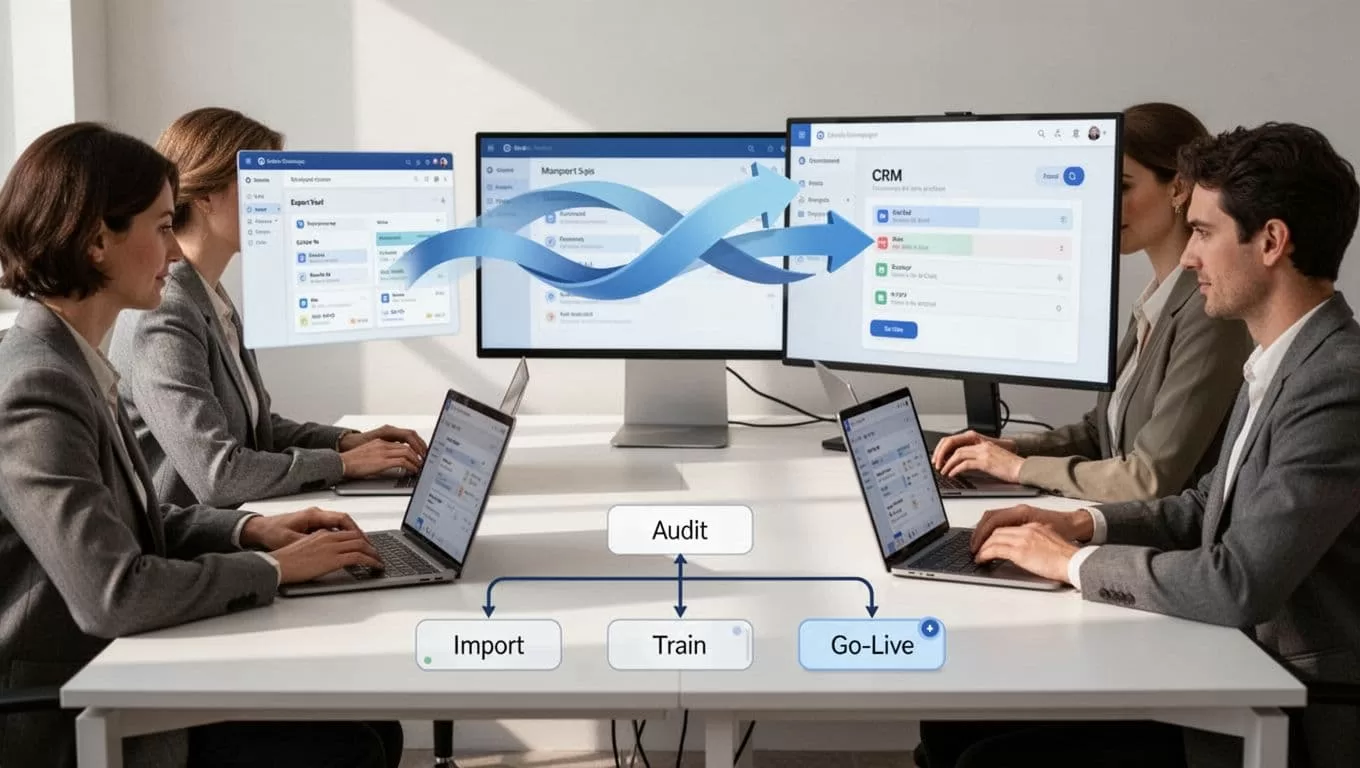
- I audit current workflows first. I list every live job stage, candidate field, client record, template, report, and automation. Then I remove dead steps that only exist because nobody cleaned them up.
- I export and clean data next. I pull candidates, clients, jobs, notes, and activity history into CSV or another accepted format. Then I remove duplicates, standardize tags, and flag records with missing names, emails, or ownership.
- I map integrations before import day. Email, calendar, LinkedIn, job boards, parser tools, and messaging channels all need a home. I also check Recruit CRM recruitment workflows so I know which triggers should be rebuilt and which ones I can retire.
- I map automation rules one by one. A recruiter should not lose a sequence, reminder, or assignment rule just because the platform changed. I write the old rule on one side and the new rule on the other, then test each one.
- I train users before go-live. I pick one live job and one live client, then walk the team through the exact path they will use after launch. That keeps the training grounded in real work, not slides.
- I set a go-live window with a buffer. I freeze major changes, run a pilot, and keep the old system read-only for a short period. That way, if a record is missing, I still have a safety net.
A migration goes wrong when I copy the old mess into a new tool. It goes well when I clean the mess first, then rebuild only what the team needs.
What I test before go-live
I never cut over on hope. I test the parts that can fail a week later, because that is where real pain shows up.
First, I check reporting. I want my weekly pipeline, source quality, recruiter activity, and fill-rate numbers in one place. If I have to dig for basic metrics, I fix the dashboard before launch.
Second, I test support. Recruiters need answers on day one, not after a long ticket chain. Recent review roundups often favor Recruit CRM on support, while Vincere gets more mixed feedback, so I confirm response channels during the trial.
Third, I check client-facing work. If my agency shares updates, approvals, or shortlists with clients, I look at client portal software in Recruit CRM before rollout. That saves me from surprises when hiring managers log in for the first time.
Fourth, I test scale with real data. I import enough records to see how search, ownership rules, and permissions behave. I also check whether recruiters can move quickly without the system feeling crowded.
I still verify current pricing and feature access with both vendors before I sign. Plans change, and the cheapest headline price is not always the lowest real cost.
Conclusion
If I move from Vincere to Recruit CRM, I want the switch to reduce friction, not create a new pile of admin work. That is why I start with the workflow audit, then handle data cleanup, integrations, automation mapping, and user training in that order.
The strongest sign of a good switch is simple. My recruiters open the new system and get to work without asking where everything went. When that happens, the move was worth the effort.

